
Native components for Bricks Builder
The pieces every template is built from. They're Bricks components, not a plugin: you edit them from the panel, and they come with the template when you paste it.
Every component comes inside the templates of the annual plan.
See plansBrowse the components
44 components, every one a native Bricks element.
 Text
TextFBK Intro
Eyebrow, title, lead and an actions slot for buttons.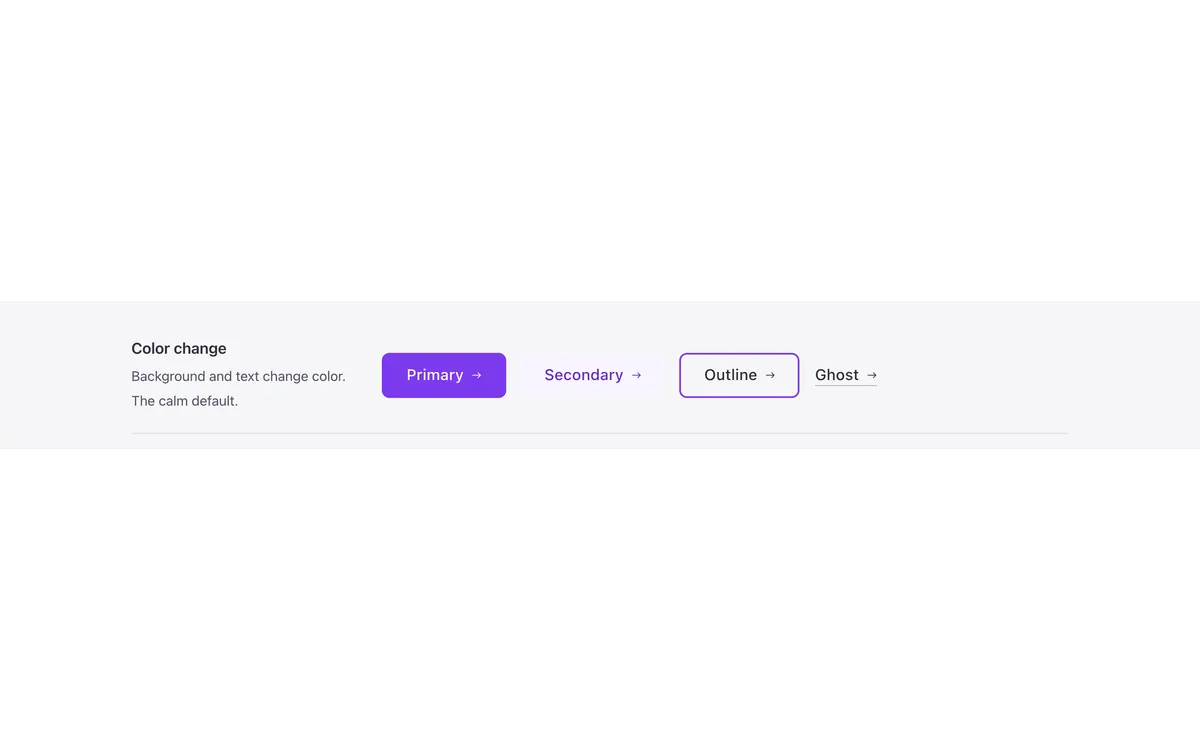 Buttons & actions
FBK Button
A link styled as a button, with style, size and width.Includes FBK Action button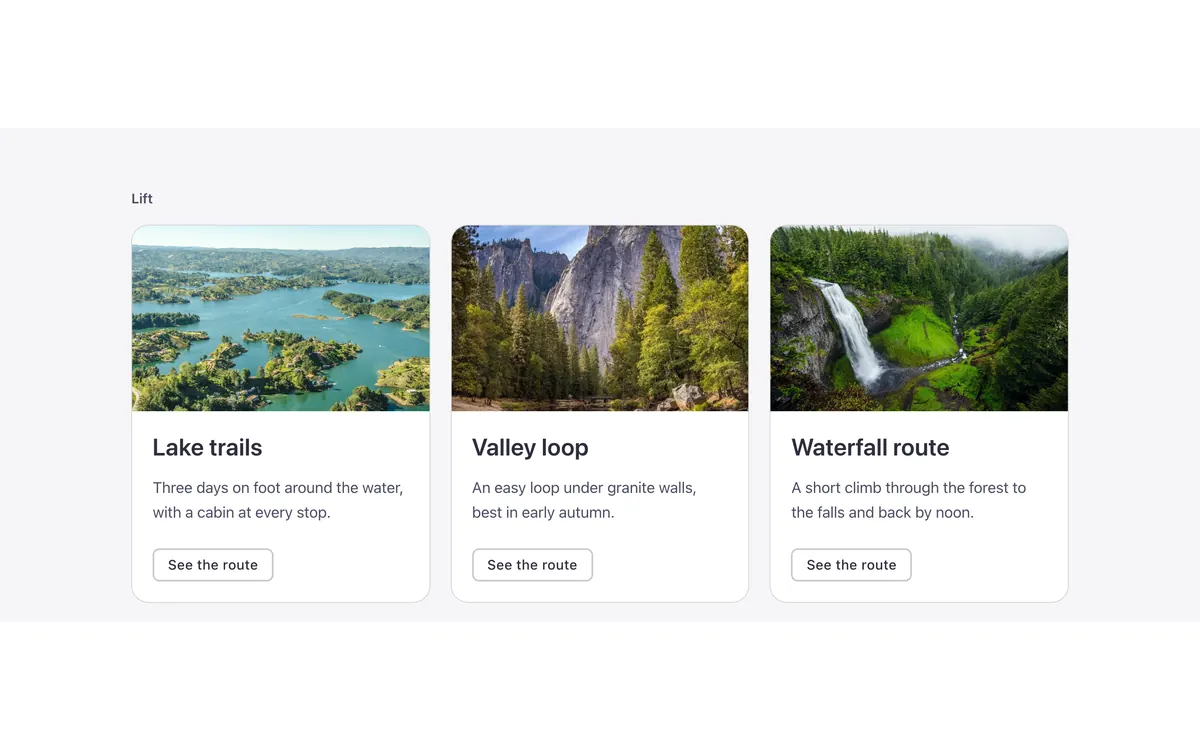 Cards
CardsFBK Card grid
A grid that takes FBK Card or FBK Icon item instances, or a query loop.Includes FBK Card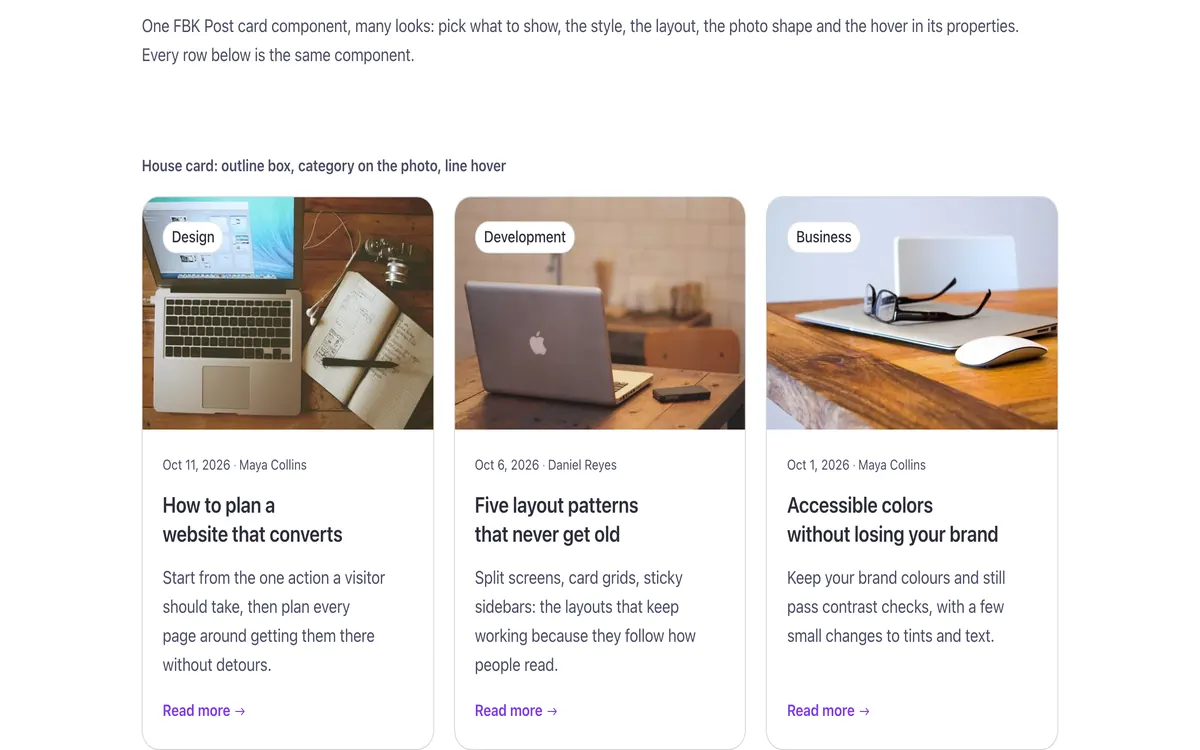 Cards
CardsFBK Post card
A blog post inside a query loop: image, title, excerpt, Read more.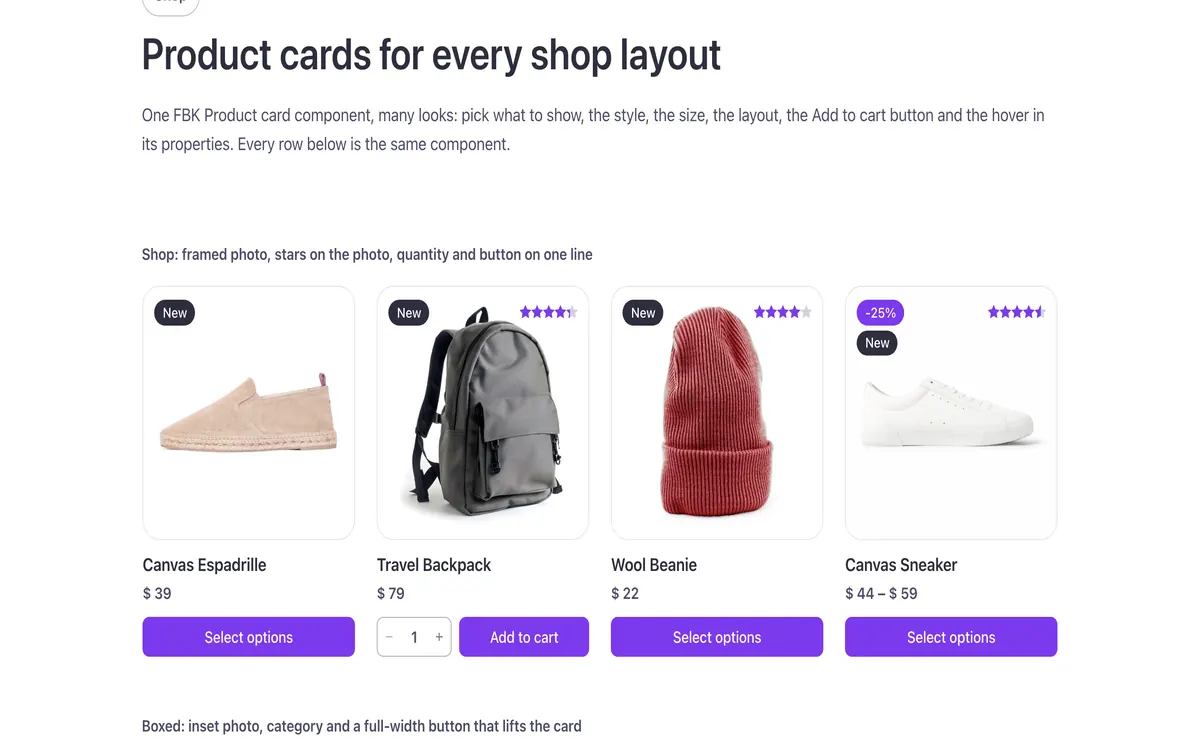 Cards
CardsFBK Product card
A WooCommerce product inside a query loop, with its badges and cart button.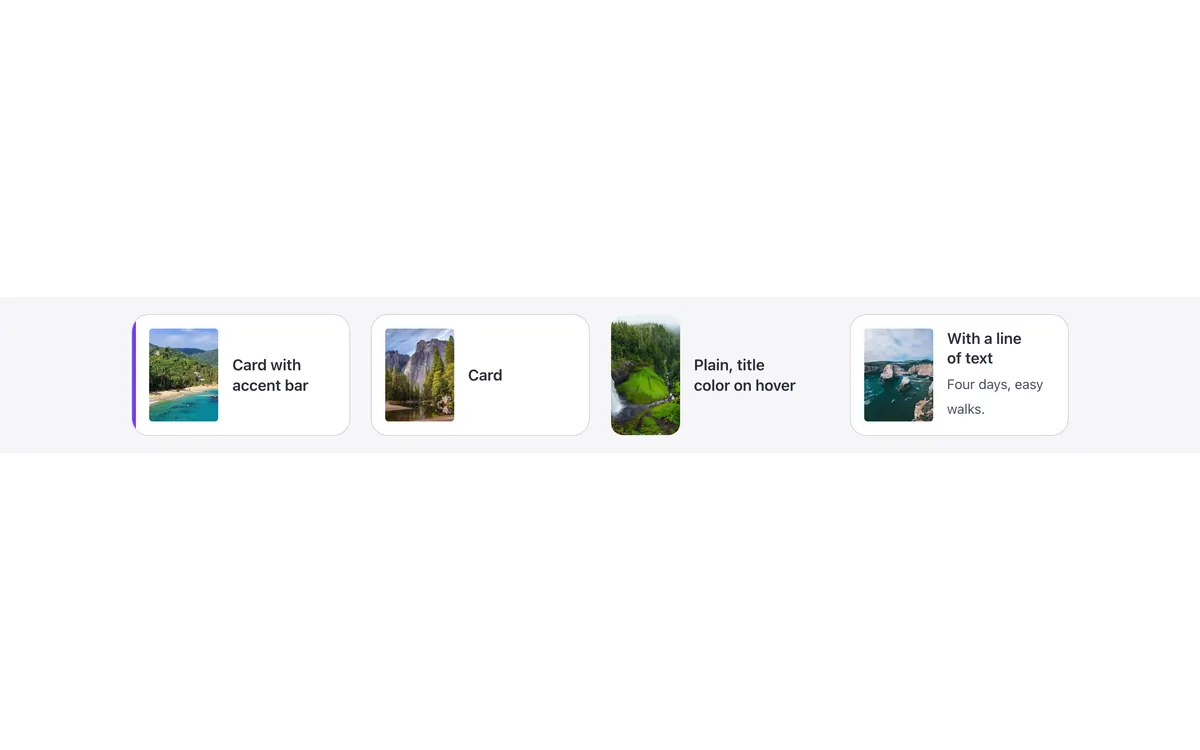 Cards
CardsFBK Mini card
A thumbnail and a linked title, the whole card clickable.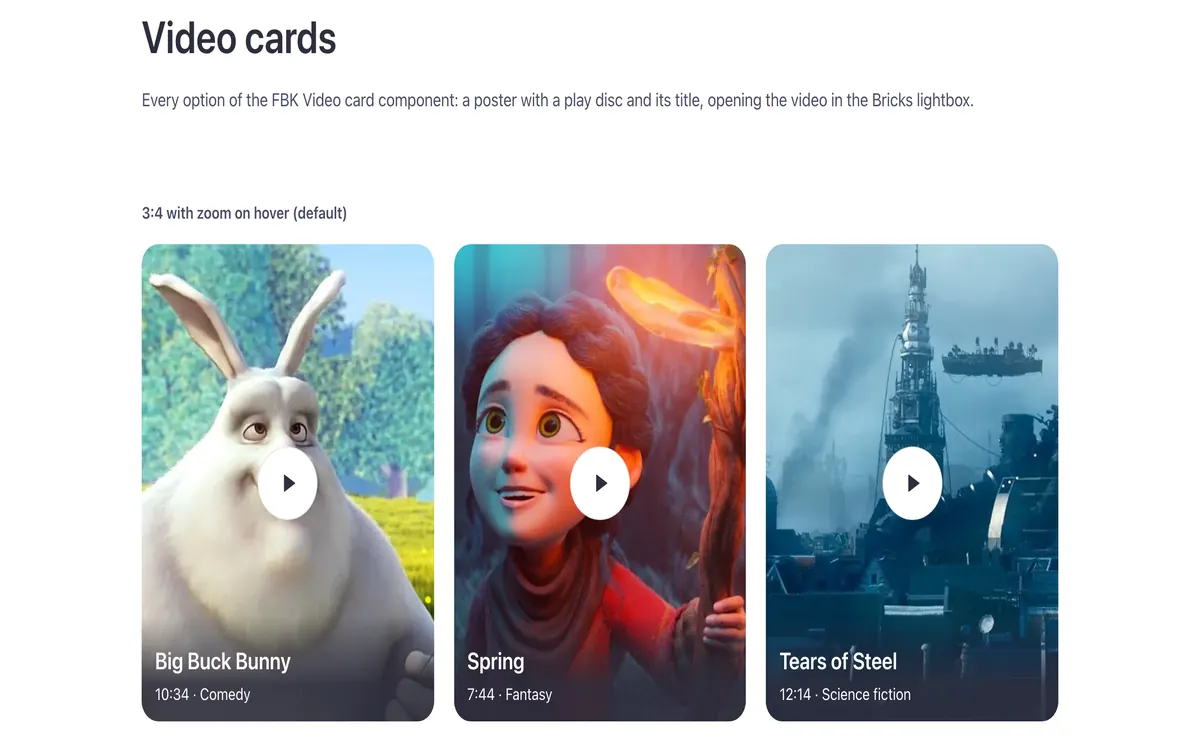 Cards
CardsFBK Video card
A video poster with a play disc that opens the video in a lightbox.Includes FBK Video lightbox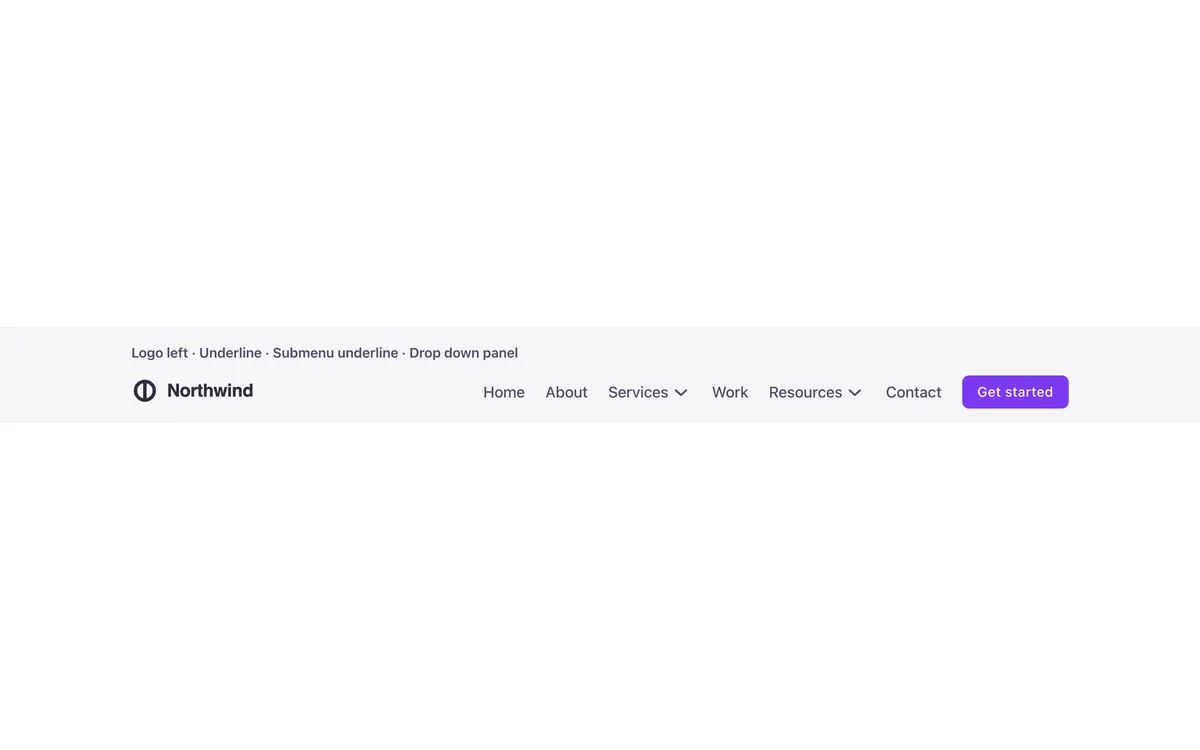 Headers & navigation
FBK Nav
A header bar on its own: logo, menu and actions slots.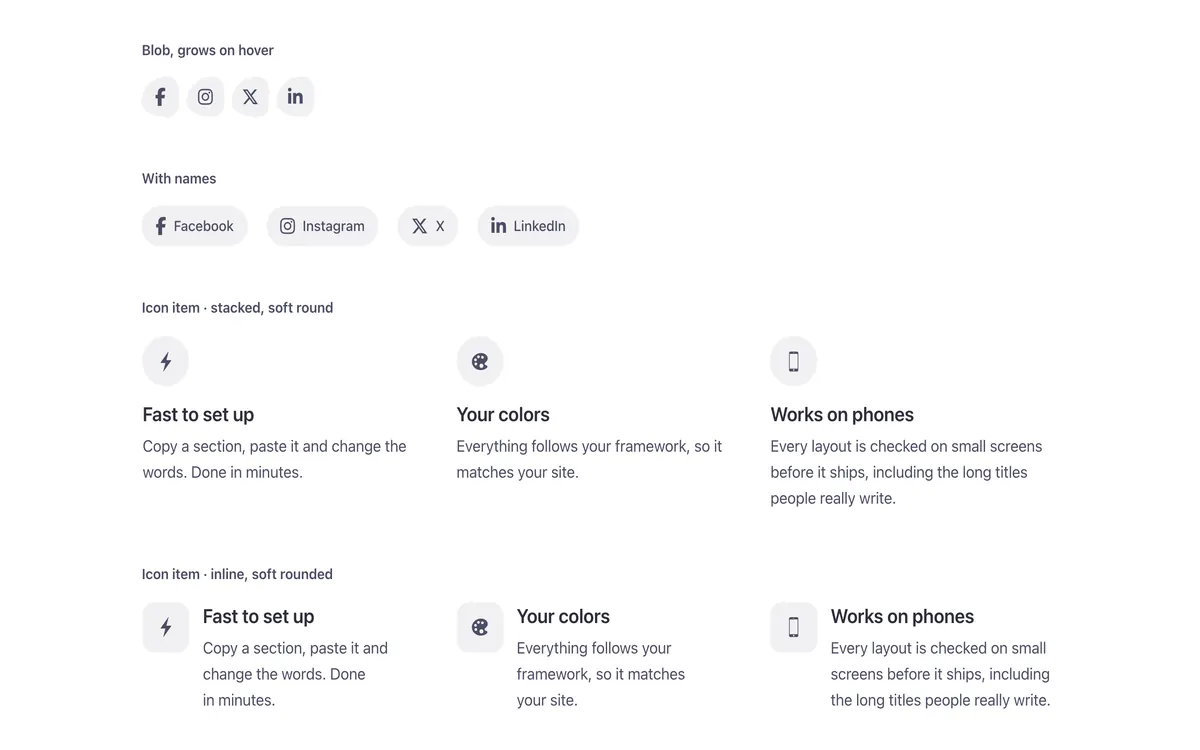 Social & team
FBK Icon item
Icon, title and text, stacked, inline or boxed.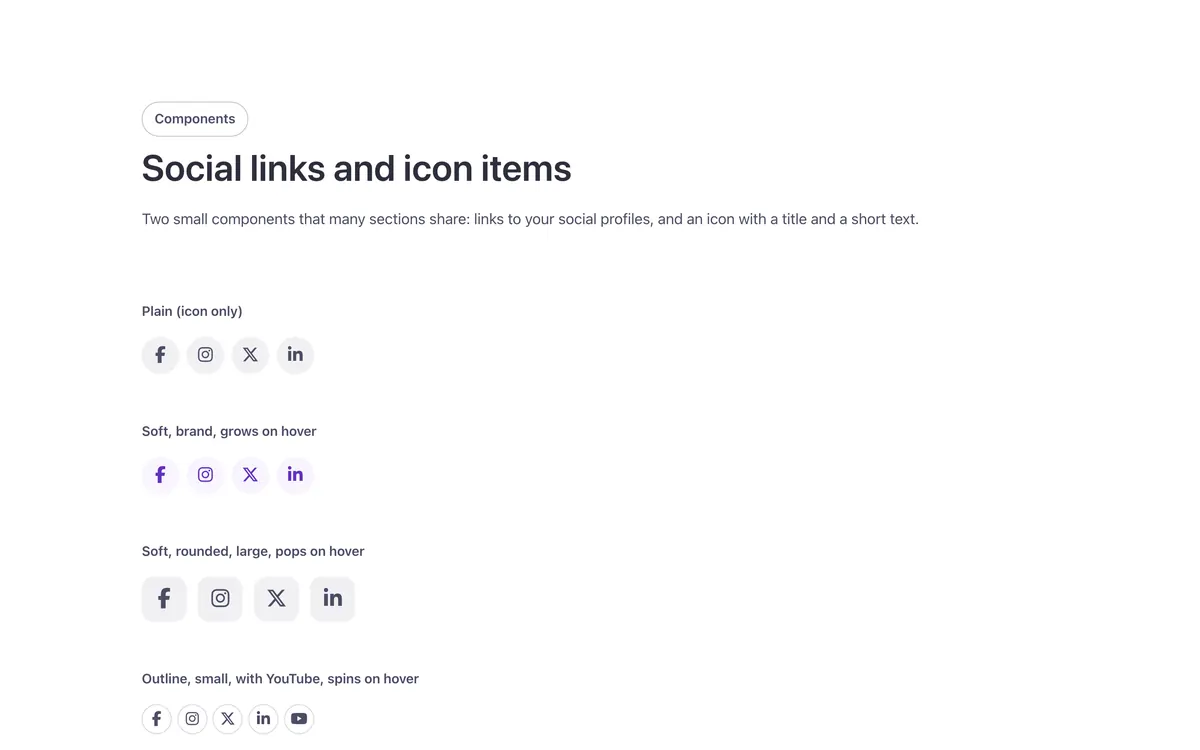 Social & team
FBK Social
Links to your social profiles, logo and network name.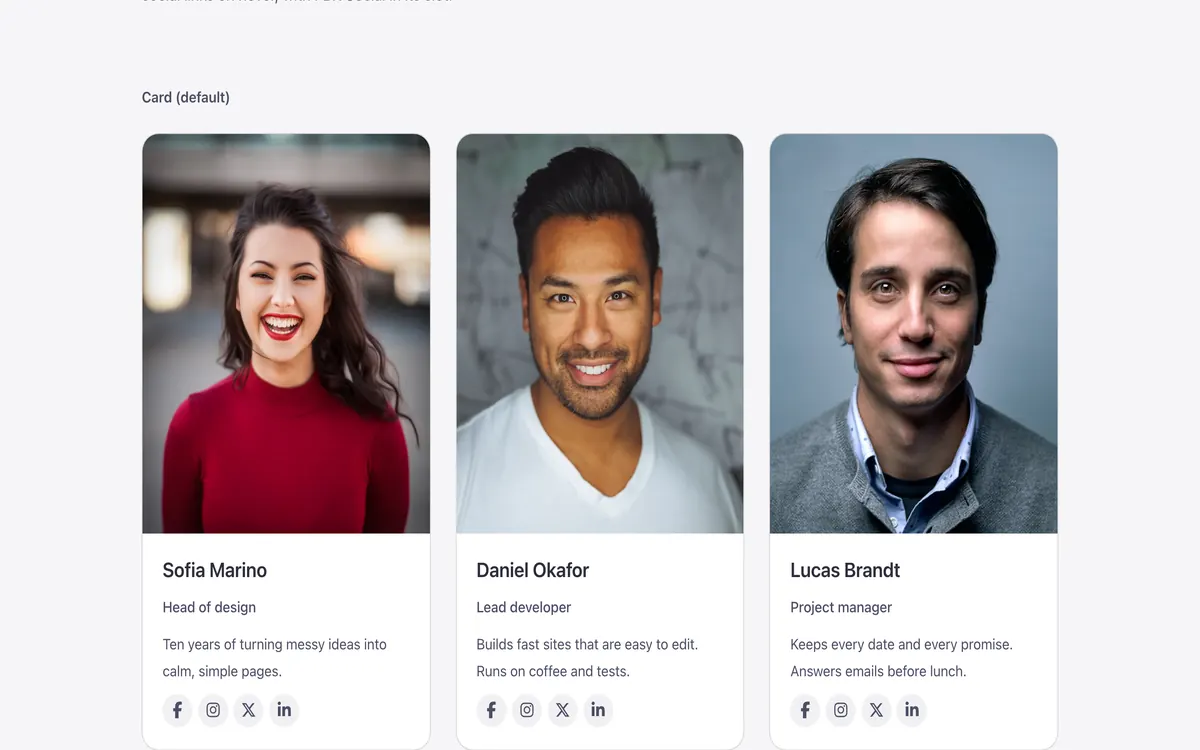 Social & team
FBK Team member
A person’s photo, name, role, bio and a slot for social links.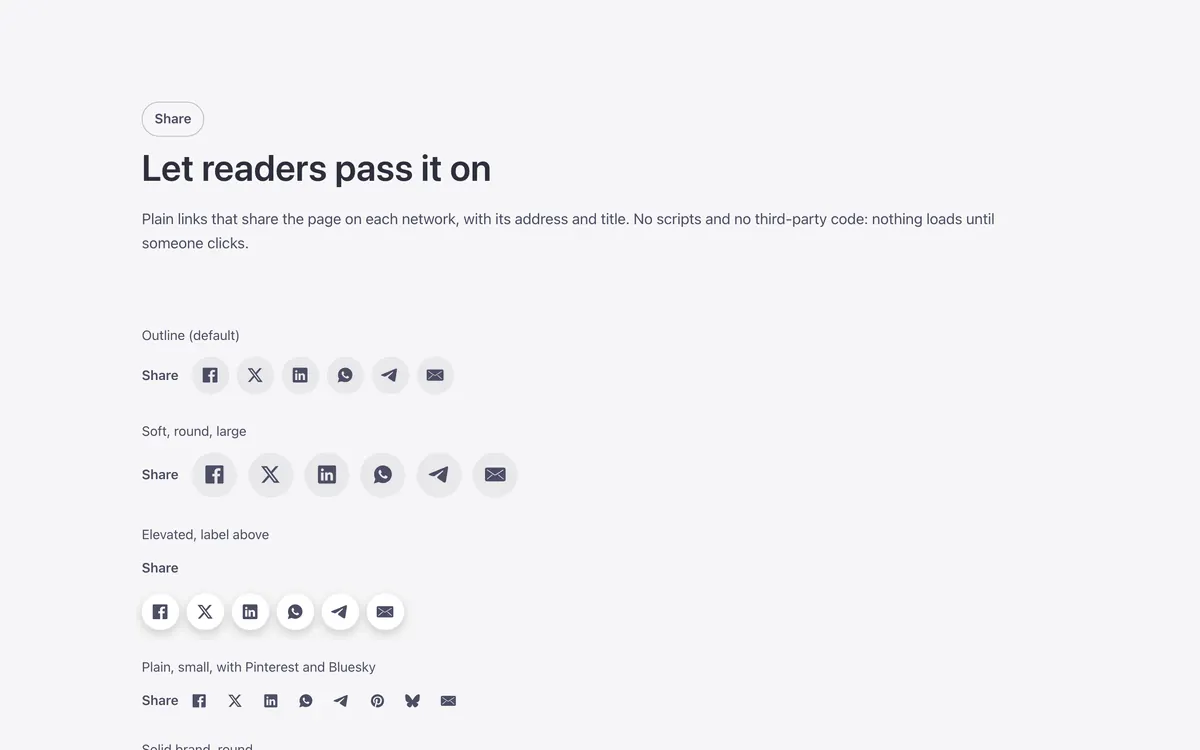 Social & team
FBK Share
Share links for the current page: Facebook, X, LinkedIn and more.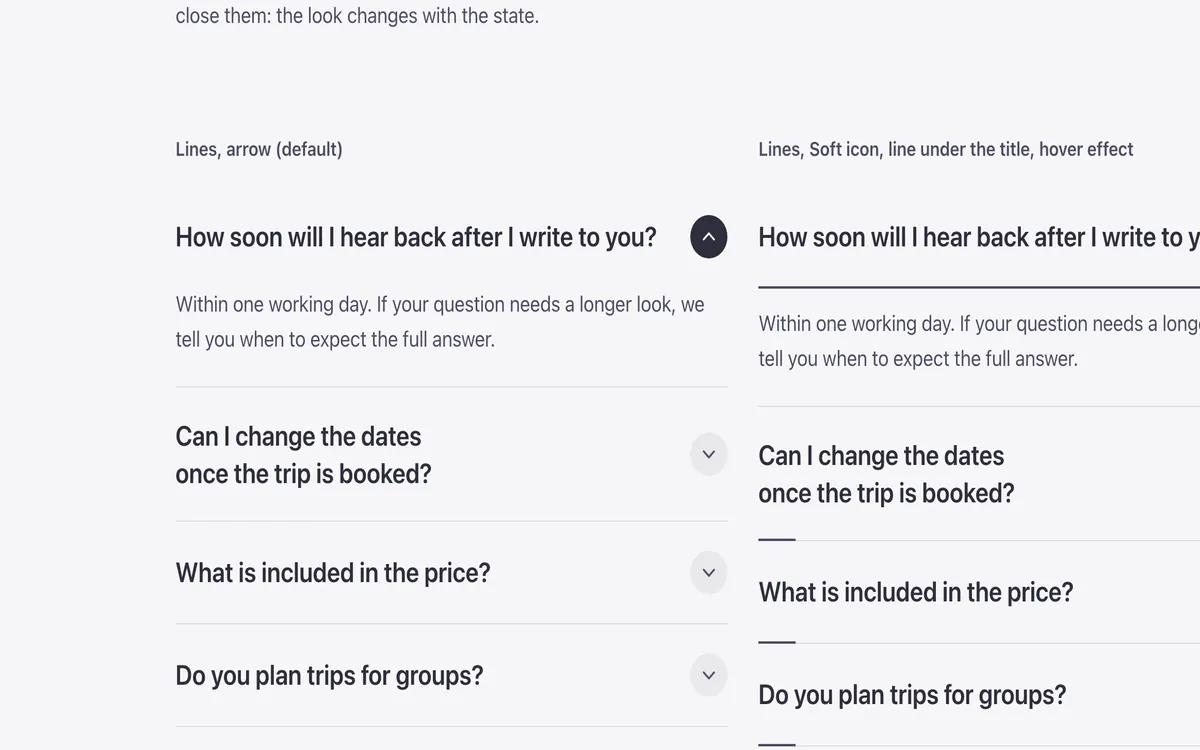 Accordions & panels
FBK Accordion
Drop FBK Accordion items, or a query loop, into the Items slot.Includes FBK Accordion item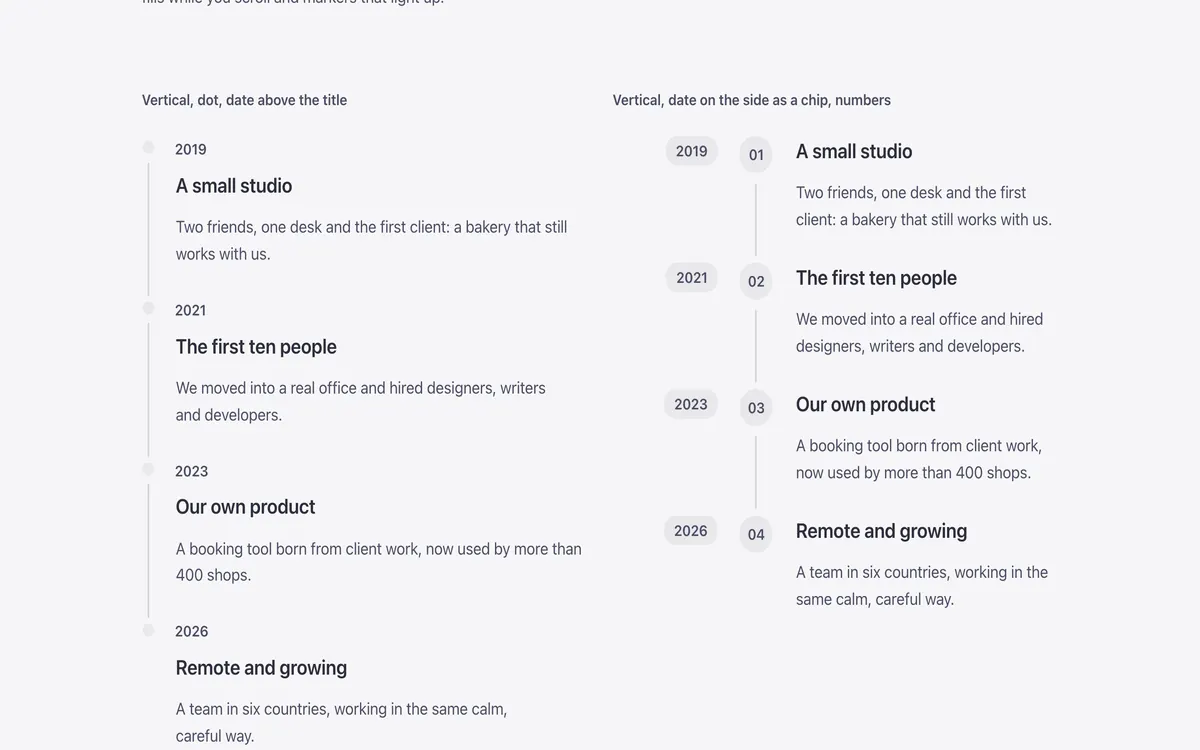 Timeline & process
FBK Timeline
An ordered list of steps: vertical, alternate or horizontal.Includes FBK Timeline step Marquee & scrolling
FBK Marquee
A strip that scrolls without end: logos, blocks, text or a query loop.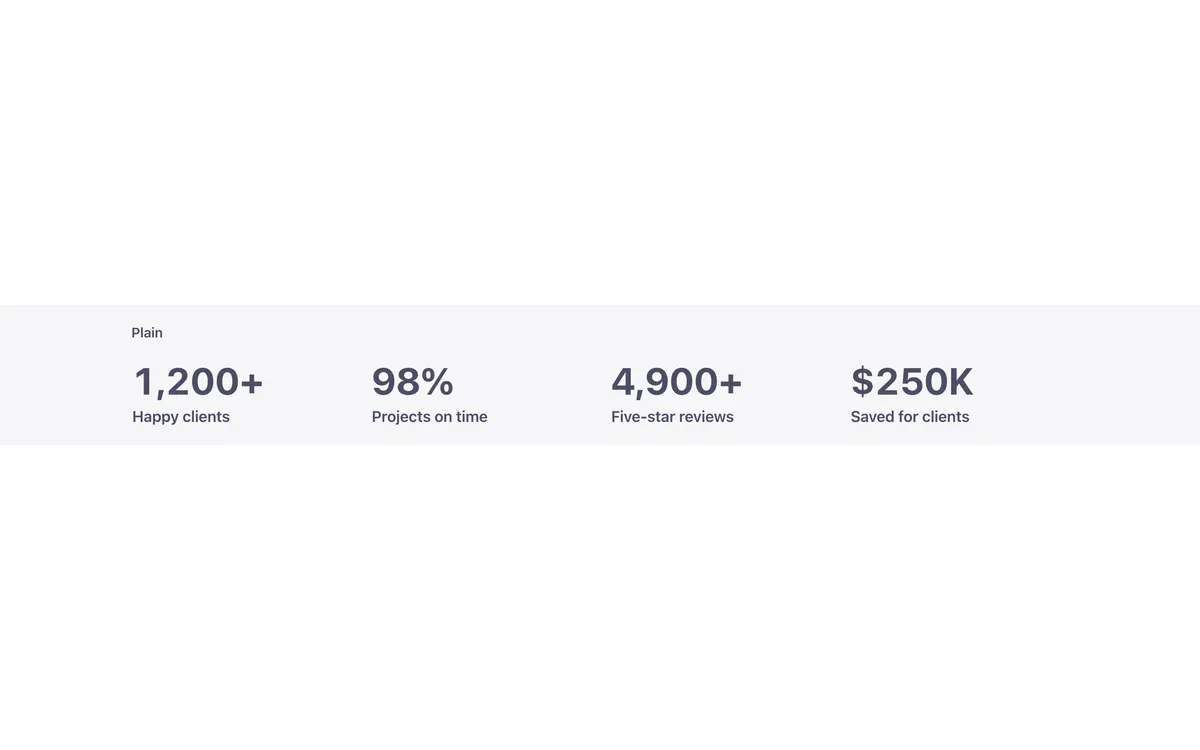 Stats & figures
FBK Counters
A list of FBK Counter figures laid out in a grid.Includes FBK Counter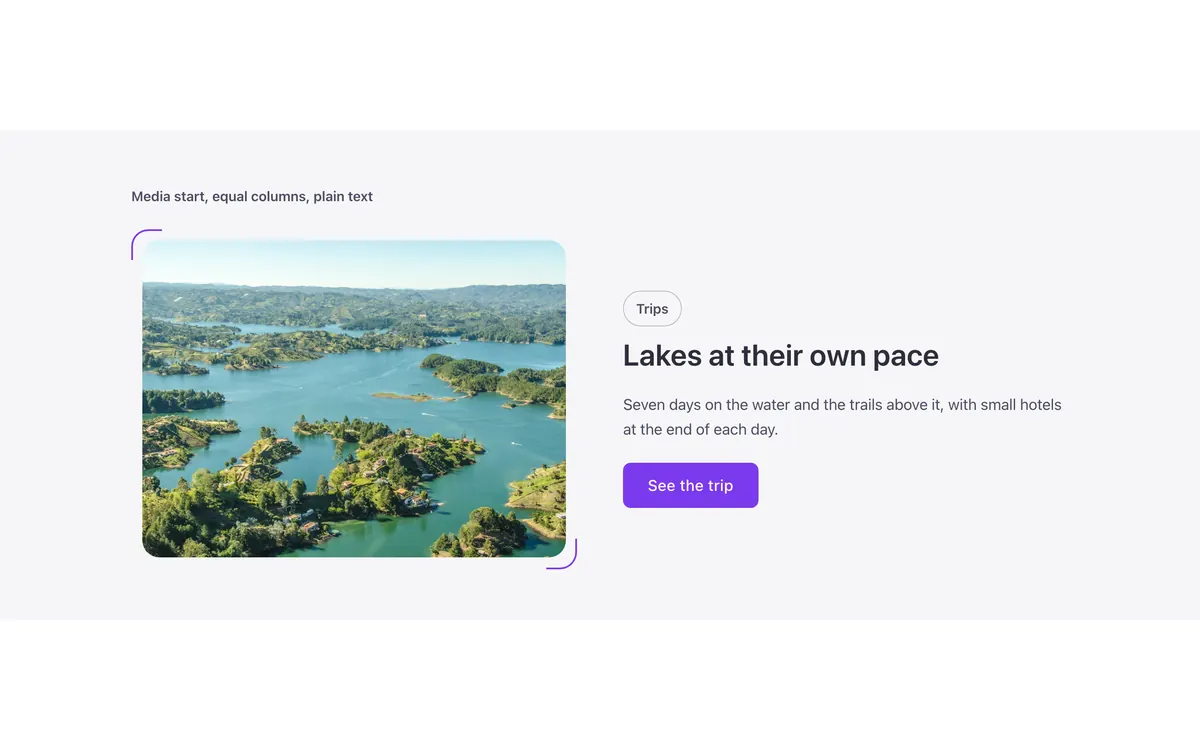 Media
MediaFBK Media text
Two columns: media on one side, text (FBK Intro, lists, buttons) on the other.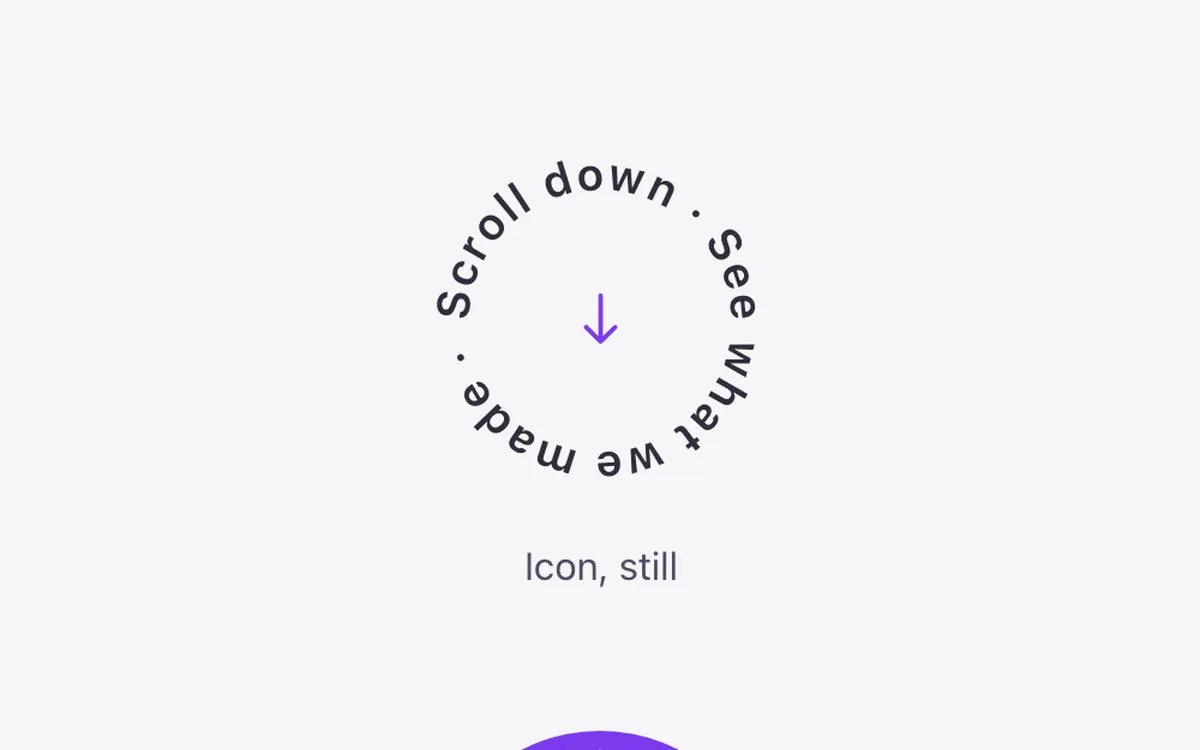 Media
MediaFBK Circle text
Text that runs around a circle, with an icon or photo in the middle. Lists
ListsFBK Link list
A title and a WordPress menu, built as a footer column.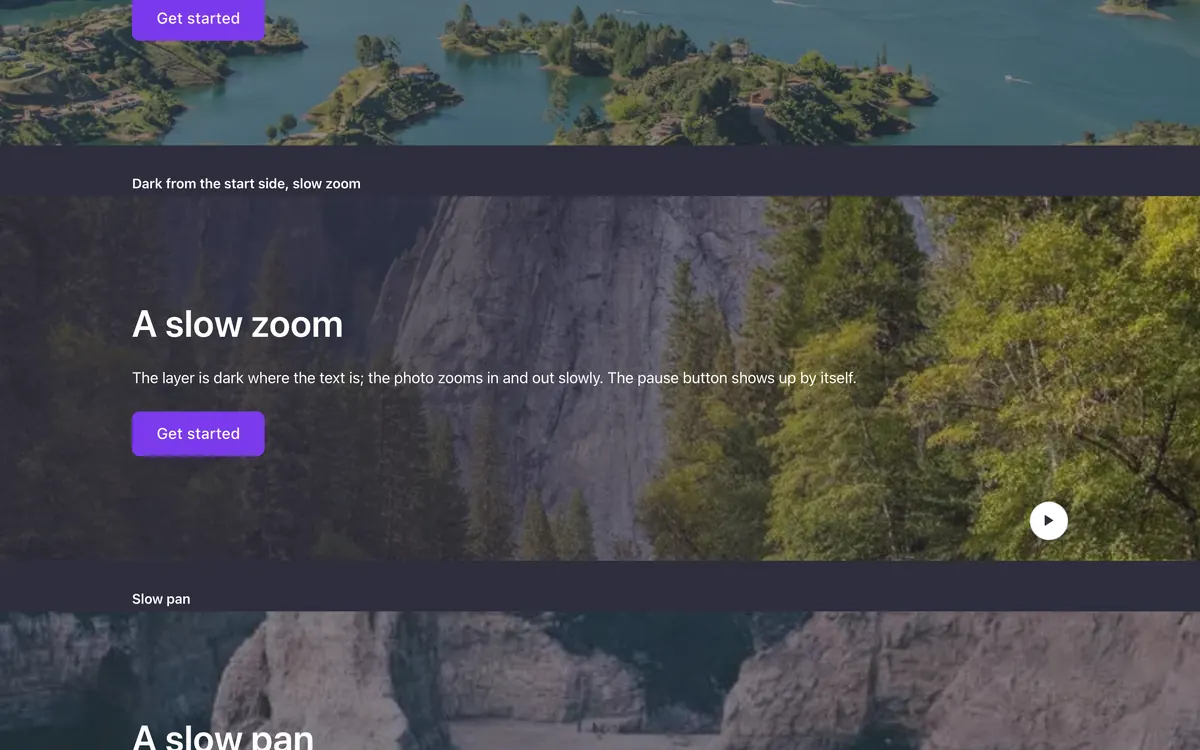 Hero
HeroFBK Hero
A full-bleed hero stage: photos, a video or nothing, with content in the page width.Includes FBK Photo columns
Seen best inside a template
These components are part of a bigger layout, so each one opens the template that shows it at its best.
- Buttons & actions
FBK Back to top
Takes the visitor back to the top after they scroll down.See it in Back to top - Buttons & actions
FBK WhatsApp agents
A floating WhatsApp button that opens a panel listing your team.Includes FBK WhatsApp agentSee it in WhatsApp agents - Cards
FBK Flip card
A card that turns over on hover or keyboard focus to show its back.See it in Flip - Cards
FBK Flip mosaic
A photo cut into tiles that turn one by one into a second photo.See it in Flip mosaic - Headers & navigation
FBK Header
The whole header: bar, logo, menu, actions and optional top/bottom slots.Includes FBK Side header and FBK Menu cardSee it in Classic - Social & team
FBK Avatar group
Two to five overlapping faces in a row, with an optional «+N».See it in Split with contact - Social & team
FBK Logo row
Two to eight logos in a row that wraps, or in a grid.See it in Big figure - Accordions & panels
FBK Panel accordion
A horizontal accordion: the open panel grows, the rest fold into strips.Includes FBK PanelSee it in Horizontal accordion - Accordions & panels
FBK Floating panel
A button fixed in a screen corner that opens a panel.See it in Floating contact - Accordions & panels
FBK Popover
A button that opens a small panel beside it.See it in Popover - Timeline & process
FBK Timeline path
A wavy path from one round photo to another, steps along the way.See it in Path - Stats & figures
FBK Compare
A before/after pair of photos with a line you drag to compare them.See it in Before and after - Stats & figures
FBK Ring stat
A figure in a progress ring that fills its share when it comes into view.See it in Progress rings - Media
FBK Image
A photo with proportion, shape, decoration, border and an optional caption.Includes FBK Lightbox imageSee it in Alternating rows - Media
FBK Photo sphere
A photo cut into pieces on a turning 3D sphere or helix.See it in Sphere - Media
FBK Room
A room drawn in 3D, photos moving along its walls on their own lanes.See it in Room - Media
FBK Annotated image
A screenshot or photo with numbered points on it and their notes underneath.Includes FBK AnnotationSee it in Annotated screenshot - Media
FBK Cube
A see-through 3D cube that tumbles slowly, one photo per face.See it in Cube - Media
FBK Orbit text
Text on 3D rings that turn around a photo.See it in Orbit text - Lists
FBK Check list
A list of checks in the Fancy Bricks style families.Includes FBK Check itemSee it in Single plan - Lists
FBK Glossary group
One letter of a glossary and its terms; it hides itself when the letter has none.See it in Glossary A–Z - Pricing
FBK Price
A price: currency, a large figure, a period, an optional old price and a note.See it in Plans - Pricing
FBK Price calculator
A slider the visitor drags to see the matching tier and total.Includes FBK Price tierSee it in Team calculator - Quotes
FBK Quote
A testimonial: quote, stars, avatar, name, role or company and date.See it in Cards
Nothing matches . Try a shorter word, or pick another category.
Edit them from the Bricks panel
Every component is a set of Bricks properties, grouped the way the rest of Bricks is: content first, then the style families every piece shares. Nothing hides behind a settings screen or a license key.
Looking for a layout instead of a single piece? Browse accordion templates or tabs templates in the library.
Native, not a plugin
Each one is a Bricks component you add, style and configure from the panel, the same way you would a Heading.
Change once, everywhere
Edit the component on your site and every section that uses it follows. Each card above shows how many templates use it.
Style families built in
Look, Tone, Shape, Size and Hover on every small piece, so a share button always matches a social icon.
Questions, answered
Short answers about the components. Can’t find yours? Write to us.
Are these native Bricks Builder elements, not a separate plugin?
Yes, each component is a native Bricks element you configure and style from the Bricks panel.
Can I see which templates use a specific component?
Yes. Every card above shows how many templates use the component and opens them in the library, so you can check before you build with it.
Can I use the components without a paid framework?
Yes, Fancy Framework is free and works with every native component.
Can I use the components on client websites?
Yes, every plan covers unlimited websites, your own and your clients’.
Every component comes inside a template
Browse the library, copy a section, and the components it uses come with it.