
WooCommerce templates for Bricks Builder
The pages a store needs, designed like the rest of the library: product page, shop and category archives, cart, mini cart, checkout and My Account. Built with Bricks’ own WooCommerce elements.
Filters
Category
Contains
Requires
Templates
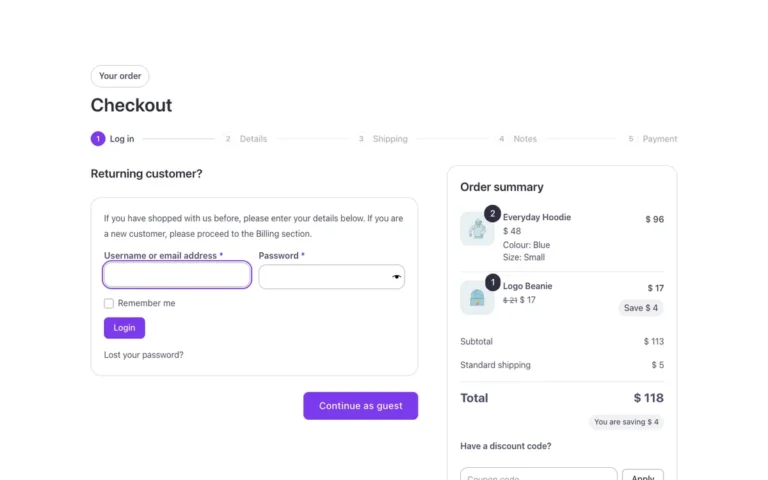
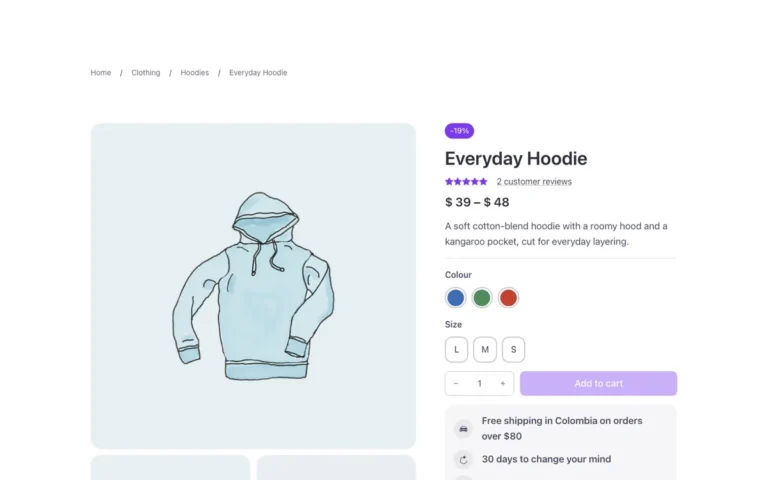
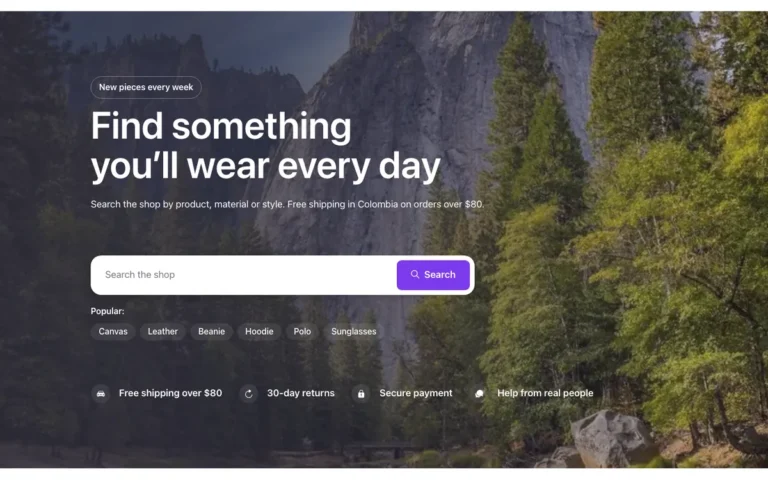
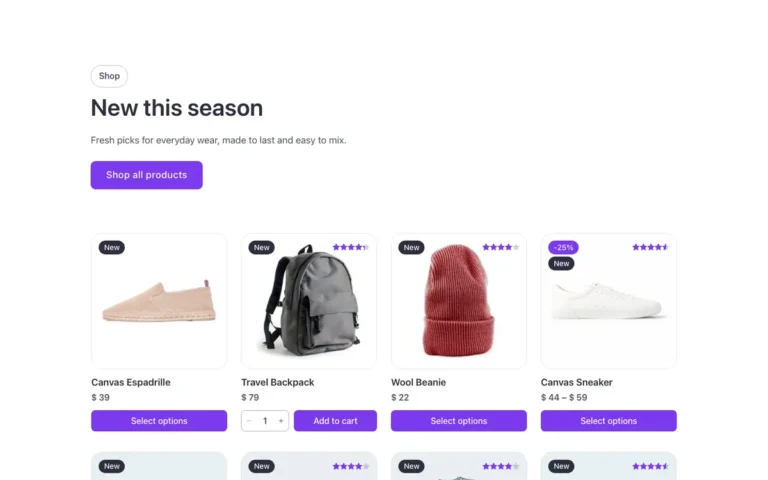
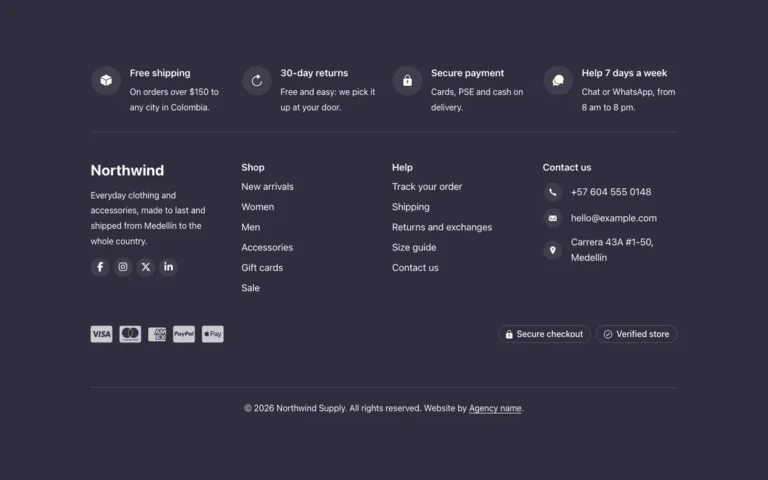
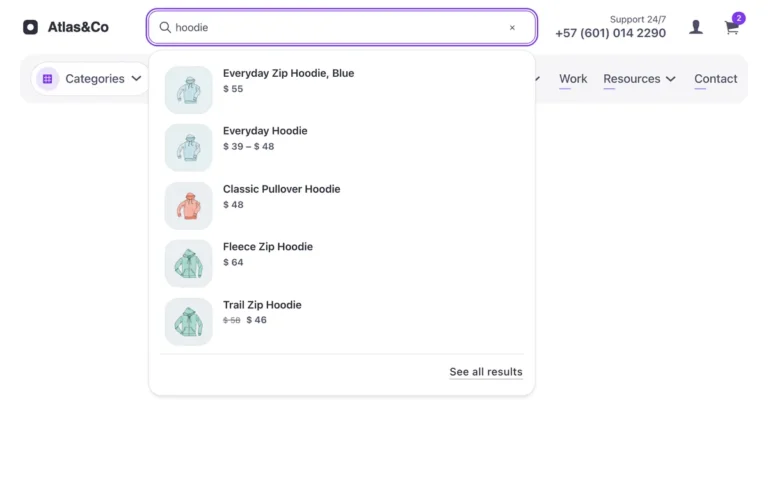
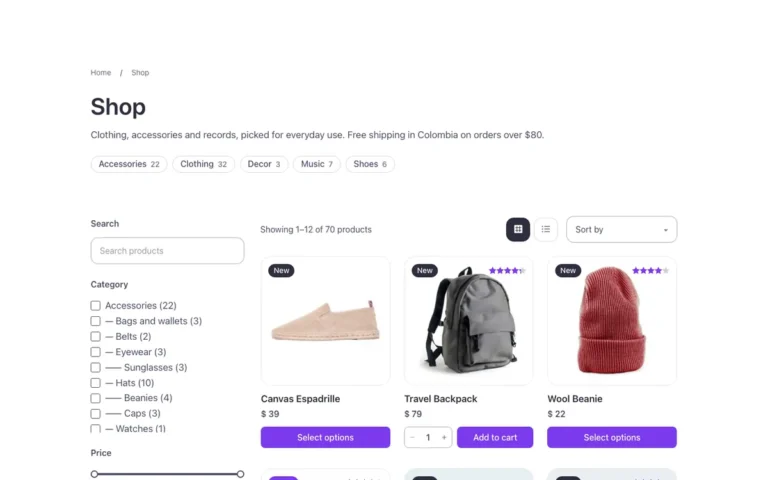
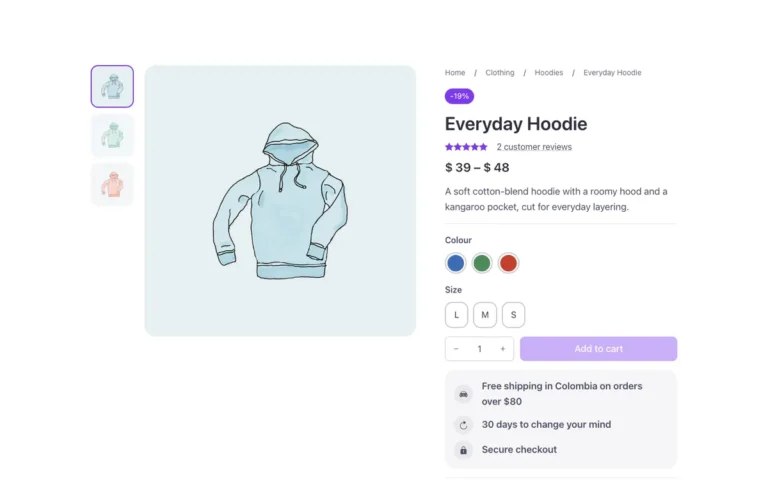
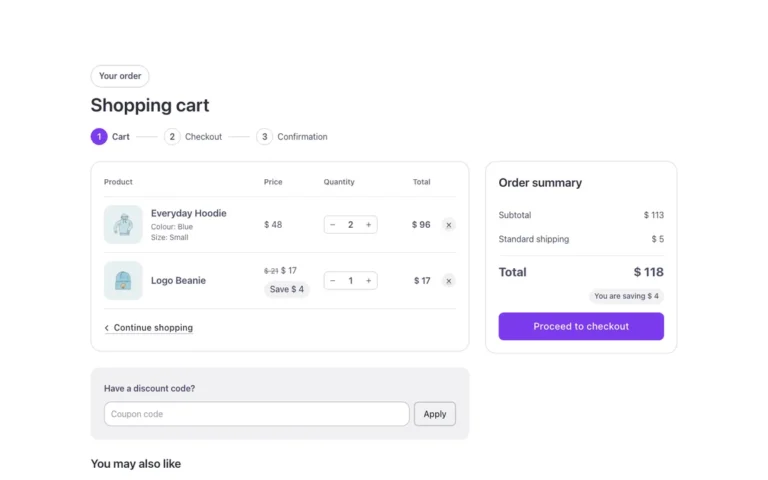
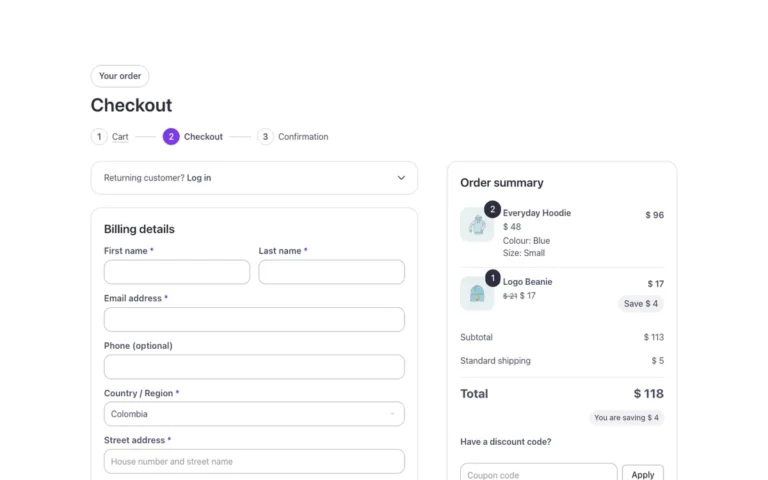
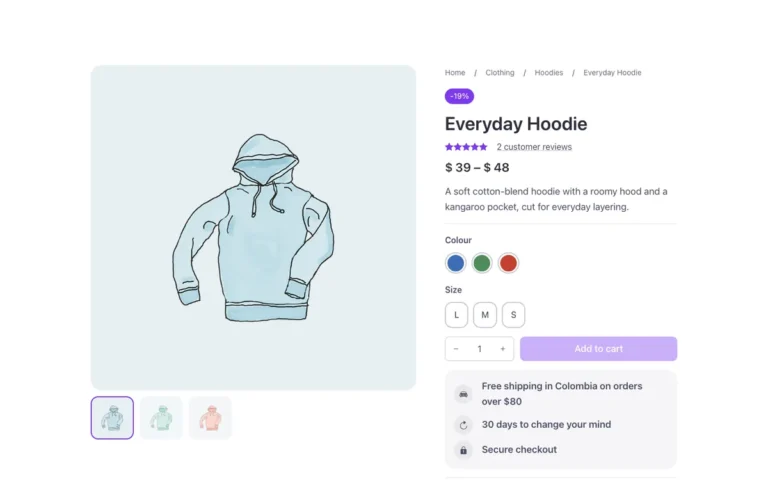

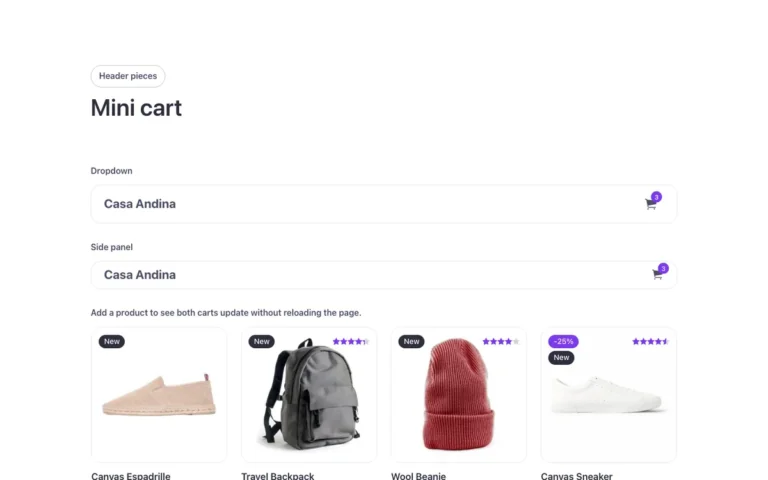
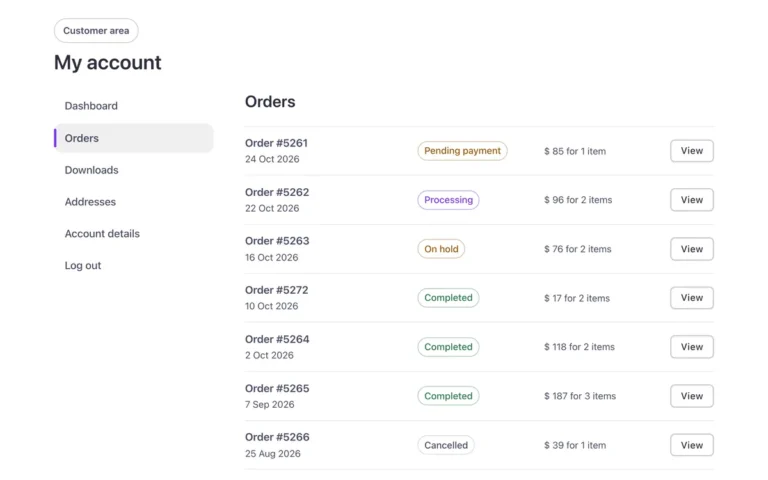
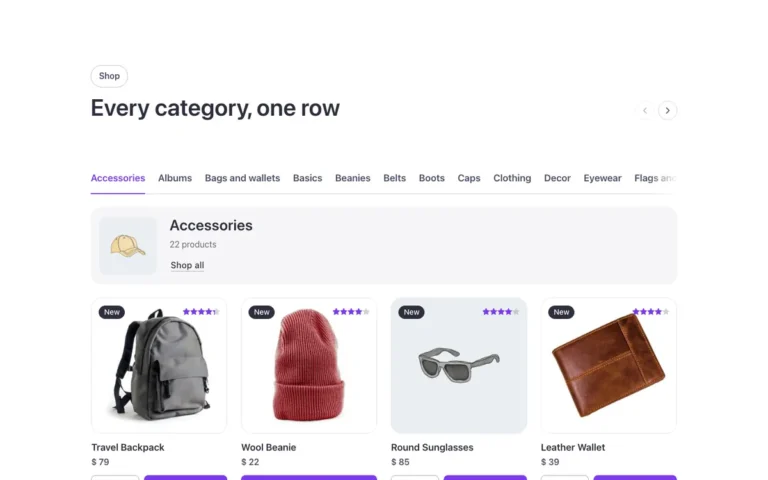
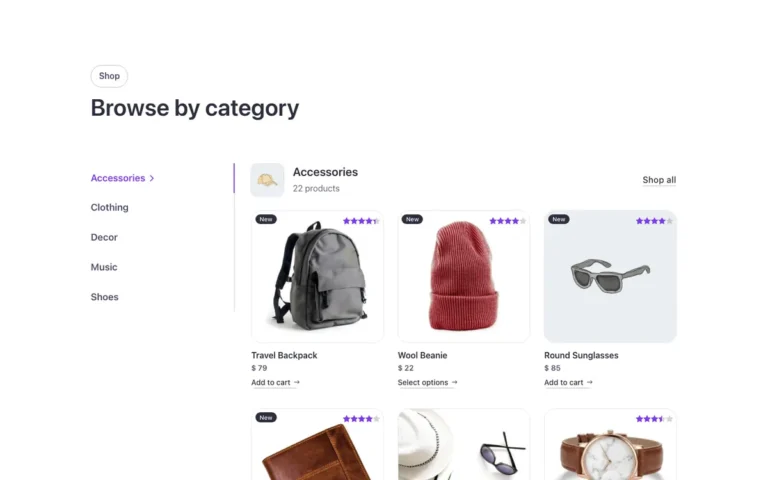
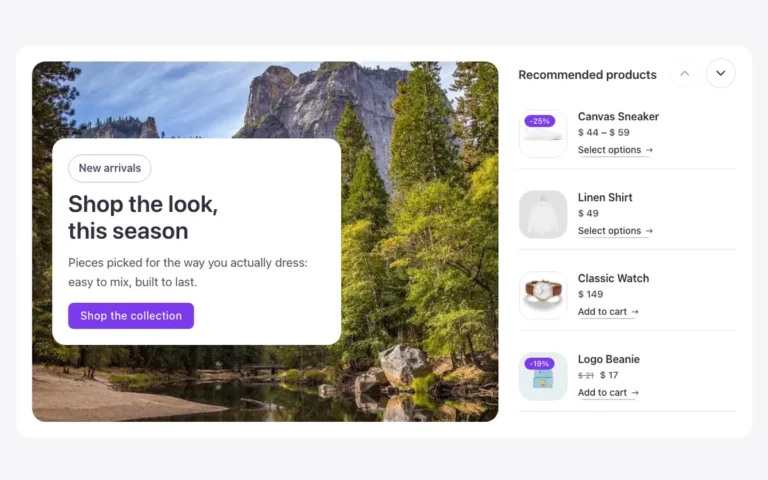
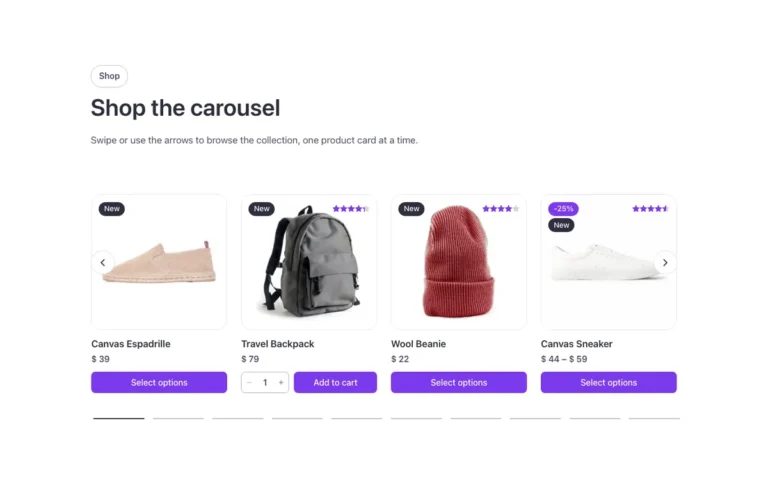
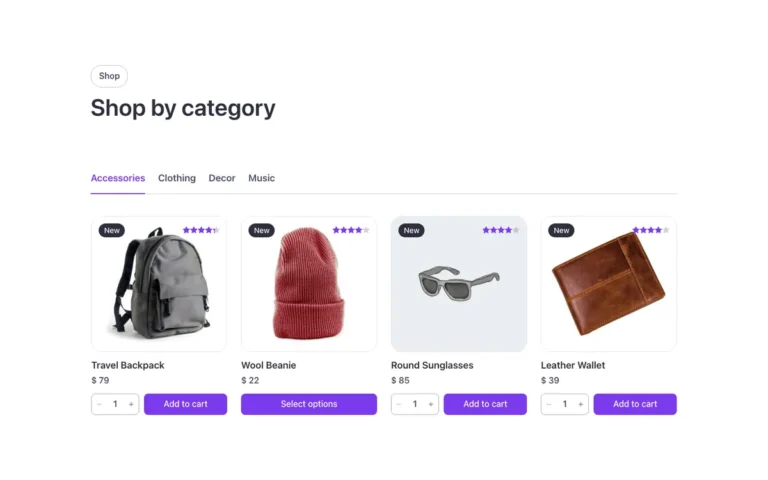
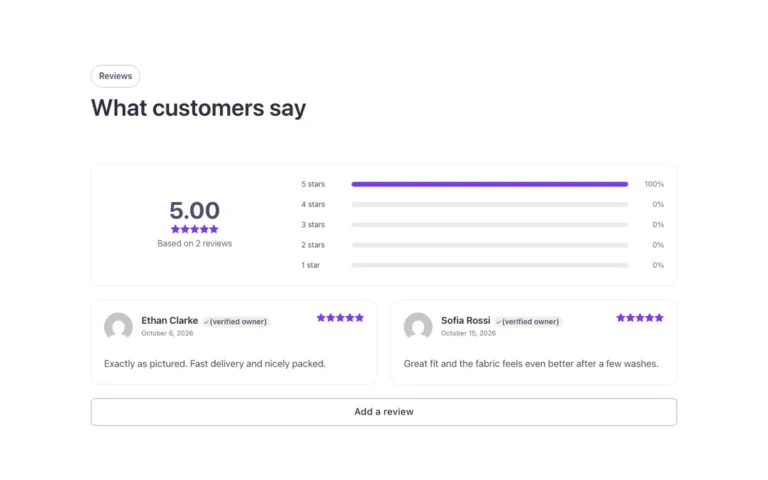
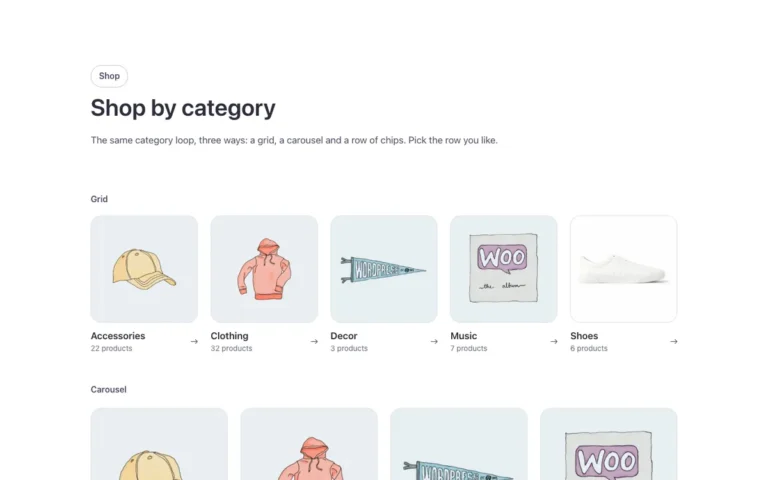
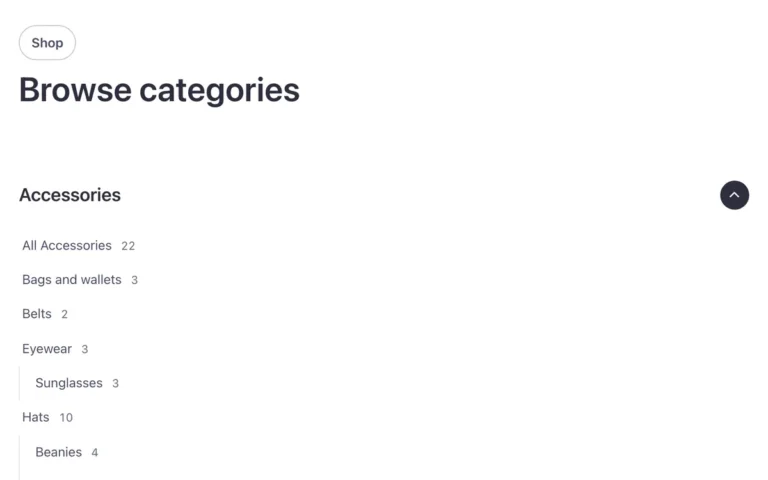
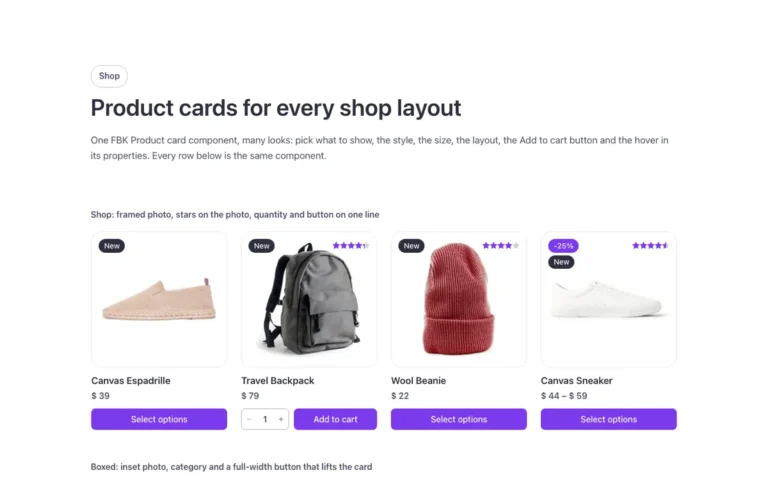

The same WooCommerce templates in Fancy Framework, Automatic.css or Core
Each template ships in all three frameworks. Choose yours when you copy and it uses your colors, spacing and type. Fancy Framework is free if you don’t use one yet.
Start with the free templates
A set of templates is free with an account, including a hero, a slider, a gallery, an accordion and a timeline.
Browse by collection
Every collection of the library, each with its own page: hero sections, sliders, pricing tables, WooCommerce and more.
Questions, answered
Short answers about the library. Can’t find yours? Write to us.
Do I need anything extra to use WooCommerce templates with Bricks?
You need WooCommerce and a framework (Fancy Framework, Automatic.css or Core) on your site; the templates themselves are native Bricks elements.
Which WooCommerce pages do these templates cover?
Product page, shop and category pages, cart, mini cart, checkout and My Account, plus matching product cards.
Do I need a paid framework for the WooCommerce templates?
No, Fancy Framework is free and gives you the same templates without Automatic.css or Core.
Is there a free WooCommerce template?
A free account unlocks several templates from other categories; the WooCommerce set is part of the paid plan.
Can I use the WooCommerce templates on client stores?
Yes, every plan covers unlimited websites, your own and your clients'.