Woo · My account
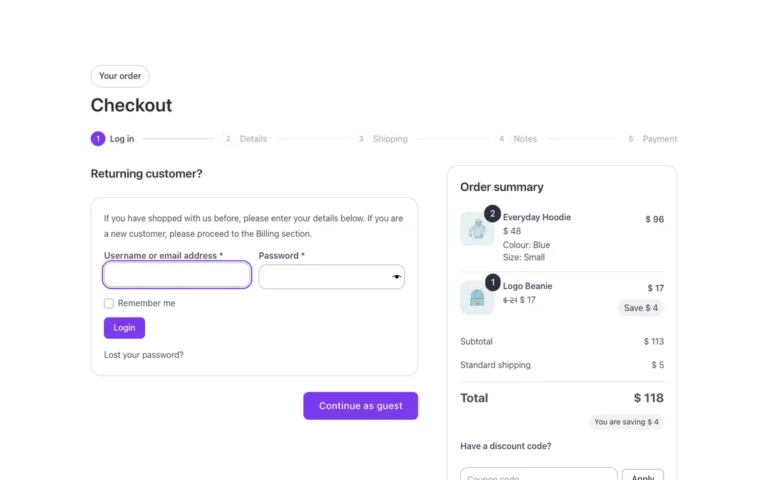
A full My account area for WooCommerce in Bricks Builder, built on the native My account element: orders, downloads, addresses, account details, log in, register and password recovery, each a real state of the same template. Switch the log in screen between two panels or tabs from the settings, and every piece is editable from the panel.
In the annual plan, $99/year. See plans
Preview

Loading demo…
Template details
What’s inside
The components it’s built from. They come with the template when you paste it, and you edit them from the Bricks panel.
- FBK Button
A link styled as a button, with style, size and width.
- FBK Intro
Eyebrow, title, lead and an actions slot for buttons.
Adjust it
Nothing extra to set: it takes its colors, spacing and type from your framework.
Replaces
In Fancy Bricks 1.0 and 2.0 this was Woo login/register (2.0), Woo My account (1.0), Woo My account (addresses) (1.0), Woo My account (Downloads) (1.0), Woo My account (Edit Address) (1.0), Woo My account (Edit - Details) (1.0), Woo My account (Order) (1.0), Woo My account (View order) (1.0), Woo My account - Main (2.0), Woo My account (addresses) (2.0), Woo My account (Downloads) (2.0), Woo My account (Edit Address) (2.0), Woo My account (Edit - Details) (2.0), Woo My account (Order) (2.0), Woo My account (View order) (2.0), Woo los password confirmation (2.0) and Woo reset password (2.0).