
FBK Button
A link styled as a button: six styles, two tones, three sizes and eight hover effects, all from the Bricks panel. Almost every template in the library uses it, so one change on your site follows everywhere.
- Used in 239 templates
- 10 options
- Default hover Sweep
- Native Bricks element
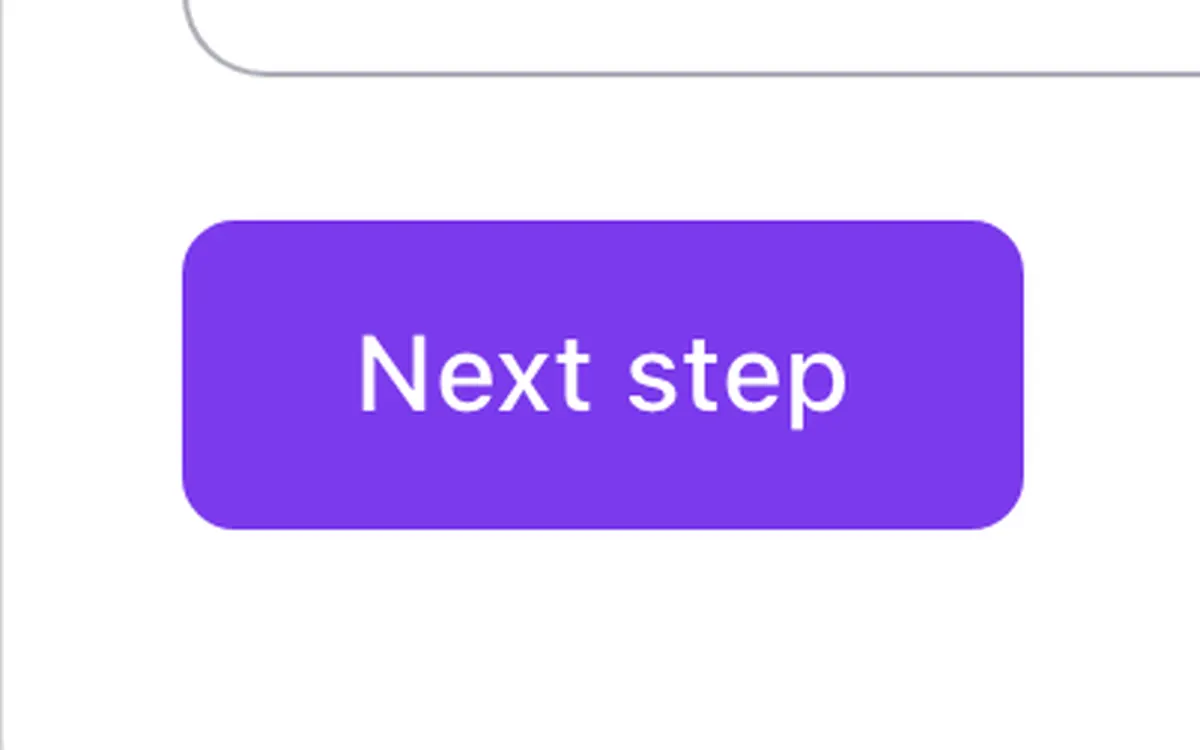
One FBK Button with its default options: Primary, Brand, Medium, Sweep. Change anything from the panel after you paste it.
In the annual plan, $99/year. See plans
Try the options
The same options you get in the Bricks panel, in the same order. Hover the button to see the effect.
Pick the options, then hover the button.
Every style, every effect
Live from the demo site: the four styles across the hover effects, then the dark and brand-color sections. Hover any button, switch the width or open it full screen.

Loading demo…
The options
Every property of the component, in the order the Bricks panel shows them.
| Option | Choices | Default |
|---|---|---|
| Text | Any text | Get started |
| LinkOpen in new tab, nofollow and aria-label are in the link options. | Any link | — |
| Icon | Any icon | — |
| Icon position | Left, Right | Right |
| Style | Primary, Secondary, Outline, Ghost, White (dark backgrounds), White outline (dark backgrounds) | Primary |
| ToneBrand: your accent color. Neutral: the heading color (the same tones as every Fancy Bricks component). Primary, Secondary and Outline are the looks Solid, Soft and Outline; Ghost is Plain. | Brand, Neutral | Brand |
| Size | Small, Medium, Large | Medium |
| Width | Auto, Full width | Auto |
| Hover effectPulse is a non-stop ring around the icon: for one standout call to action, not every button. Glow replaces the color change of the style: the circle is the hover. | Color change, Sweep, Icon reveal, Brackets, Pulse (needs an icon), Plus, Glow, Icon nudge | Sweep |
| Shadow on hoverRise: under the mouse and on keyboard focus the button rises a little and casts a soft shadow (class fbk-btn--shadow), on top of any hover effect. | None, Rise | None |
Used in 239 templates
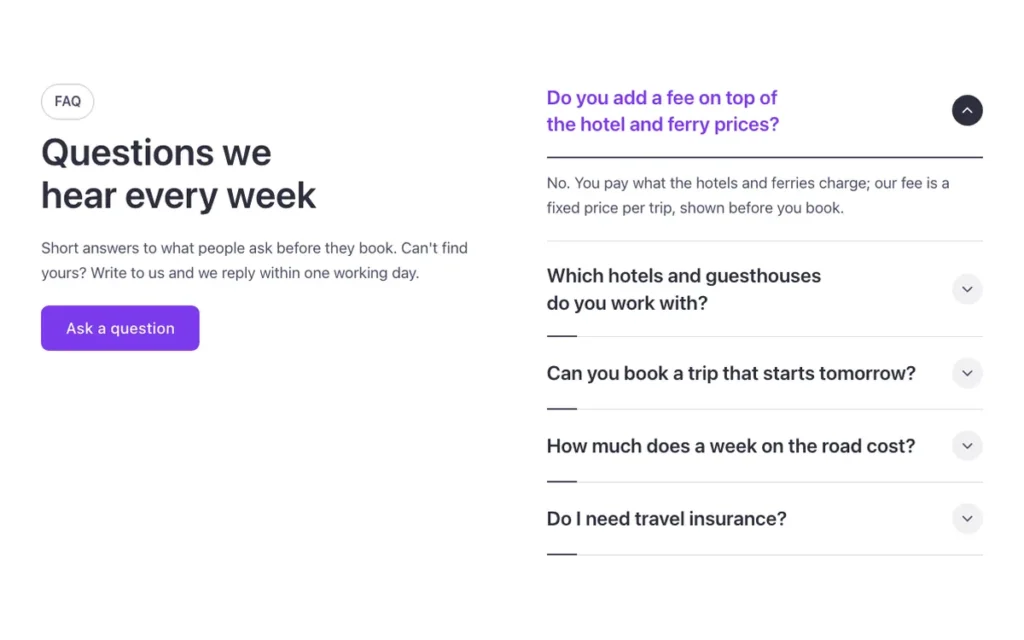
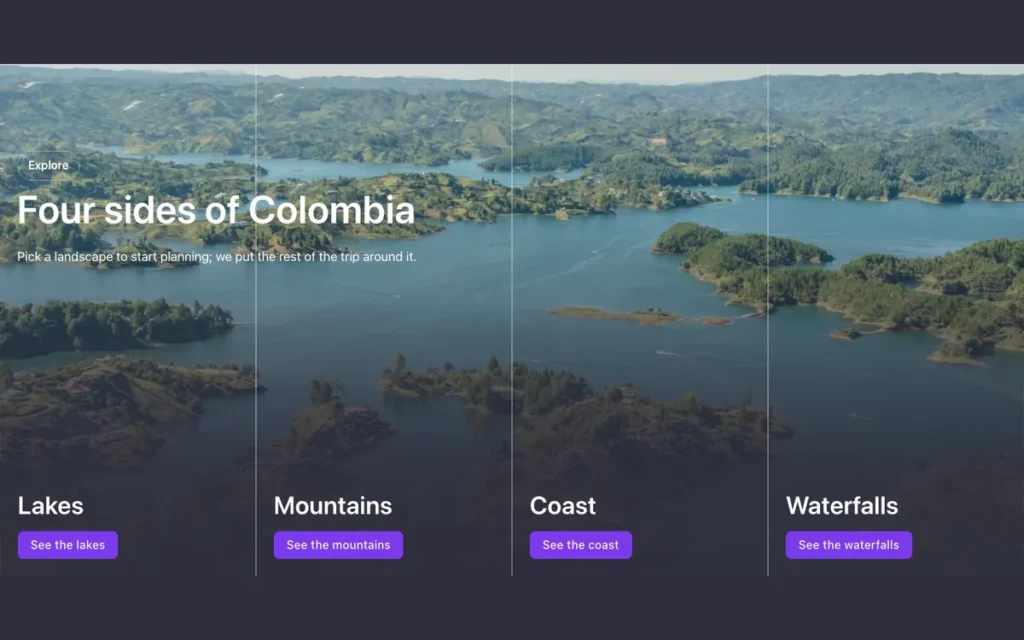
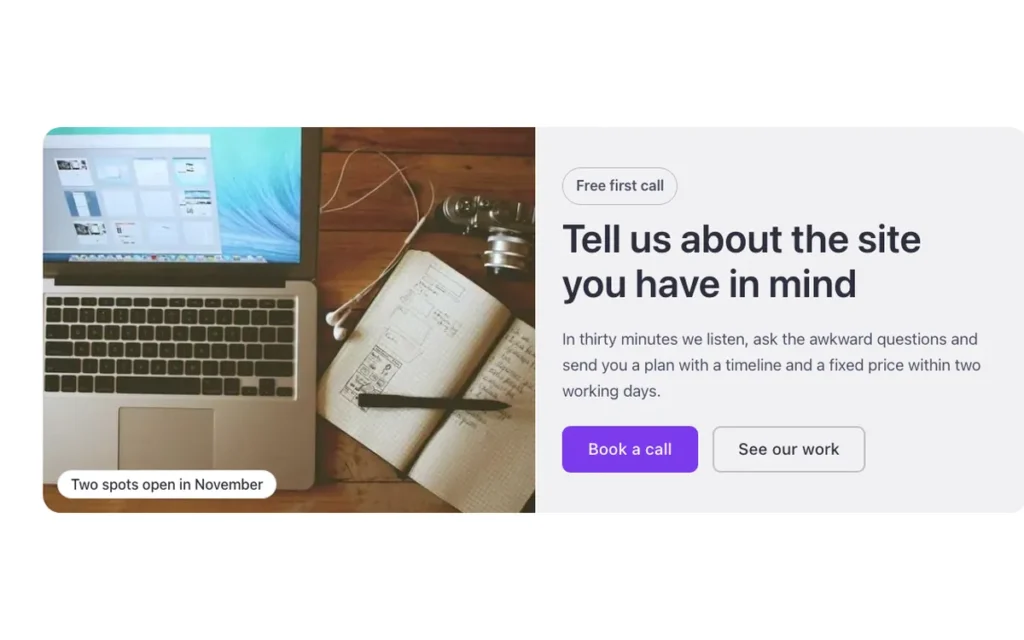
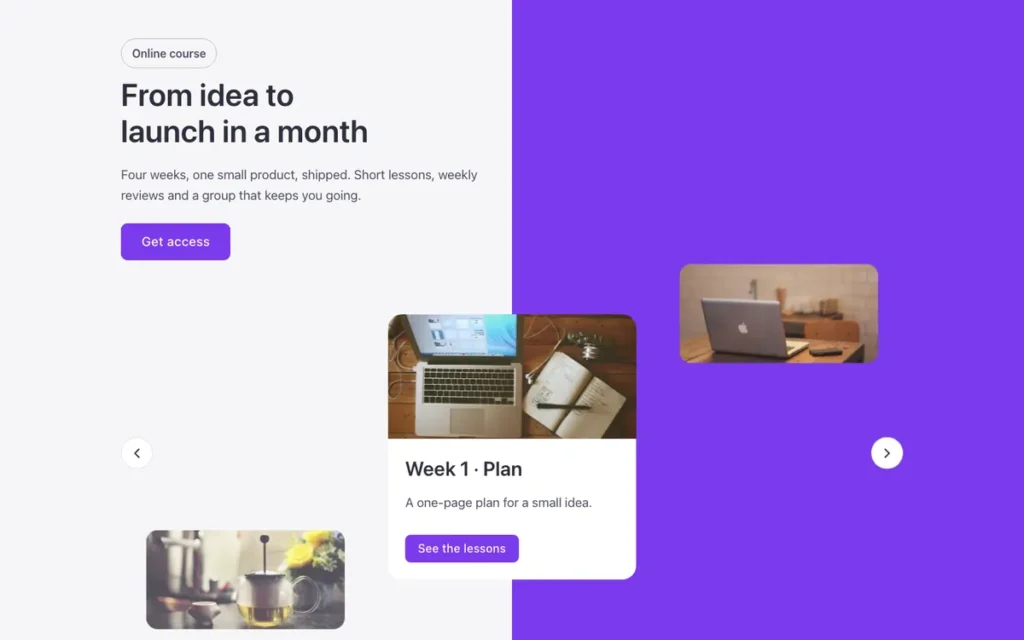
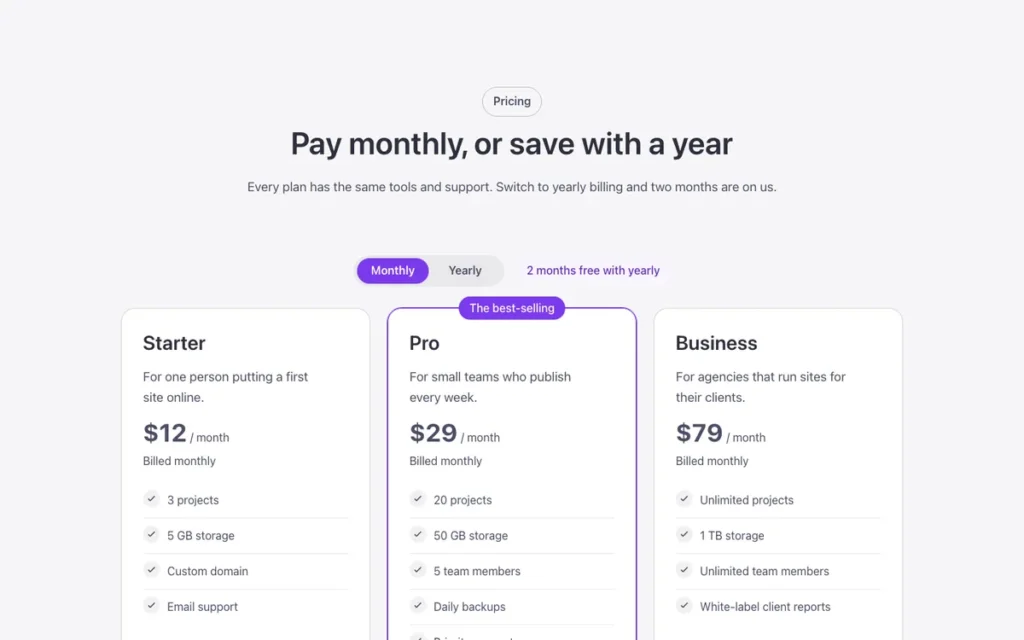
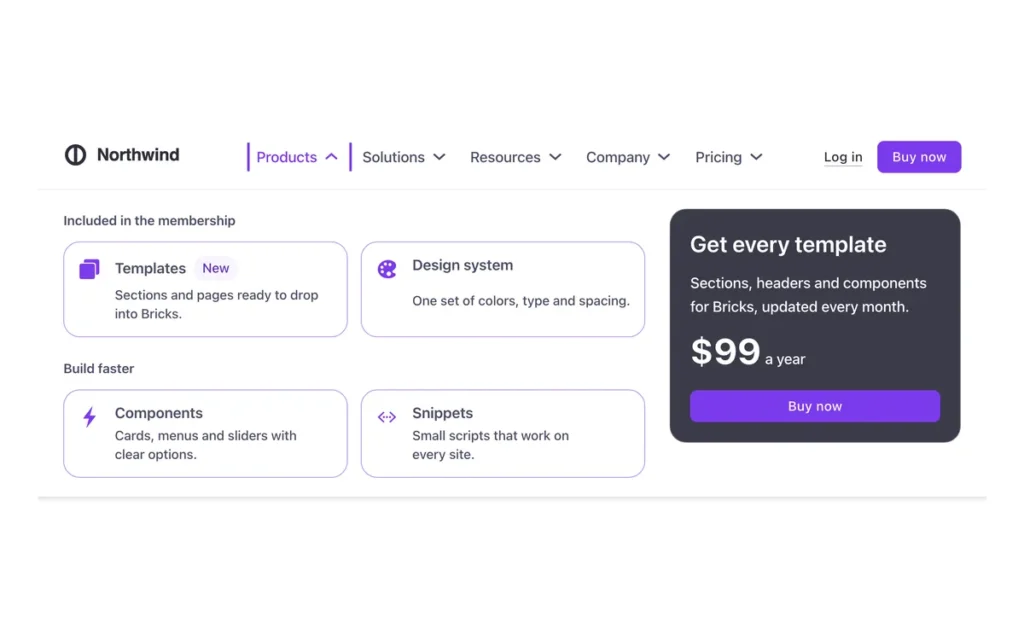
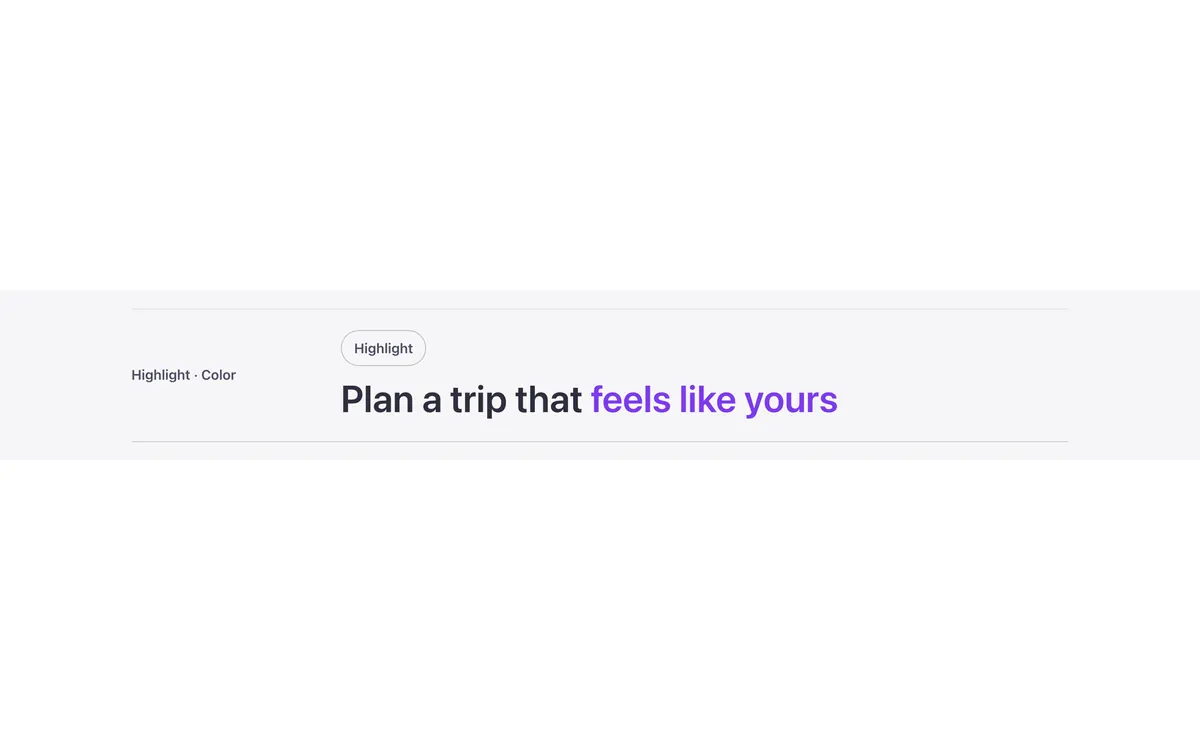
A few of them. Change the button once on your site and every one of these sections follows.

Questions, answered
Short answers about FBK Button.
Do I need the template to use the button?
No. Copy the component from this page and paste it anywhere in Bricks. It also comes with every template that uses it.
What happens to my buttons if I change the component?
Every FBK Button on your site follows: the styles live in the component and its classes, not in each button.
Can I use my own icons?
Yes. Pick any icon in the Icon option, from the Bricks icon libraries or an SVG.
Does it work with my framework?
Yes. Copy it for Fancy Framework, Automatic.css or Core Framework, and it uses your colors and sizes.
Every component comes inside a template
Browse the library, copy a section, and the components it uses come with it.