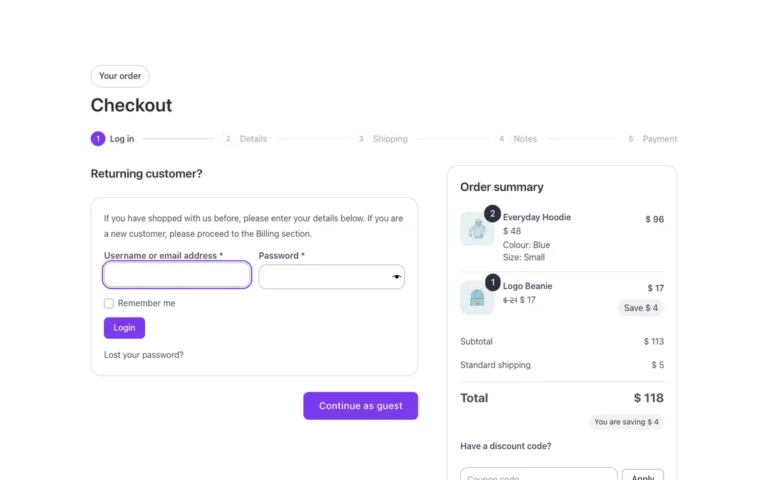
To add images to Woocommerce checkout just add the following code to your functions.php file:
// Adding product images to Woocommerce checkout
add_filter('woocommerce_cart_item_name', 'fa_add_checkout_product_thumbnail', 10, 3);
function fa_add_checkout_product_thumbnail($product_name, $cart_item, $cart_item_key) {
    if (is_checkout()) {
        $product = $cart_item['data'];
        $thumbnail = $product->get_image(array(50, 50)); // Change the value to 50 if you want to change the thumbnail size.
        $product_name = $thumbnail . ' ' . $product_name;
    }
    return $product_name;
}