
Basics
Posts in Basics
What a mega menu is and how to build one
What a mega menu is, how to build one that works with a mouse, a keyboard and a phone, design patterns worth borrowing, the…
Automatic.css vs Core Framework for Bricks Builder
I built the same Bricks Builder template for Automatic.css and Core Framework. Here's what changes between the two versions, what stays the same, where…
A practical guide to learning Bricks Builder
A practical tour of the Bricks Builder features you'll use most: setup, accessibility, popups, nestable sliders with Splide, variables and global classes, sticky headers…

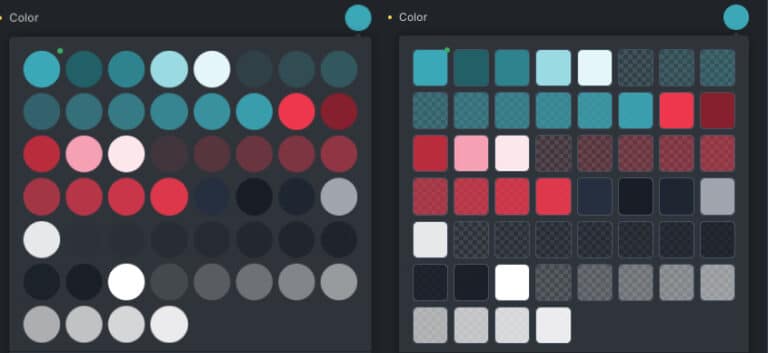
Improving the Bricks Builder color palette
In this post, we’ll explore how to improve the visibility of the Bricks Builder color palette using CSS.

A sticky sidebar (floating column) in Bricks Builder
In this post I will show you how to create a sticky sidebar in the right way, no more hiding the elements that do…
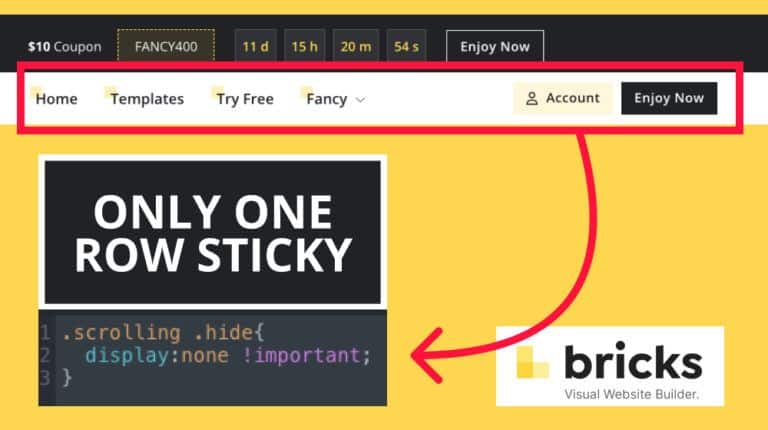
A sticky header for only one section in Bricks Builder
Sometimes we want only one of the columns or sections of our header to be sticky. Bricks does not have this option by default…
Add buttons inside the menu in Bricks Builder
Many times we have several buttons in the menu and we have to hide them in the mobile version because of the screen space.
How to import remote templates in Bricks Builder
Below, I will explain how to import remote templates in bricks builder. To do this, you need the Remote templates URL and the Remote…



Browse the Bricks Builder template library while you read
Every section for Bricks in one place, in Fancy Framework, Automatic.css or Core. Copy it in your framework and paste it.
Browse templates