
Fancy Bricks 3.0 for Bricks Builder
Creative Bricks Builder templates that make your site stand out
Sections and native components for Bricks, built as one system. Copy them in your framework, Fancy Framework (free), Automatic.css or Core, and they pick up your colors, spacing and type.
Free templates with a free account. No card needed.
Your site
A section that already looks like yours
Colors, corners and type come from your framework.
Get startedLearn more
- Templates
- Components
- Your framework
Your variables
Brand color
Corners
Change it once, every template follows.
Copy it for
- Fancy Framework
- Automatic.css
- Core Framework
- Fancy Framework (free)
- Automatic.css 4
- Core Framework
- Desktop first or mobile first
- Unlimited sites
Bricks templates for every part of your site
Heroes, sliders, galleries, headers, pricing tables and WooCommerce pages. Start where your page starts.
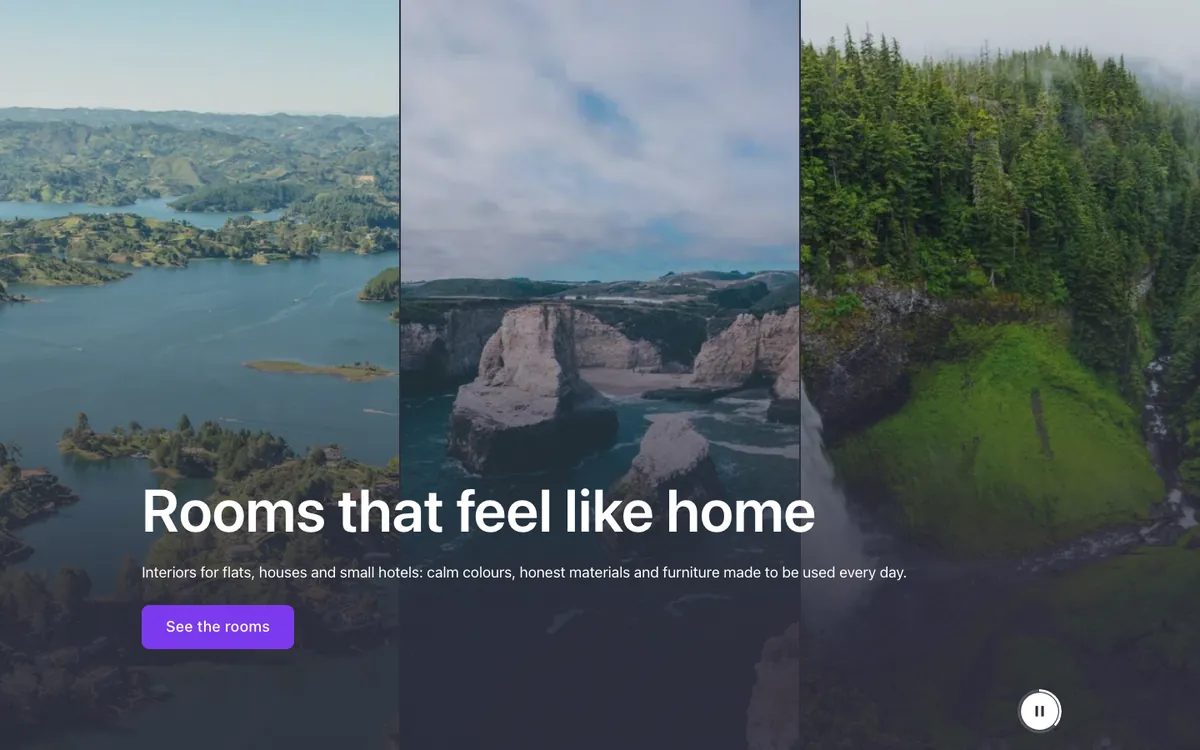
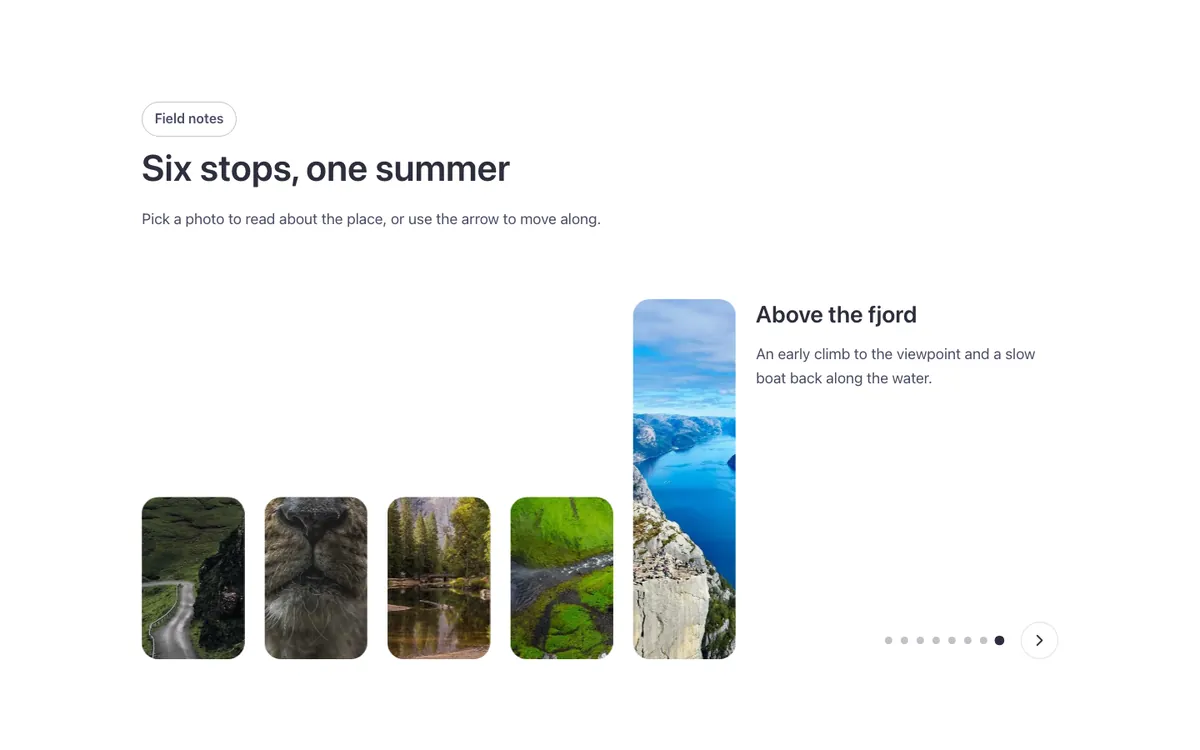
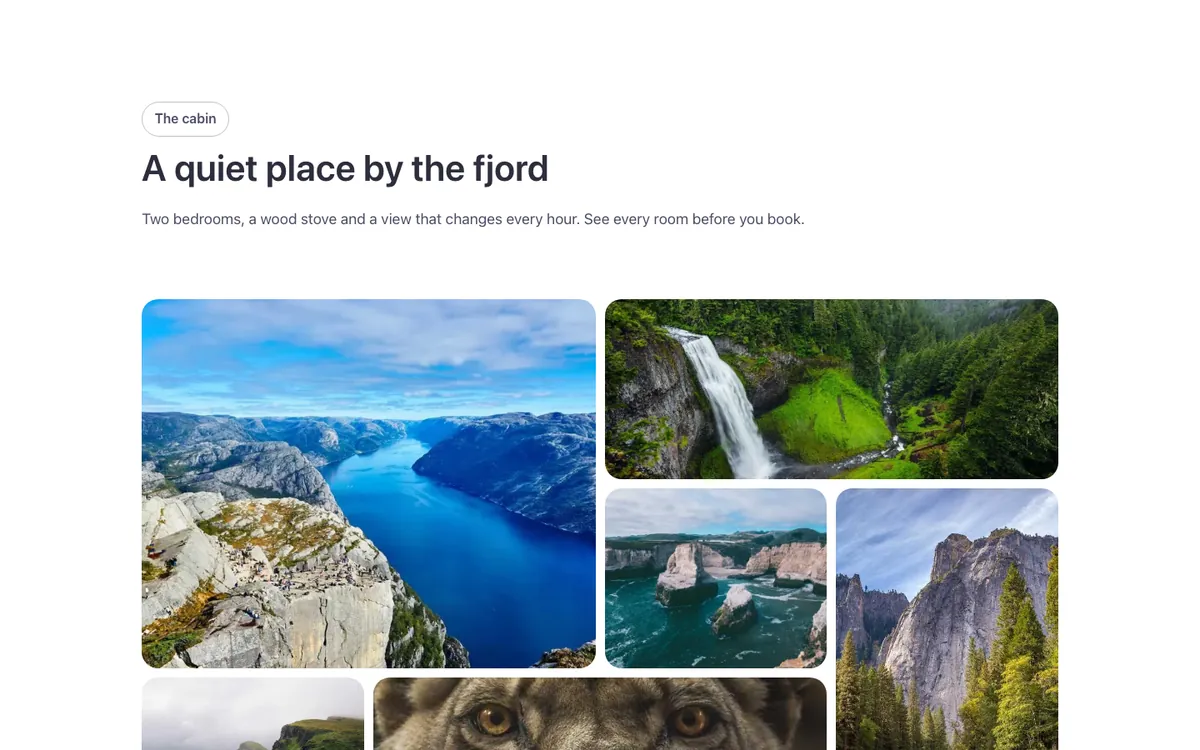
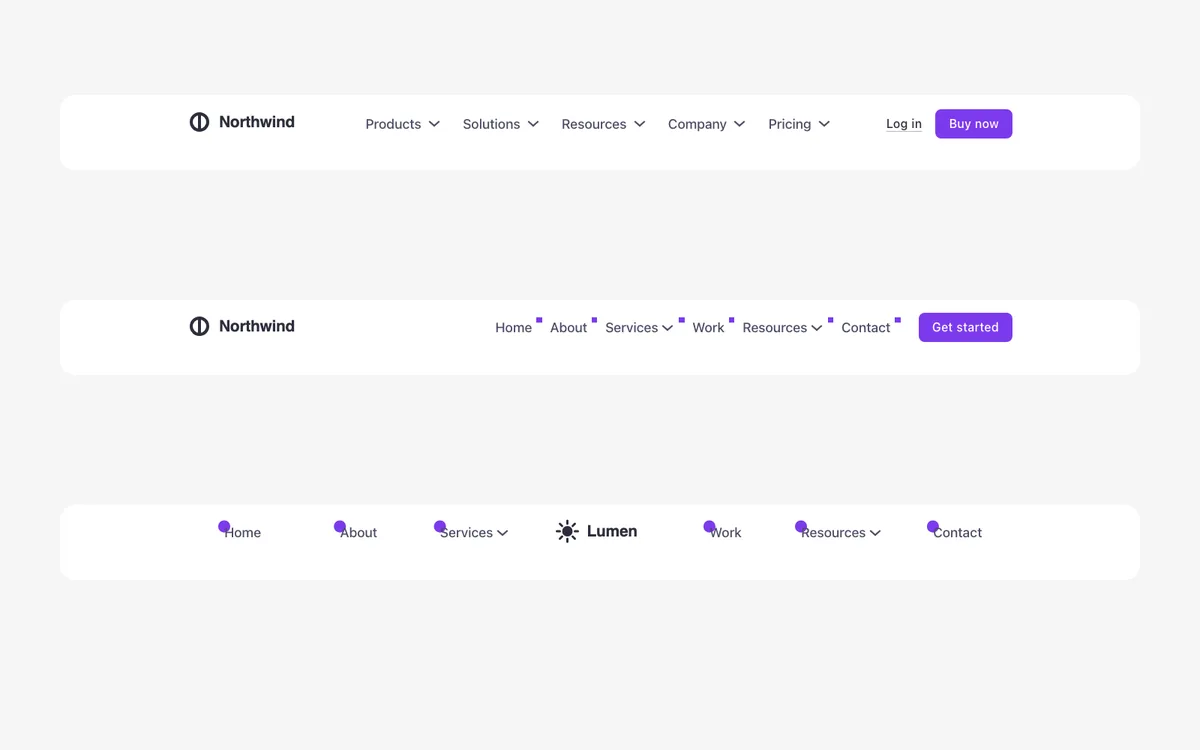
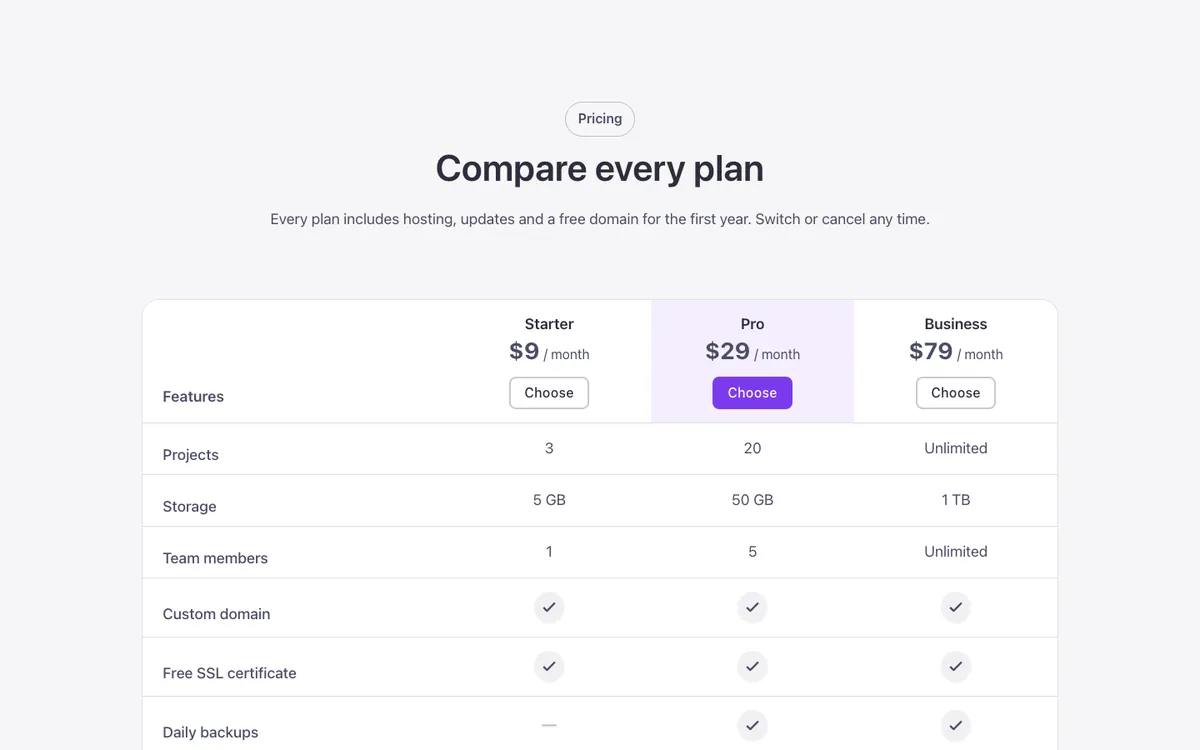
Some templates are free with a free account. The full library is $99/year.
See plansOne design system, not a pile of layouts
Social icons, share buttons, tags, arrows, tabs and accordions all share the same five options. Pick a look, a tone, a shape, a size and a hover, and every piece fits next to every other piece.
- Look
- Tone
- Shape
- Size
- Hover
Try the five options, then hover the pieces.
Built on your CSS framework and your variables
Templates with fixed colors and pixel sizes never quite match your site. Every Fancy Bricks template reads your colors, spacing, radius and type from your framework instead.
Desktop first or mobile first: you choose when you copy.
Compare frameworks.fbk-card {
padding: var(--card-padding);
border-radius: var(--radius);
background: var(--base-ultra-light);
color: var(--text-color);
}
.fbk-card__title {
font-size: var(--h3);
}.fbk-card {
padding: var(--space-s);
border-radius: var(--radius);
background: var(--bg-ultra-light);
color: var(--text-color);
}
.fbk-card__title {
font-size: var(--h3);
}.fbk-card {
padding: var(--space-s);
border-radius: var(--radius-m);
background: var(--bg-body);
color: var(--text-body);
}
.fbk-card__title {
font-size: var(--text-2xl);
}Name converted for this framework
Copy, paste and adjust
Copy and paste into Bricks Builder in a minute. Some templates use a small script, so Bricks asks you to turn on Code execution once.
Pick a template and your framework
Set it once and every copy uses it.
Click Copy and paste it into Bricks
Classes and components come with it.
Adjust it from the panel
Content, options and variables, no CSS needed.
Accessible and clean by default
Built carefully, so you don't have to check.
Accessible
Built to WCAG 2.2 AA and checked with axe: keyboard focus, heading order, a pause button on anything that moves.
Copy and paste, nothing to install
Pick your framework, click Copy and paste it into Bricks. No import, no remote library, no license keys.
Clean code
BEM classes with the fbk- prefix and variables only. No stray pixels or hex colors.
Any background, and dark mode
Every template works on light, soft, dark or brand sections, and most follow Fancy Framework’s dark mode.
A note in the builder
Each template tells you what it does, what to adjust and what it needs.
No required plugins
Bricks and a framework are enough. The Fancy Bricks plugin adds extras.
Support tickets
Annual and lifetime plans get help by ticket or email, from the people who build the templates.
Unlimited sites
Use every template on your sites and your clients'.
WooCommerce templates and Bricks Builder addons
Store pages built like the rest of the library, and a plugin with a few extra elements.
WooCommerce templates
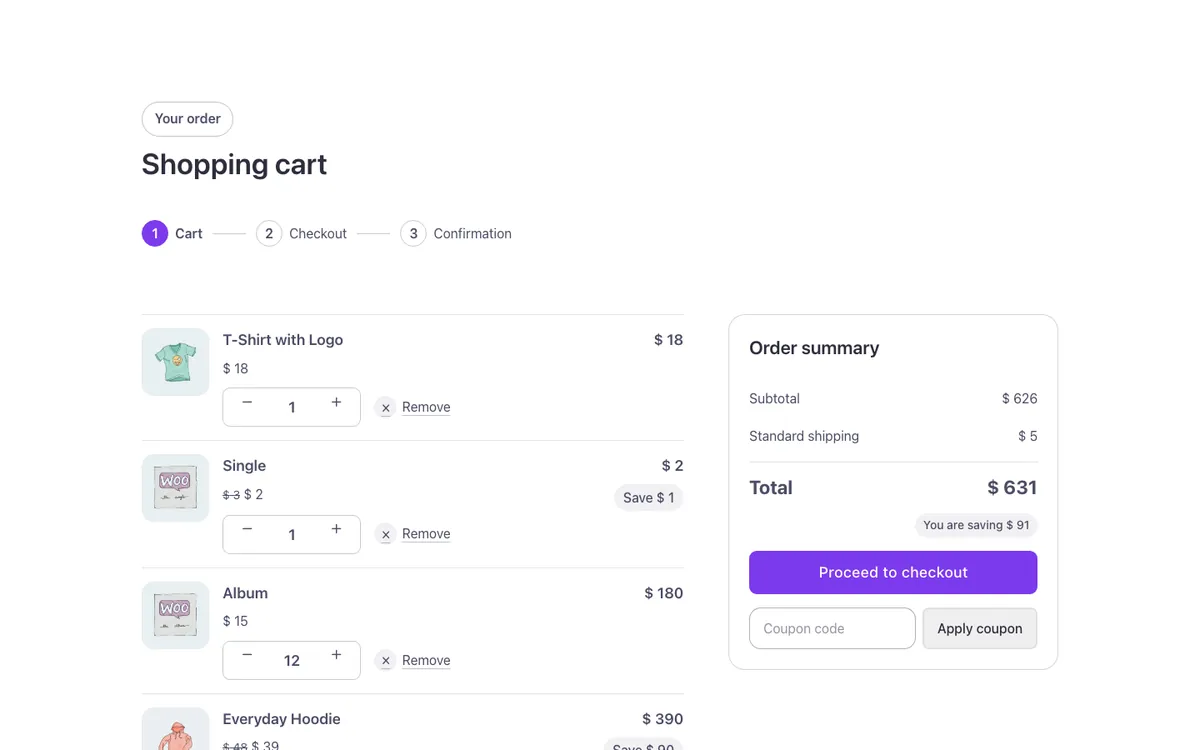
Product page, shop, cart, mini cart, checkout and My Account, built with Bricks’ own WooCommerce elements and the same system as the rest.
In the full library.
- Shop
- Product
- Cart
- Checkout
- My account
The Fancy Bricks plugin
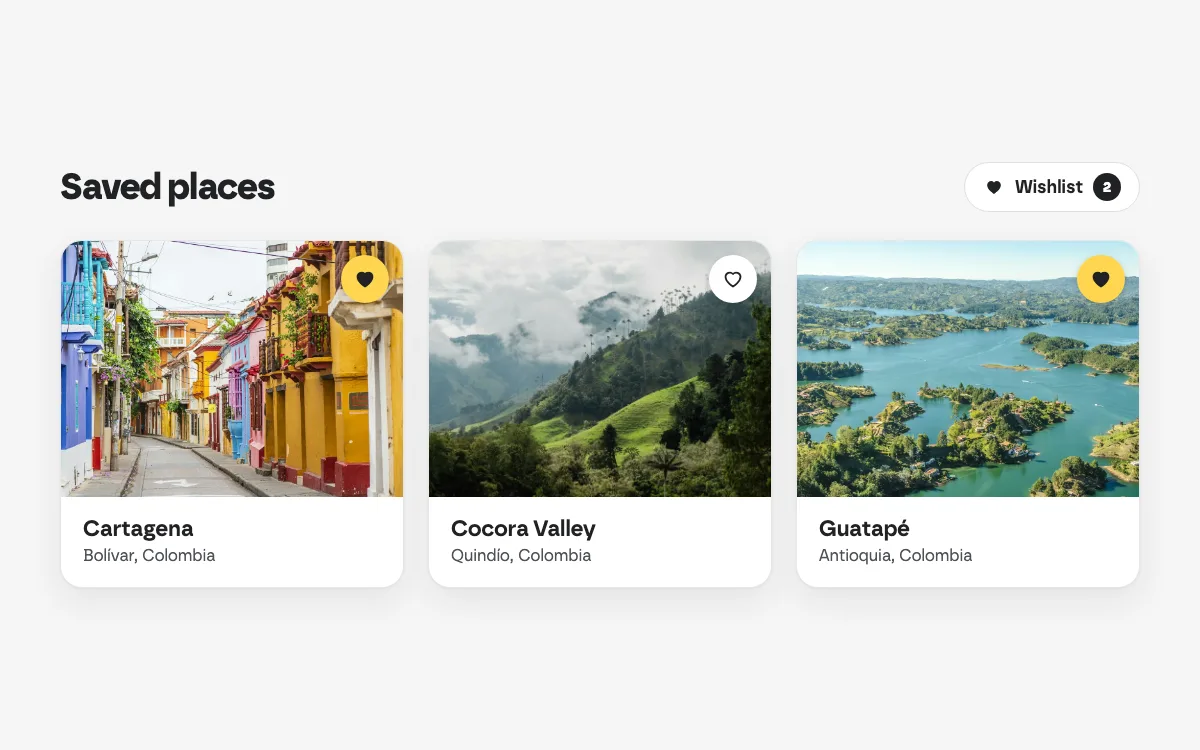
Bricks Builder addons for the elements Bricks doesn’t have. No template depends on it.
Included in annual and lifetime plans.
- Wishlist
- Before/after
- Countdown
- 360 viewer
What Bricks builders say
Long stories and one-liners from people who build with Fancy Bricks every week.
One plan, everything included
Start free. Upgrade when you need the full library.
Free
$0
- The free templates
- All three frameworks
- Desktop and mobile first
- Unlimited sites
- Community support
AnnualMost popular
$99/year
- The full library
- All components
- New templates while subscribed
- The Fancy Bricks plugin
- Tickets and email support
Lifetime
$299once
- Everything in Annual
- New templates forever
- Black Friday only
Back on special dates
Already a Fancy Bricks customer? Annual and lifetime plans move to 3.0 at no cost.
Questions, answered
Search the questions or browse them. Can’t find yours? Write to us.
8 questions
Do I need a framework?
Yes. Fancy Bricks 3.0 uses your framework’s variables so every template matches your site. Fancy Framework is free and installs in a minute. If you already use Automatic.css 4 or Core, copy the version for yours.
How do I use a template?
Pick your framework and desktop or mobile first, click Copy and paste into Bricks. Classes and components come with it.
Why does Bricks ask me to turn on Code execution?
Some templates, like sliders, tabs and counters, use a small script. Bricks only runs it with Code execution on, in Bricks › Settings › Custom code. The template page tells you when it’s needed.
Do the templates work in dark mode?
Most do. Templates marked “Dark mode ready” follow Fancy Framework’s dark mode: switch the site to dark and they switch with it. Try it in any template’s preview with Site mode.
Can I use the templates on client sites?
Yes, on unlimited sites, yours and your clients’. You can’t resell or share the templates themselves.
Are the templates accessible?
They’re built to WCAG 2.2 AA and checked with axe: keyboard focus, heading order, pause buttons on anything that moves and reduced motion respected.
I have Fancy Bricks 1.0 or 2.0. What happens now?
Your plan moves to 3.0. Everything you already pasted keeps working on your sites, and every template you know has a 3.0 version.
Will there be new templates?
Yes, regularly. Vote for what comes next on the roadmap.
No question matches that
Try another word, or ask us directly.
Start with free Bricks Builder templates
Create a free account, install Fancy Framework (also free) and paste your first section in a minute.
I’ll always try to surprise you with my templates. John