
Fancy Bricks plugin · 360 panorama
A 360 panorama viewer for Bricks Builder
A native element that puts the visitor inside a 360 photo. Drag to look around, zoom, switch scenes and go fullscreen.

Use the arrow keys to look around.
Use the arrow keys to look around.
Use the arrow keys to look around.
One photo, the whole room around it
- One 2:1 photo, drawn on the GPU
- Scenes that keep the view angle between them
- Starting angle, height and field of view
- Zoom with wheel and pinch, between two limits
- Live in the page, or a preview that opens fullscreen
- A lighter photo for phones
Settings you’ll find in Bricks
Screenshots of the real panel, set like the demo above. Pick a group.
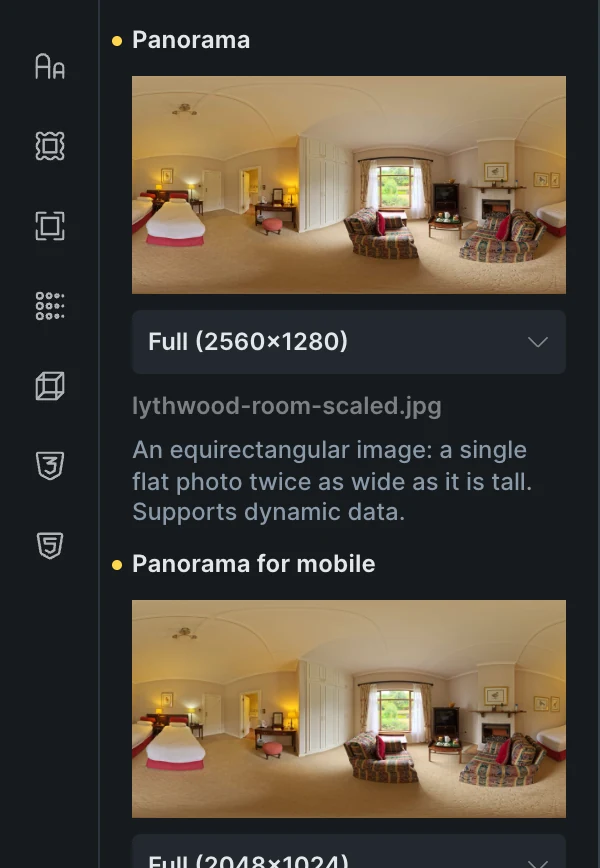


- One photo, a lighter copy for phonesAn equirectangular image twice as wide as it is tall, from the media library or dynamic data.
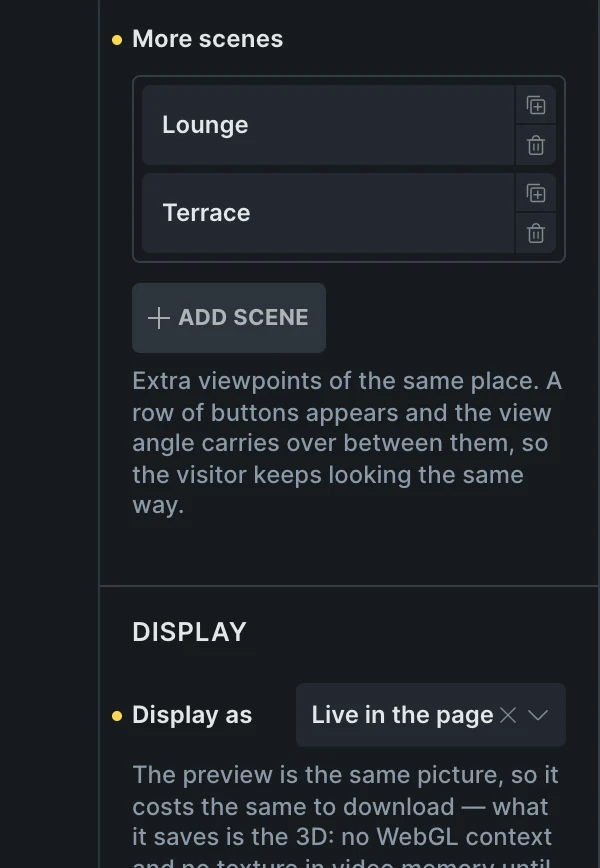
- Scenes and displayMore viewpoints of the same place, as buttons that keep the view angle; live in the page, or a preview.
- The starting viewStarting angle and height, field of view, closest and furthest zoom, and keep the horizon level.
- Drag, glide and zoomDrag sensitivity, invert direction, a glide after letting go, zoom with wheel and pinch, and a fullscreen button.
Included in the annual and lifetime plans. See plans
Built for places
Showrooms, venues and rentals
A panorama per room, scene buttons from lobby to terrace.
Hotels and real estate
A preview on the listing that opens fullscreen.
Portfolios
One panorama per project, inside a query loop.
A gallery section with room for a panorama
Put the 360 Panorama element where a photo goes.
Questions, answered
Can’t find yours? Write to us.
What photo does it need?
One equirectangular photo, twice as wide as it is tall, the kind a 360 camera saves. A lighter copy for phones is optional.
What if the browser has no WebGL?
It shows the photo instead of an empty box, and picks the view back up when the GPU returns.
Is it included in the free plan?
No. The plugin is an extra included with the annual and lifetime plans.
Included in the annual and lifetime plans
Install the plugin from your account once you’re on a paid plan. Free templates and frameworks stay free either way.
See plansHow to install the plugin