
Image gallery templates for Bricks Builder
Grid, masonry, fullscreen, flip and lightbox galleries you paste straight into Bricks. No gallery plugin, and they work on pages, posts and custom post types.
Filters
Category
Contains
Requires
Templates

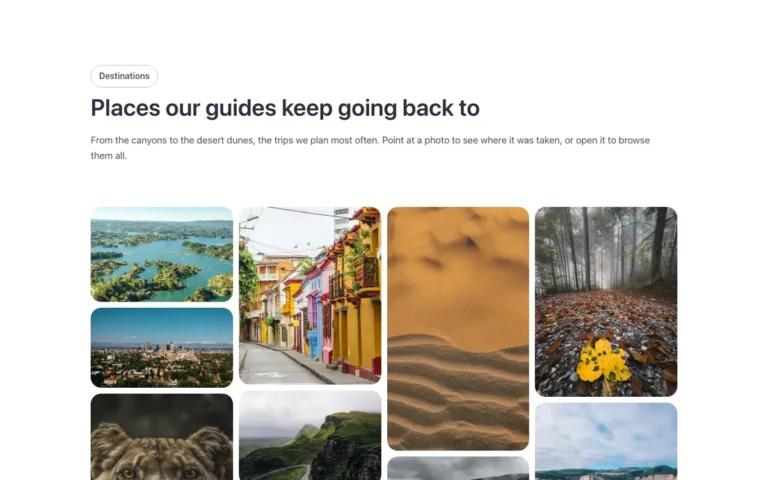
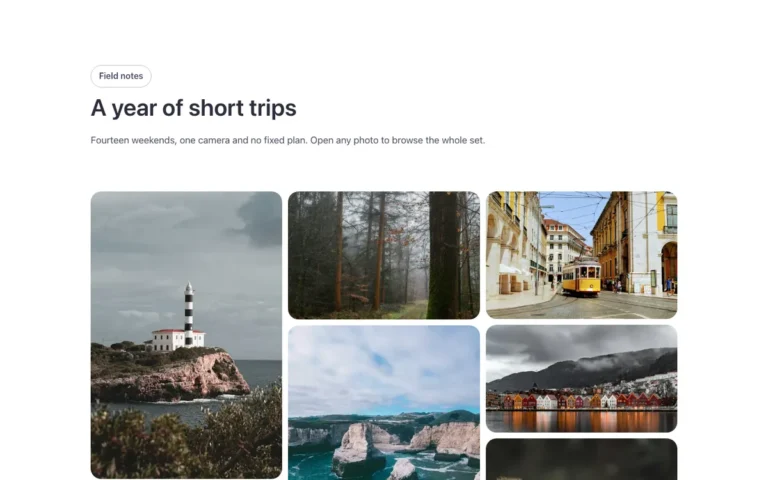
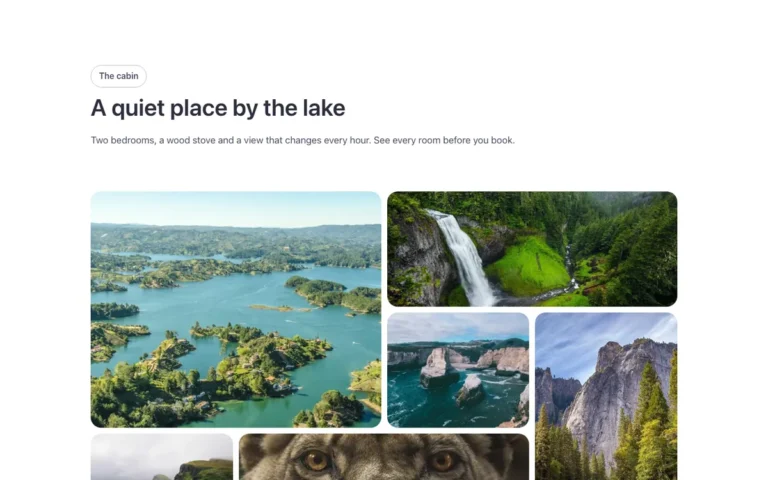
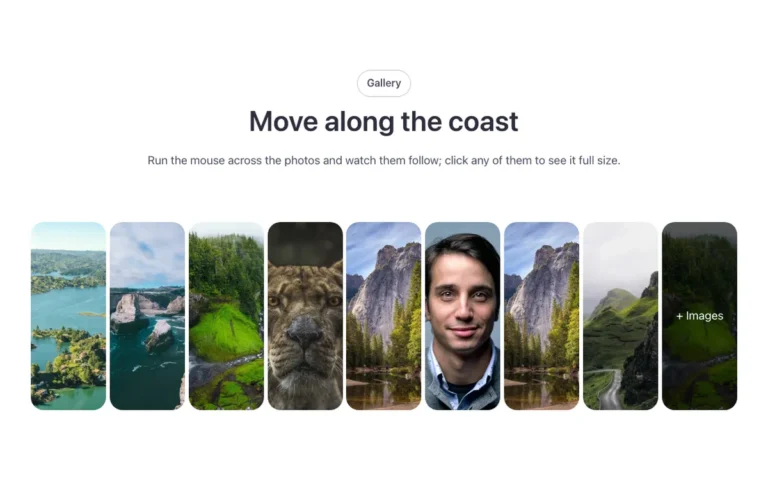
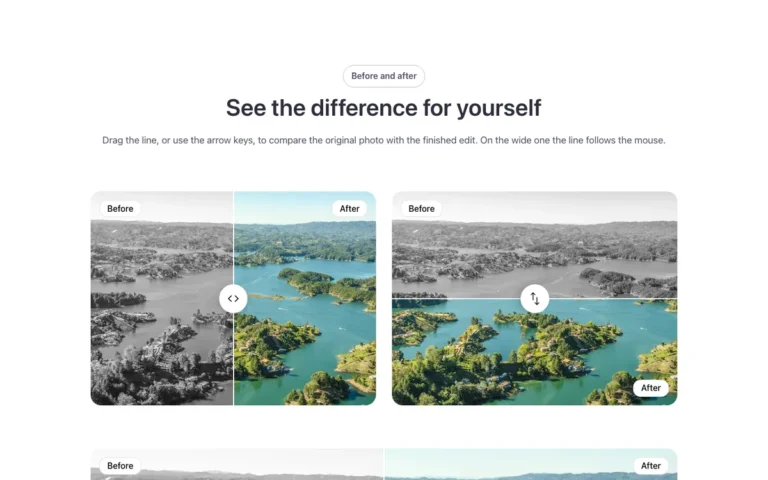
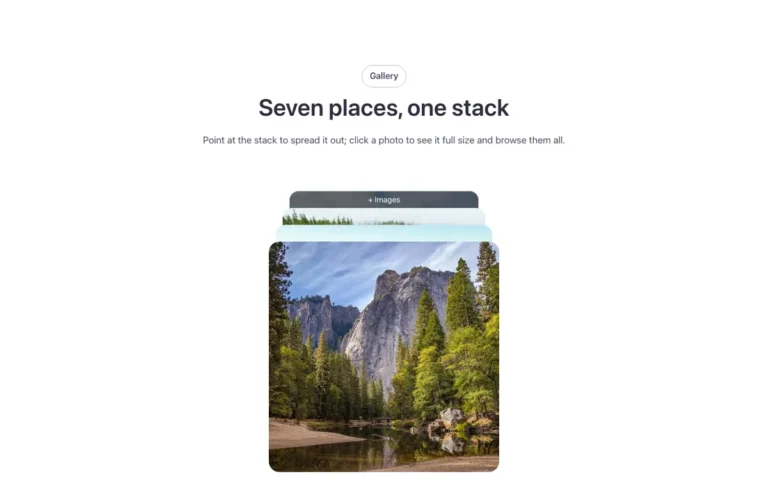
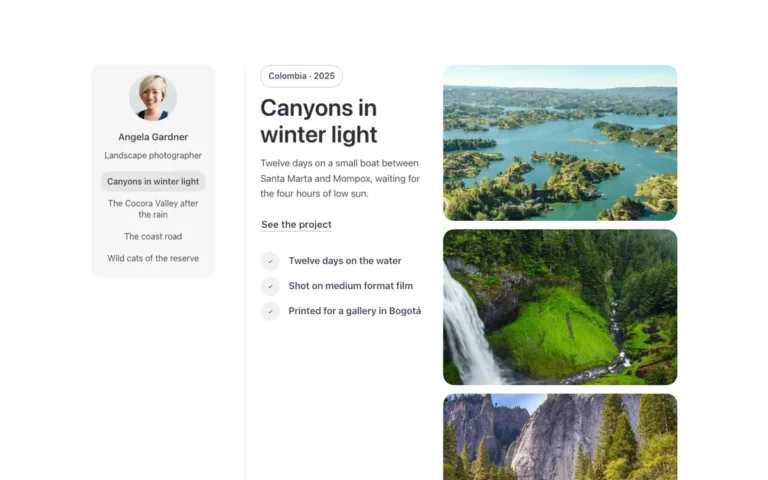

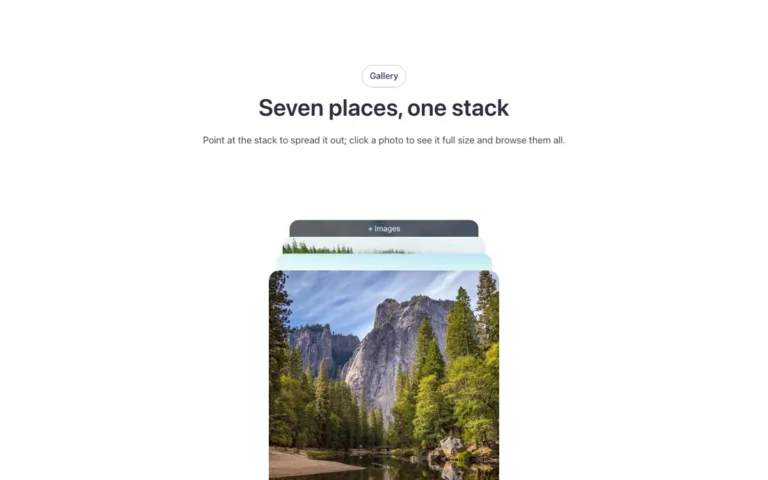
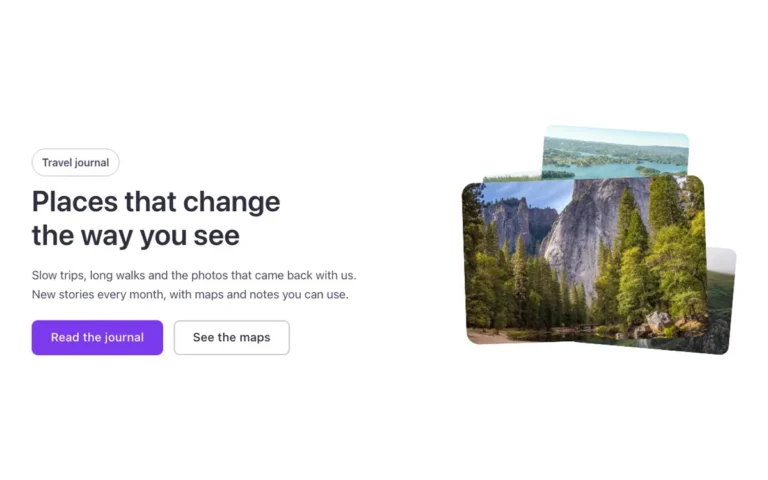








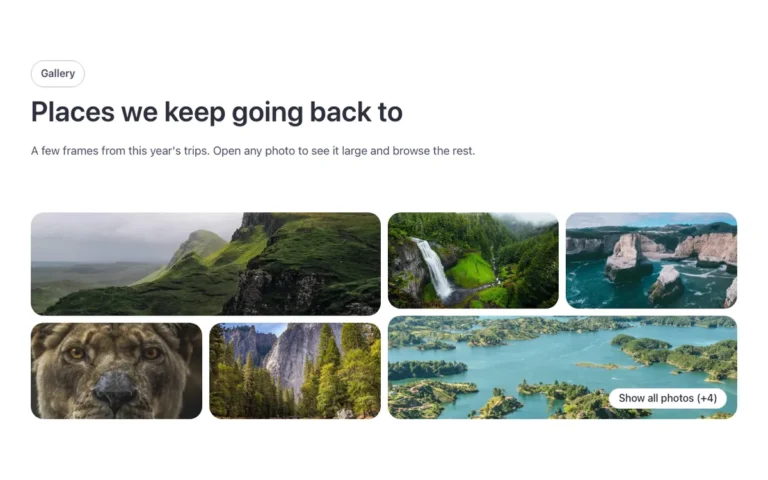
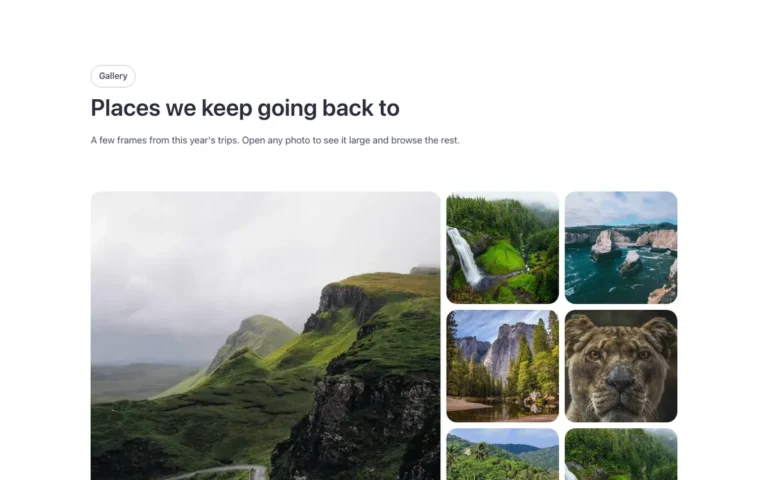
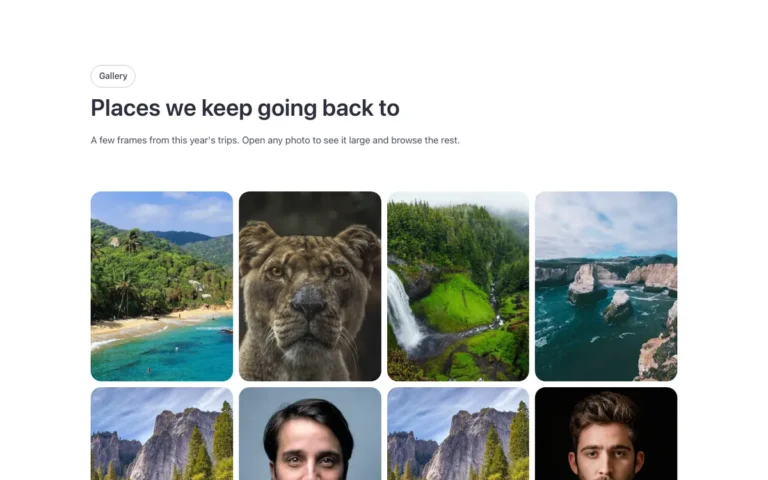
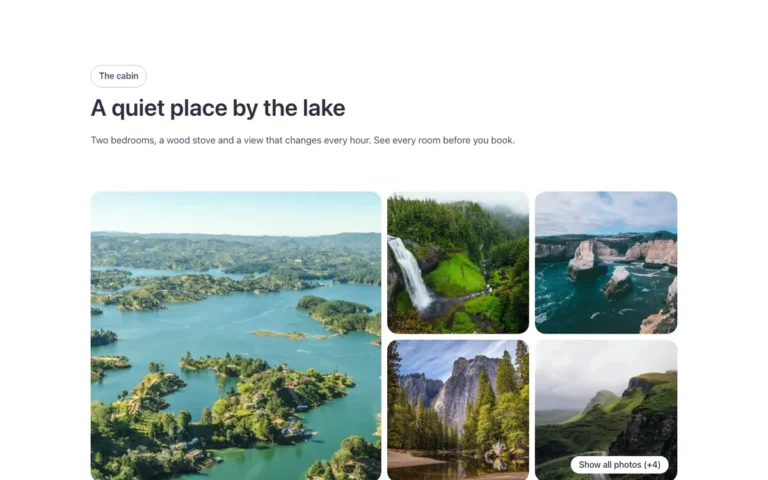
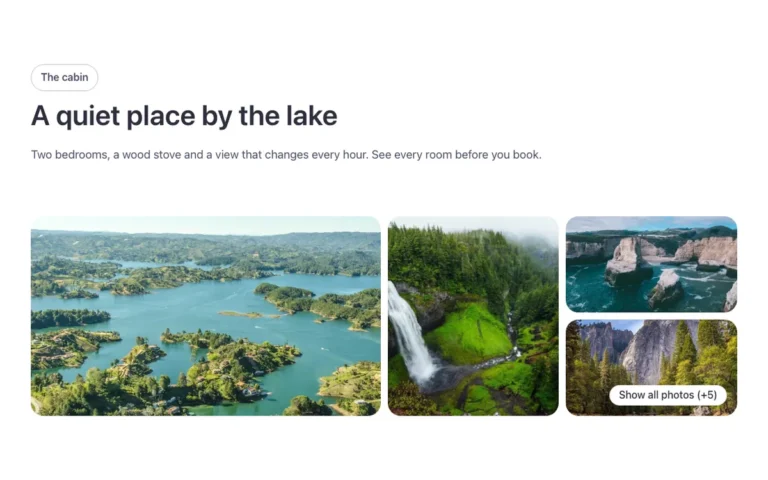

The same gallery in Fancy Framework, Automatic.css or Core
Each template ships in all three frameworks. Choose yours when you copy and it uses your colors, spacing and type. Fancy Framework is free if you don’t use one yet.
Start with the free templates
A set of templates is free with an account, including a hero, a slider, a gallery, an accordion and a timeline.
Browse by collection
Every collection of the library, each with its own page: hero sections, sliders, pricing tables, WooCommerce and more.
Questions, answered
Short answers about the library. Can’t find yours? Write to us.
Do I need a gallery plugin to use these templates?
No. The galleries are built with native Bricks elements and your framework's variables, so you paste them and edit them in the Bricks panel.
Can I use a gallery template on blog posts or custom post types?
Yes. Paste it into a Bricks template and fill the gallery from the media library or from a custom field, so every post or custom post type shows its own images.
What is a lightbox used for in a gallery?
It opens the image larger over the page when you click it, so visitors see the detail without leaving. The lightbox galleries work with the keyboard too.
Is there a free gallery template?
Yes. The free account includes a gallery template, so you can try it on your site before choosing a plan.
Can I use the galleries on client websites?
Yes. Every plan allows unlimited websites, your own and your clients'.
Which framework do the galleries need?
Fancy Framework, which is free, Automatic.css or Core Framework: each gallery comes in all three and uses your site's colors, spacing and radius.