Gallery · Show all photos bento
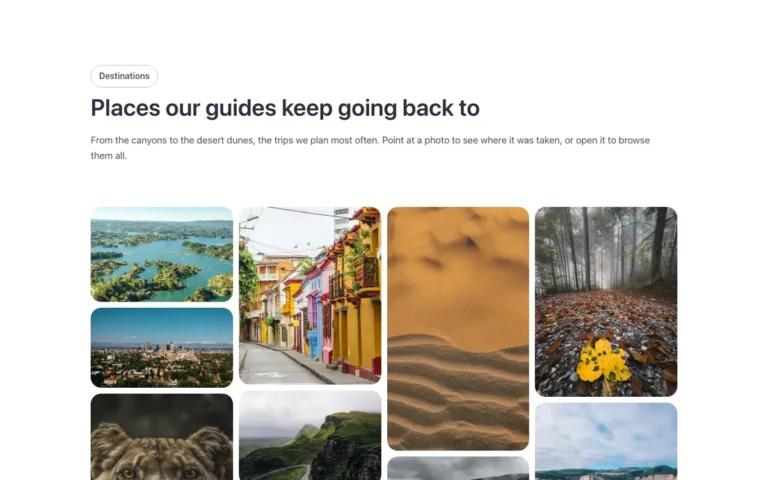
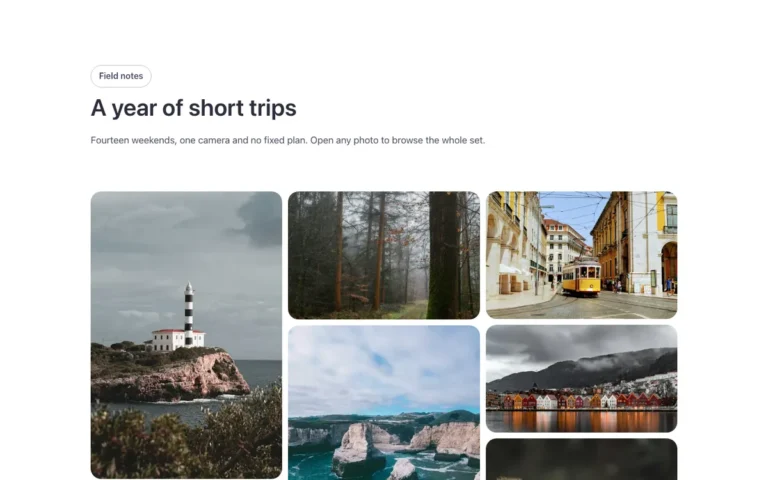
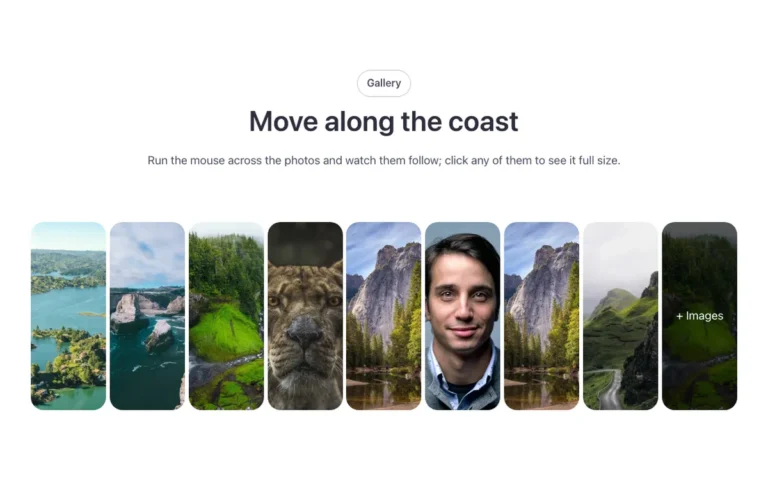
A bento image gallery for Bricks Builder, built on the native Bricks Image Gallery, with six cells of different sizes: large, wide and tall. From the seventh photo on, the rest are hidden behind a show-all pill and open in the lightbox. Fill it from the media library and it lays itself out.
Dark mode readyHow to use it
In the annual plan, $99/year. See plans
Preview

Loading demo…
Template details
What’s inside
The components it’s built from. They come with the template when you paste it, and you edit them from the Bricks panel.
- FBK Intro
Eyebrow, title, lead and an actions slot for buttons.
Adjust it
Change these variables in Bricks to tune it; everything else follows your framework.
On the element Gallery, class fbk-showall-bento
Height of one row of the bento
- --fbk-t-row
- clamp(8em, 15vw, 13em)