
Fancy Bricks plugin · Wishlist and favorites
Wishlist and favorites, built natively for Bricks Builder
A heart on any card, a live counter in the header, a query loop for the favorites page. Products or any post type, no account needed.
 CartagenaCartagena
 Cocora Valley
 Tayrona
 ProvidenciaCartagenaCocora ValleyTayronaProvidencia
A Bricks query loop with the Wishlist query type. Unfavoriting removes the row on the spot.
Nothing saved yet. Tap a heart on the cards.
Three pieces that work together
- A toggle with its own icon and text for each state
- A live counter by AJAX, linked to the favorites page
- A Wishlist query type for the favorites page
- Any public post type, counted on its own
- User meta for accounts, a cookie for guests
- Unfavoriting can remove the card on the spot
Settings you’ll find in Bricks
Screenshots of the real panel, set like the demo above: the heart and the counter are the same element. Pick a group.
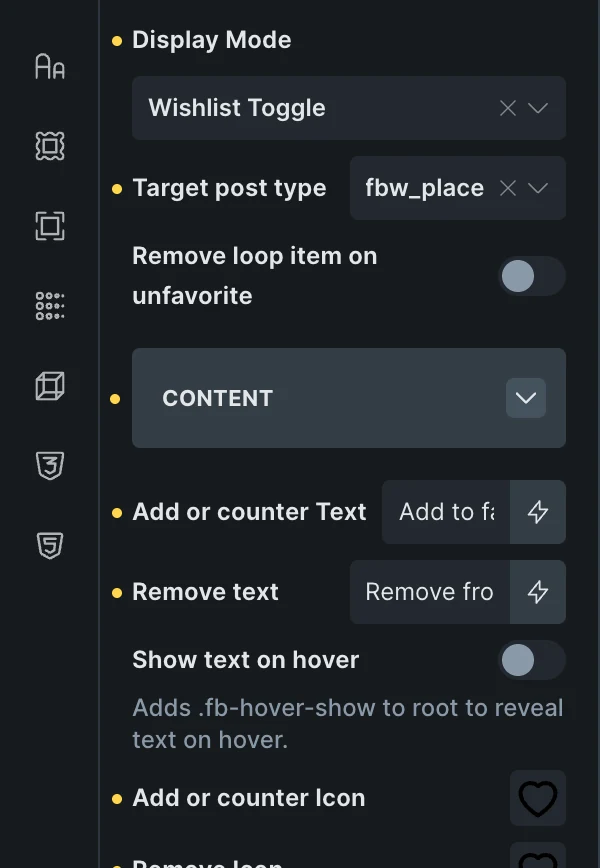
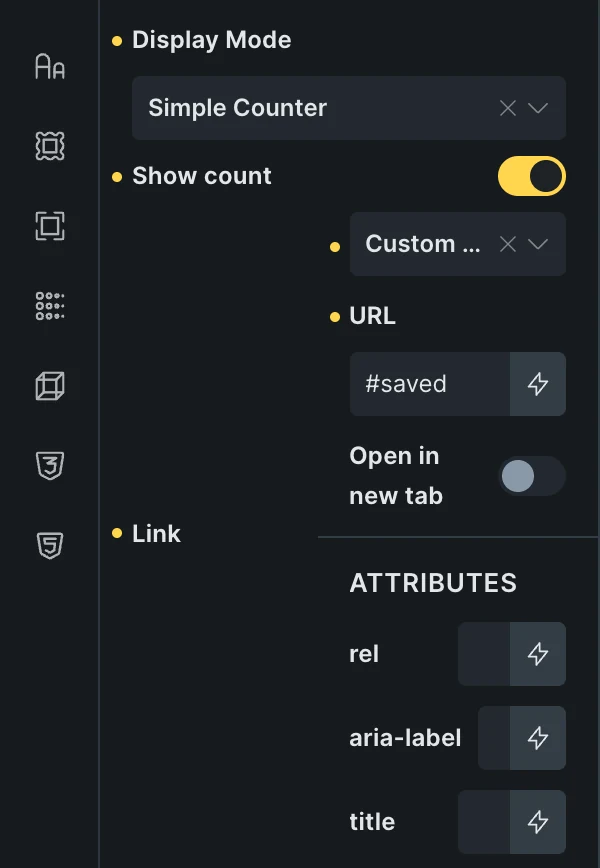
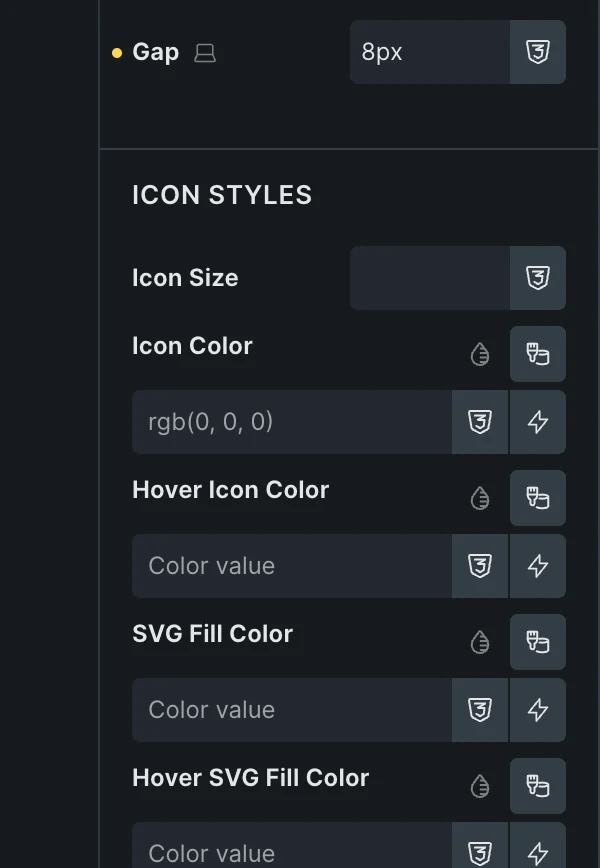
- Toggle or counterDisplay Mode: Wishlist Toggle on a card, or Simple Counter with a link to the favorites page.
- Any post typeThe demo places here; products, posts or another public post type on your site.
- Add and remove statesText and icon for each, text that shows only on hover, and an option to remove the card on unfavorite.
- Its own Styles groupGap, icon size, icon color and SVG fill, each with its hover color.
Included in the annual and lifetime plans. See plans
See it set up
The whole setup in the builder, step by step.
Not only for shops
WooCommerce shops
A heart on the shop loop and the product page, a counter by the cart.


Listings and directories
Save houses or hotels to compare later, no account.
Blogs and catalogs
Reading lists, saved recipes: any post type.
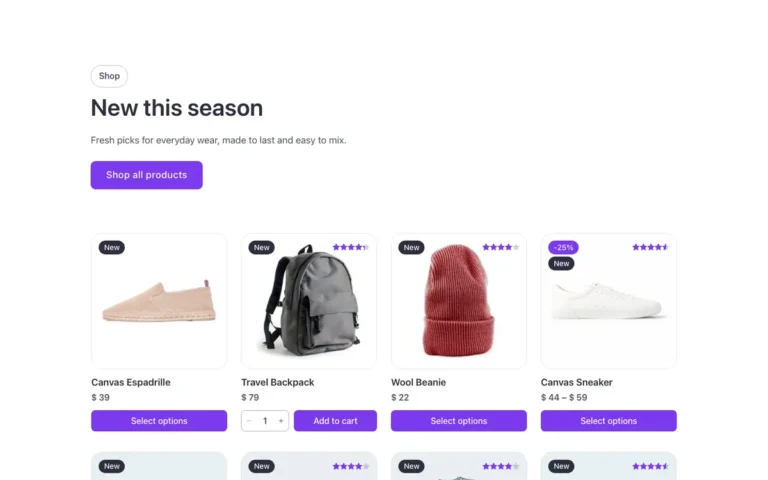
Shop sections ready for a heart
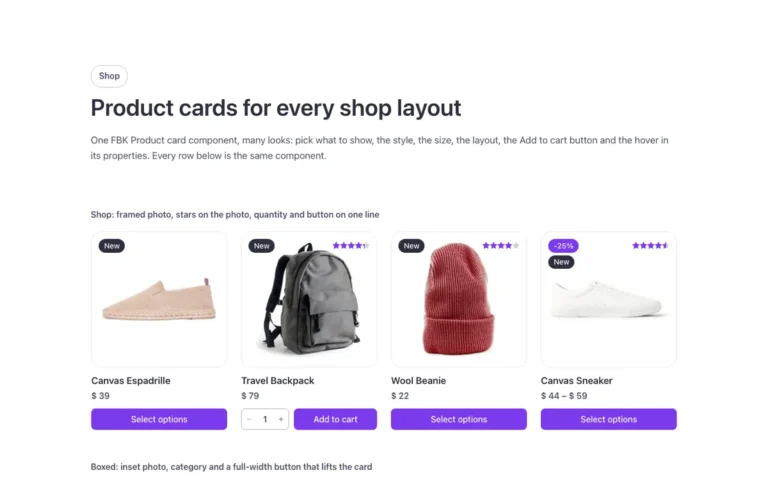
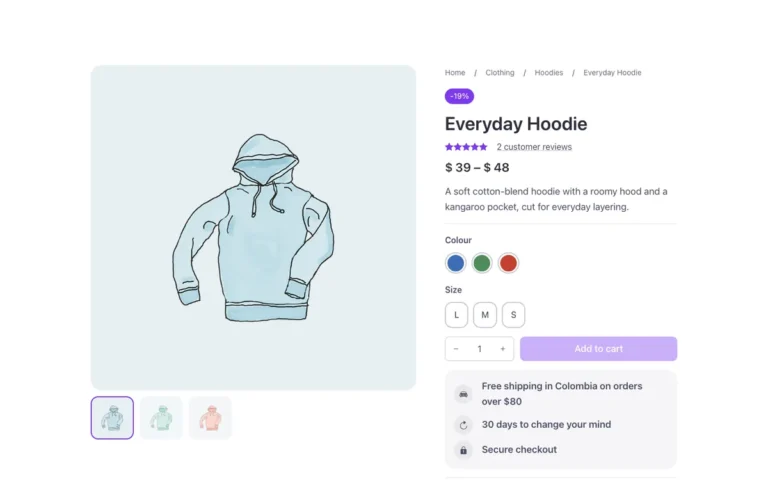
Product loops and a product page from the library. Drop the element in the card.
Questions, answered
Can’t find yours? Write to us.
Do visitors need an account?
No. Logged-in users keep their list in user meta; guests keep it in a cookie.
Can I use favorites on posts or custom post types?
Yes. Pick the target post type; each type is counted on its own.
Is it included in the free plan?
No. The plugin is an extra included with the annual and lifetime plans.
Included in the annual and lifetime plans
Install the plugin from your account once you’re on a paid plan. Free templates and frameworks stay free either way.
See plansHow to install the plugin