Gallery · Videos
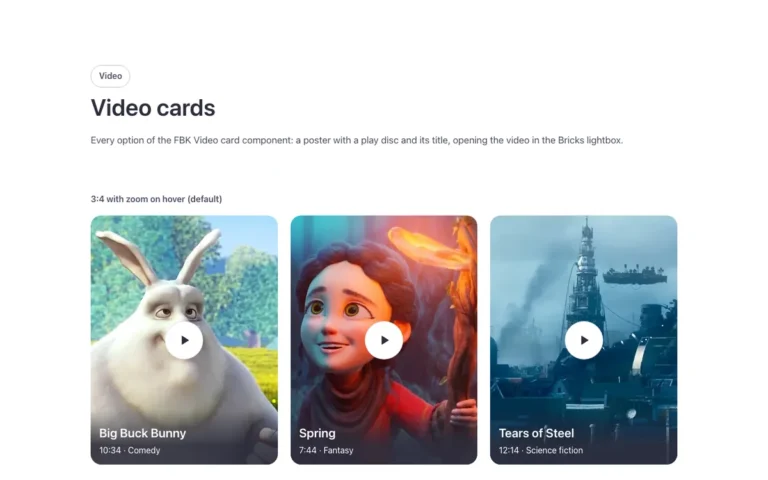
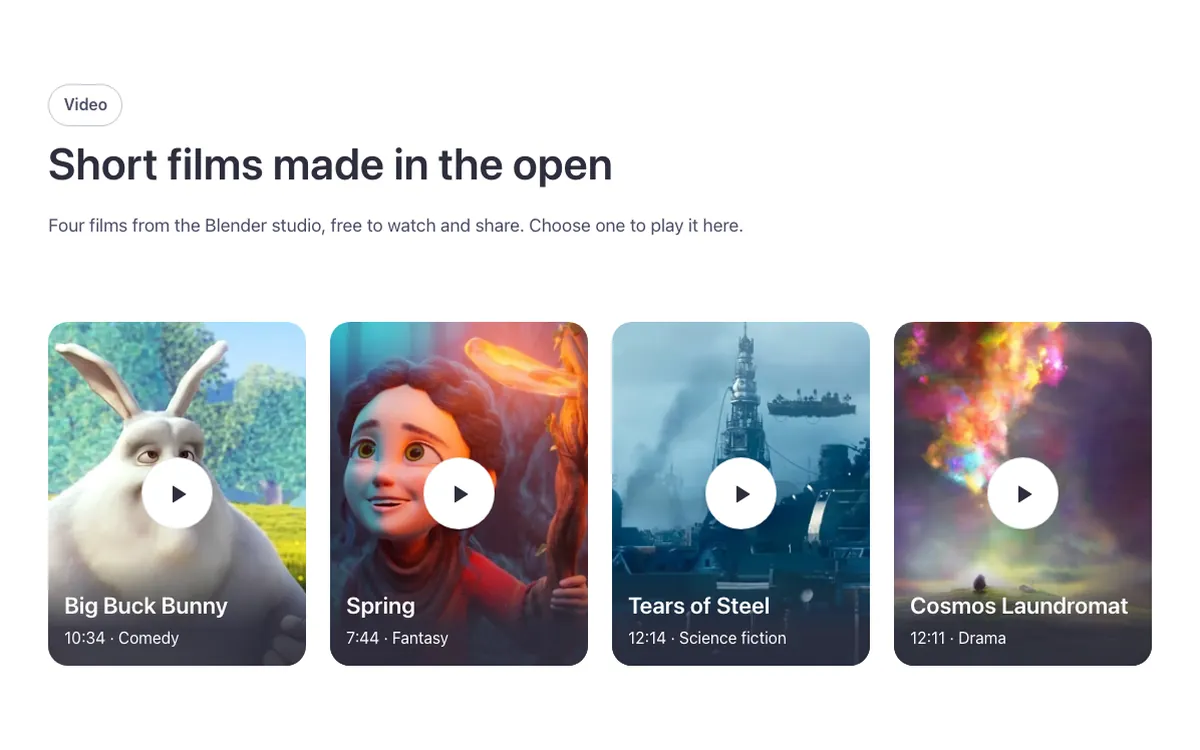
A video gallery for Bricks Builder with a row of video posters laid out in a simple grid. Clicking one opens its video in a lightbox, where you can move straight to the previous or next video without closing the lightbox first.
In the annual plan, $99/year. See plans
Uses a small script. Turn on Code execution in Bricks › Settings › Custom code. How to turn on Code execution
Preview
Loading demo…
Template details
What’s inside
The components it’s built from. They come with the template when you paste it, and you edit them from the Bricks panel.
- FBK Intro
Eyebrow, title, lead and an actions slot for buttons.
- FBK Video card
A video poster with a play disc that opens the video in a lightbox.
- FBK Video lightbox
A video player in a dialog for FBK Video cards next to it.
Adjust it
Nothing extra to set: it takes its colors, spacing and type from your framework.
Replaces
In Fancy Bricks 1.0 and 2.0 this was Video Gallery (YouTube) (1.0).