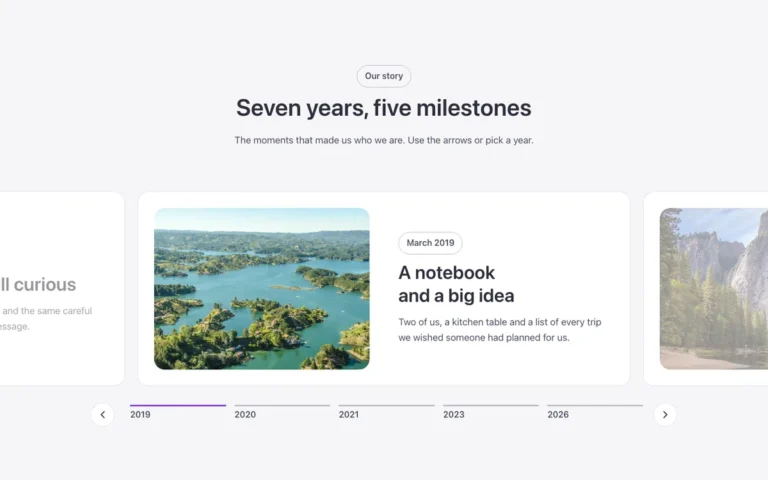
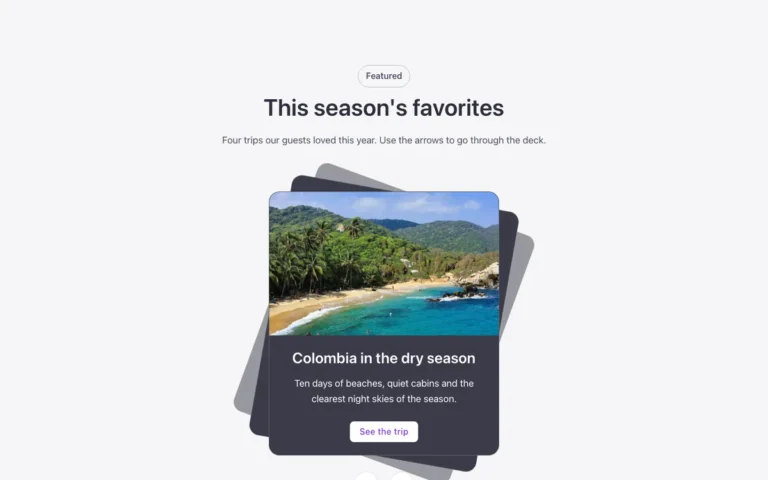
Focus carousel
A carousel for Bricks Builder set on a split dark and brand background, with an intro and button beside a centered row of cards arranged like a staircase: previous low, active larger in the middle, next high. Only the active card shows its text, keeping the focus on one at a time.
Free with a free account.
Preview

Loading demo…
Template details
What’s inside
The components it’s built from. They come with the template when you paste it, and you edit them from the Bricks panel.
- FBK Button
A link styled as a button, with style, size and width.
- FBK Card
A media slot, title, text, a content slot and an actions slot.
- FBK Intro
Eyebrow, title, lead and an actions slot for buttons.
Adjust it
Change these variables in Bricks to tune it; everything else follows your framework.
On the element Intro + carousel, class fbk-stairs
Space above and below (the two colors fill it)
- --fbk-t-pad-y
- var(--space-xl)
The brand half and its big decorative word
- --fbk-t-half
- var(--primary)
- --fbk-t-word
- "Get access"
- --fbk-t-word-color
- color-mix(in srgb, var(--white) 92%, transparent)
- --fbk-t-reach
- 4.5em
Height of the text panel under the active photo (close to the real content: title + one line + button)
- --fbk-t-panel-h
- 11em
- --fbk-t-side-scale
- 0.8
- --fbk-t-overlap
- var(--space-l)
Layout (changes below 767 px)
- --fbk-t-steps
- 1
- --fbk-t-columns
- minmax(0, 1fr) minmax(0, 1fr)
- --fbk-t-half-top
- 0px
- --fbk-t-half-start
- 50%
- --fbk-t-word-size
- calc(var(--h1) * 1.3)
Room under the carousel for the big word, minus the overlap (the word rides up into part of it)
- --fbk-t-pad-end
- calc(var(--space-m) * 2 + var(--fbk-t-word-size) - var(--fbk-t-overlap))
Replaces
In Fancy Bricks 1.0 and 2.0 this was Slider carousel (1.0).