Header · Shop
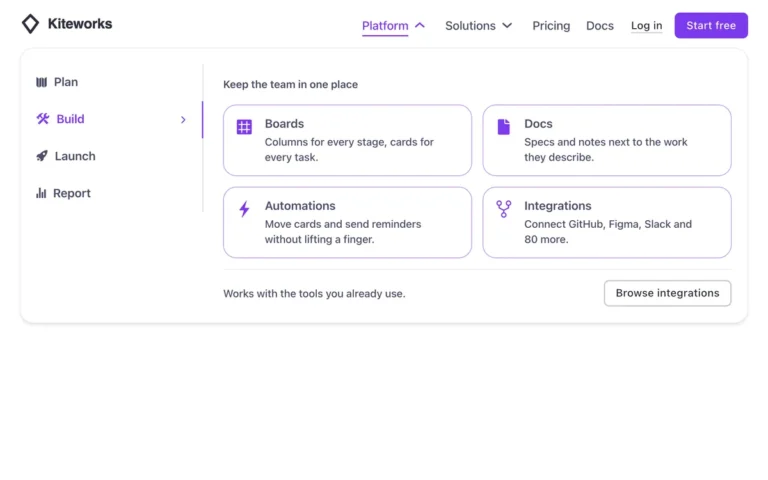
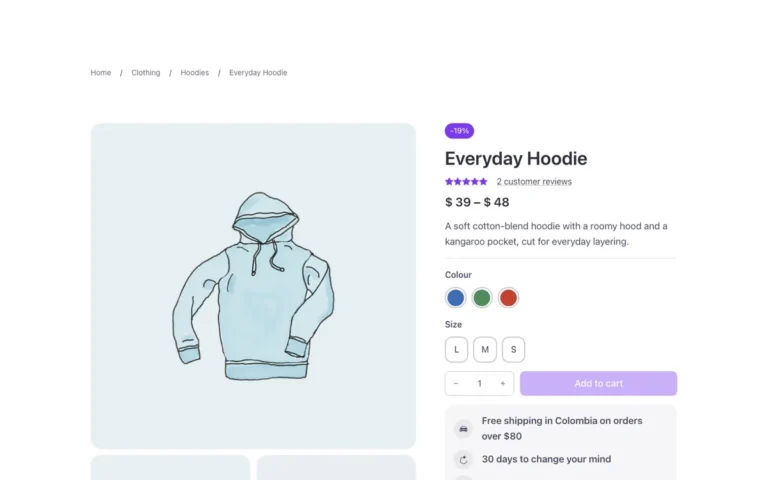
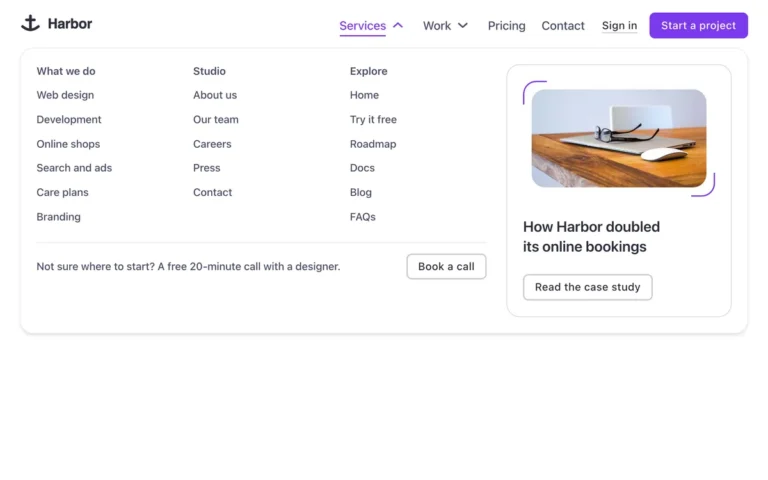
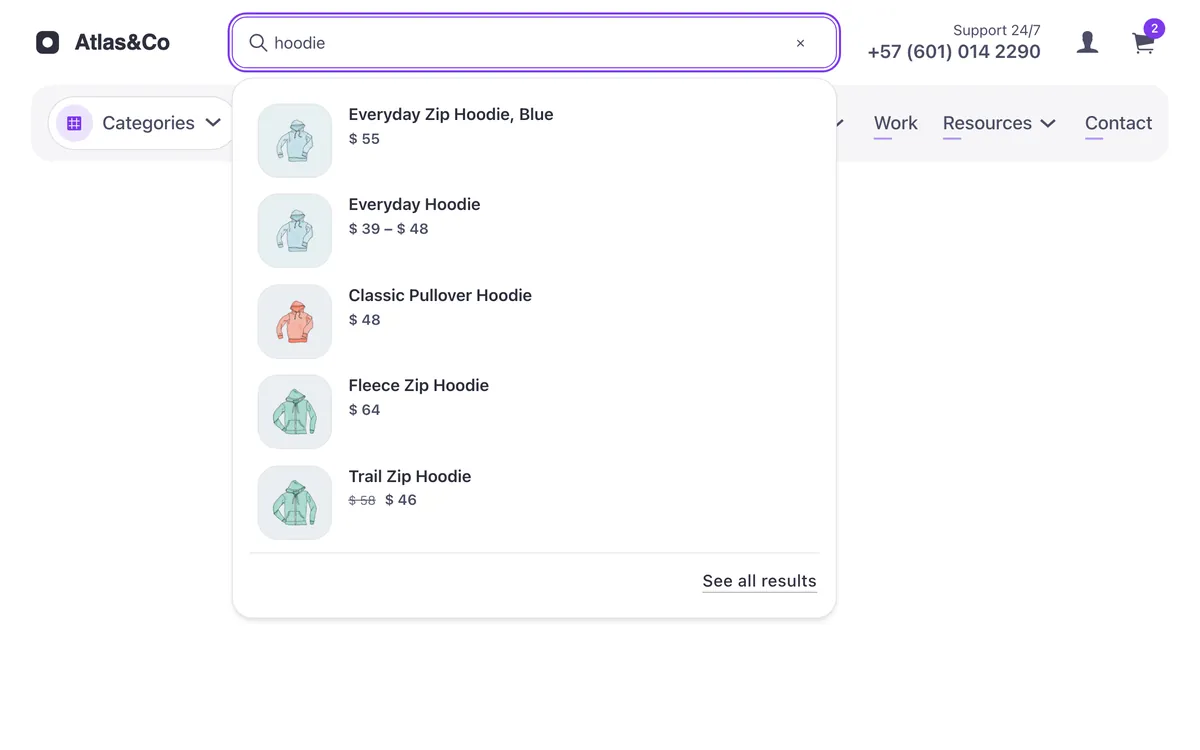
A WooCommerce shop header for Bricks Builder in two rows: the logo, a live product search, the support phone, the account link and the mini cart on top, and a band below with a large «Categories» dropdown and the menu. As you type three letters, matching products appear under the field with their photo, name and price, built on Bricks' native live search, and the arrow keys, Escape and Enter work as you'd expect. On phones the search gets its own row and the menu folds into a button.
In the annual plan, $99/year. See plans
Uses a small script. Turn on Code execution in Bricks › Settings › Custom code. How to turn on Code execution
Preview
Loading demo…
Template details
What’s inside
The components it’s built from. They come with the template when you paste it, and you edit them from the Bricks panel.
- FBK Button
A link styled as a button, with style, size and width.
- FBK Product card
A WooCommerce product inside a query loop, with its badges and cart button.
Adjust it
Change these variables in Bricks to tune it; everything else follows your framework.
On the element Header · Shop row, class fbk-hshop
Widest the search field gets (it sits in the middle of the row)
- --fbk-hshop-search-w
- 36em
Replaces
In Fancy Bricks 1.0 and 2.0 this was Woo header (2.0).