
FBK Post card
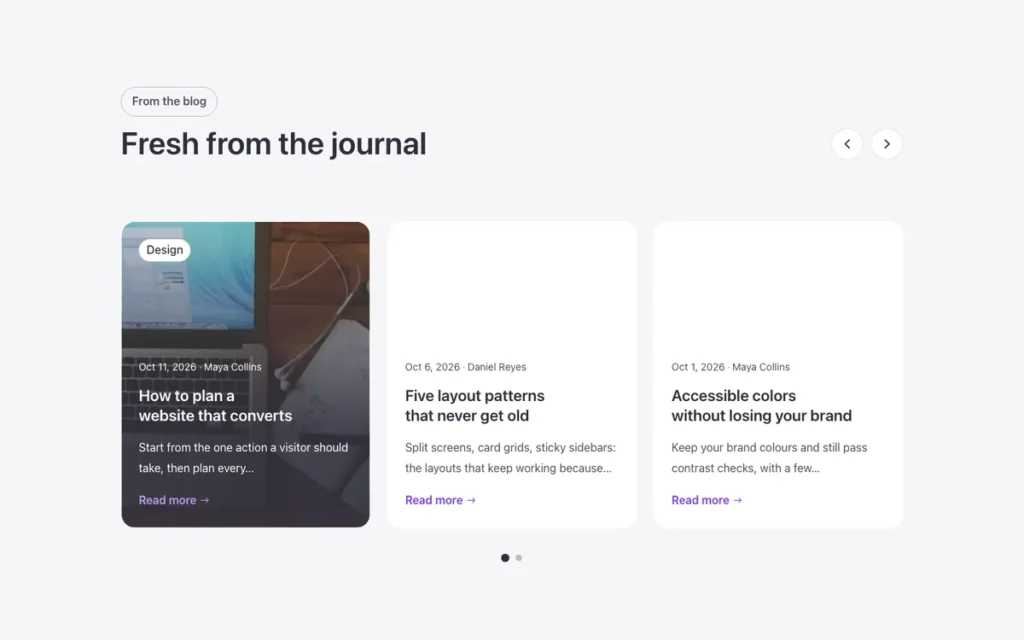
A blog post inside a query loop: image, title, excerpt, Read more.
- Used in 20 templates
- 23 options
- Native Bricks element
One FBK Post card, as in the first example below. Change anything from the panel after you paste it.
In the annual plan, $99/year. See plans
Every FBK Post card variation
Live from the demo site. Switch the width and the background, or open it full screen.
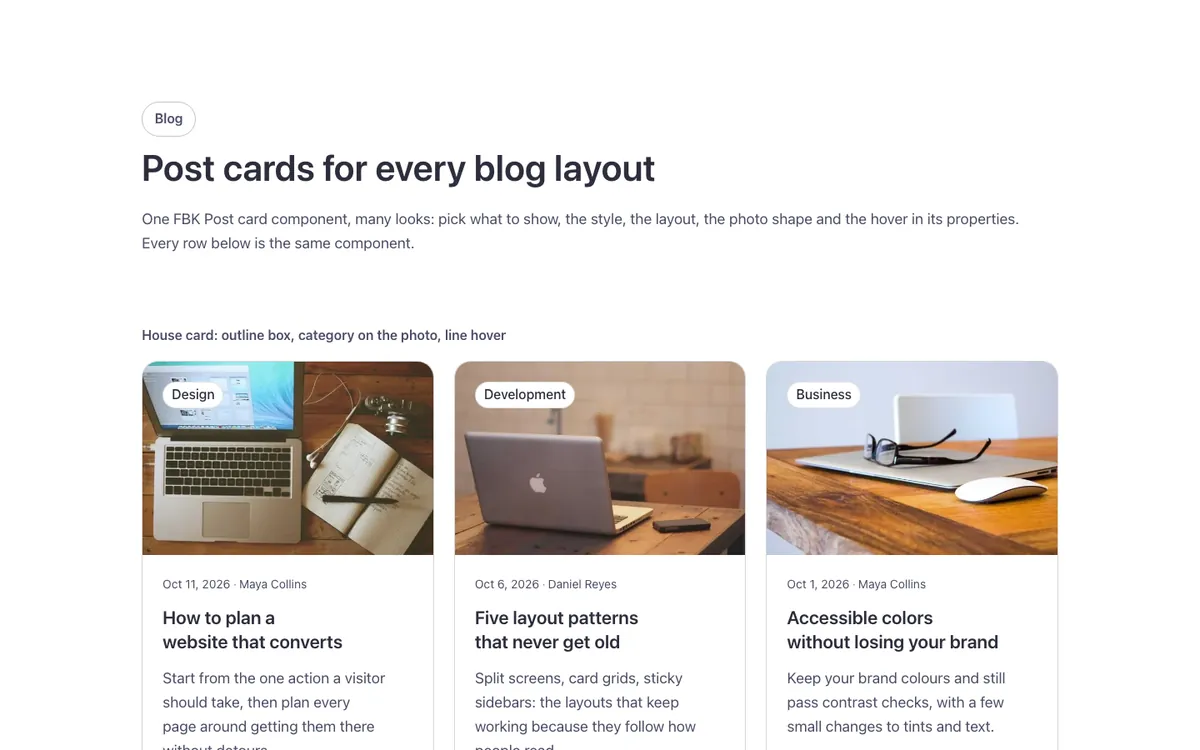
Loading demo…
The options
Every property of the component, in the order the Bricks panel shows them.
| Option | Choices | Default |
|---|---|---|
| Read more textA visual cue: the whole card is one link to the post (its title). | Any text | Read more |
| Excerpt length | Short (12 words), Medium (20 words), Long (32 words), Full excerpt | — |
| Hide excerpt | On or off | Off |
| Hide Read more | On or off | Off |
| Hide author | On or off | Off |
| Hide photoA text card: category, date, title and excerpt, no featured image. | On or off | Off |
| Author and dateFooter: the author's photo, name and date on a thin line at the bottom of the card. | Above the title, Footer with author photo | Above the title |
| Hide reading timeReading time in the meta line («4 min read»), worked out by Bricks from the post's content. Its text is on the «Post card · Reading time» element (Suffix). | On or off | On |
| Hide comment countThe post's comment count in the meta line, from Bricks' own dynamic data (no PHP of ours). | On or off | On |
| CategoryThe post's categories as a tag on the photo, as text in the meta line, or hidden. | On the photo, In the meta line, Hidden | On the photo |
| DateBadge: day and month in a white box on the photo. | In the meta line, Badge on the photo, Hidden | In the meta line |
| LookPlain: no box. Soft: a tinted box that fills on hover. Outline: a thin edge that fills on hover. Solid: filled. Elevated: a raised surface with a small shadow. The same looks as every Fancy Bricks component (and the buttons: Ghost, Secondary, Outline, Primary). | Plain, Soft, Outline, Solid, Elevated | Outline |
| ToneBrand: your accent color. Neutral: the text color around it. White: the same on every background, for controls over photos. | Brand, Neutral, White | Neutral |
| ShapeRounded and Square follow your site radius. | Rounded, Square | Rounded |
| PaddingBy card size: S for 4 cards per row, M for 3, L for large ones. | S, M, L | M |
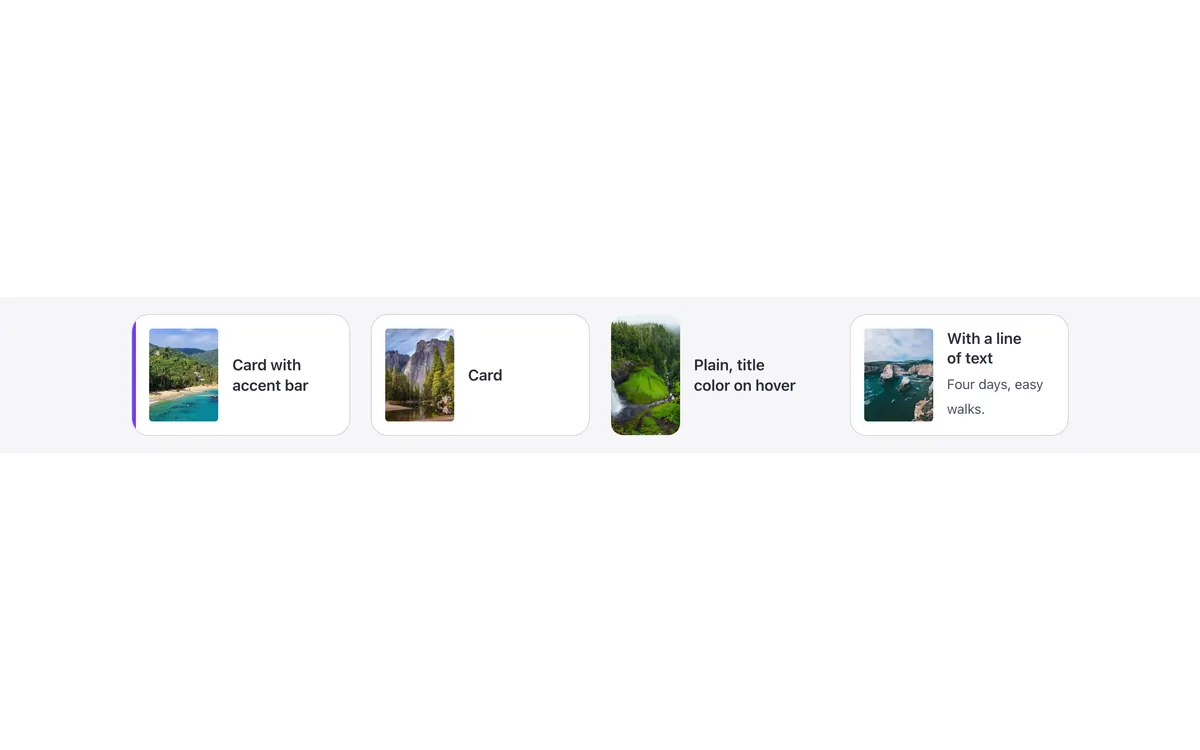
| LayoutHorizontal: photo beside the text, for lists and wide columns. Overlay: the photo fills the card and the text sits on it (height from --fbk-card-overlay-height on a parent). Mini: a small square photo, the date and a two-line title, for sidebars and short lists (no excerpt, tag or button). Panel: the photo on its own and the text on a panel over its lower edge (the look goes on the panel). | Vertical, Horizontal, Overlay, Mini, Panel | Vertical |
| Photo positionLast: the text first and the photo below it (or on the end side in the Horizontal layout). | First, Last | First |
| Photo shapeOriginal keeps each photo's own shape (for masonry walls). | 3:2, 16:9, 4:3, Square, Original | 3:2 |
| Photo hoverZoom: the photo grows a little. Tilt: the photo sits inside the card and tilts. Black and white: a gray photo that gets its color back (always in color on touch screens). | Zoom, Zoom, black and white to color, Black and white to color, Tilt, None | Zoom |
| Card hoverLine: a thin accent line draws along the bottom edge (class fbk-post--line). Reveal (Overlay or Panel layout): the excerpt opens under the title. Rise (Panel layout): the text panel lifts a little over the photo (class fbk-post--rise). The title always takes the hover color. | Line, Line and reveal, Reveal, Rise (Panel layout), None | Line |
| Title sizeM (H5) suits three or four cards per row; S small cards; L two wide columns. Mini cards keep their own small title. The title shows three lines at most. | S, M, L | M |
| Title levelH3 inside a section with an H2 title. | H2, H3, H4 | H3 |
| HTML tagThe query loop goes on the li around the card; keep article. | article, div | article |
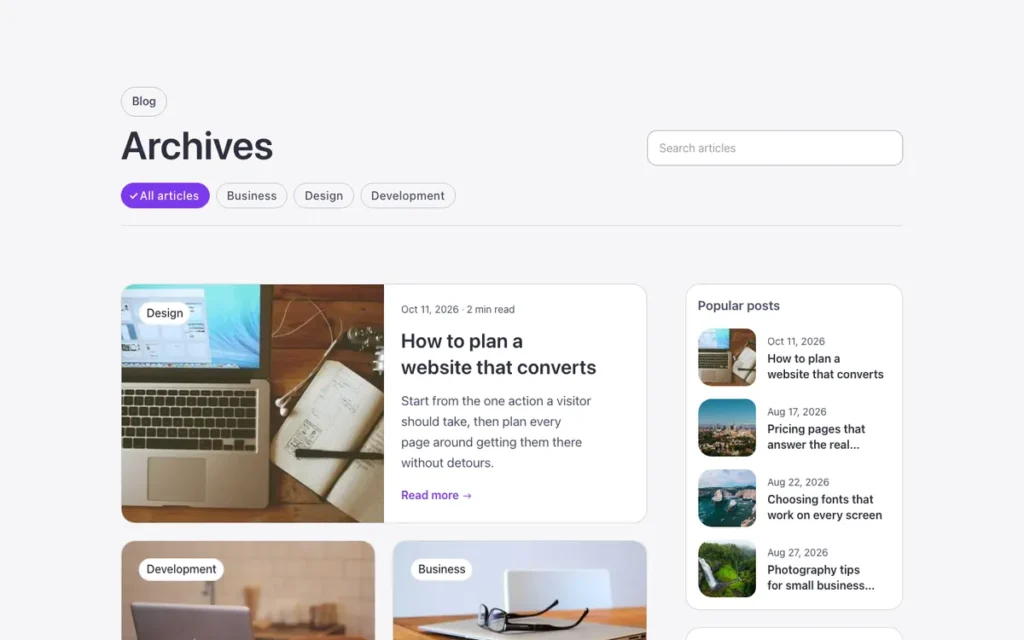
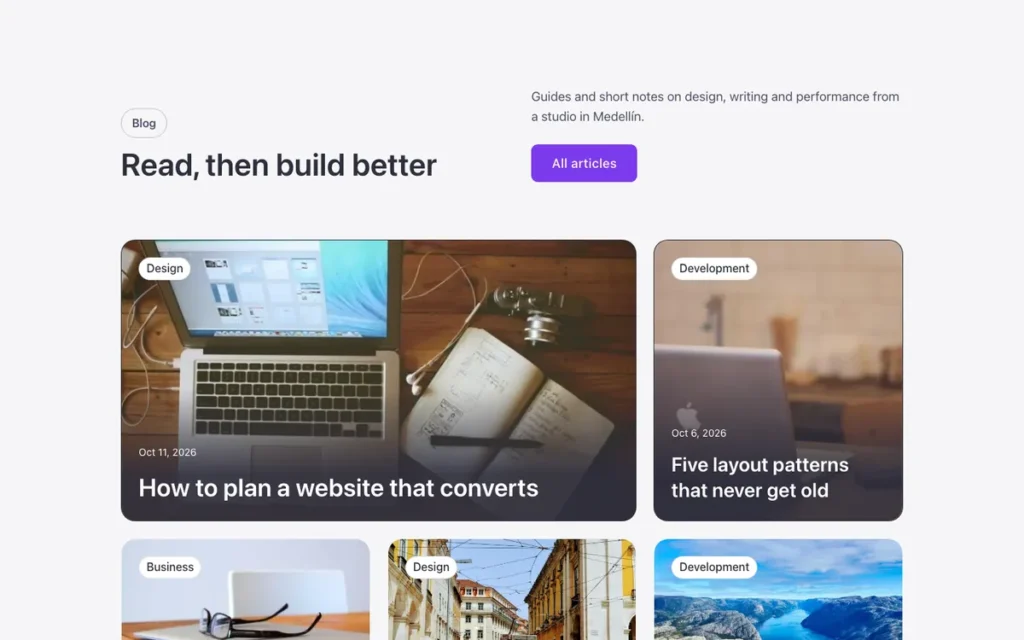
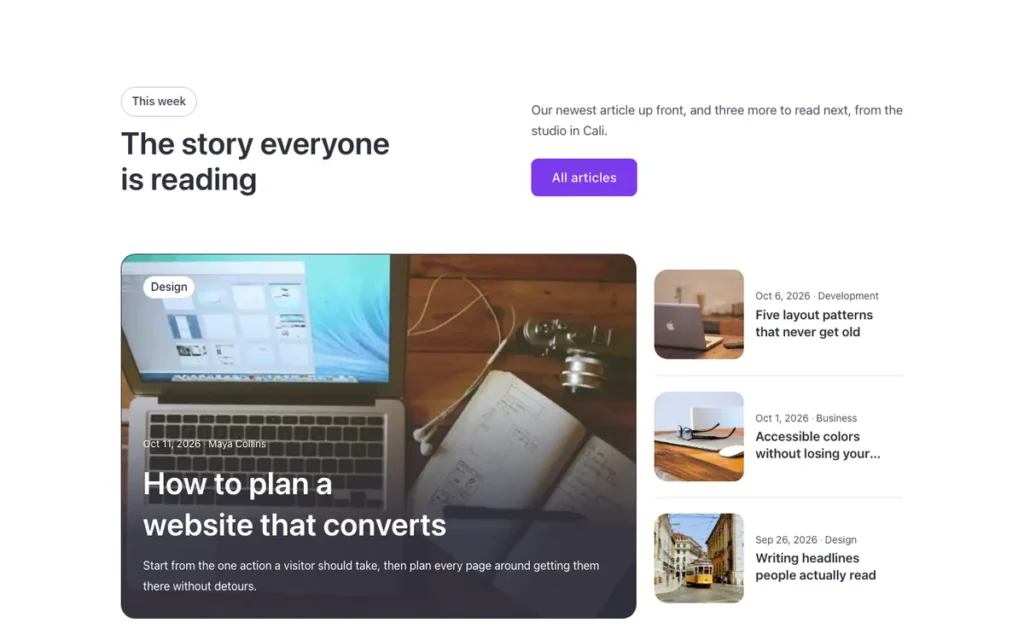
Used in 20 templates
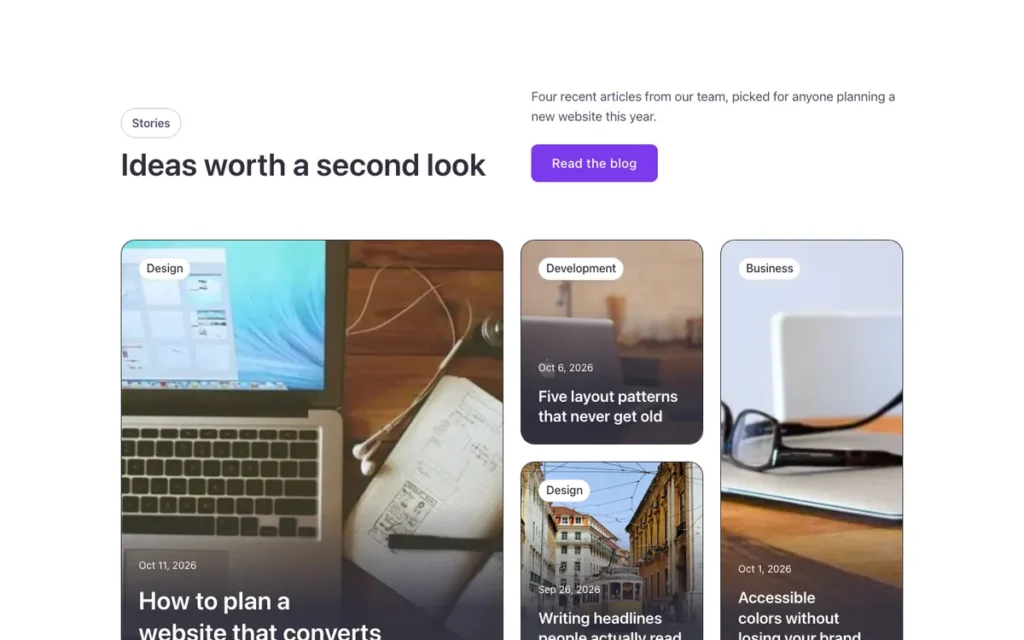
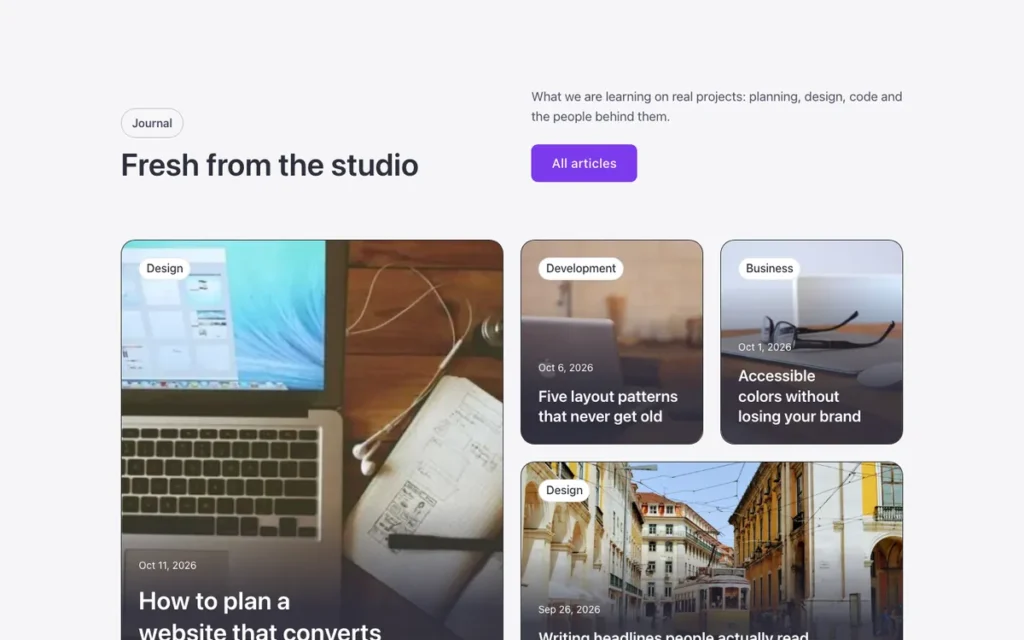
A few of them. Change FBK Post card once on your site and every one of these sections follows.
Related components
All components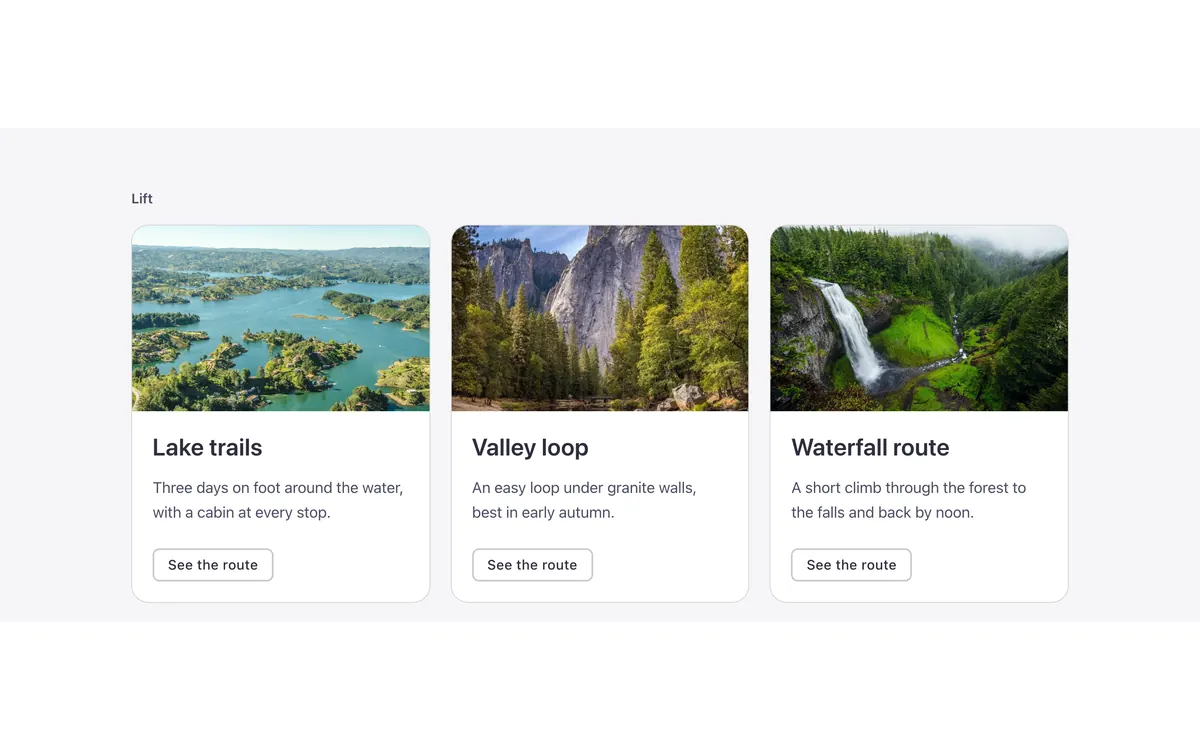
Questions, answered
Short answers about FBK Post card.
Do I need a template to use FBK Post card?
No. Copy it from this page and paste it anywhere in Bricks. It also comes with every template that uses it.
What happens if I change FBK Post card on my site?
Every instance follows: the design lives in the component and its classes, not in each copy.
Does it work with my framework?
Yes. Copy it for Fancy Framework, Automatic.css or Core Framework, and it uses your colors and sizes.
Every component comes inside a template
Browse the library, copy a section, and the components it uses come with it.