
FBK Nav
A header bar on its own: logo, menu and actions slots.
- Used in 1 template
- 10 options
- Native Bricks element
One FBK Nav, as in the first example below. Change anything from the panel after you paste it.
In the annual plan, $99/year. See plans
Every FBK Nav variation
Live from the demo site. Switch the width and the background, or open it full screen.
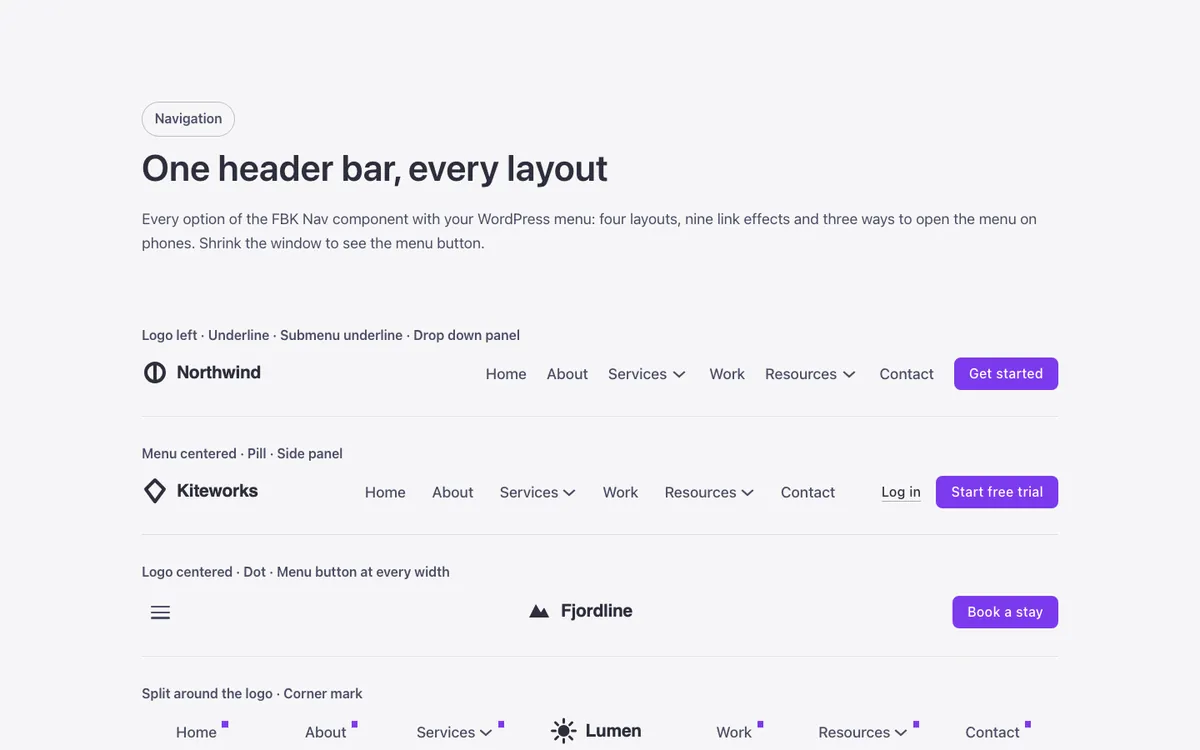
Loading demo…
The options
Every property of the component, in the order the Bricks panel shows them.
| Option | Choices | Default |
|---|---|---|
| LayoutSplit: the logo sits in the middle of the bar and the menu splits around it (half the links each side; the room for the logo is --fbk-nav-split-gap on .fbk-nav). With the menu button showing, the logo goes first, then the actions, then the button. | Logo left, menu right, Menu centered, Logo centered, Split around the logo | Logo left, menu right |
| Menu panelHow the menu opens from the menu button: a card under the bar, a side panel or the whole screen. When the button shows is the Nav Menu setting «Mobile menu > Show at breakpoint» (Always for a menu button at every width). | Drop down, Side panel, Full screen | Drop down |
| PositionSticky keeps the header at the top while scrolling; Over the hero lays it over the next section (choose Background Dark for white text on a dark photo). In a Bricks header template it moves the whole header; in a page it needs the class fbk-header on the section. | Normal, Sticky, Over the hero | Normal |
| Link effectOn hover, keyboard focus, an open submenu and the current page. None keeps the color change only. | None (color), Underline, Growing line, Dot, Pill, Bubble, Brackets, Highlight, Corner mark, Side bars | None (color) |
| Submenu link effectOn hover and keyboard focus of submenu links. None keeps the tint. | None (tint), Side bar, Underline | None (tint) |
| Submenu openingHow submenus and mega menus appear on wide screens. Reveal opens them as a growing circle from the top (not with reduced motion). | Fade and rise, Reveal | Fade and rise |
| Mega menu widthContainer: the mega menu is a card as wide as the bar. Full width: a band from edge to edge of the screen, flush under the header, with its content lined up with the bar. Mega menus are Nav-Nested dropdowns with «Mega menu» on and the CSS selector .fbk-nav. | Container, Full width | Container |
| Phone submenusHow a submenu or mega menu of a Nav-Nested opens in the phone menu. Slide: it comes in over the menu from the side, with its name and a back arrow on top. In place: it opens under its link. (A Nav Menu with your WordPress menu always opens in place.) | Slide, In place | Slide |
| BackgroundDark or Brand when the bar sits on a dark or brand background you made. Fancy Bricks sections set this for you. | Auto, Light, Dark, Brand | Auto |
| Hide actions | On or off | Off |
Related components
All components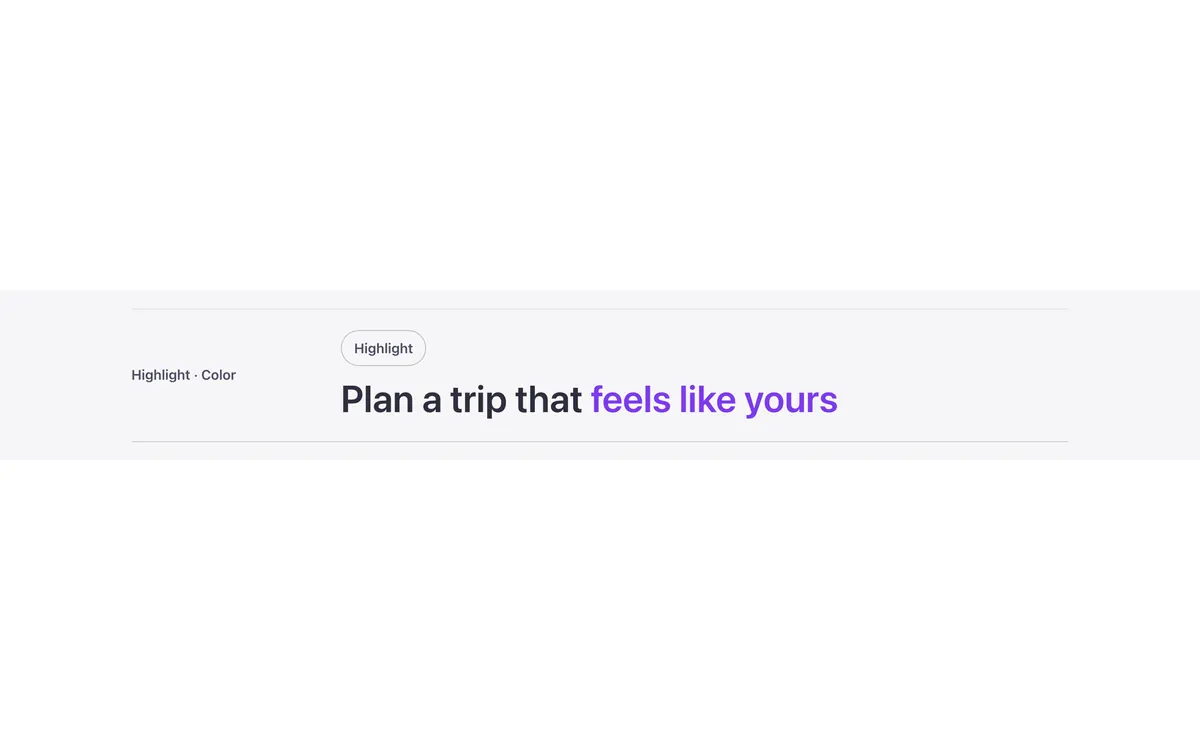
Questions, answered
Short answers about FBK Nav.
Do I need a template to use FBK Nav?
No. Copy it from this page and paste it anywhere in Bricks. It also comes with every template that uses it.
What happens if I change FBK Nav on my site?
Every instance follows: the design lives in the component and its classes, not in each copy.
Does it work with my framework?
Yes. Copy it for Fancy Framework, Automatic.css or Core Framework, and it uses your colors and sizes.
Every component comes inside a template
Browse the library, copy a section, and the components it uses come with it.