
FBK Counters
A list of FBK Counter figures laid out in a grid.
- Used in 4 templates
- 2 options
- Includes FBK Counter
- Native Bricks element
One FBK Counters, as in the first example below. Change anything from the panel after you paste it.
In the annual plan, $99/year. See plans
Every FBK Counters variation
Live from the demo site. Switch the width and the background, or open it full screen.
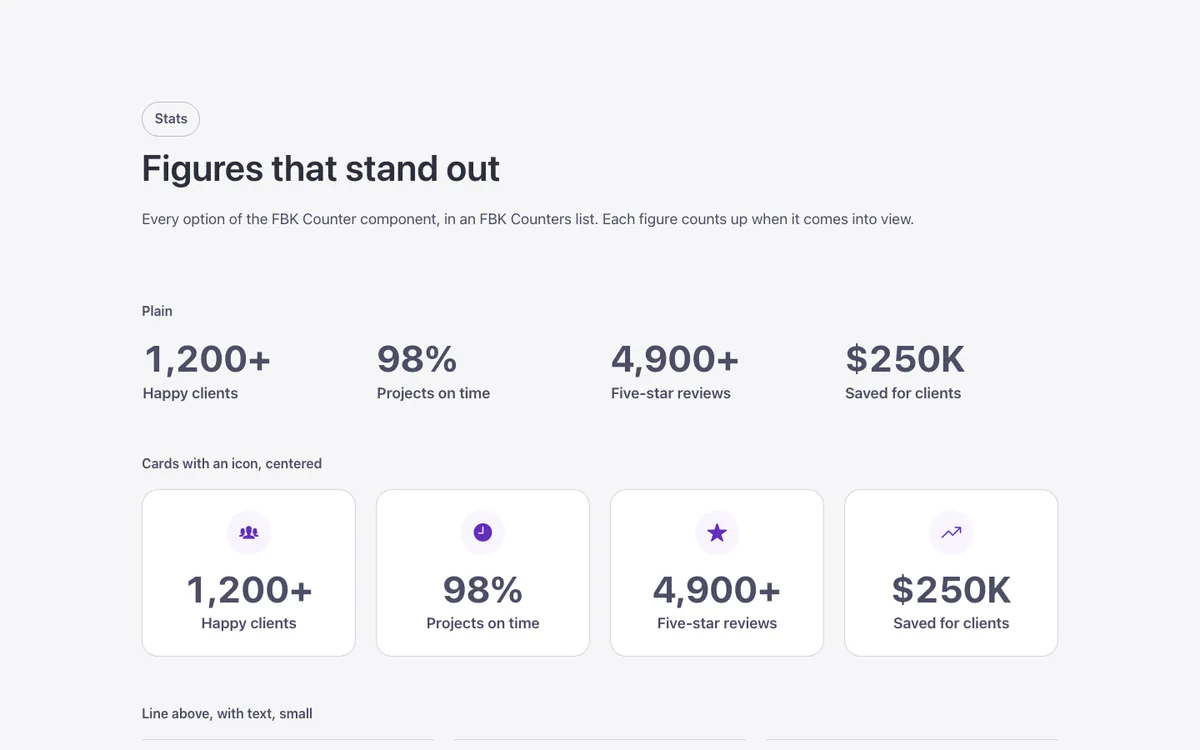
Loading demo…
The options
Every property of the component, in the order the Bricks panel shows them. FBK Counter has its own, in each piece you drop in.
| Option | Choices | Default |
|---|---|---|
| ColumnsAuto: as many as fit. 3 and 4 turn into 2 on tablets; 3 into 1 on phones. | Auto, 2, 3, 4 | Auto |
| BackgroundDark or Brand when the list sits on a dark or brand background you made. | Auto, Light, Dark, Brand | Auto |
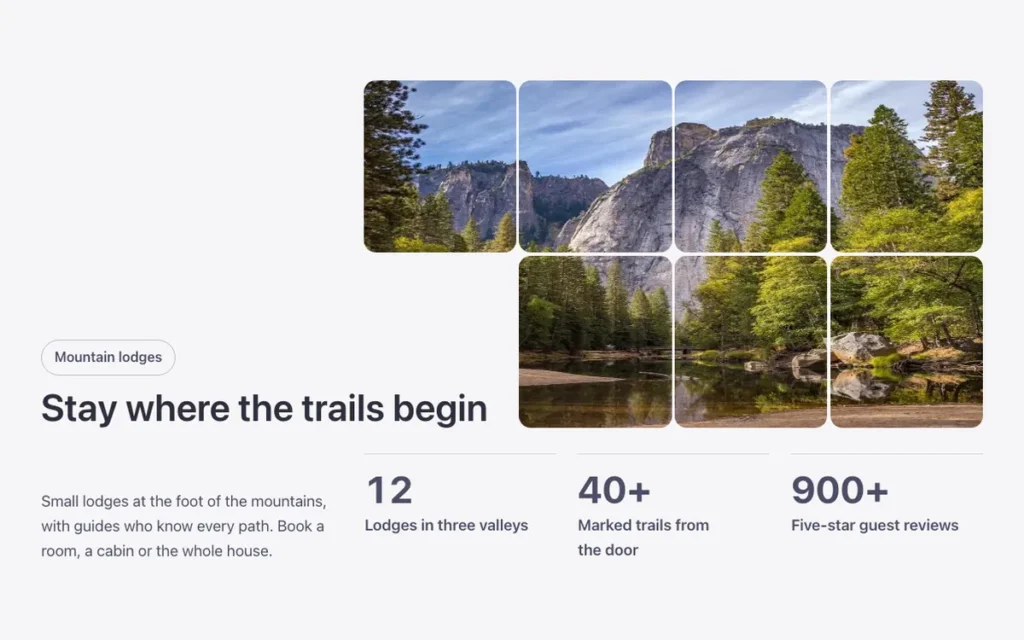
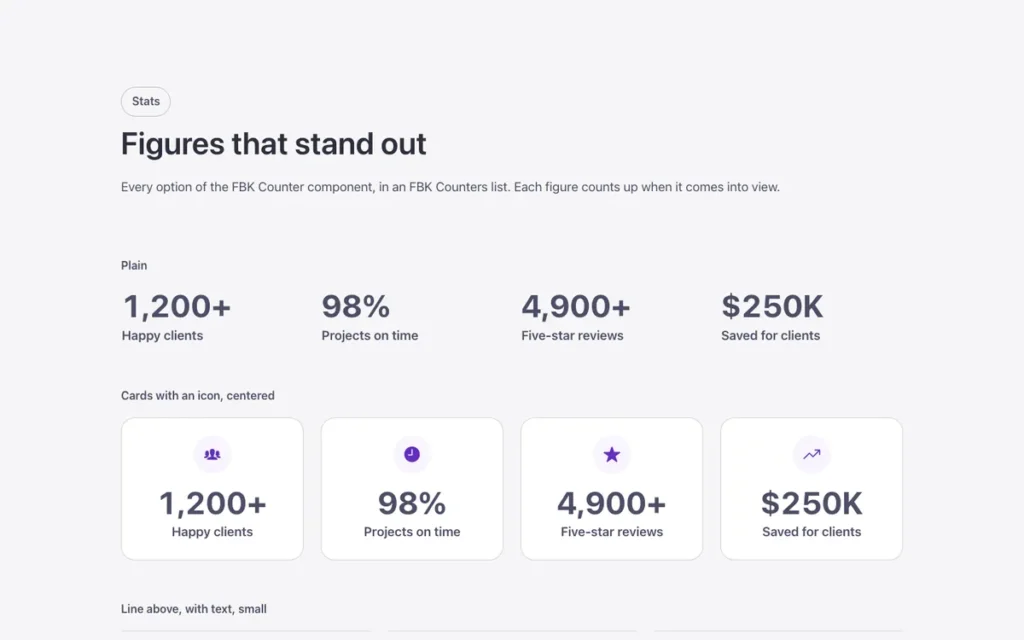
Used in 4 templates
A few of them. Change FBK Counters once on your site and every one of these sections follows.

Related components
All components
Questions, answered
Short answers about FBK Counters.
Do I need a template to use FBK Counters?
No. Copy it from this page and paste it anywhere in Bricks. It also comes with every template that uses it.
What happens if I change FBK Counters on my site?
Every instance follows: the design lives in the component and its classes, not in each copy.
Does it work with my framework?
Yes. Copy it for Fancy Framework, Automatic.css or Core Framework, and it uses your colors and sizes.
Every component comes inside a template
Browse the library, copy a section, and the components it uses come with it.