Header · Mega menu
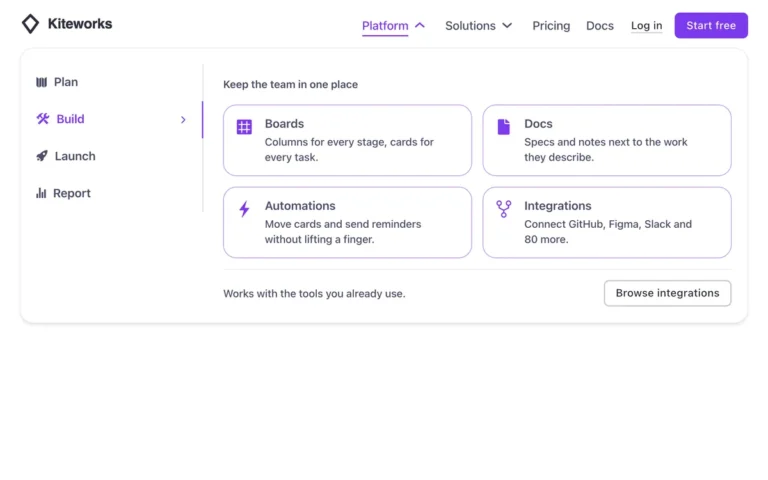
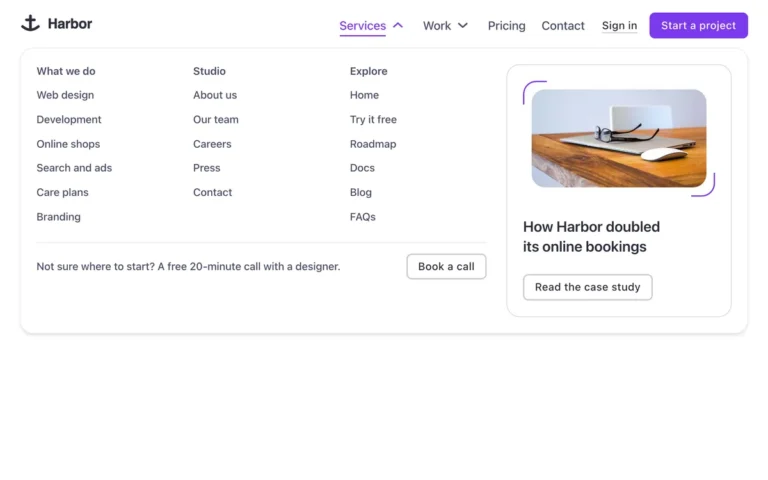
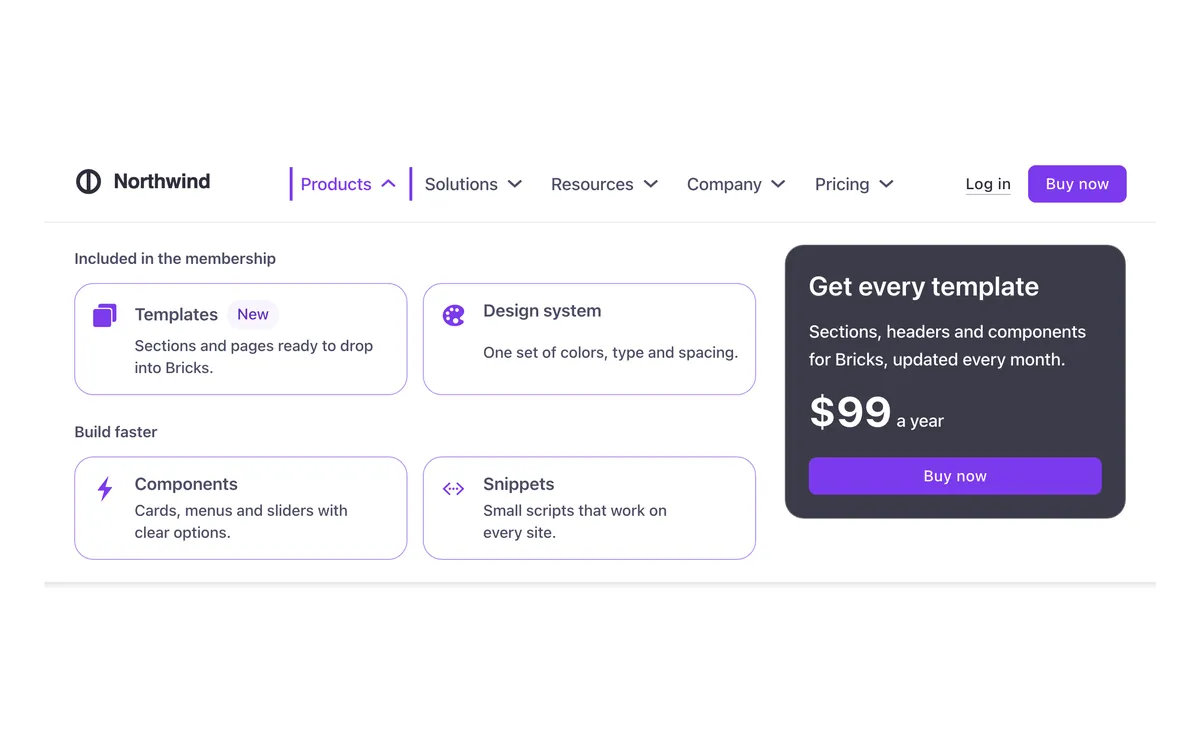
A Bricks Builder header with four mega menus: offer cards with icons, columns of links with a photo, learning cards with a community row, and contact details with recent posts. A plain dropdown, a log-in link and a buy button complete it, and on phones each mega menu slides in over the menu.
In the annual plan, $99/year. See plans
Preview
Loading demo…
Template details
What’s inside
The components it’s built from. They come with the template when you paste it, and you edit them from the Bricks panel.
- FBK Button
A link styled as a button, with style, size and width.
- FBK Card
A media slot, title, text, a content slot and an actions slot.
- FBK Header
The whole header: bar, logo, menu, actions and optional top/bottom slots.
- FBK Icon item
Icon, title and text, stacked, inline or boxed.
- FBK Image
A photo with proportion, shape, decoration, border and an optional caption.
- FBK Link list
A title and a WordPress menu, built as a footer column.
- FBK Menu card
A linked card for mega menus: icon, title and a line of text.
- FBK Mini card
A thumbnail and a linked title, the whole card clickable.
- FBK Social
Links to your social profiles, logo and network name.
Adjust it
Nothing extra to set: it takes its colors, spacing and type from your framework.
Replaces
In Fancy Bricks 1.0 and 2.0 this was Header Mega Menu (2.0) and Mega menu (1.0).