Logos · Big figure
A social proof section for Bricks Builder with one large number that counts up as it comes into view, a headline explaining it, and a row of client logos under a thin rule. Built on the FBK Counter and FBK Logo row components, the logos stay gray until you hover or focus them, then show their color.
In the annual plan, $99/year. See plans
Uses a small script. Turn on Code execution in Bricks › Settings › Custom code. How to turn on Code execution
Preview
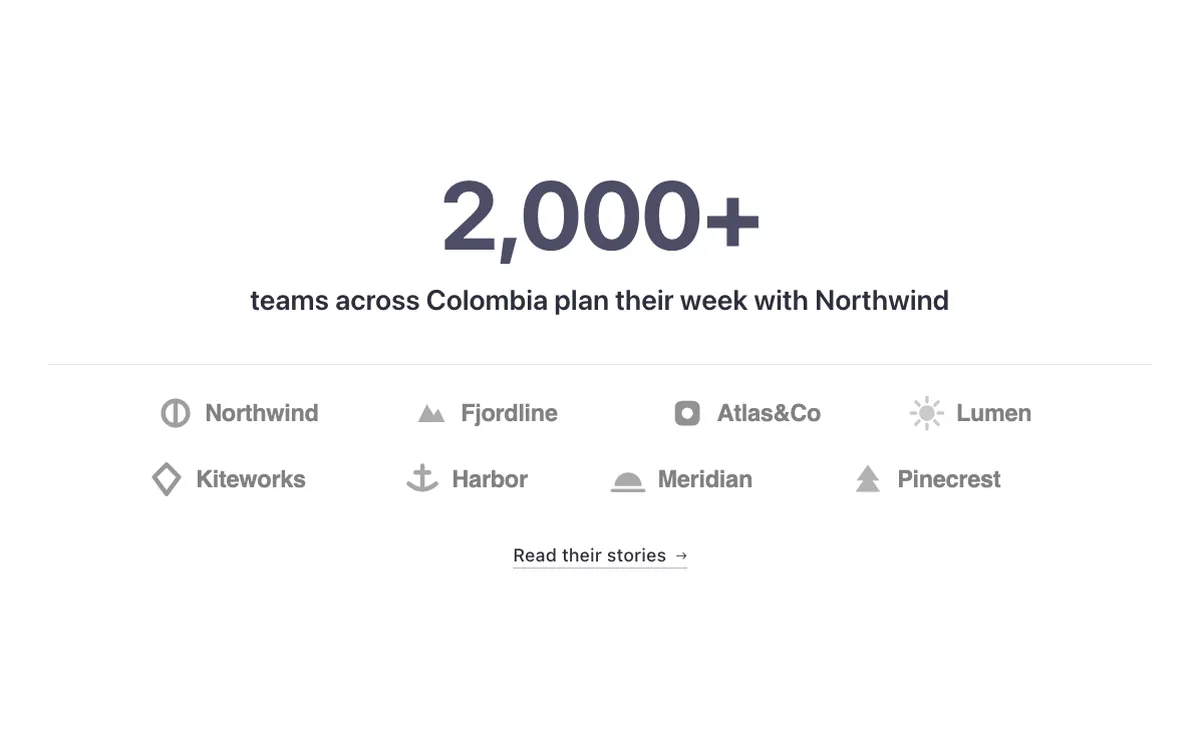
Loading demo…
Template details
What’s inside
The components it’s built from. They come with the template when you paste it, and you edit them from the Bricks panel.
- FBK Button
A link styled as a button, with style, size and width.
- FBK Counter
A figure that counts up when it comes into view, with a label and icon.
- FBK Logo row
Two to eight logos in a row that wraps, or in a grid.
Adjust it
Change these variables in Bricks to tune it; everything else follows your framework.
On the element Big figure, class fbk-wf-bigfig
Size of the big figure
- --fbk-t-figure
- calc(var(--h1) * 1.75)