FAQ · Search
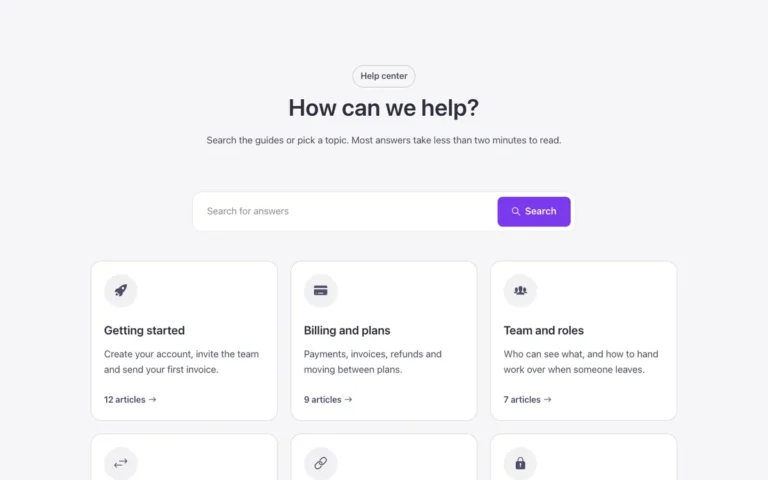
An FAQ section for Bricks Builder with a working instant search box above a native FBK Accordion: typing filters the questions, highlights the matching words and opens any question whose match is only in the answer. Without the script it still shows every question as a plain, readable accordion.
In the annual plan, $99/year. See plans
Uses a small script. Turn on Code execution in Bricks › Settings › Custom code. How to turn on Code execution
Preview
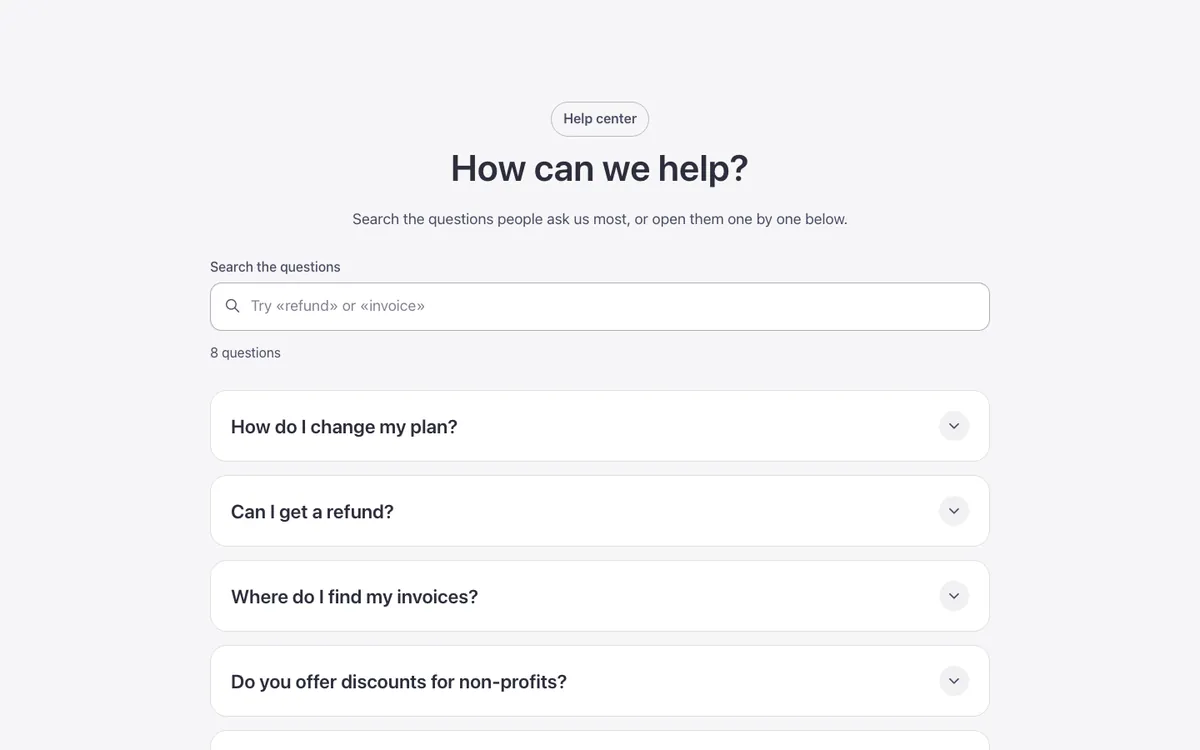
Loading demo…
Template details
What’s inside
The components it’s built from. They come with the template when you paste it, and you edit them from the Bricks panel.
- FBK Accordion
Drop FBK Accordion items, or a query loop, into the Items slot.
- FBK Accordion item
One question or step of an FBK Accordion.
- FBK Button
A link styled as a button, with style, size and width.
- FBK Intro
Eyebrow, title, lead and an actions slot for buttons.
Adjust it
Change these variables in Bricks to tune it; everything else follows your framework.
On the element FAQ search, class fbk-faqsearch
Highlight behind the matching words
- --fbk-t-hit
- color-mix(in srgb, var(--primary) 20%, transparent)
Background of the panel shown when no questions match
- --fbk-t-empty
- color-mix(in srgb, currentColor 7%, transparent)
How long the questions that come back take to fade in
- --fbk-t-fade
- var(--fbk-hover)