Style families
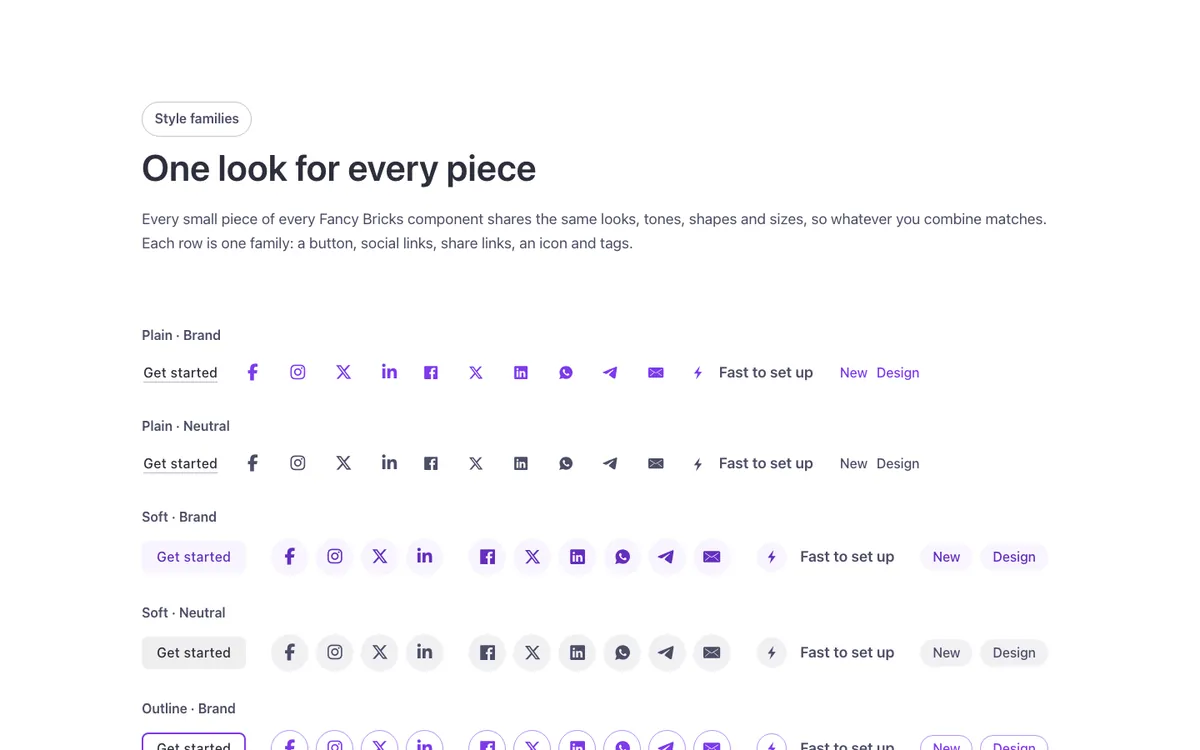
A showcase of every style family in Fancy Bricks for Bricks Builder: each row puts a button, social icons, a share button, a boxed icon and a chip side by side in the same look and tone, across light, dark and brand backgrounds. A quick way to see which family suits your site before you start building.
In the annual plan, $99/year. See plans
Preview
Loading demo…
Template details
What’s inside
The components it’s built from. They come with the template when you paste it, and you edit them from the Bricks panel.
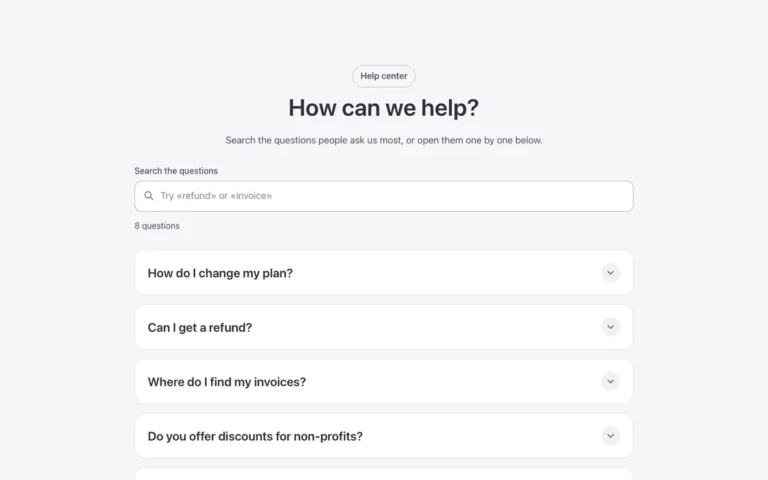
- FBK Accordion
Drop FBK Accordion items, or a query loop, into the Items slot.
- FBK Accordion item
One question or step of an FBK Accordion.
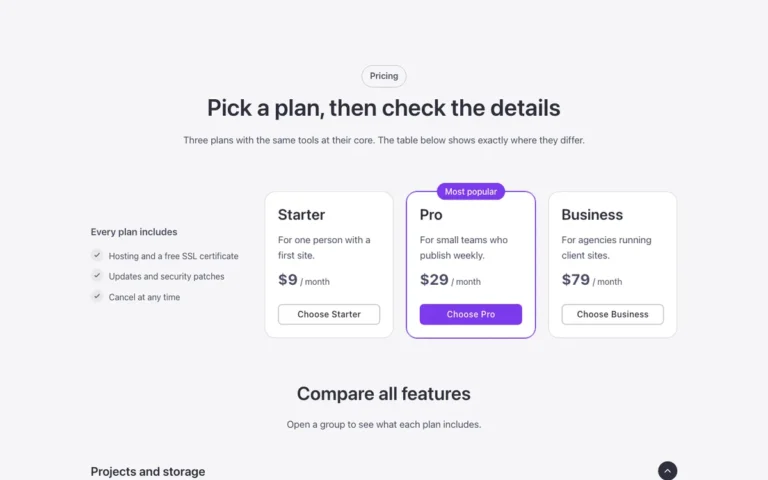
- FBK Button
A link styled as a button, with style, size and width.
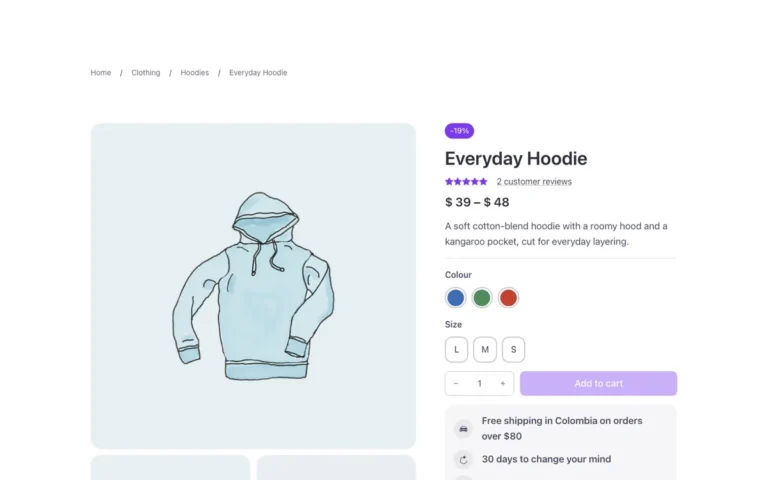
- FBK Card
A media slot, title, text, a content slot and an actions slot.
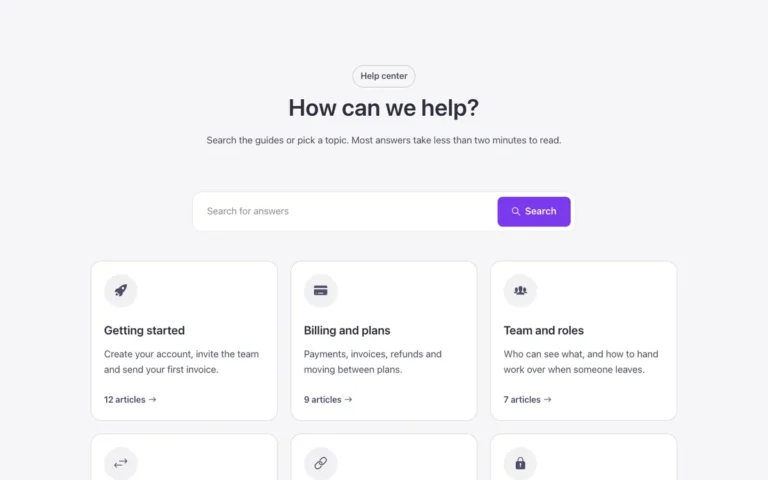
- FBK Icon item
Icon, title and text, stacked, inline or boxed.
- FBK Intro
Eyebrow, title, lead and an actions slot for buttons.
- FBK Share
Share links for the current page: Facebook, X, LinkedIn and more.
- FBK Social
Links to your social profiles, logo and network name.
Adjust it
Nothing extra to set: it takes its colors, spacing and type from your framework.