Contact · Info bar
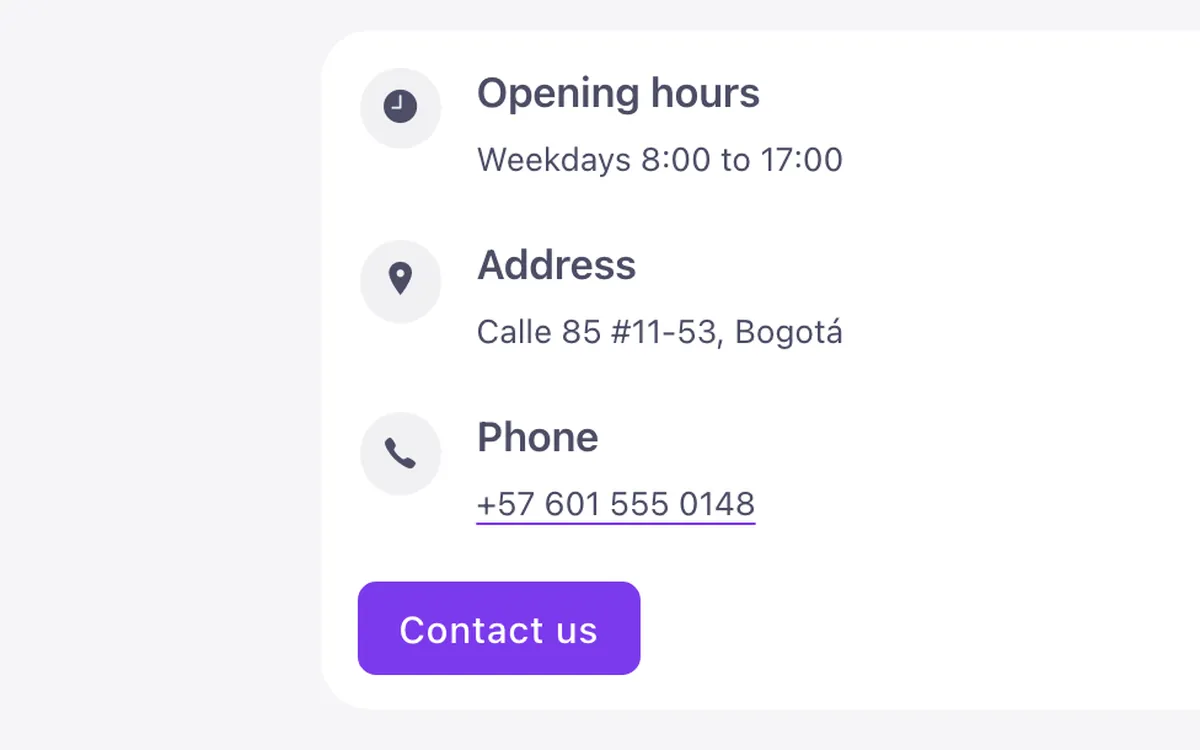
A contact details bar for Bricks Builder: a flat white strip with three FBK Icon items for hours, address and phone, separated by short rules, and a Sweep button at the end. It drops to two per row on tablet and a single column on mobile, with a tel: link on the phone number.
In the annual plan, $99/year. See plans
Preview
Loading demo…
Template details
What’s inside
The components it’s built from. They come with the template when you paste it, and you edit them from the Bricks panel.
- FBK Button
A link styled as a button, with style, size and width.
- FBK Icon item
Icon, title and text, stacked, inline or boxed.
Adjust it
Change these variables in Bricks to tune it; everything else follows your framework.
On the element Contact bar, class fbk-cinfo
The short rules between the details (desktop only): color and height, from the text so it follows the scheme
- --fbk-t-rule
- color-mix(in srgb, currentColor 16%, transparent)
- --fbk-t-rule-height
- 2.5em
Replaces
In Fancy Bricks 1.0 and 2.0 this was Contact Info (1.0).