Contact · Offices
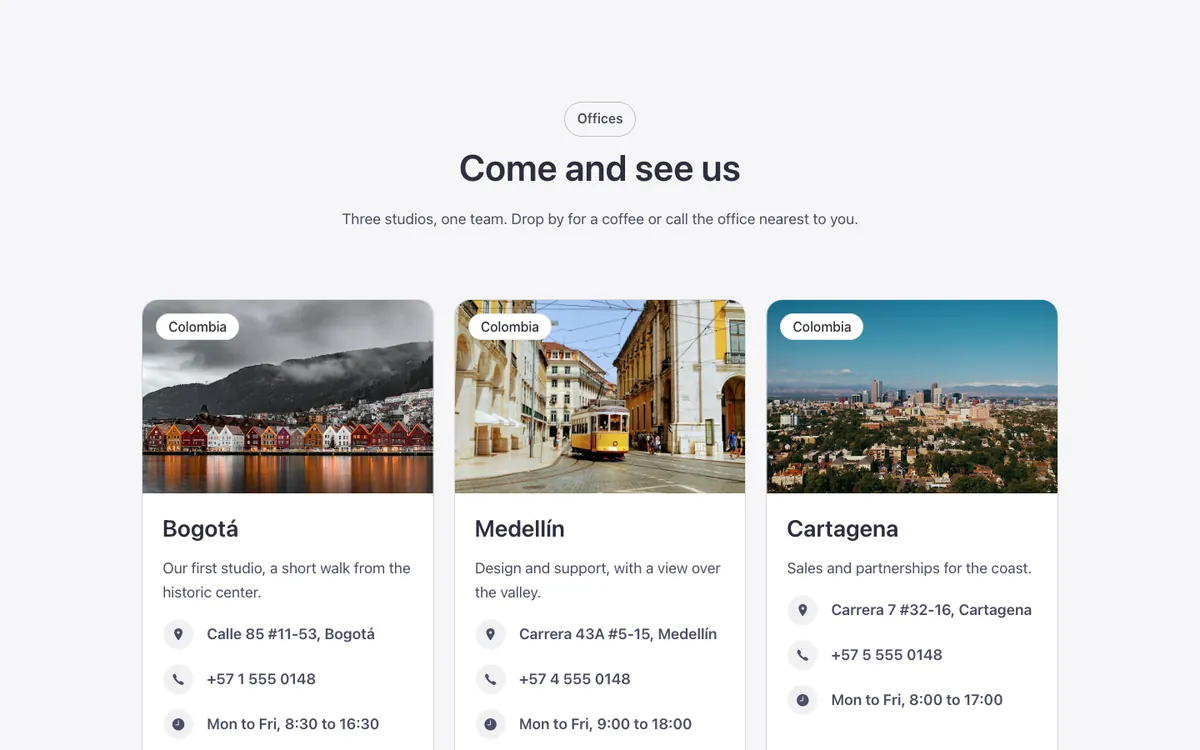
An office locator grid for Bricks Builder: FBK Cards with a city photo, a country chip over the photo, the office name and its address, phone and hours as FBK Icon items, with one button below each card. Point at a card and its photo zooms in while the address pin gives a little jump, in a removable class; any number of offices fits the grid.
In the annual plan, $99/year. See plans
Preview
Loading demo…
Template details
What’s inside
The components it’s built from. They come with the template when you paste it, and you edit them from the Bricks panel.
- FBK Button
A link styled as a button, with style, size and width.
- FBK Card
A media slot, title, text, a content slot and an actions slot.
- FBK Card grid
A grid that takes FBK Card or FBK Icon item instances, or a query loop.
- FBK Icon item
Icon, title and text, stacked, inline or boxed.
- FBK Intro
Eyebrow, title, lead and an actions slot for buttons.
Adjust it
Change these variables in Bricks to tune it; everything else follows your framework.
On the element Offices, class fbk-offices
Photo proportion of every office
- --fbk-t-ratio
- 3 / 2