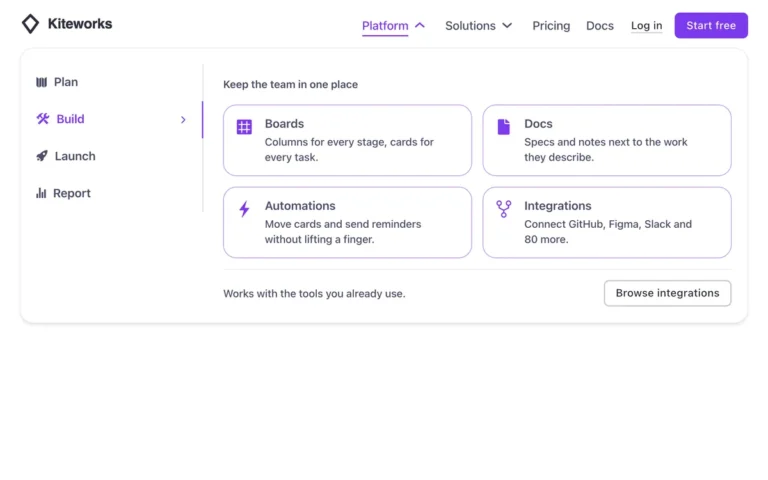
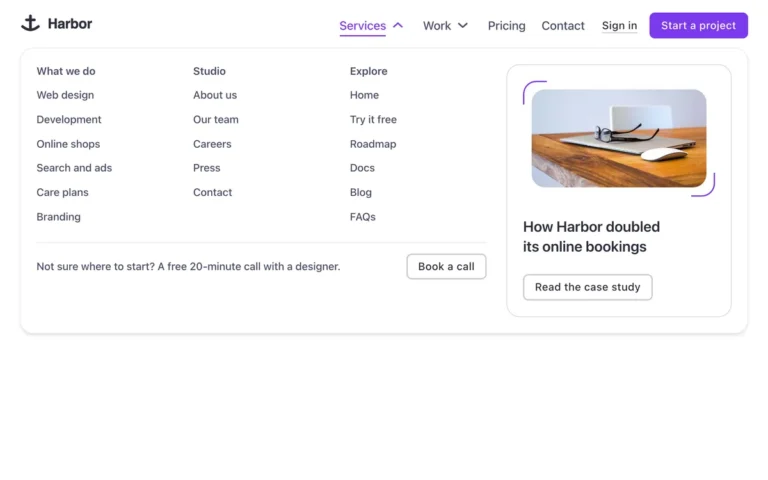
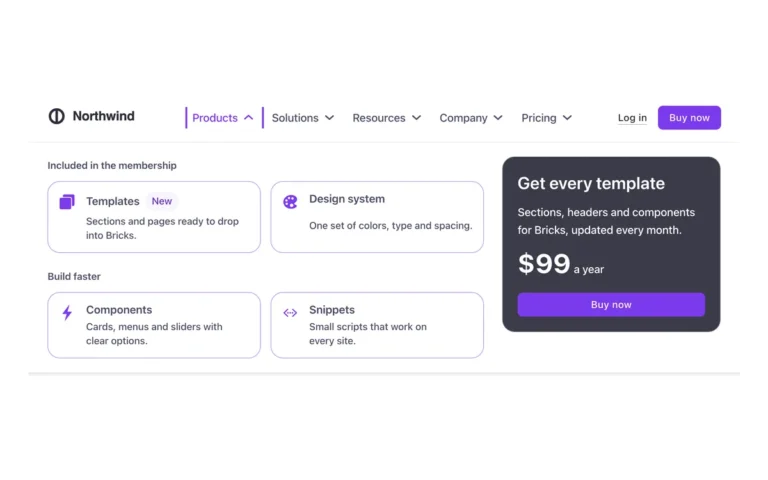
Header · Column menu
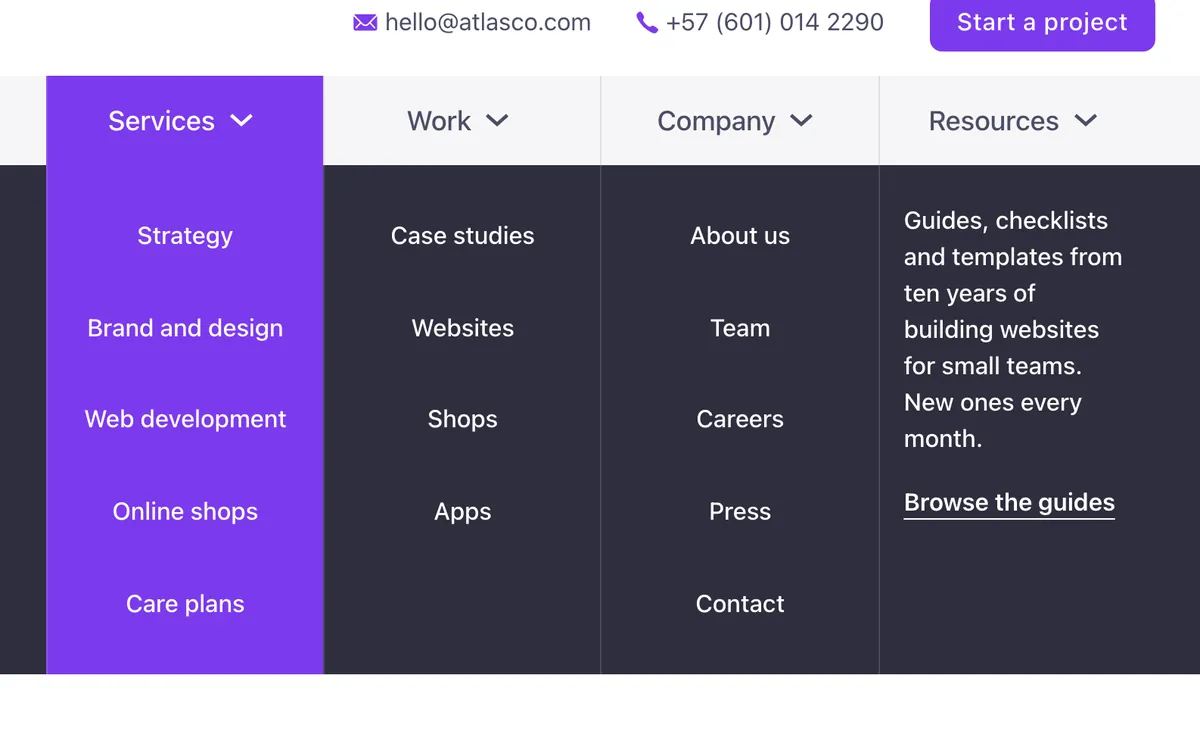
A header for Bricks Builder with a logo, contact details and a button on top, and a mega menu strip below. Hovering or tabbing into the strip drops a dark band and opens every submenu at once as columns under their links, with the column under the mouse lit in the brand color. On tablets and phones the menu opens as a side panel, with each submenu sliding in.
In the annual plan, $99/year. See plans
Preview
Loading demo…
Template details
What’s inside
The components it’s built from. They come with the template when you paste it, and you edit them from the Bricks panel.
- FBK Button
A link styled as a button, with style, size and width.
- FBK Header
The whole header: bar, logo, menu, actions and optional top/bottom slots.
Adjust it
Change these variables in Bricks to tune it; everything else follows your framework.
On the element Nav · Menu, class fbk-hdrop
Width of each cell of the menu strip
- --fbk-hdrop-cell
- 11em
Colors: the strip, the band that drops and its text, the column under the mouse and its text
- --fbk-hdrop-strip
- var(--base-ultra-light)
- --fbk-hdrop-band
- var(--base-ultra-dark)
- --fbk-hdrop-on-band
- var(--white)
- --fbk-hdrop-accent
- var(--primary)
- --fbk-hdrop-on-accent
- var(--text-on-primary, var(--white))
How long the band takes to drop
- --fbk-hdrop-speed
- 0.5s
Replaces
In Fancy Bricks 1.0 and 2.0 this was Header (Mega menu) (1.0).