Content · Vertical slider
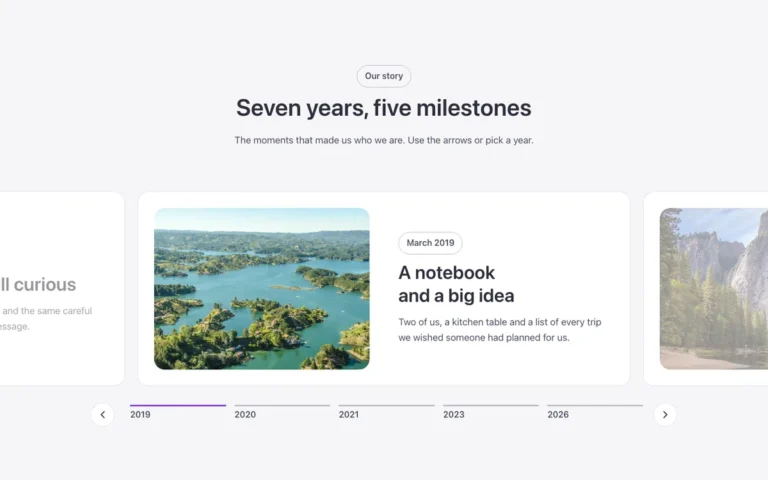
A vertical content slider for Bricks Builder: each slide pairs a big decorative number with a title, text and button next to a framed photo, sliding from top to bottom. The arrows and a vertical indicator sit in a dark band at the side, and dragging is off so it never fights the page scroll.
In the annual plan, $99/year. See plans
Preview

Loading demo…
Template details
What’s inside
The components it’s built from. They come with the template when you paste it, and you edit them from the Bricks panel.
- FBK Button
A link styled as a button, with style, size and width.
Adjust it
Change these variables in Bricks to tune it; everything else follows your framework.
On the element Slider, class fbk-vslider
Height of the slider (every slide is this tall: if your text is longer, raise it)
- --fbk-t-height
- clamp(24em, 36vw, 30em)
Controls column, inside the section's dark band
- --fbk-t-controls
- 4em
Controls color: white because they sit on the dark band (use var(--text-color) without the band)
- --fbk-slider-color
- var(--white)
Hover, focus and active dot: a light tint, readable on the dark band
- --fbk-slider-accent
- var(--primary-light)
Big decorative number
- --fbk-t-number-size
- clamp(6em, 12vw, 9em)
- --fbk-t-number-color
- color-mix(in srgb, var(--text-color) 8%, transparent)
Active dot: a short vertical bar
- --fbk-slider-active-w
- 2px
- --fbk-slider-active-h
- 1.25em
- --fbk-slider-active-scale
- 1
Layout (changes below 767 px)
- --fbk-t-columns
- 1.2fr 1fr
- --fbk-t-rows
- minmax(0, 1fr)
- --fbk-t-img-h
- 100%
- --fbk-t-text-width
- 100%
- --fbk-t-align
- center
- --fbk-t-slide-pad
- 0px
Replaces
In Fancy Bricks 1.0 and 2.0 this was Slider (1.0) and Slider (2.0).