Pricing · Rows
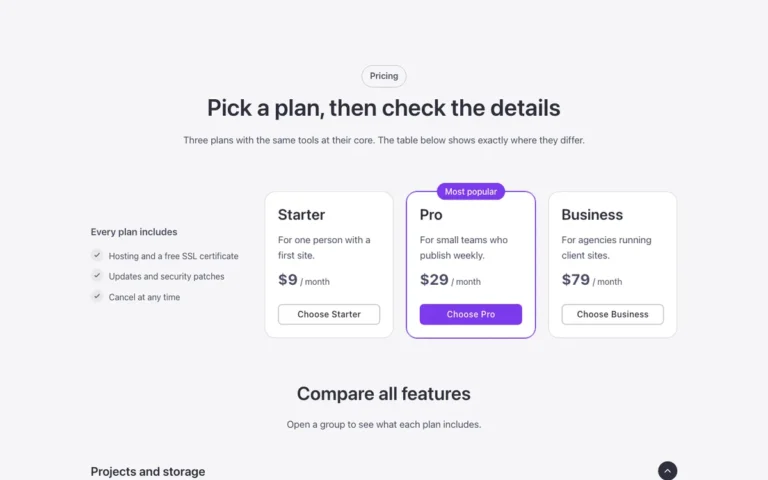
A pricing table for Bricks Builder laid out as light rows instead of cards: name and text, three check marked features, then price and button. The featured plan sits on a soft brand tinted surface with a «Most popular» tag, and hovering a plain row sweeps a neutral tint across it.
In the annual plan, $99/year. See plans
Preview

Loading demo…
Template details
What’s inside
The components it’s built from. They come with the template when you paste it, and you edit them from the Bricks panel.
- FBK Button
A link styled as a button, with style, size and width.
- FBK Check item
One row of an FBK Check list: the house check mark and a short text.
- FBK Check list
A list of checks in the Fancy Bricks style families.
- FBK Intro
Eyebrow, title, lead and an actions slot for buttons.
- FBK Price
A price: currency, a large figure, a period, an optional old price and a note.
Adjust it
Change these variables in Bricks to tune it; everything else follows your framework.
On the element Plans, class fbk-prows
The line between rows, and the small gap it sits in
- --fbk-t-line
- color-mix(in srgb, currentColor 16%, transparent)
- --fbk-t-gap
- 0.5em
Hover sweep (class .fbk-prows__row--sweep): the tint that crosses the row
- --fbk-t-sweep
- color-mix(in srgb, currentColor 4%, transparent)
Gap between the rows of the features list
- --fbk-checks-gap
- calc(var(--text-m) * 0.5)