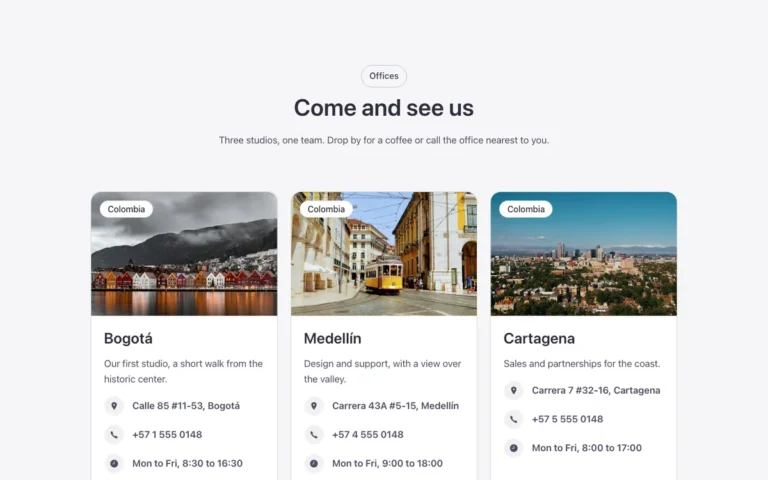
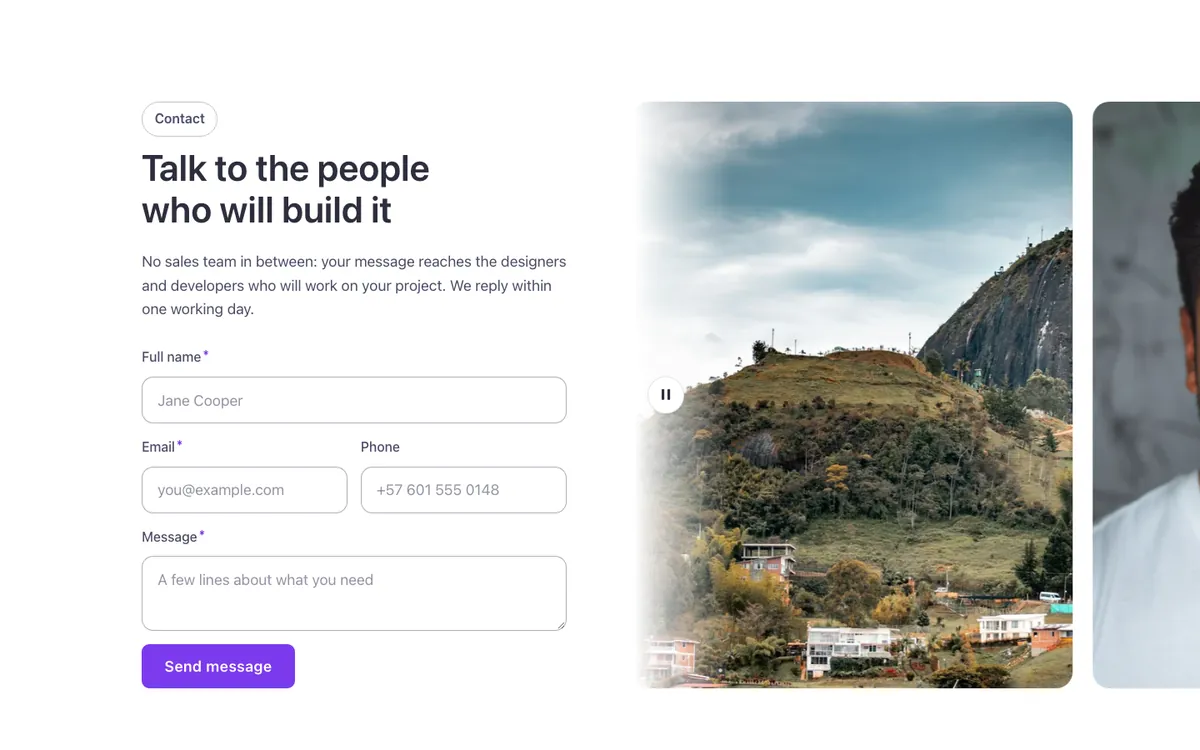
Contact · Photo strip horizontal
A contact section for Bricks Builder with a horizontal photo strip that scrolls beside the native Bricks Form, styled in the Fancy Bricks house look with boxed fields and a labeled submit button. Set the form's fields and actions in the Form element, and fill the strip with your own photos.
In the annual plan, $99/year. See plans
Uses a small script. Turn on Code execution in Bricks › Settings › Custom code. How to turn on Code execution
Preview
Loading demo…
Template details
What’s inside
The components it’s built from. They come with the template when you paste it, and you edit them from the Bricks panel.
- FBK Intro
Eyebrow, title, lead and an actions slot for buttons.
- FBK Marquee
A strip that scrolls without end: logos, blocks, text or a query loop.
Adjust it
Change these variables in Bricks to tune it; everything else follows your framework.
On the element Photo strip, class fbk-cmarquee-h
Proportion of the photos; on phones, their height
- --fbk-t-photo-ratio
- 3 / 4
- --fbk-t-photo-h
- 16em