Team · Departments
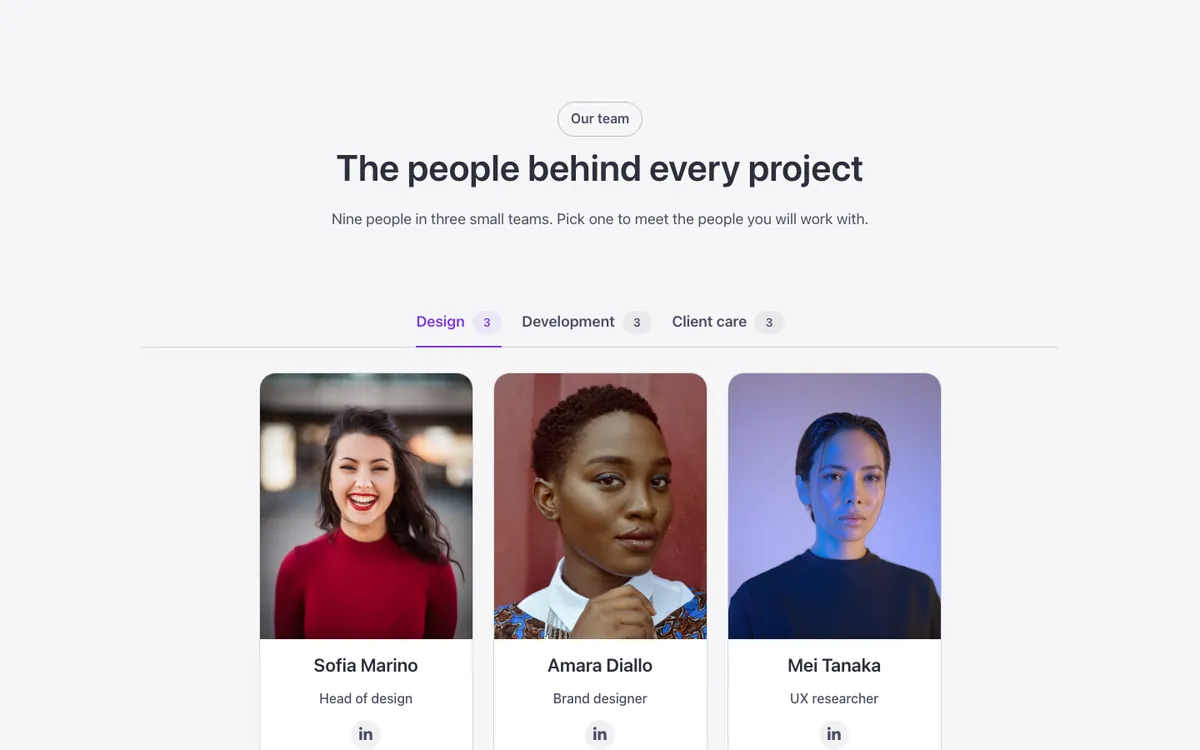
A team section for Bricks Builder with departments in a row of tabs, each showing its headcount in a small badge and opening a row of FBK Team member cards. A sliding indicator marks the open tab and the cards enter one after another when you switch department, folding into an accordion on phones.
In the annual plan, $99/year. See plans
Uses a small script. Turn on Code execution in Bricks › Settings › Custom code. How to turn on Code execution
Preview
Loading demo…
Template details
What’s inside
The components it’s built from. They come with the template when you paste it, and you edit them from the Bricks panel.
- FBK Intro
Eyebrow, title, lead and an actions slot for buttons.
- FBK Social
Links to your social profiles, logo and network name.
- FBK Team member
A person’s photo, name, role, bio and a slot for social links.
Adjust it
Change these variables in Bricks to tune it; everything else follows your framework.
On the element Tabs, class fbk-teamdept
Cards per row (phones: --fbk-t-per-row-s)
- --fbk-t-per-row
- 4
- --fbk-t-per-row-s
- 2