Process · Steps on a line
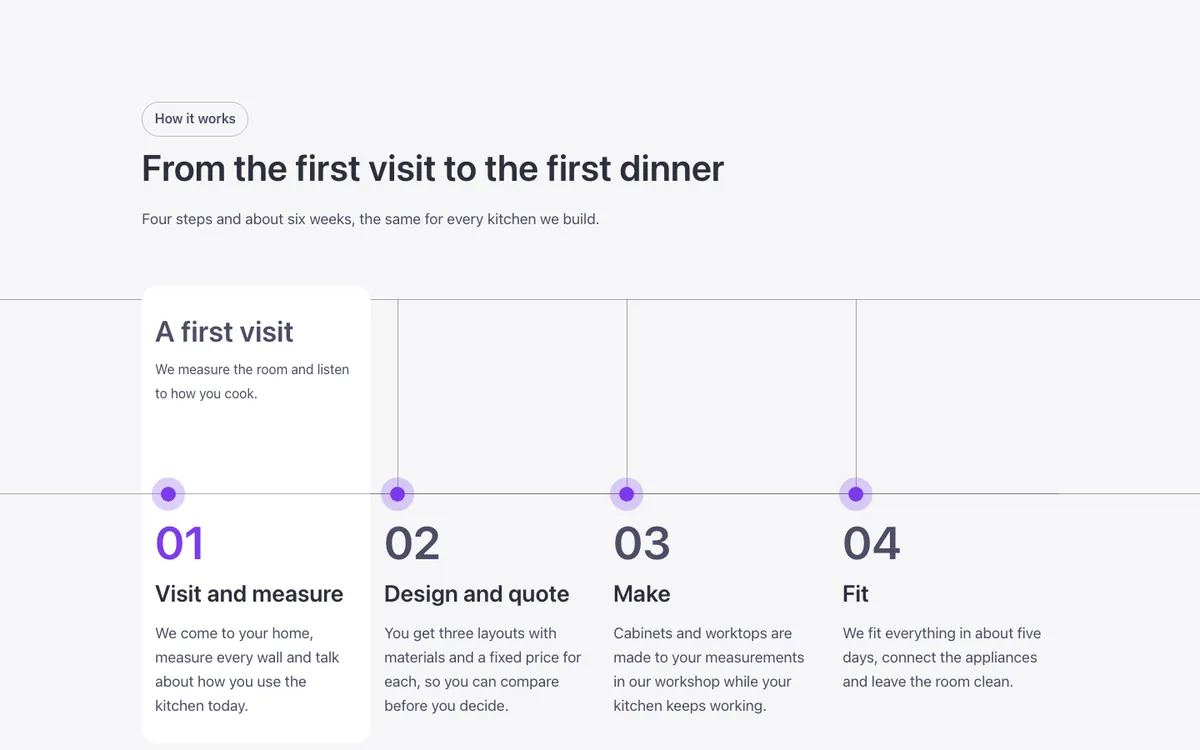
Four process steps for Bricks Builder crossed by two thin bleeding lines, with a vertical mark dropping to a brand-colored point at each step under a number, title and text. Point at a step and it becomes a white card, the number turns brand-colored and a short phrase rises above the line, all without any JavaScript.
In the annual plan, $99/year. See plans
Preview
Loading demo…
Template details
What’s inside
The components it’s built from. They come with the template when you paste it, and you edit them from the Bricks panel.
- FBK Intro
Eyebrow, title, lead and an actions slot for buttons.
Adjust it
Change these variables in Bricks to tune it; everything else follows your framework.
On the element Steps, class fbk-stepsline
The lines and the vertical rules
- --fbk-t-line
- color-mix(in srgb, var(--heading-color) 40%, transparent)
Height of the space above the dots (where the phrase appears)
- --fbk-t-top
- 13em
The card that appears under the mouse
- --fbk-t-card
- var(--fbk-card-scheme-bg, var(--white))
Hover time (class .fbk-stepsline--reveal)
- --fbk-t-in
- var(--fbk-hover)
Replaces
In Fancy Bricks 1.0 and 2.0 this was Cards (2.0).