Contact · Lost password
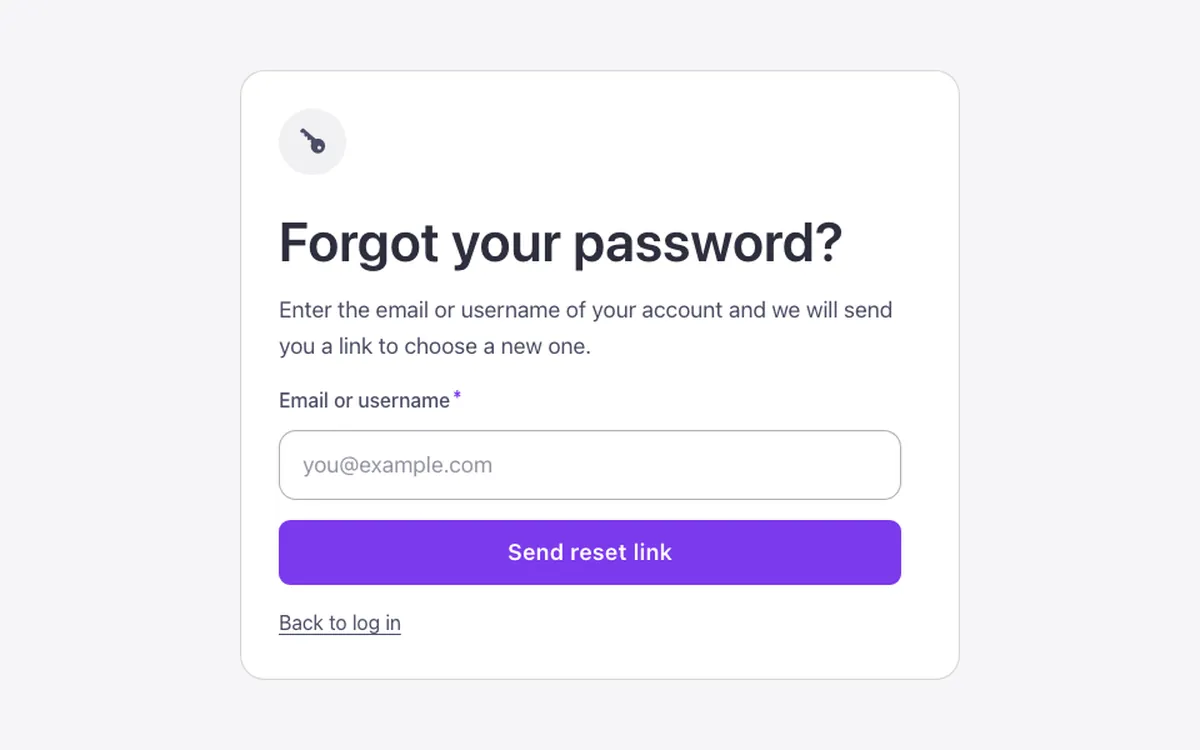
A password recovery form for Bricks Builder, built with the native Form element and a URL condition that switches it between a "Forgot your password?" step and a "Choose a new password" step. A centered card with an icon disc sits over a soft section, and on a successful request the fields fade away while the key icon turns into a checkmark to confirm.
In the annual plan, $99/year. See plans
Preview
Loading demo…
Template details
What’s inside
The components it’s built from. They come with the template when you paste it, and you edit them from the Bricks panel.
- FBK Intro
Eyebrow, title, lead and an actions slot for buttons.
Adjust it
Change these variables in Bricks to tune it; everything else follows your framework.
On the element Password reset, class fbk-lostpass
Width of the card
- --fbk-t-width
- 32em
Card color: white like every Outline surface (dark with the section's scheme)
- --fbk-t-card-bg
- var(--fbk-card-scheme-bg, var(--white))
Replaces
In Fancy Bricks 1.0 and 2.0 this was Lost password (2.0).