Hero · Stats collage
A hero for Bricks Builder with an intro and buttons on one side and a photo on the other, carrying two counter cards tucked into opposite corners, cut with a margin in the section's own background color. The figures count up on load with the native Bricks counter element.
In the annual plan, $99/year. See plans
Uses a small script. Turn on Code execution in Bricks › Settings › Custom code. How to turn on Code execution
Preview
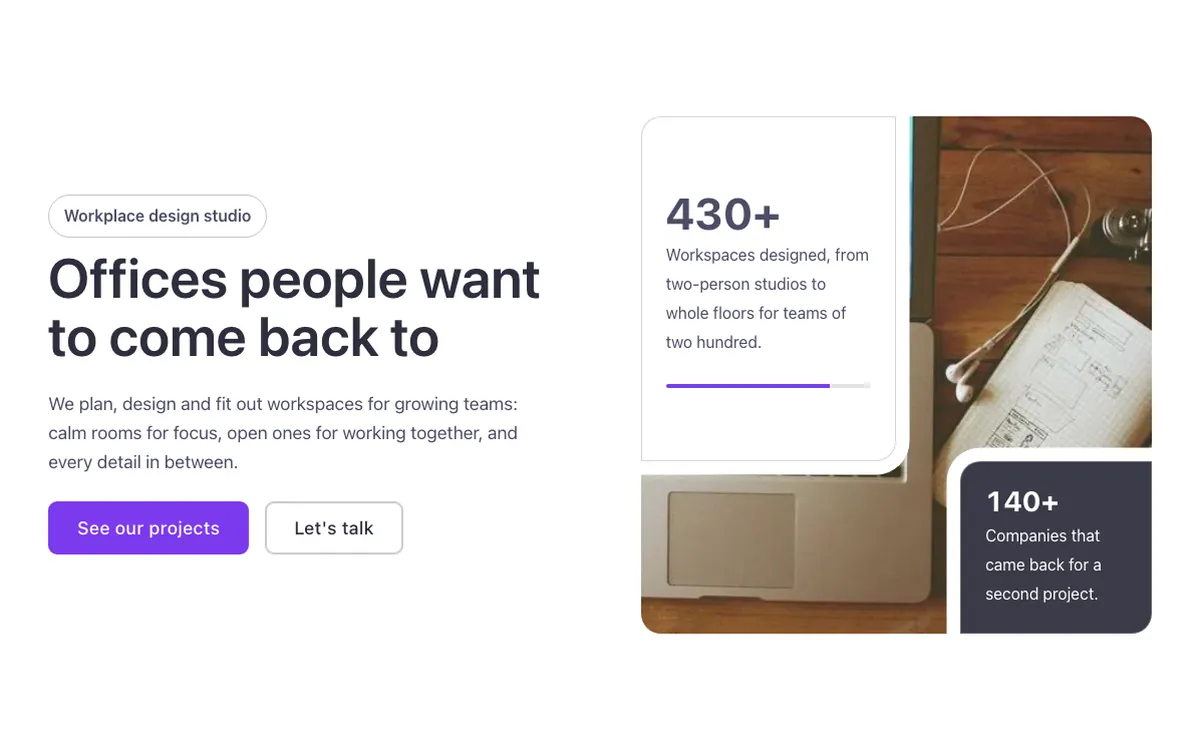
Loading demo…
Template details
What’s inside
The components it’s built from. They come with the template when you paste it, and you edit them from the Bricks panel.
- FBK Button
A link styled as a button, with style, size and width.
- FBK Counter
A figure that counts up when it comes into view, with a label and icon.
- FBK Image
A photo with proportion, shape, decoration, border and an optional caption.
- FBK Intro
Eyebrow, title, lead and an actions slot for buttons.
Adjust it
Change these variables in Bricks to tune it; everything else follows your framework.
On the element Collage, class fbk-statcollage
Width of the cut around the figures (in the section's background color), color of the progress bar
- --fbk-t-cut
- 0.75em
- --fbk-t-bar
- var(--primary)
How full the progress bar is
- --fbk-t-bar-fill
- 80%
Replaces
In Fancy Bricks 1.0 and 2.0 this was Hero (2.0).