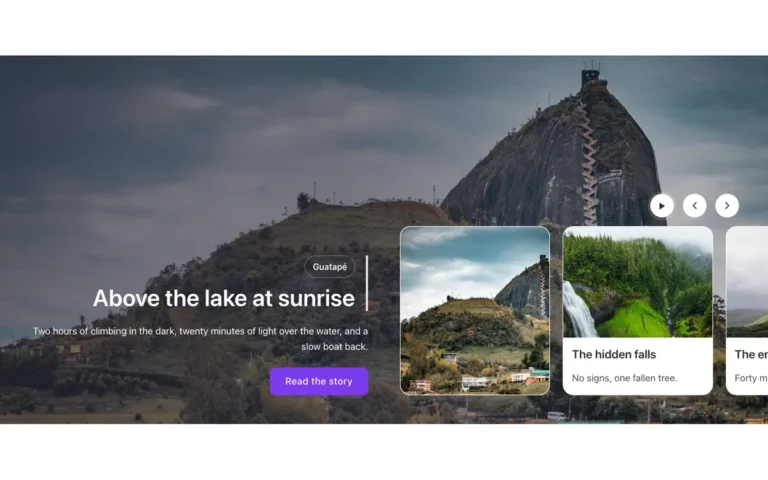
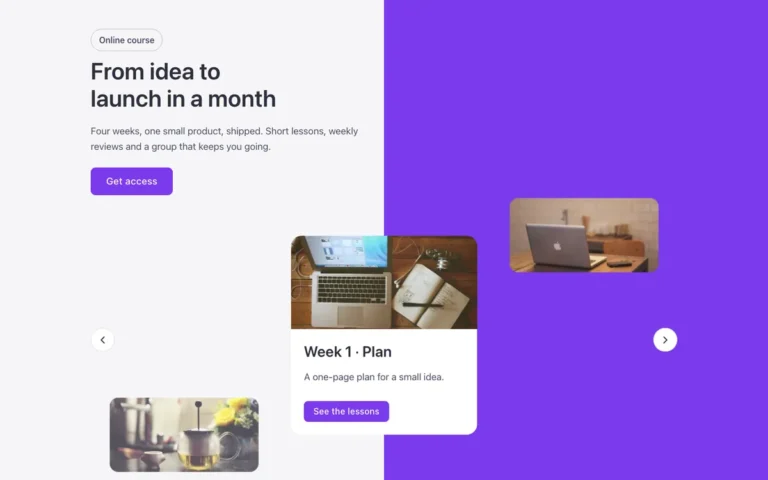
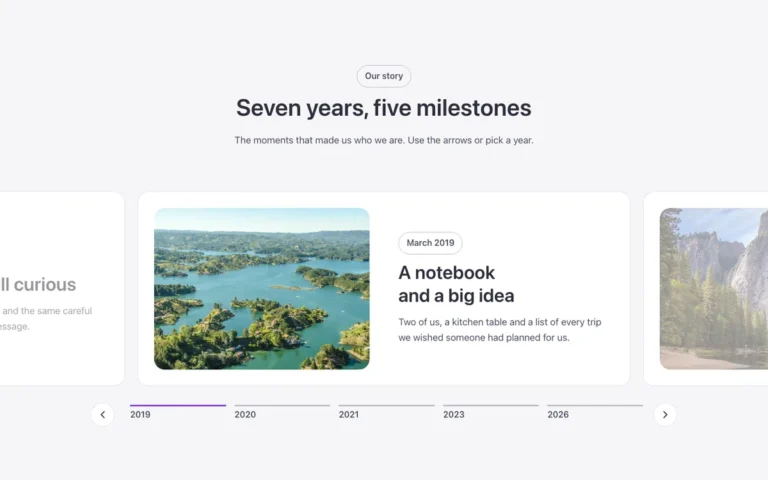
Fullscreen slider
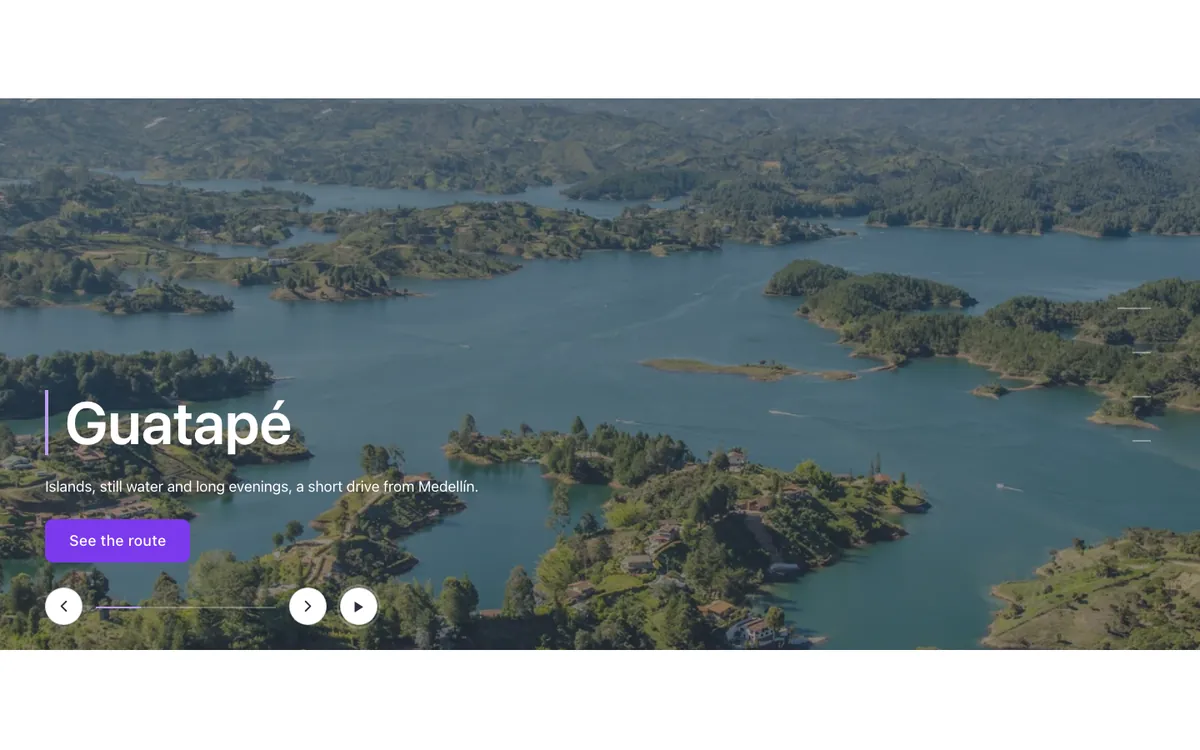
A full-width slider for Bricks Builder over a dark background: each photo opens from a central band to fill the view, then a dark layer, an accent bar, the title and the text with a button enter in turn. A dash indicator sits on the right and the arrows below share a progress bar between them.
Free with a free account.
Uses a small script. Turn on Code execution in Bricks › Settings › Custom code. How to turn on Code execution
Preview
Loading demo…
Template details
What’s inside
The components it’s built from. They come with the template when you paste it, and you edit them from the Bricks panel.
- FBK Button
A link styled as a button, with style, size and width.
- FBK Intro
Eyebrow, title, lead and an actions slot for buttons.
Adjust it
Change these variables in Bricks to tune it; everything else follows your framework.
On the element Slider + progress, class fbk-bigslide
Height of every slide
- --fbk-t-height
- clamp(32em, 46vw, 42em)
Accent: the line by the title, the progress bar and the active dash
- --fbk-t-accent
- var(--fbk-accent)
Dark layer over the photo, so the white text stays readable
- --fbk-t-shade
- color-mix(in srgb, var(--base-ultra-dark) 55%, transparent)
The photo opens from a centered strip this size (width, height)
- --fbk-t-strip-x
- 15%
- --fbk-t-strip-y
- 35%
Progress bar between the arrows
- --fbk-t-bar
- 12em
The arrows' size (style family M, 2.5em) for the progress bar, which sits outside the slider
- --fbk-slider-size
- 2.5em
The text comes in once the photo has opened, with the same accent
- --fbk-reveal-wait
- calc(var(--fbk-slider-duration) * 1.6)
- --fbk-reveal-accent
- var(--fbk-t-accent)
Distance of the text and the controls from the screen edges
- --fbk-t-edge
- var(--space-xl)
- --fbk-t-controls-y
- var(--space-l)
- --fbk-t-progress
- 0
The dashes: centered on the end side; at the top on phones (the title takes the bottom half)
- --fbk-t-dots-y
- 50%
- --fbk-t-dots-shift
- -50%
Replaces
In Fancy Bricks 1.0 and 2.0 this was Slider (1.0) and Slider (2.0).