Cards · Expand
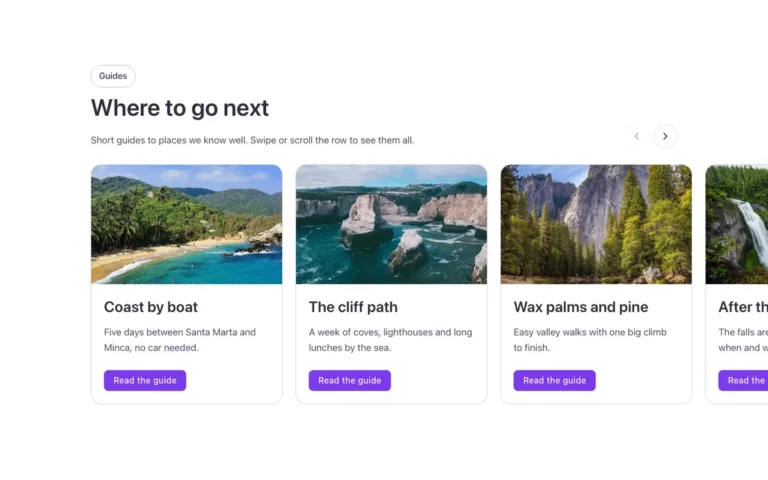
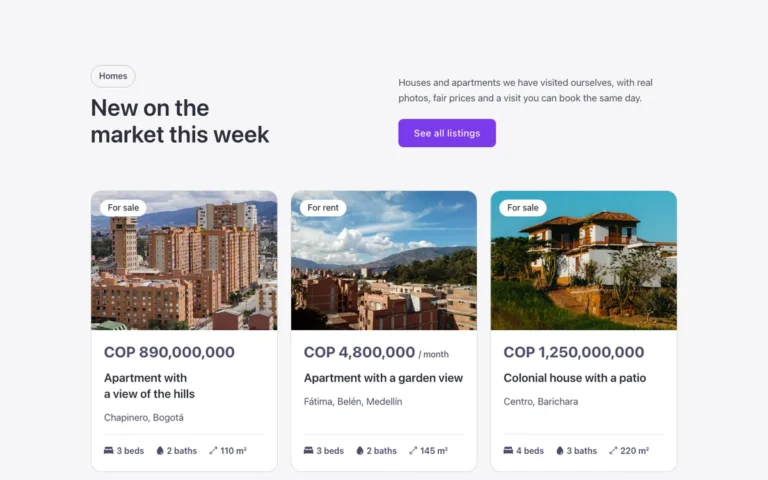
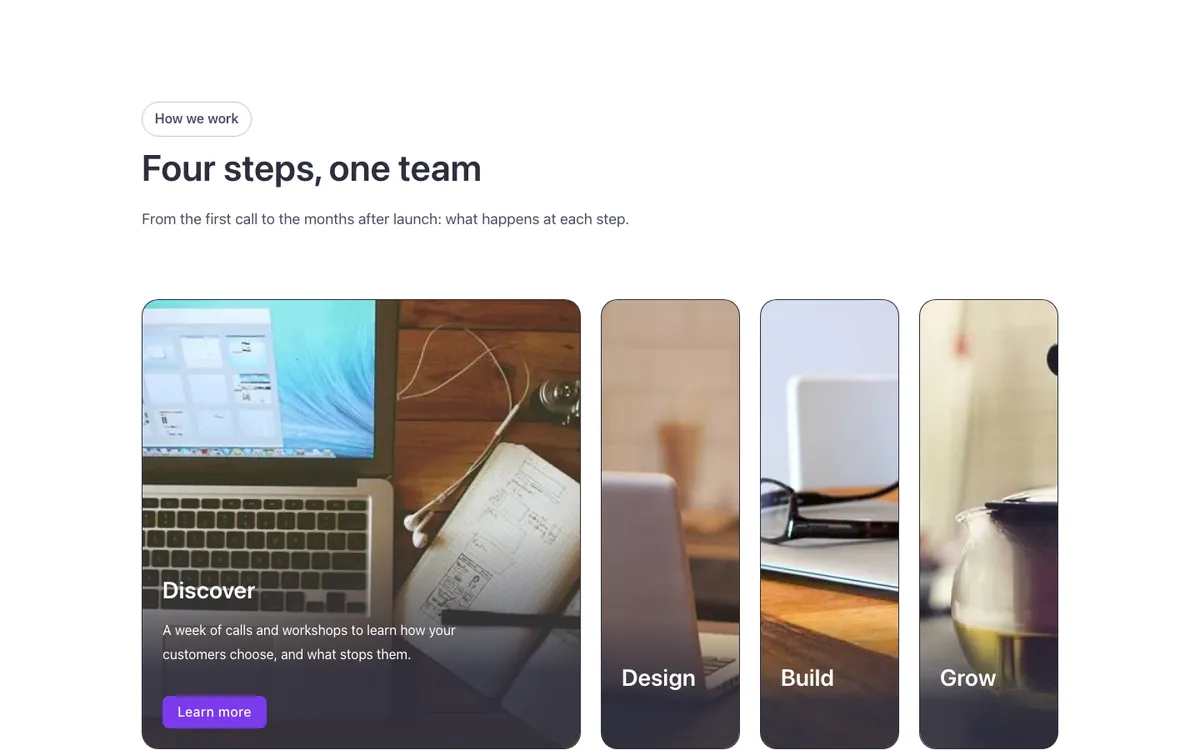
An expanding card row for Bricks Builder: four photo cards sit side by side and the one under the pointer, or keyboard focus, widens to show its text and button, while the others make room and keep only their title visible. The first card stays open once the pointer leaves the row; the whole effect lives in one removable class, and on tablet and mobile every card shows its text at once.
In the annual plan, $99/year. See plans
Preview
Loading demo…
Template details
What’s inside
The components it’s built from. They come with the template when you paste it, and you edit them from the Bricks panel.
- FBK Button
A link styled as a button, with style, size and width.
- FBK Card
A media slot, title, text, a content slot and an actions slot.
- FBK Intro
Eyebrow, title, lead and an actions slot for buttons.
Adjust it
Change these variables in Bricks to tune it; everything else follows your framework.
On the element Expanding cards, class fbk-cardsexpand
Card height, extra width (and text width) of the open card
- --fbk-t-height
- 30em
- --fbk-t-open
- 20em
- --fbk-t-speed
- 0.7s
- --fbk-t-text-delay
- 0.25s
- --fbk-t-text-in
- 0.6s
- --fbk-t-text-out
- 0.15s
- --fbk-t-text-rise
- 1.5em
How long the row waits, once the mouse has left it, before the first card opens again (row script)
- --fbk-row-wait
- 0.2s
One hover duration for the whole library (--fbk-hover)
- --fbk-t-time
- var(--fbk-hover)