Header · Bottom navigation
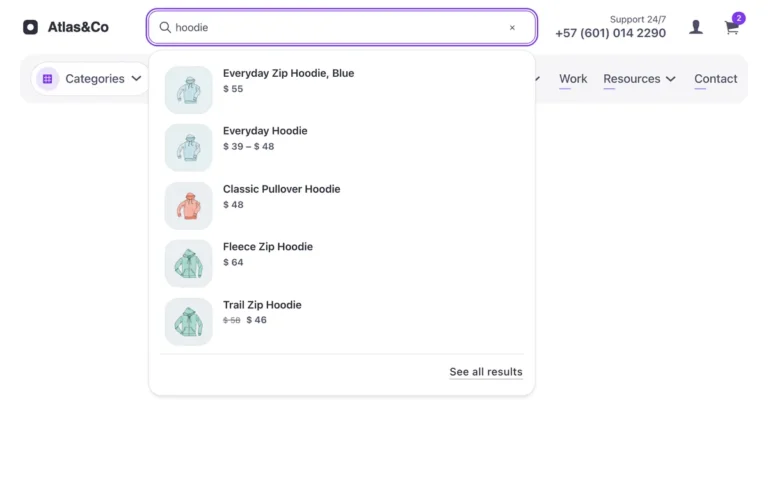
A floating bottom navigation bar for Bricks Builder with five icon links and the current page marked in your brand color. The search icon opens a panel wired to Bricks query filters for live, no-reload search results, closing on escape, its own button or an outside click.
In the annual plan, $99/year. See plans
Uses a small script. Turn on Code execution in Bricks › Settings › Custom code. How to turn on Code execution
Preview
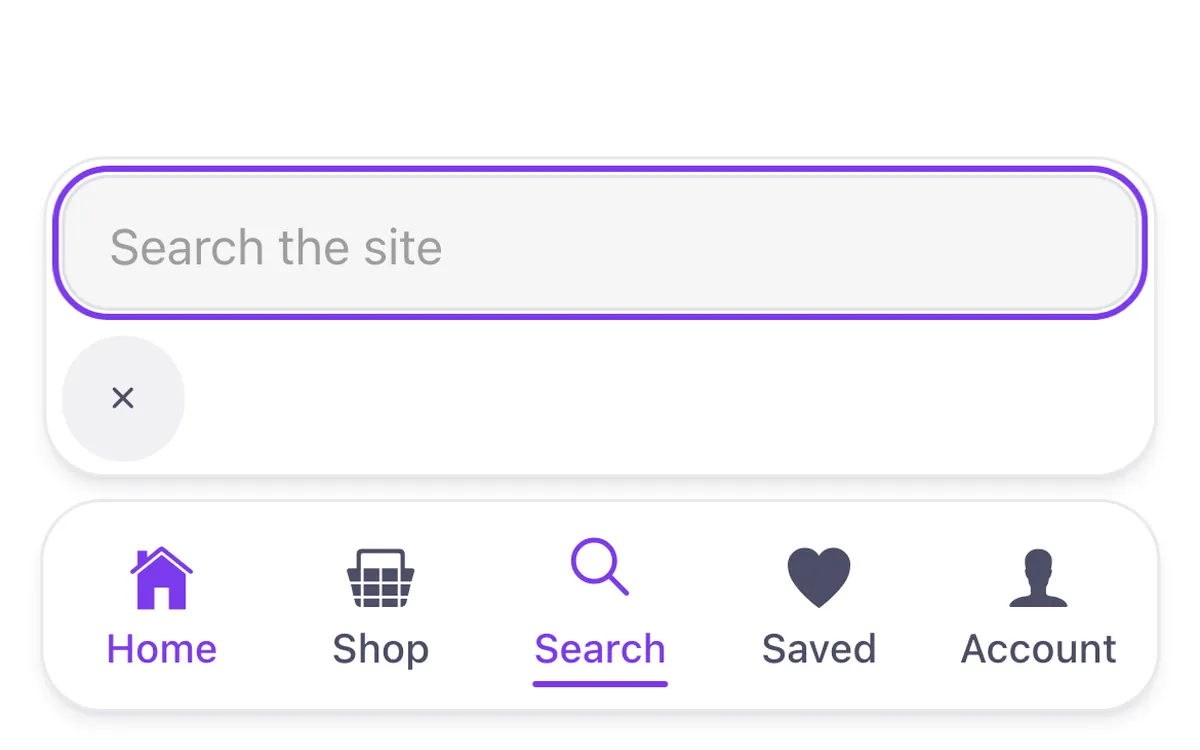
Loading demo…
Template details
What’s inside
The components it’s built from. They come with the template when you paste it, and you edit them from the Bricks panel.
Built from Bricks’ own elements only.
Adjust it
Change these variables in Bricks to tune it; everything else follows your framework.
On the element Bottom nav, class fbk-bnav
Bar
- --fbk-t-bnav-bottom
- var(--space-s)
Corners of the bar and the room around its links (the links' corners follow: radius minus room)
- --fbk-bnav-radius
- var(--radius)
- --fbk-bnav-pad
- 0.3em
- --fbk-bnav-line
- color-mix(in srgb, currentColor 12%, transparent)
Replaces
In Fancy Bricks 1.0 and 2.0 this was Bottom Navigation Bar (2.0).