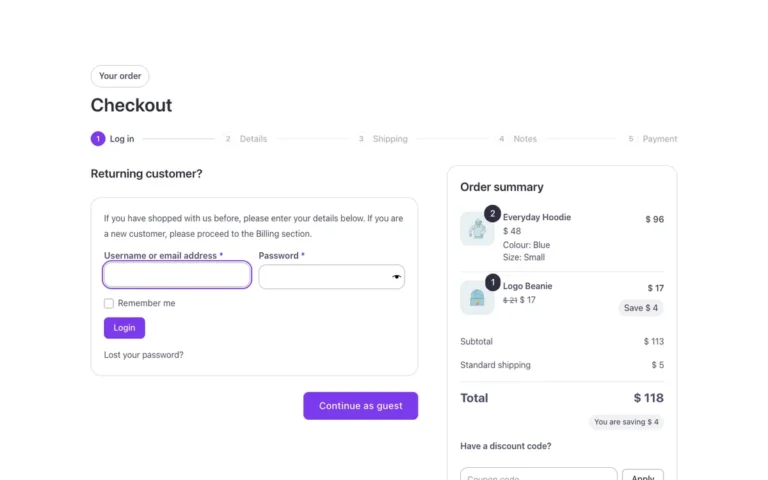
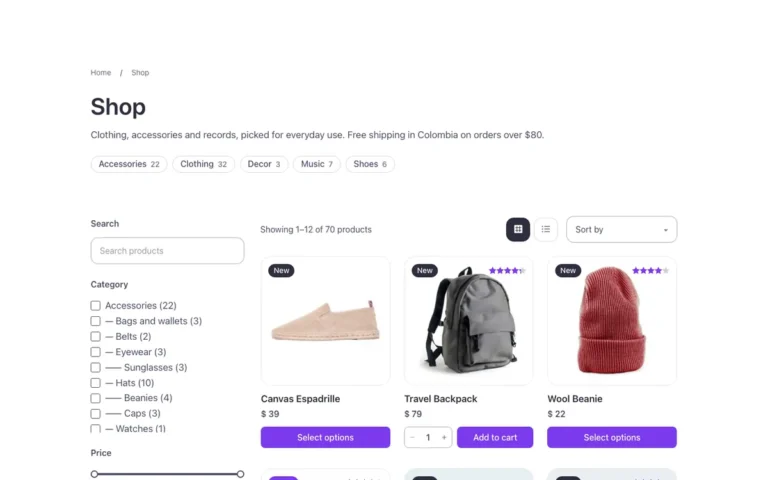
Woo · Mini cart
A mini cart for WooCommerce headers in Bricks Builder, with two options to try side by side: a dropdown built on Bricks' native Mini cart, and a side panel with a dynamic cart fragment showing each line's photo, quantity controls, a free-shipping bar and the subtotal. Both cart counts update live as items are added, and the panel traps focus and closes with Escape.
In the annual plan, $99/year. See plans
Uses a small script. Turn on Code execution in Bricks › Settings › Custom code. How to turn on Code execution
Preview
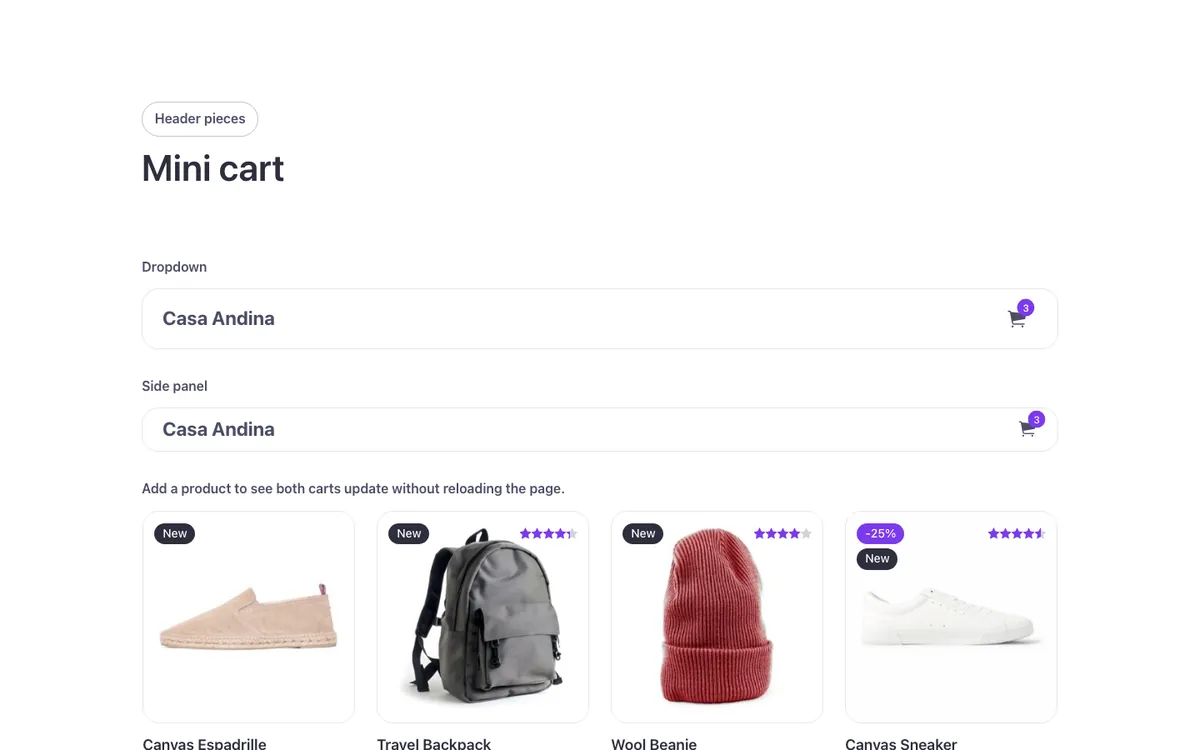
Loading demo…
Template details
What’s inside
The components it’s built from. They come with the template when you paste it, and you edit them from the Bricks panel.
- FBK Button
A link styled as a button, with style, size and width.
- FBK Intro
Eyebrow, title, lead and an actions slot for buttons.
- FBK Product card
A WooCommerce product inside a query loop, with its badges and cart button.
Adjust it
Change these variables in Bricks to tune it; everything else follows your framework.
On the element Mini carts, class fbk-minicart
Width of the side panel
- --fbk-t-panel
- 22em
Lines of the sample bars
- --fbk-minicart-line
- color-mix(in srgb, currentColor 15%, transparent)
Replaces
In Fancy Bricks 1.0 and 2.0 this was Mini cart with Quantity (2.0).