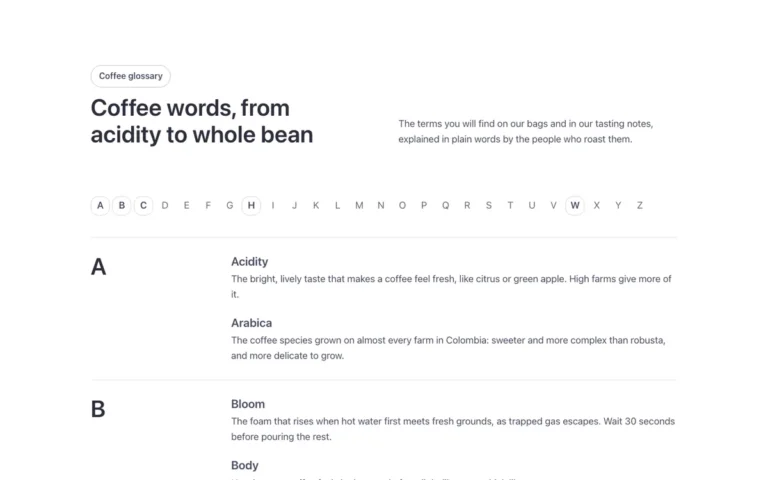
Features · Comparison table
A comparison table for Bricks Builder: a column for your product and one for each alternative, with a check or a dash in every cell and your own column tinted top to bottom. Built as an accessible table of blocks with real ARIA table roles, so screen readers read it like a table.
In the annual plan, $99/year. See plans
Preview
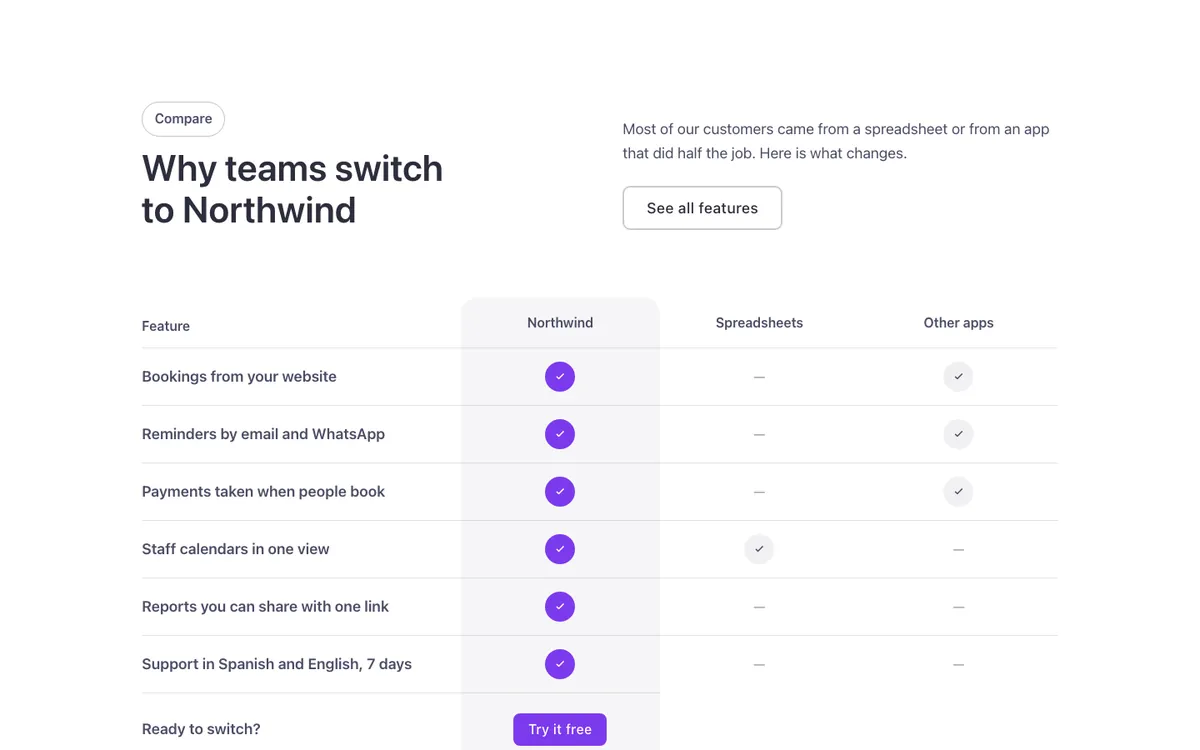
Loading demo…
Template details
What’s inside
The components it’s built from. They come with the template when you paste it, and you edit them from the Bricks panel.
- FBK Button
A link styled as a button, with style, size and width.
- FBK Intro
Eyebrow, title, lead and an actions slot for buttons.
Adjust it
Change these variables in Bricks to tune it; everything else follows your framework.
On the element Comparison table, class fbk-wf-vs
Columns: the feature, then one per option (yours first)
- --fbk-t-cols
- minmax(0, 1.6fr) repeat(3, minmax(0, 1fr))
Your column's tint, top to bottom
- --fbk-t-ours
- color-mix(in srgb, currentColor 5%, transparent)