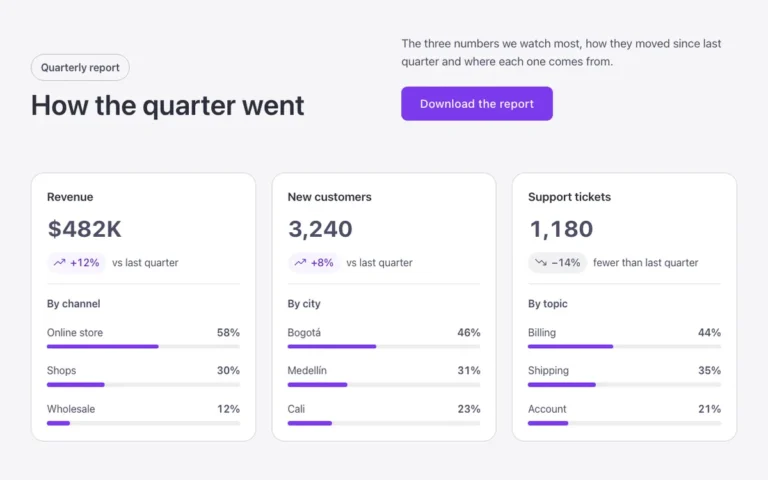
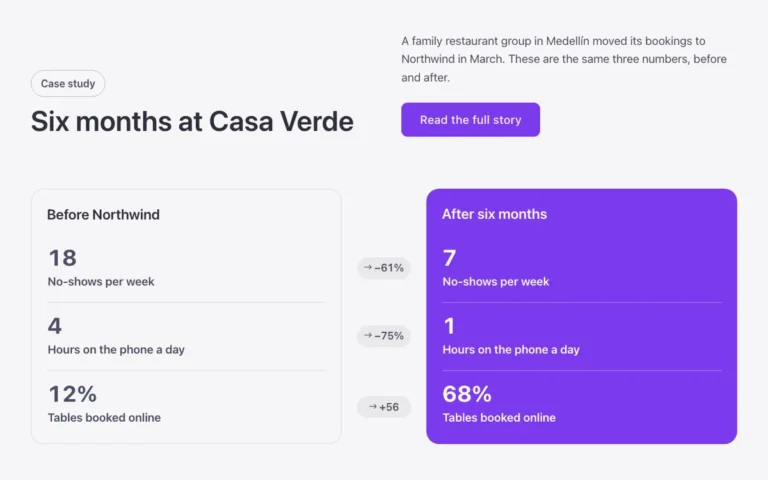
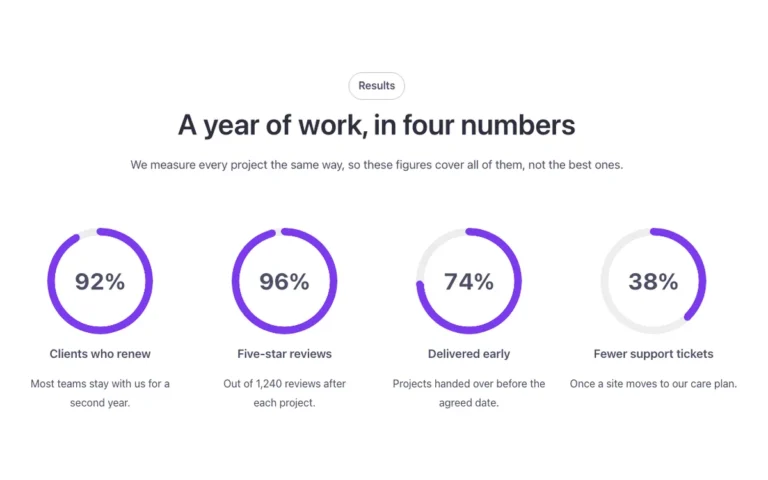
Stats · Progress bars
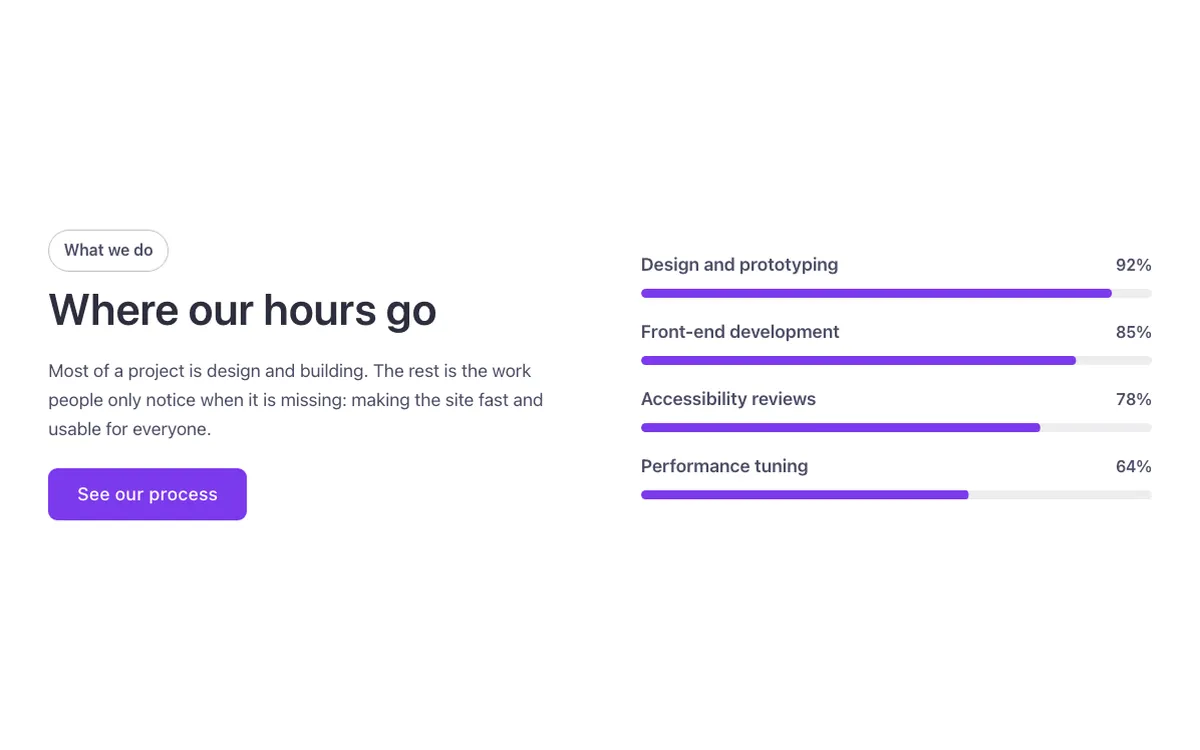
A stats section for Bricks Builder with an intro beside four progress bars, each carrying a name and a percentage. The bars fill in one after another as they come into view. Good for showing skills, results or completion rates at a glance.
In the annual plan, $99/year. See plans
Uses a small script. Turn on Code execution in Bricks › Settings › Custom code. How to turn on Code execution
Preview
Loading demo…
Template details
What’s inside
The components it’s built from. They come with the template when you paste it, and you edit them from the Bricks panel.
- FBK Button
A link styled as a button, with style, size and width.
- FBK Intro
Eyebrow, title, lead and an actions slot for buttons.
Adjust it
Change these variables in Bricks to tune it; everything else follows your framework.
On the element Bars, class fbk-skills
Thickness of the bars
- --fbk-t-bar
- 0.5em
Track color (the empty part)
- --fbk-t-track
- color-mix(in srgb, currentColor 10%, transparent)
Fill color
- --fbk-t-fill
- var(--primary)
How long a bar takes to fill when it comes into view (0 with reduced motion)
- --fbk-t-fill-time
- calc(var(--fbk-hover) * 4)