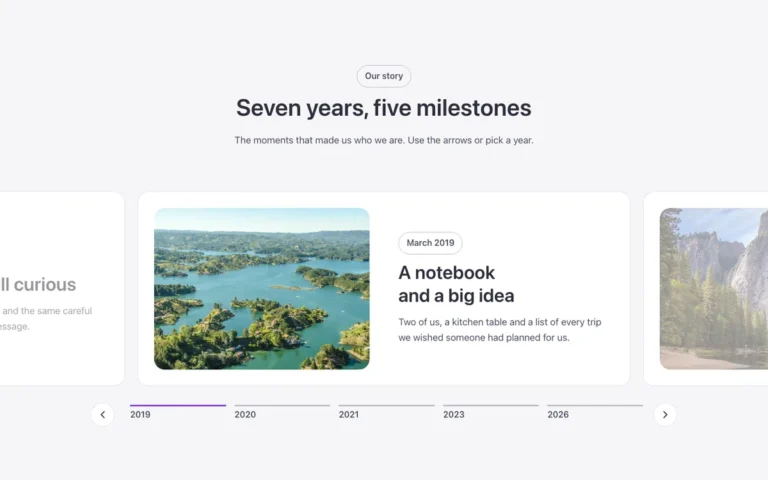
Split carousel
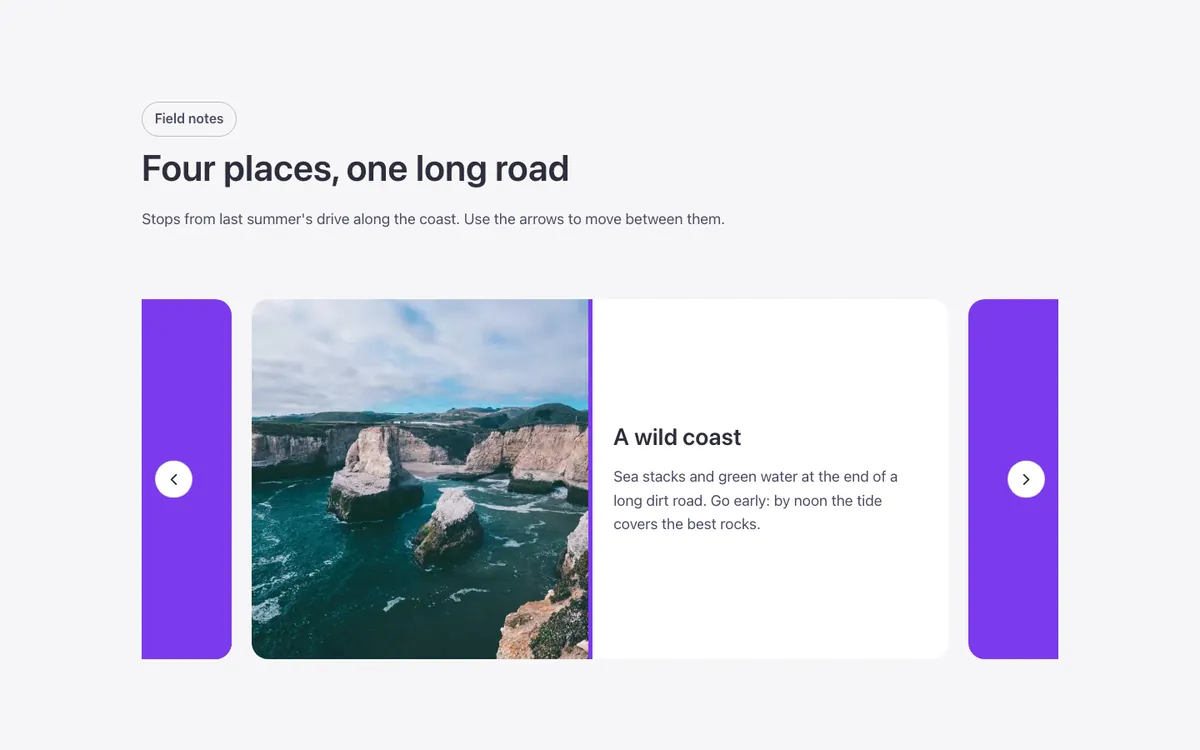
A split carousel for Bricks Builder with one wide slide per view and its neighbors peeking in at the sides. Reaching a slide pulls back the brand-colored block covering it, shrinks the photo, and opens the title and text beside it with an accent bar; on mobile the text opens below the photo instead.
In the annual plan, $99/year. See plans
Preview
Loading demo…
Template details
What’s inside
The components it’s built from. They come with the template when you paste it, and you edit them from the Bricks panel.
- FBK Intro
Eyebrow, title, lead and an actions slot for buttons.
Adjust it
Change these variables in Bricks to tune it; everything else follows your framework.
On the element Carousel, class fbk-splitslide
Height of every slide
- --fbk-t-height
- clamp(22em, 30vw, 26em)
Width of the text beside the photo
- --fbk-t-text-w
- 24em
Color over the slides that are not the active one, and the bar by the text
- --fbk-t-cover
- var(--primary)
- --fbk-t-accent
- var(--fbk-accent)
- --fbk-t-arrow-inset
- var(--space-s)
Layout (changes below 767 px): the text opens beside the photo; on phones, under it
- --fbk-t-direction
- row
- --fbk-t-body-w
- var(--fbk-t-text-w)
Caption tracks, closed and open (a column beside the photo; a row under it on phones)
- --fbk-t-cols-closed
- 0fr
- --fbk-t-rows-closed
- 1fr
- --fbk-t-cols
- var(--fbk-t-cols-closed)
- --fbk-t-rows
- var(--fbk-t-rows-closed)
Caption state: closed (the active slide's figure opens it)
- --fbk-splitslide-shown
- 0
- --fbk-splitslide-cover
- 1
Replaces
In Fancy Bricks 1.0 and 2.0 this was Slide (1.0).