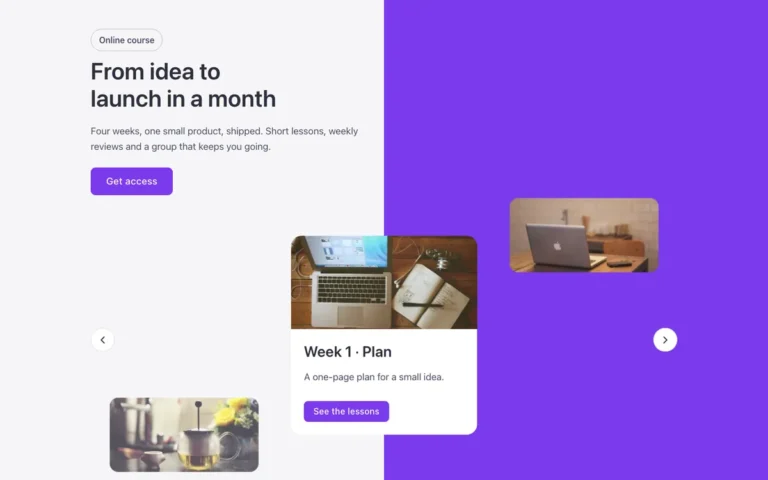
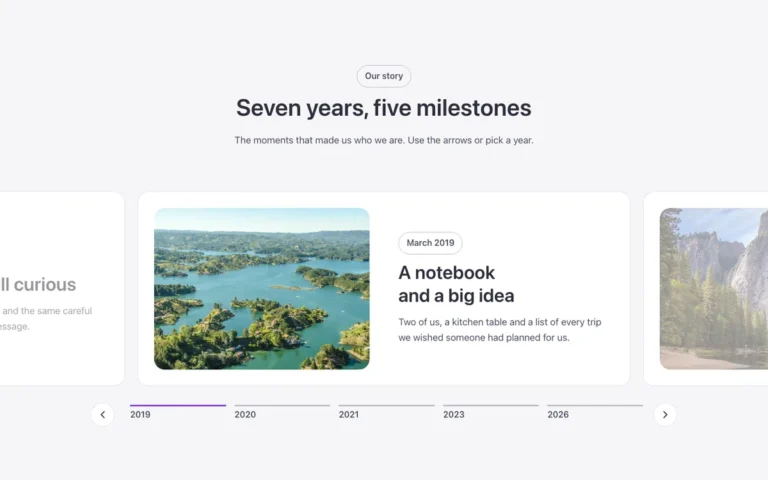
Portfolio carousel
A portfolio carousel for Bricks Builder: a white panel with the intro sits at the left edge of the screen, and a carousel of website screenshots runs to the right of it. Hovering a card, or focusing its link with the keyboard, scrolls its screenshot slowly down the page.
In the annual plan, $99/year. See plans
Preview

Loading demo…
Template details
What’s inside
The components it’s built from. They come with the template when you paste it, and you edit them from the Bricks panel.
- FBK Intro
Eyebrow, title, lead and an actions slot for buttons.
Adjust it
Change these variables in Bricks to tune it; everything else follows your framework.
On the element Intro + carousel, class fbk-folio
- --fbk-t-scroll-time
- 6s
Space above and below (the panel fills it)
- --fbk-t-pad-y
- var(--space-xxl)
Width of the intro column; the panel reaches from the screen edge to its end
- --fbk-t-intro-w
- 32%
White in light mode, the dark surface when the site is dark
- --fbk-t-panel-bg
- var(--fbk-card-scheme-bg, var(--white))
Screenshot frame (portrait) and how long the scroll-through takes
- --fbk-t-ratio
- 4 / 5
Layout (changes below 767 px)
- --fbk-t-direction
- row
- --fbk-t-intro-basis
- var(--fbk-t-intro-w)
The panel: from the screen's left edge to the end of the intro column (+ half the gap)
- --fbk-t-panel-w
- calc((100vw - 100%) / 2 + var(--fbk-t-intro-w) + var(--space-xl) / 2)
- --fbk-t-panel-display
- block
On phones the intro paints its own panel band itself, edge to edge
- --fbk-t-intro-fill
- none
- --fbk-t-intro-bg
- transparent
Replaces
In Fancy Bricks 1.0 and 2.0 this was Carousel (portfolio) (1.0).