Logos · Grid
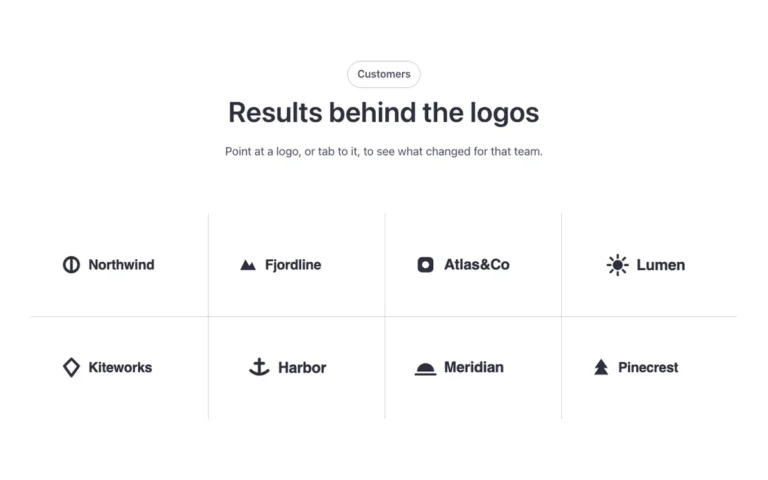
A logos section for Bricks Builder with eight client logos in a grid, separated by thin lines. Each logo stays gray until hovered, when it shows its real color, with a line of text below the grid. Good for a quiet, understated client or partner showcase.
Dark mode ready
In the annual plan, $99/year. See plans
Preview

Loading demo…
Template details
What’s inside
The components it’s built from. They come with the template when you paste it, and you edit them from the Bricks panel.
- FBK Intro
Eyebrow, title, lead and an actions slot for buttons.
Adjust it
Change these variables in Bricks to tune it; everything else follows your framework.
On the element Logo grid, class fbk-logogrid
Columns (2 on phones)
- --fbk-t-columns
- 4
Logo height
- --fbk-t-logo-h
- 2em
Line color
- --fbk-t-line
- var(--fbk-tone-neutral-line, var(--border-color, color-mix(in srgb, currentColor 25%, transparent)))