Hero · Slideshow (double)
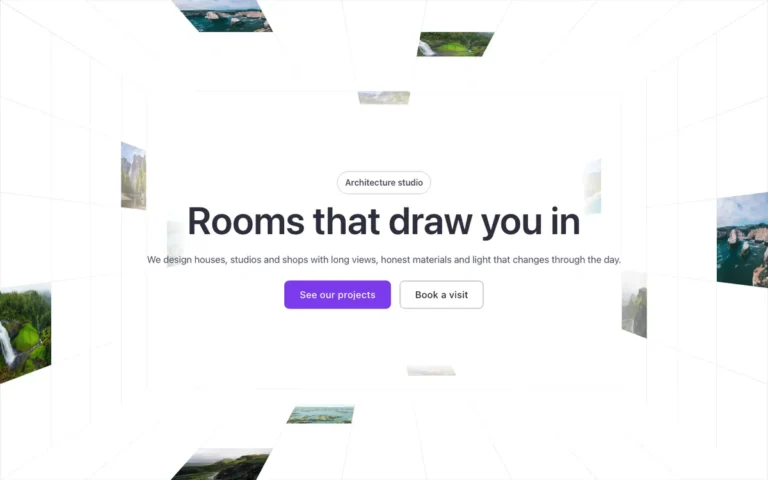
A hero slideshow for Bricks Builder with two photo blocks running side by side in the background, each cycling through its own set of photos with a choice of fade, slide or column transitions. A pause button with a progress ring sits over it, and it holds on the first photo when reduce motion is on.
In the annual plan, $99/year. See plans
Uses a small script. Turn on Code execution in Bricks › Settings › Custom code. How to turn on Code execution
Preview

Loading demo…
Template details
What’s inside
The components it’s built from. They come with the template when you paste it, and you edit them from the Bricks panel.
- FBK Button
A link styled as a button, with style, size and width.
- FBK Hero
A full-bleed hero stage: photos, a video or nothing, with content in the page width.
- FBK Intro
Eyebrow, title, lead and an actions slot for buttons.
Adjust it
Nothing extra to set: it takes its colors, spacing and type from your framework.
Replaces
In Fancy Bricks 1.0 and 2.0 this was Section - Double Slide Background (2.0).