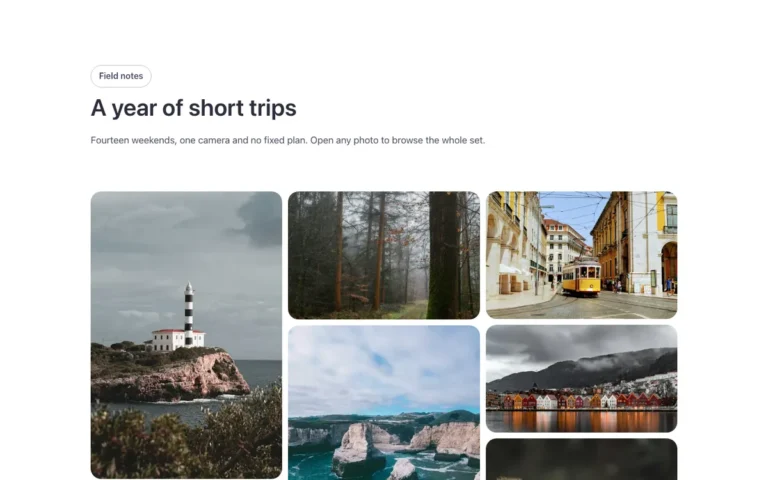
Gallery · 3D stack
A 3D photo stack for Bricks Builder, built on the native Image Gallery element: four photos sit stacked with their edges peeking out, and on hover or focus they fan out in 3D while the pointed-to photo rises. The back photo shows a «+N» badge when there are more, and the lightbox opens the full set.
In the annual plan, $99/year. See plans
Preview
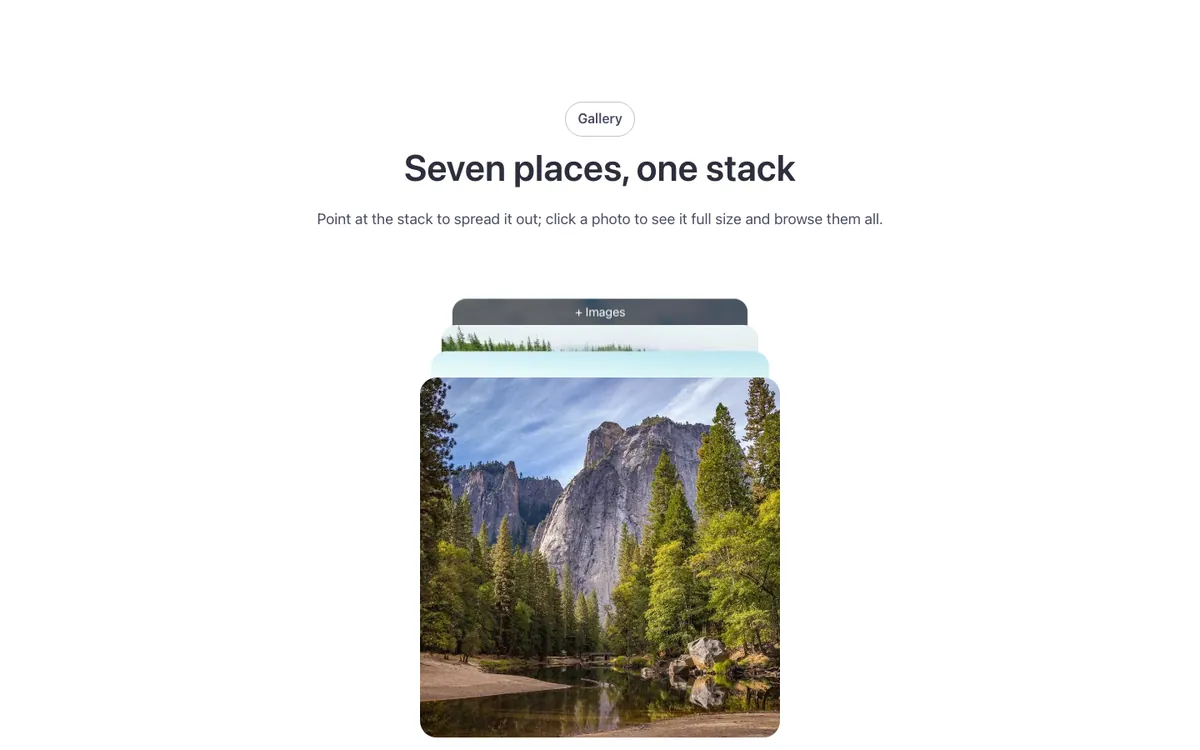
Loading demo…
Template details
What’s inside
The components it’s built from. They come with the template when you paste it, and you edit them from the Bricks panel.
- FBK Intro
Eyebrow, title, lead and an actions slot for buttons.
Adjust it
Change these variables in Bricks to tune it; everything else follows your framework.
On the element Stack, class fbk-stack
How far the photos peek out at rest, how far apart they fan out, the turn of the open fan, the back photo's text
- --fbk-t-peek
- 1.75em
- --fbk-t-fan
- 24%
- --fbk-t-turn
- -28deg
- --fbk-t-more
- "+ Images"
- --fbk-stack-shift
- 0%
Set below, by how many photos there are: none for four or fewer
- --fbk-t-rest
- none
Replaces
In Fancy Bricks 1.0 and 2.0 this was 3D Stack images (2.0).