Blog · Single post with sidebar
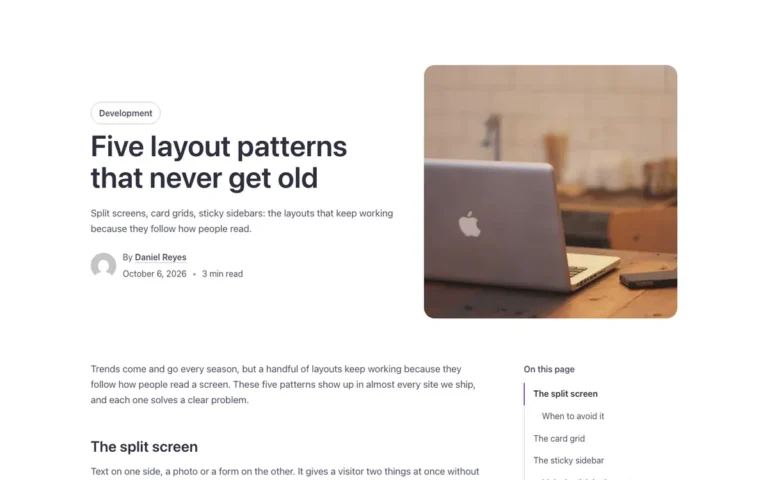
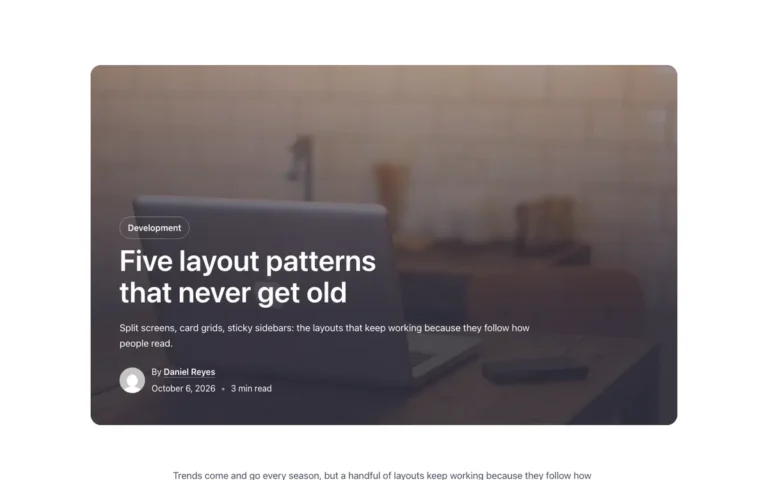
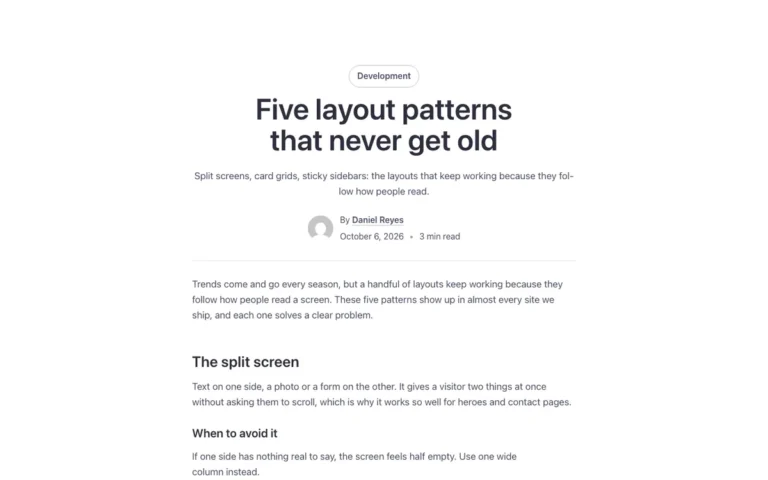
A single post template for Bricks Builder like Blog · Single post, with a sidebar instead: a newsletter form, social links and the latest posts sit beside the article, and a sticky table of contents follows under them. On tablets and phones the sidebar drops below the article and the contents become a closed dropdown.
In the annual plan, $99/year. See plans
Uses a small script. Turn on Code execution in Bricks › Settings › Custom code. How to turn on Code execution
Preview
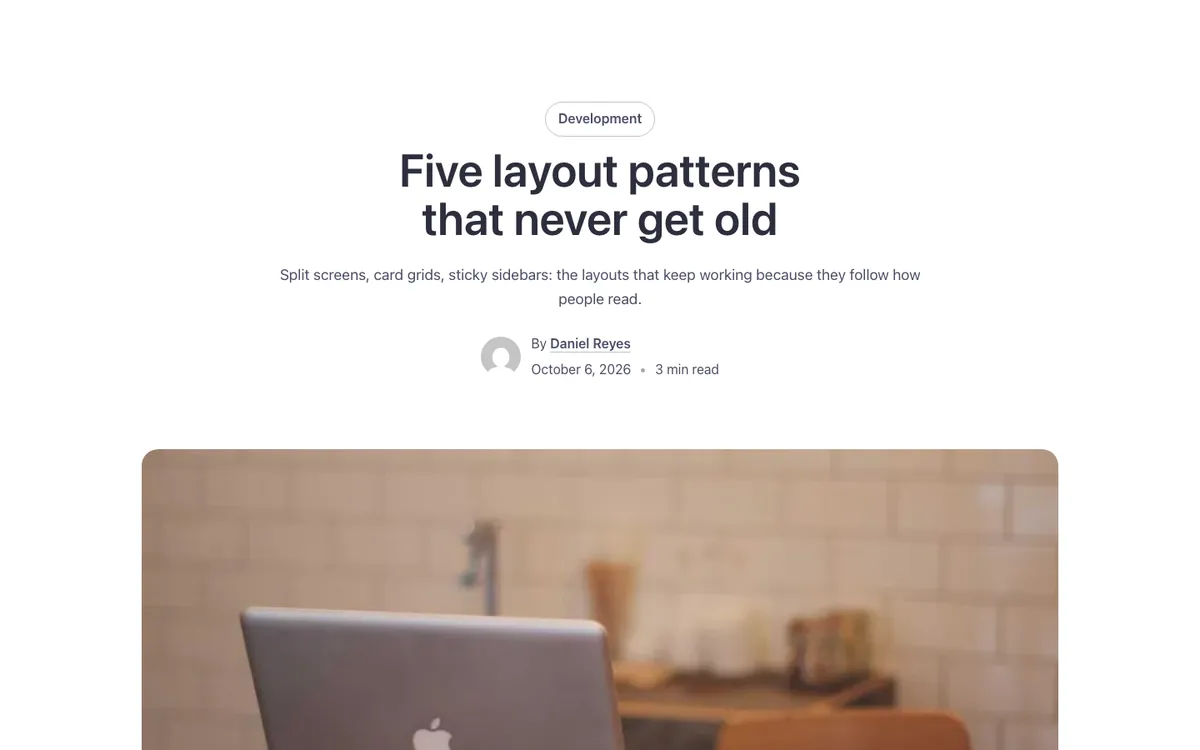
Loading demo…
Template details
What’s inside
The components it’s built from. They come with the template when you paste it, and you edit them from the Bricks panel.
- FBK Intro
Eyebrow, title, lead and an actions slot for buttons.
- FBK Post card
A blog post inside a query loop: image, title, excerpt, Read more.
- FBK Share
Share links for the current page: Facebook, X, LinkedIn and more.
- FBK Social
Links to your social profiles, logo and network name.
Adjust it
Change these variables in Bricks to tune it; everything else follows your framework.
On the element Post, class fbk-singleside
Width of the sidebar
- --fbk-t-side
- 18em
Replaces
In Fancy Bricks 1.0 and 2.0 this was Single Blog (2.0).