
FBK Share
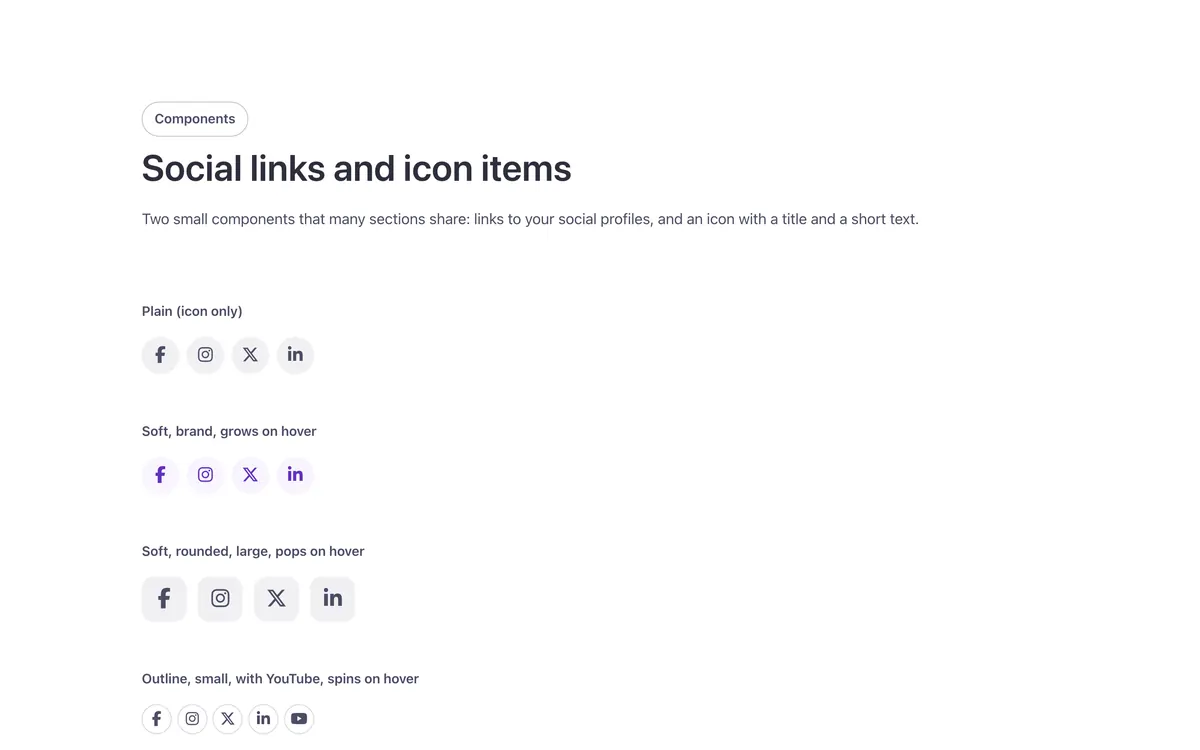
Share links for the current page: Facebook, X, LinkedIn and more.
- Used in 9 templates
- 20 options
- Native Bricks element
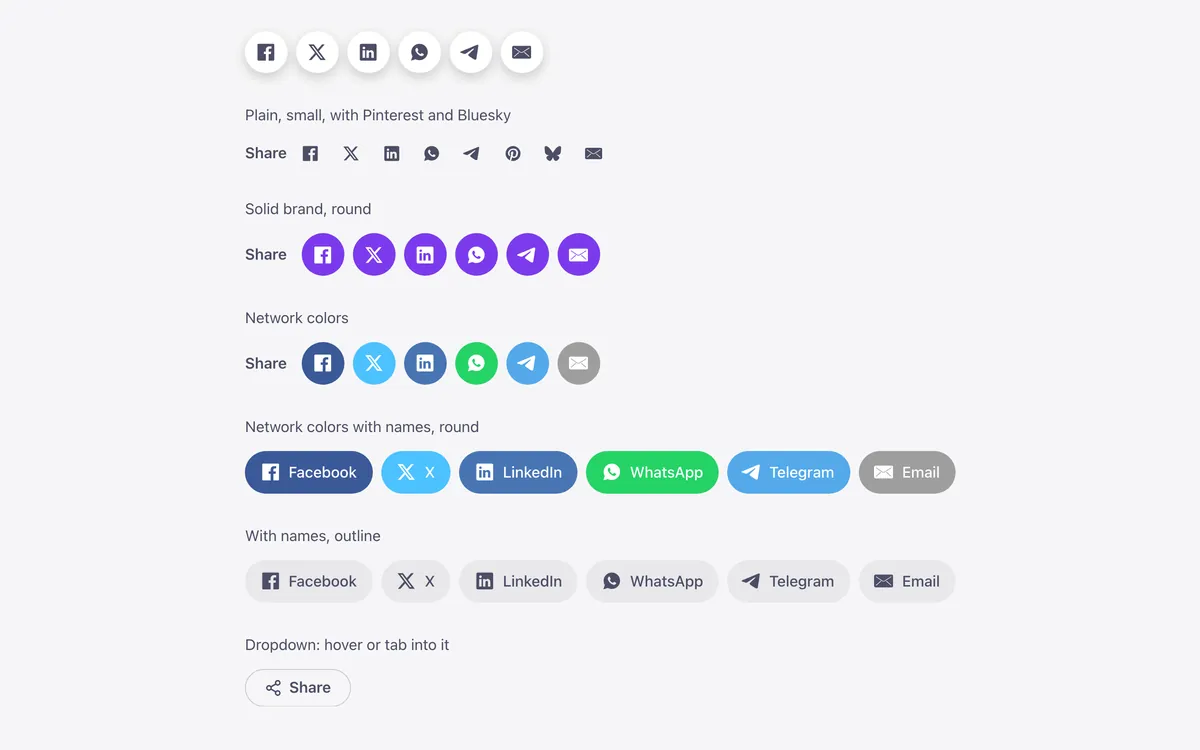
One FBK Share, as in the first example below. Change anything from the panel after you paste it.
In the annual plan, $99/year. See plans
Every FBK Share variation
Live from the demo site. Switch the width and the background, or open it full screen.
Loading demo…
The options
Every property of the component, in the order the Bricks panel shows them.
| Option | Choices | Default |
|---|---|---|
| Label | Any text | Share |
| Hide label | On or off | Off |
| Show, Hide | Show | |
| X | Show, Hide | Show |
| Show, Hide | Show | |
| Show, Hide | Show | |
| Telegram | Show, Hide | Show |
| Show, Hide | Hide | |
| Bluesky | Show, Hide | Hide |
| Show, Hide | Show | |
| Open in a new tab | On or off | Off |
| LookPlain: no box. Soft: a tinted box that fills on hover. Outline: a thin edge that fills on hover. Solid: filled. Elevated: a raised surface with a small shadow. The same looks as every Fancy Bricks component (and the buttons: Ghost, Secondary, Outline, Primary). | Plain, Soft, Outline, Solid, Elevated | Soft |
| ToneBrand: your accent color. Neutral: the text color around it. White: the same on every background, for controls over photos. | Brand, Neutral, White | Neutral |
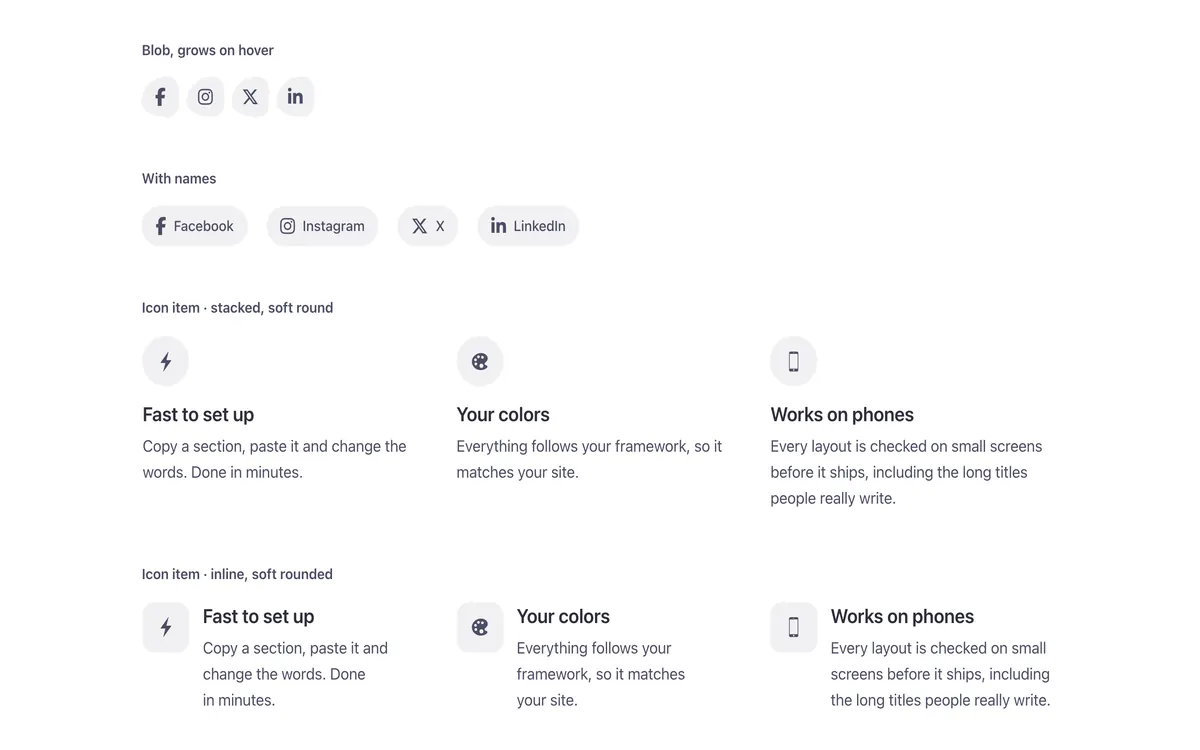
| ShapeRound: a circle on icons, a pill on text. Blob: a bubble that turns round on hover (icons). | Rounded, Round, Square, Blob | Round |
| Size | Small, Medium, Large | Medium |
| Hover effectThe color always changes on hover and keyboard focus. Grow: the icon grows. Pop: the piece grows. Lift: the piece rises a little. Spin: the icon turns once. No motion with reduced motion. | None, Grow, Pop, Lift, Spin | Grow |
| Network colorsBricks' «Use brand colors»: each link filled with its network's color (on any look but Plain). | On or off | Off |
| Show network names | No, Yes | No |
| LayoutDropdown: a «Share» pill that opens the links. Floating bar: a column that stays beside the article (put it in a two-column grid with the article); on phones, a bar at the bottom of the screen. | Label beside the links, Label above the links, Dropdown, Floating bar | Label beside the links |
| BackgroundDark or Brand when the links sit on a dark or brand background you made. | Auto, Light, Dark, Brand | Auto |
Used in 9 templates
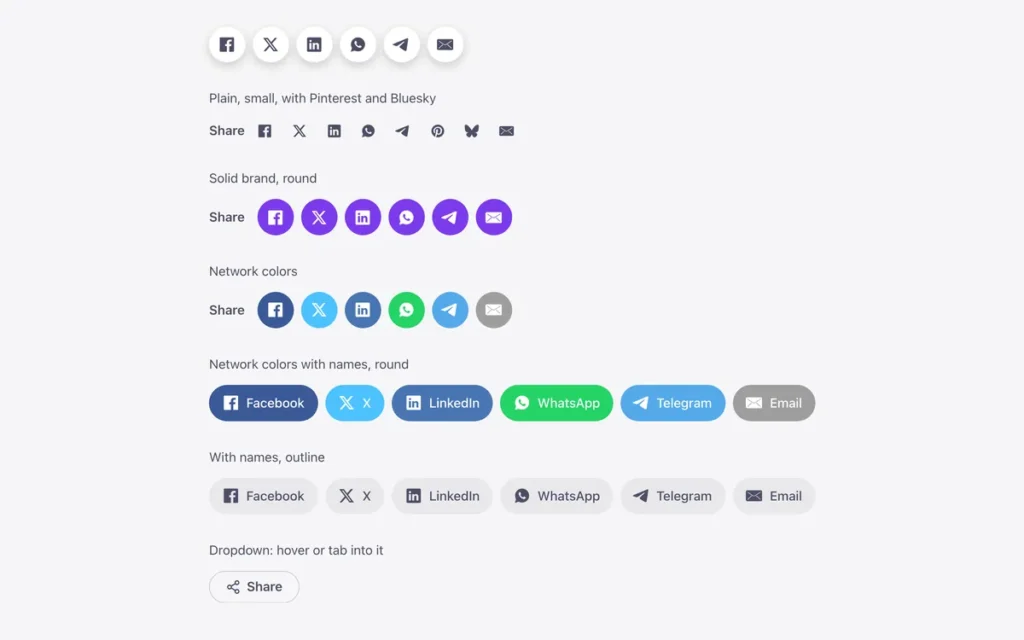
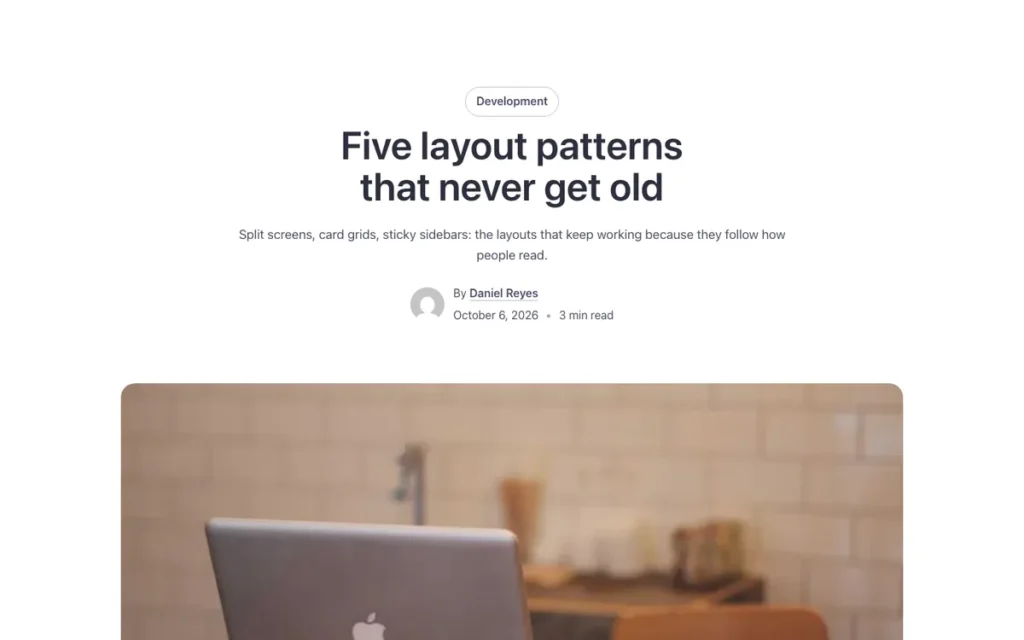
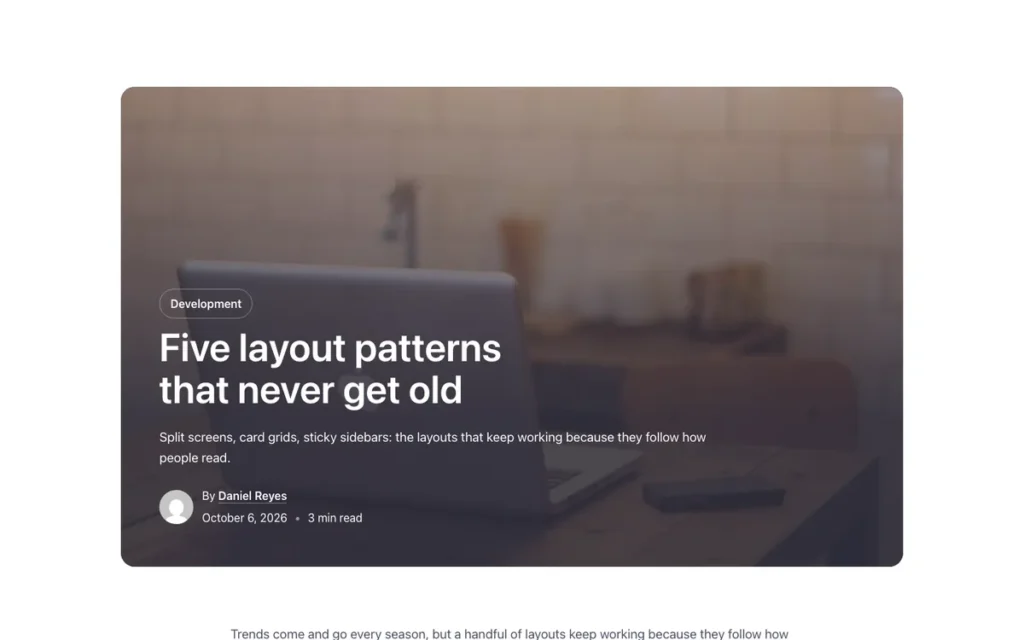
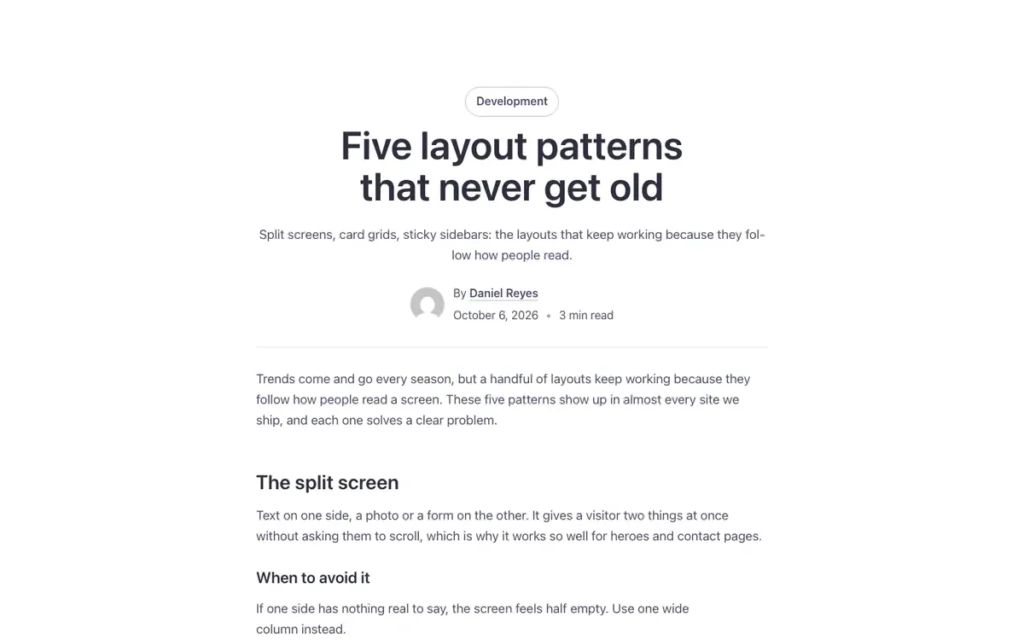
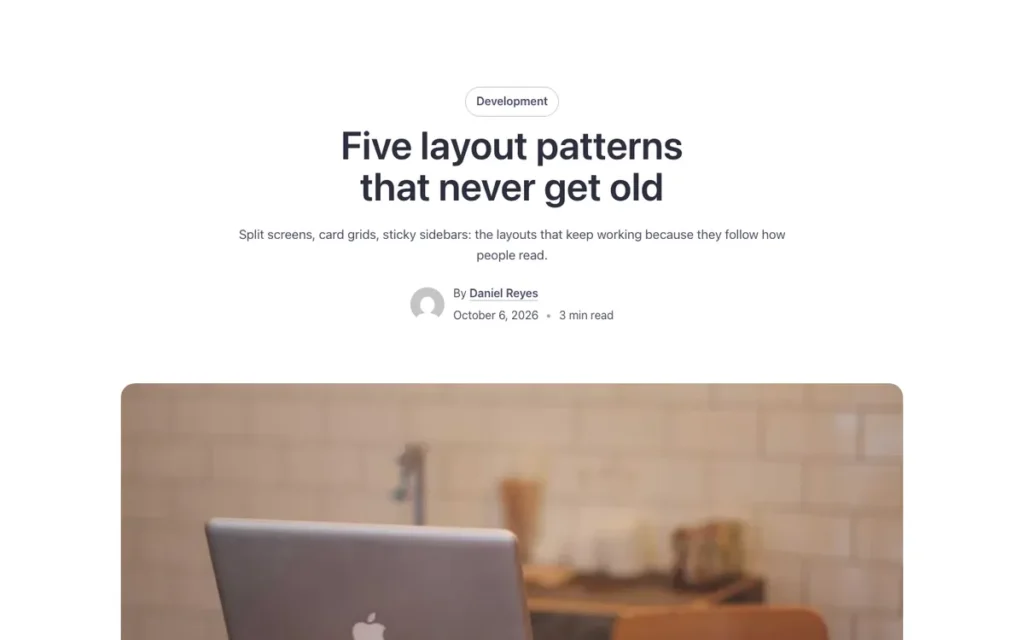
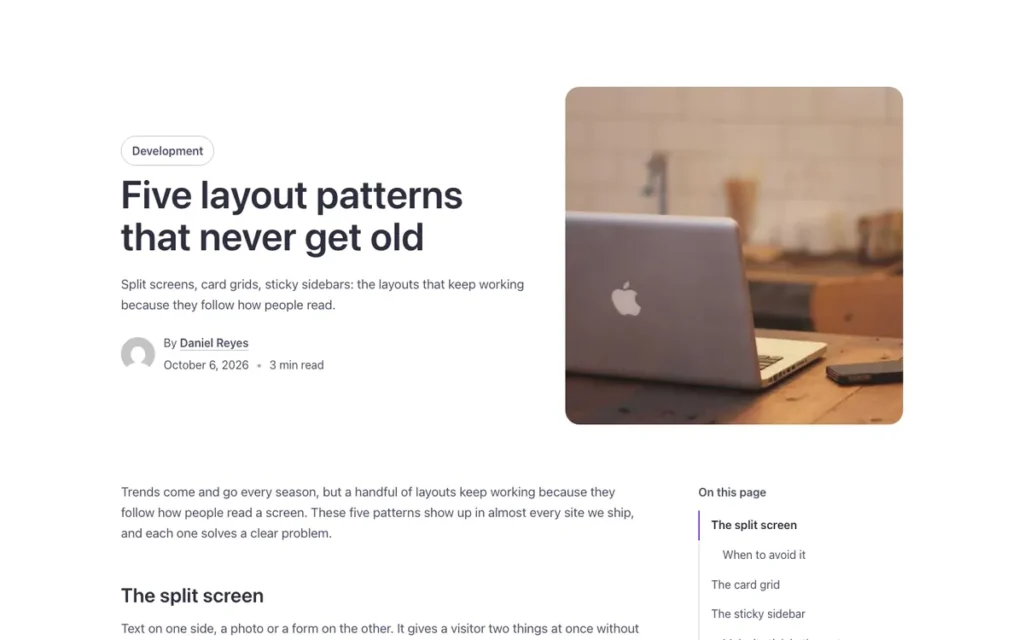
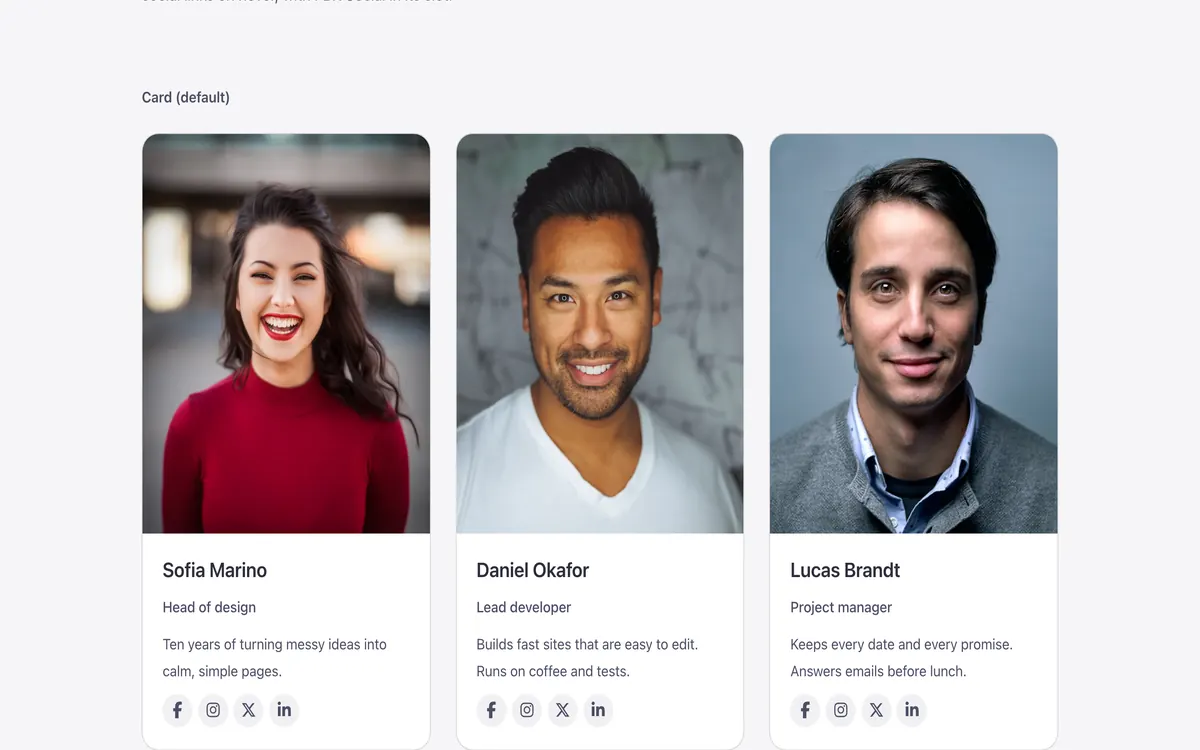
A few of them. Change FBK Share once on your site and every one of these sections follows.
Questions, answered
Short answers about FBK Share.
Do I need a template to use FBK Share?
No. Copy it from this page and paste it anywhere in Bricks. It also comes with every template that uses it.
What happens if I change FBK Share on my site?
Every instance follows: the design lives in the component and its classes, not in each copy.
Does it work with my framework?
Yes. Copy it for Fancy Framework, Automatic.css or Core Framework, and it uses your colors and sizes.
Every component comes inside a template
Browse the library, copy a section, and the components it uses come with it.