
FBK Marquee
A strip that scrolls without end: logos, blocks, text or a query loop.
- Used in 25 templates
- 8 options
- Native Bricks element
One FBK Marquee, as in the first example below. Change anything from the panel after you paste it.
In the annual plan, $99/year. See plans
Every FBK Marquee variation
Live from the demo site. Switch the width and the background, or open it full screen.
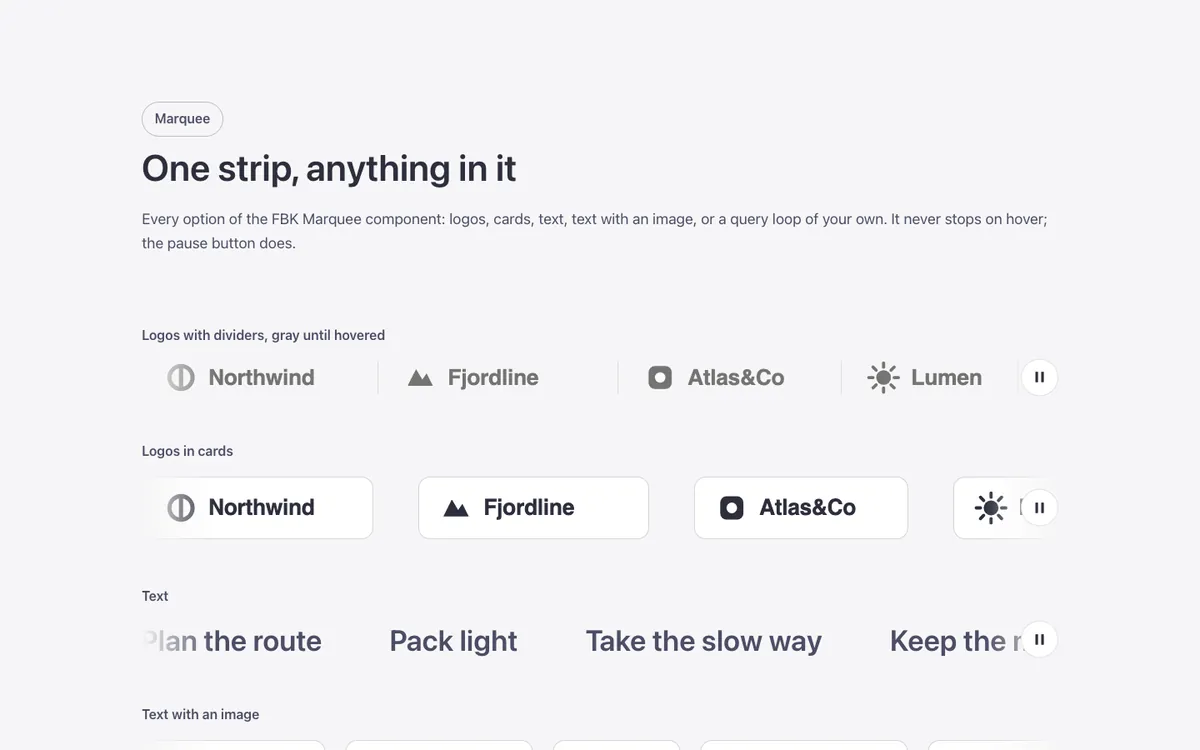
Loading demo…
The options
Every property of the component, in the order the Bricks panel shows them.
| Option | Choices | Default |
|---|---|---|
| DirectionUp and down: a column of fixed height (set it in Height). | To the left, To the right, Up, Down | To the left |
| Height (up and down) | S (24em), M (32em), L (40em) | M (32em) |
| SpeedThe same speed with any number of items. | Slow, Normal, Fast | Slow |
| ItemsApplies to whatever is in the slot: images, blocks, text or a query loop. | Plain, With dividers, In cards | Plain |
| LogosGray: images in gray, in color under the mouse. On dark backgrounds logos turn white. | As they are, Gray, color on hover | As they are |
| Gap | S, M, L | M |
| Edges | Straight, Fade out | Fade out |
| Hide pause buttonWithout it the strip fails WCAG 2.2.2 (moving content longer than 5 seconds must be pausable). It still stops off screen and with reduced motion. | On or off | Off |
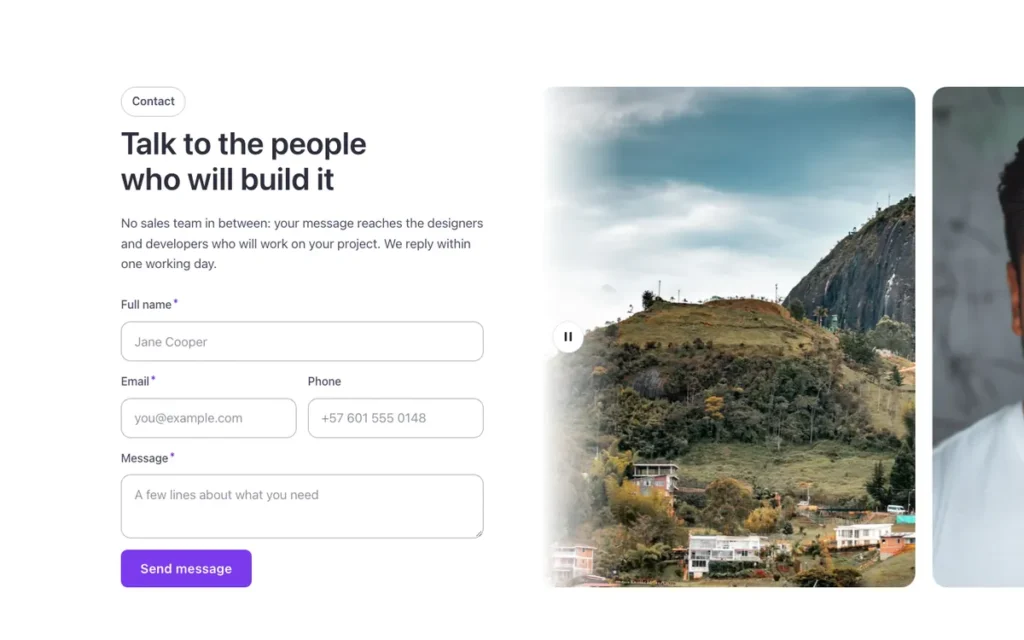
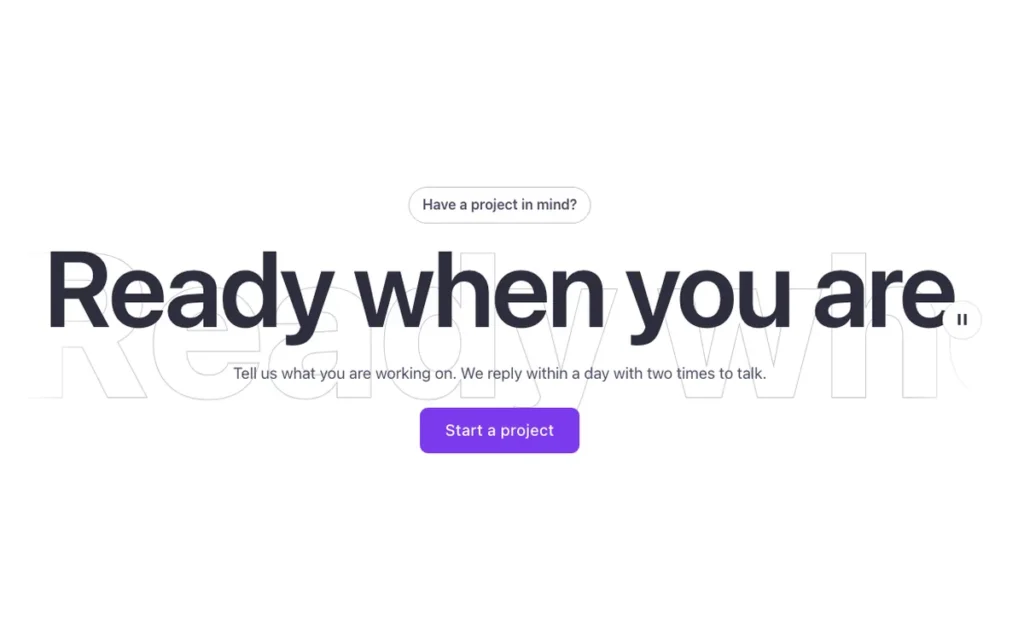
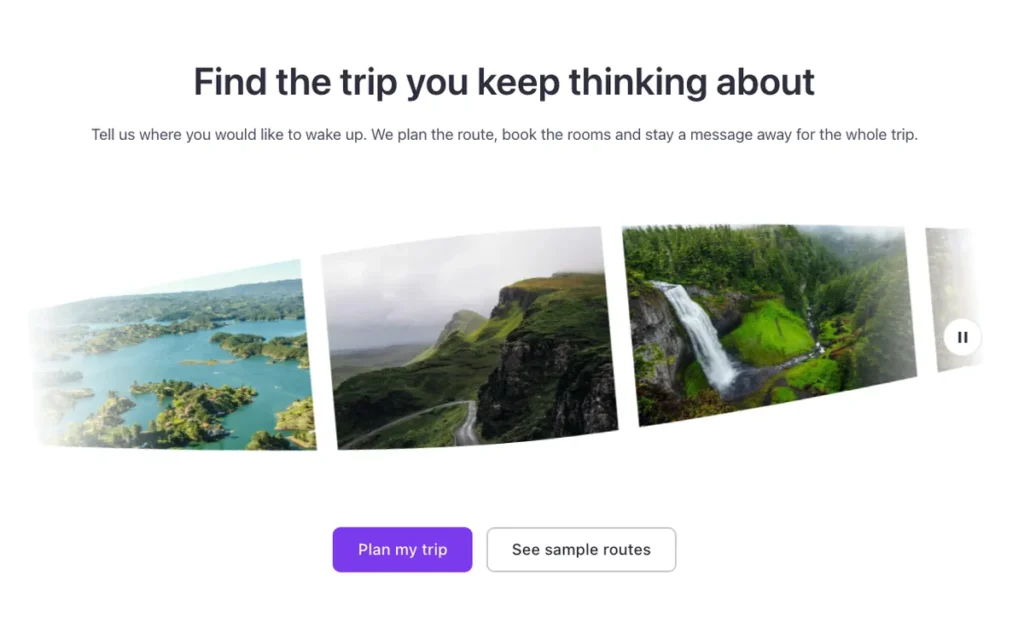
Used in 25 templates
A few of them. Change FBK Marquee once on your site and every one of these sections follows.



Related components
All components
Questions, answered
Short answers about FBK Marquee.
Do I need a template to use FBK Marquee?
No. Copy it from this page and paste it anywhere in Bricks. It also comes with every template that uses it.
What happens if I change FBK Marquee on my site?
Every instance follows: the design lives in the component and its classes, not in each copy.
Does it work with my framework?
Yes. Copy it for Fancy Framework, Automatic.css or Core Framework, and it uses your colors and sizes.
Every component comes inside a template
Browse the library, copy a section, and the components it uses come with it.