
FBK Card grid
A grid that takes FBK Card or FBK Icon item instances, or a query loop.
- Used in 31 templates
- 7 options
- Includes FBK Card
- Native Bricks element
One FBK Card grid, as in the first example below. Change anything from the panel after you paste it.
In the annual plan, $99/year. See plans
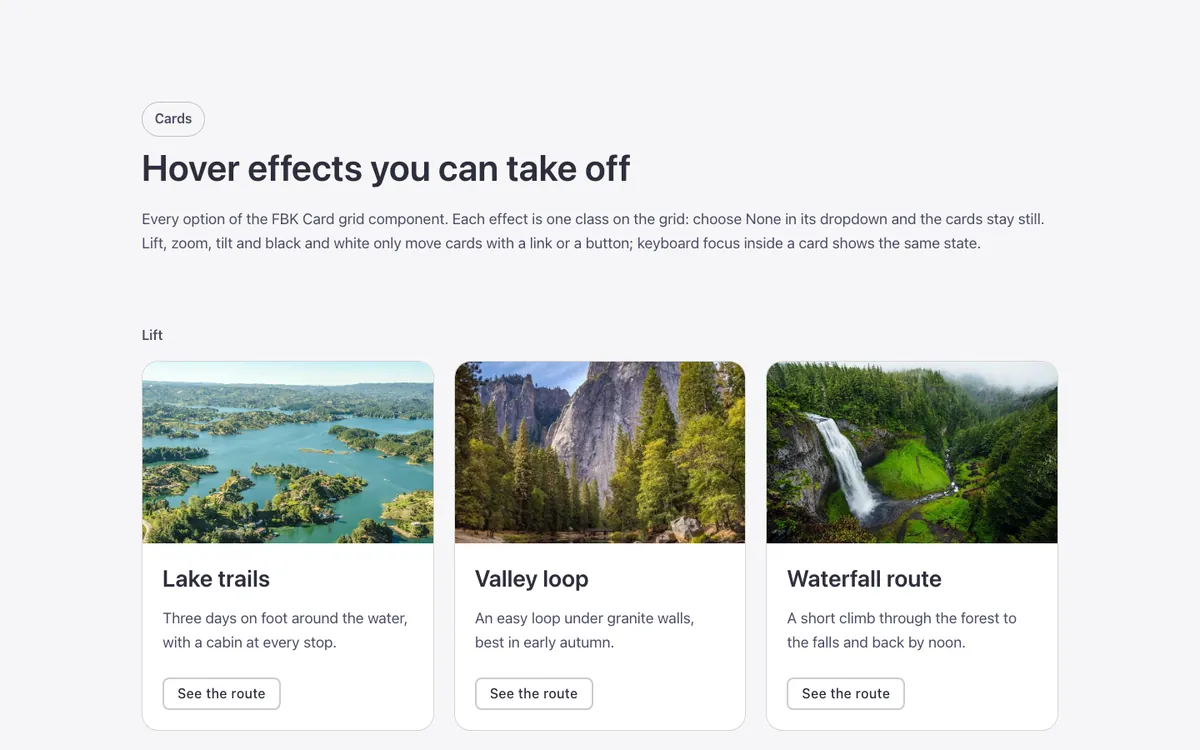
Every FBK Card grid variation
Live from the demo site. Switch the width and the background, or open it full screen.
Loading demo…
The options
Every property of the component, in the order the Bricks panel shows them. FBK Card has its own, in each piece you drop in.
| Option | Choices | Default |
|---|---|---|
| ColumnsThe most columns; fewer when the cards would get too narrow (no breakpoints needed). | 2, 3, 4 | 3 |
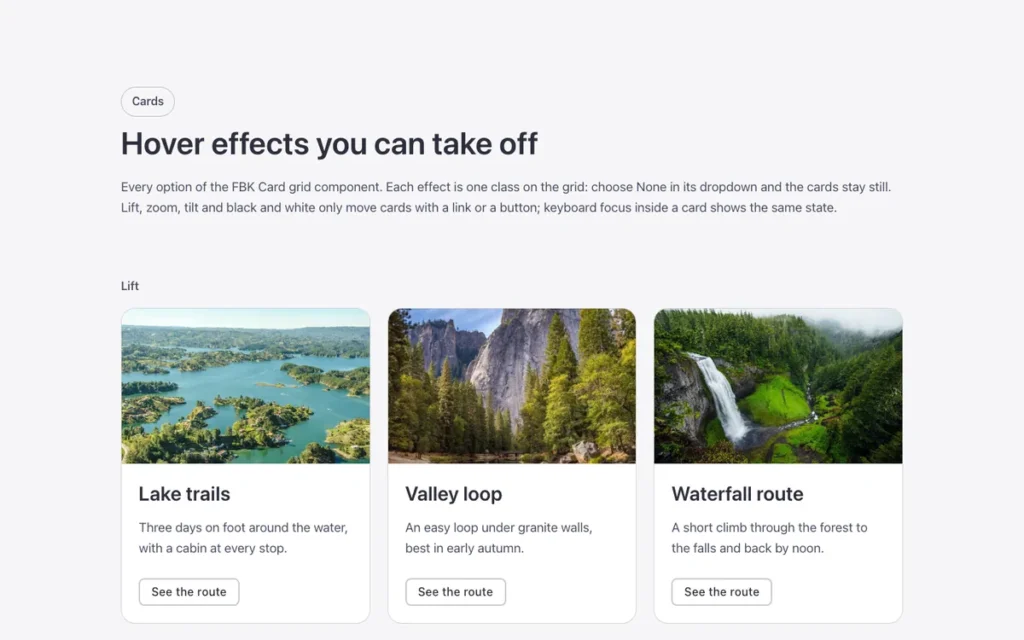
| Hover motionLift: the card rises and casts a shadow. Tilt: it leans towards the mouse in 3D (needs the effects script). Lift, Tilt, Photo zoom and Black and white only act on cards with a link or a button inside: a card that does nothing does not react. | None, Lift, Tilt (script) | None |
| Photo zoomThe photo comes a little closer inside its frame. | None, Zoom | None |
| Photo colorBlack and white: the photos are black and white until the card is pointed at (or has keyboard focus), then turn to color. Touch screens always show color. | Color, Black and white until hover | Color |
| Border lightThe borders light up around the mouse (needs the effects script). Light + glow: the card under the mouse also takes a soft tint. Best on a dark background. | None, Light (script), Light + glow (script) | None |
| Reveal textFor Photo overlay cards: only the title shows; the rest slides up on hover or keyboard focus (needs the effects script). Touch screens always show everything. | None, Reveal (script) | None |
| Hide effects scriptTurn it off for Tilt, Border light and Reveal. The script needs "Execute code" enabled for the role; without it, the cards stay still. | On or off | On |
Used in 31 templates
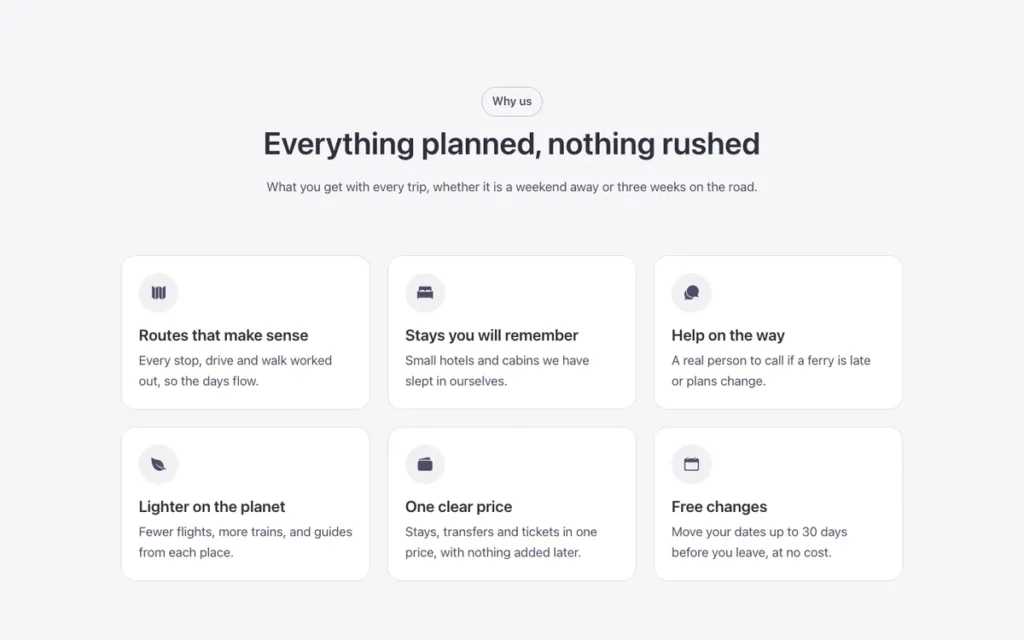
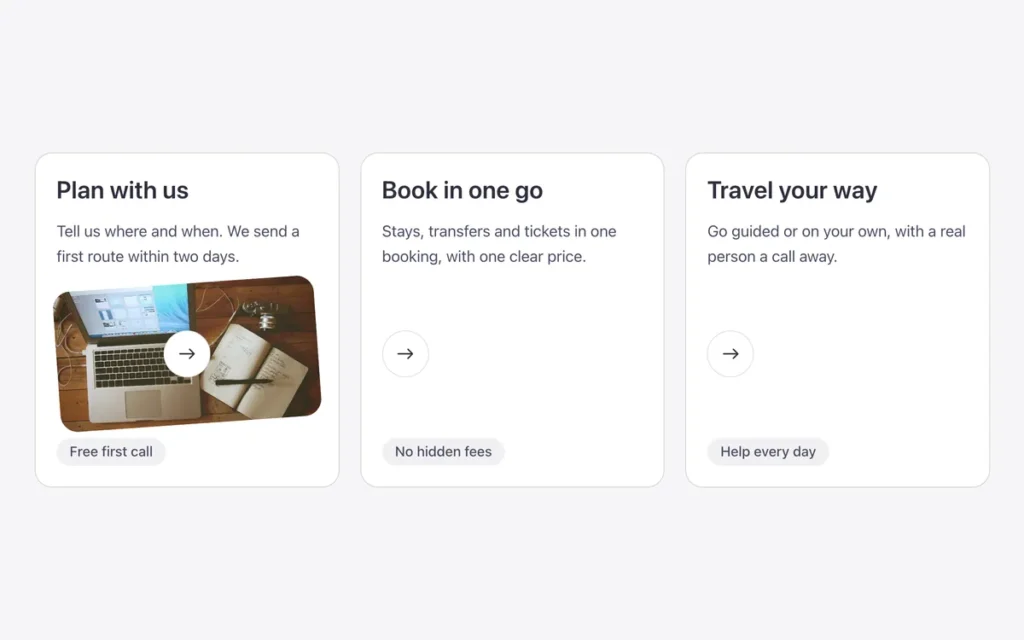
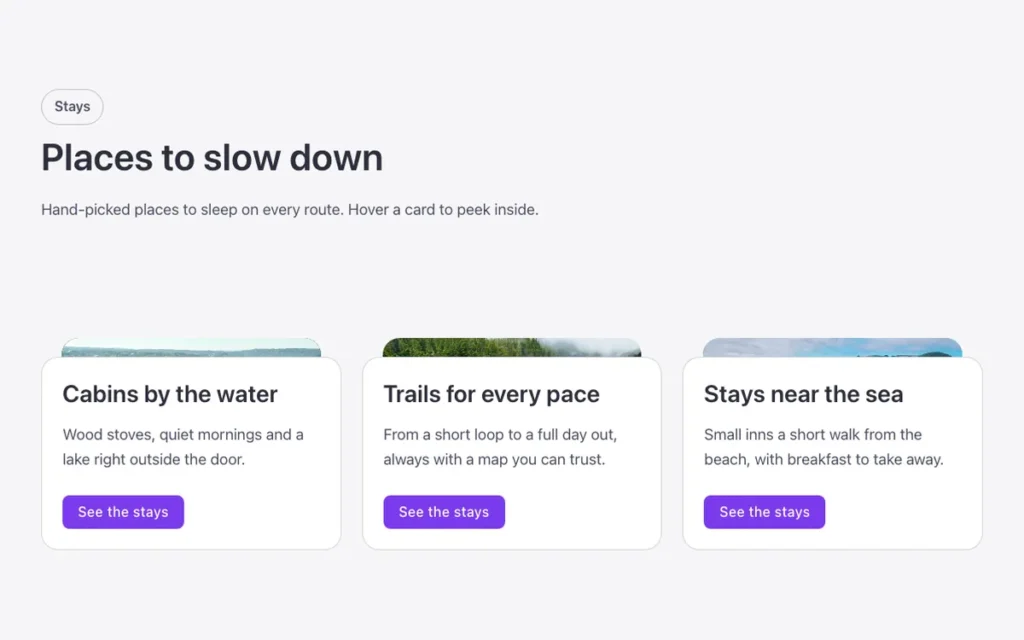
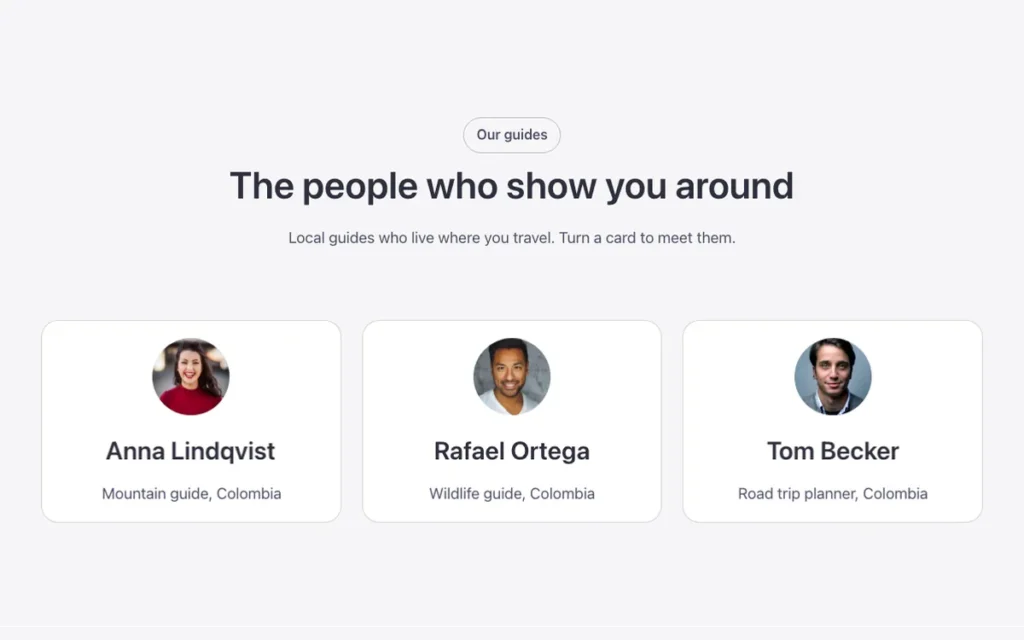
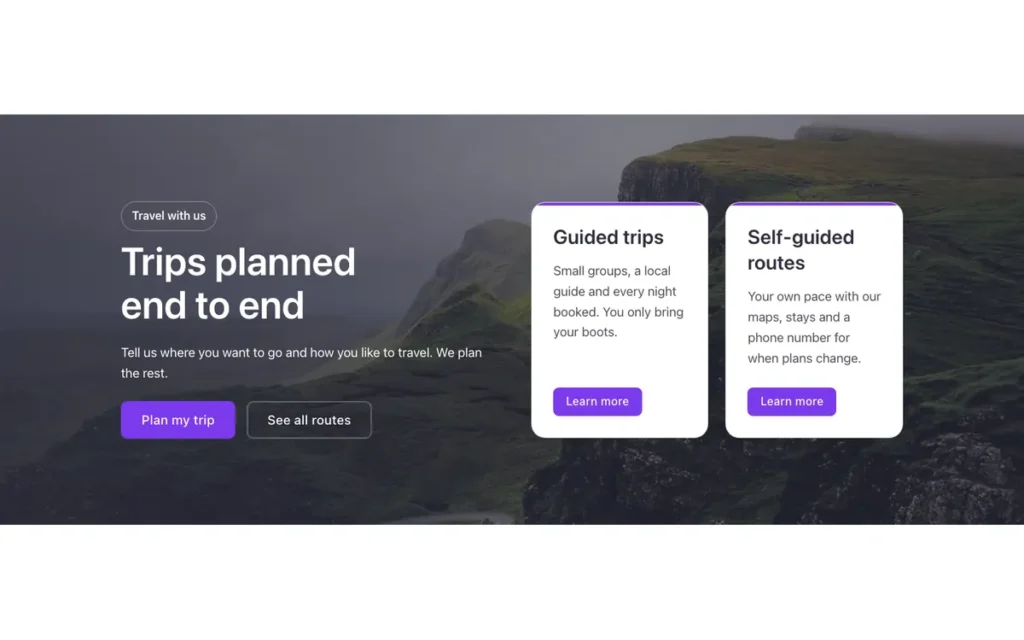
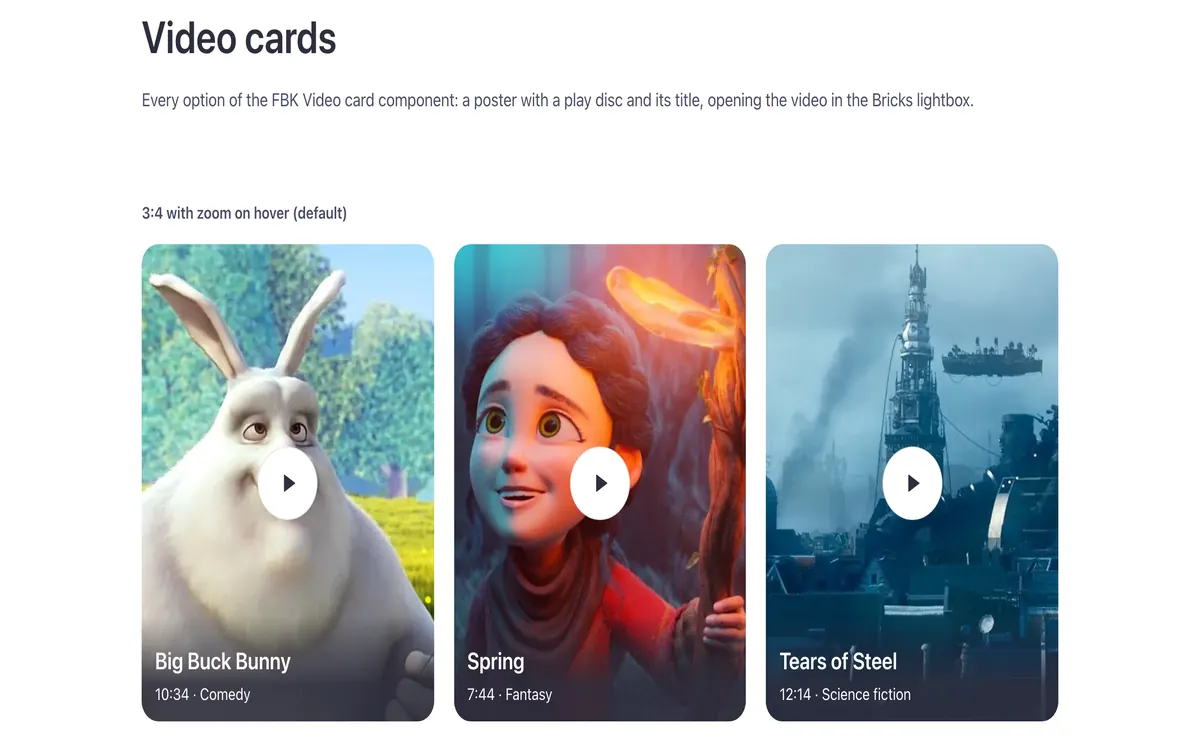
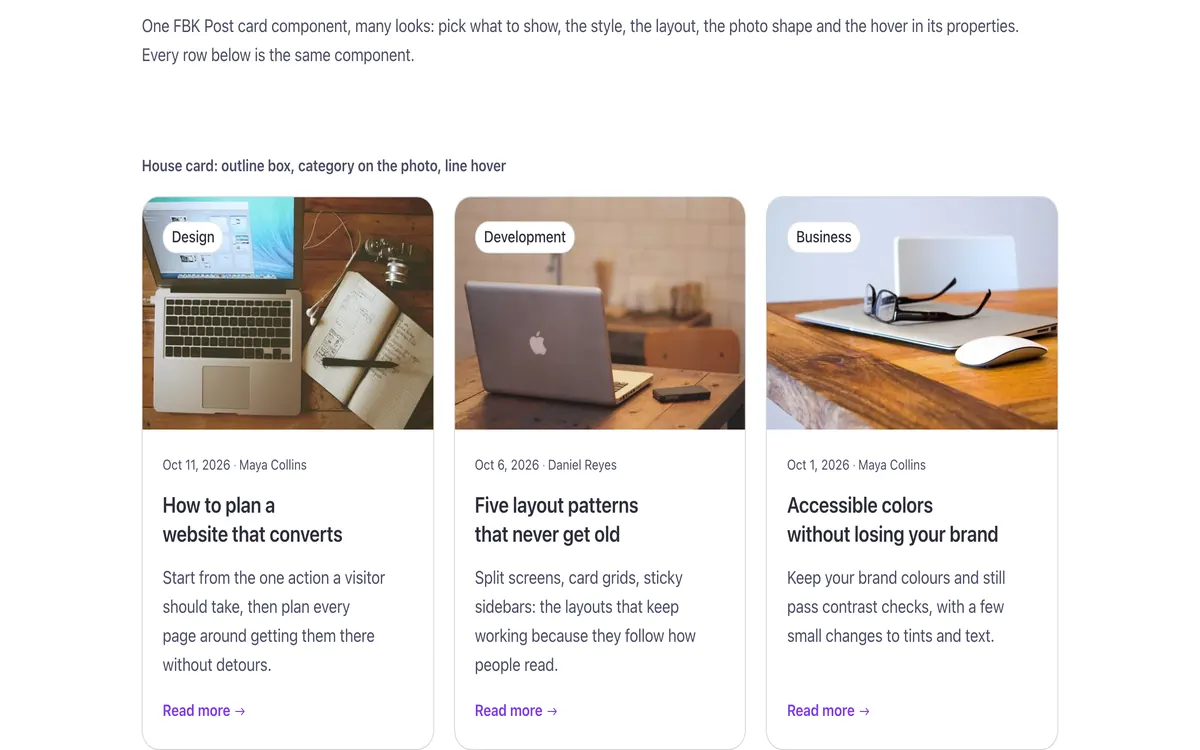
A few of them. Change FBK Card grid once on your site and every one of these sections follows.
Related components
All components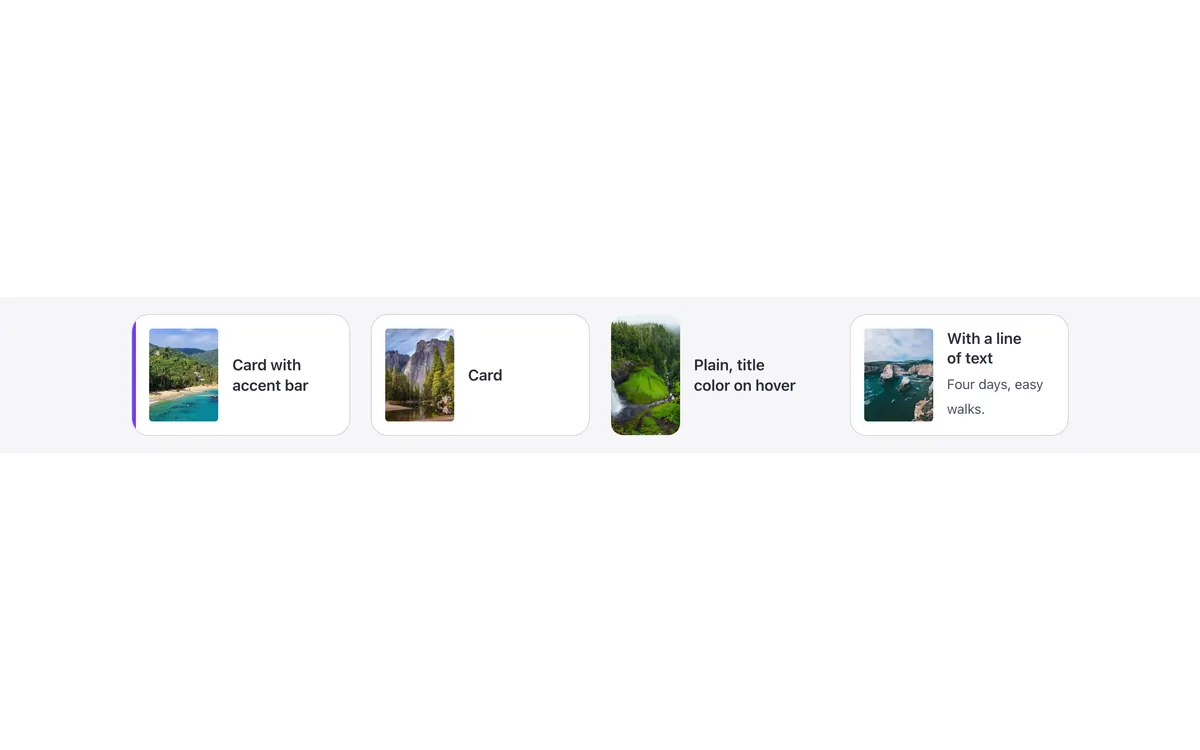
Questions, answered
Short answers about FBK Card grid.
Do I need a template to use FBK Card grid?
No. Copy it from this page and paste it anywhere in Bricks. It also comes with every template that uses it.
What happens if I change FBK Card grid on my site?
Every instance follows: the design lives in the component and its classes, not in each copy.
Does it work with my framework?
Yes. Copy it for Fancy Framework, Automatic.css or Core Framework, and it uses your colors and sizes.
Every component comes inside a template
Browse the library, copy a section, and the components it uses come with it.