Link in bio
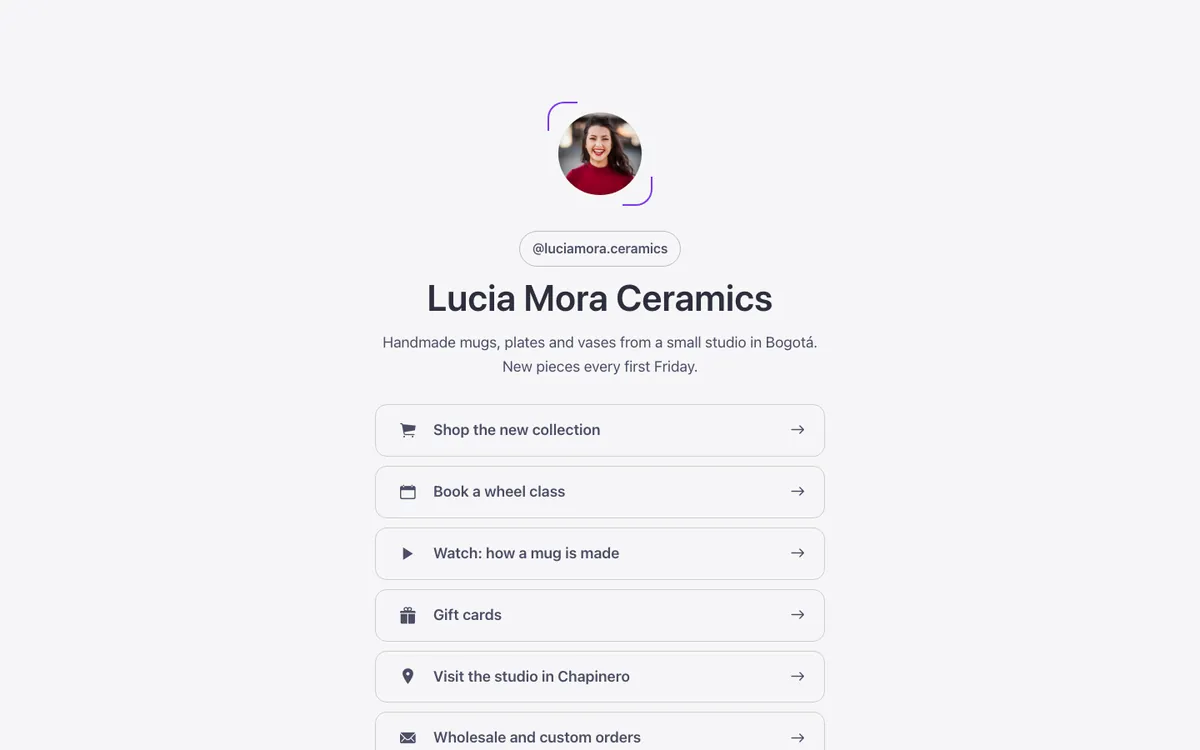
A link in bio page for Bricks Builder: a centered avatar and name above six full width link rows, each with an icon, text and arrow, and social icons at the bottom. Built with the family's outline surface, so every row takes the same hover, focus and press states as the rest of the library.
In the annual plan, $99/year. See plans
Preview
Loading demo…
Template details
What’s inside
The components it’s built from. They come with the template when you paste it, and you edit them from the Bricks panel.
- FBK Image
A photo with proportion, shape, decoration, border and an optional caption.
- FBK Intro
Eyebrow, title, lead and an actions slot for buttons.
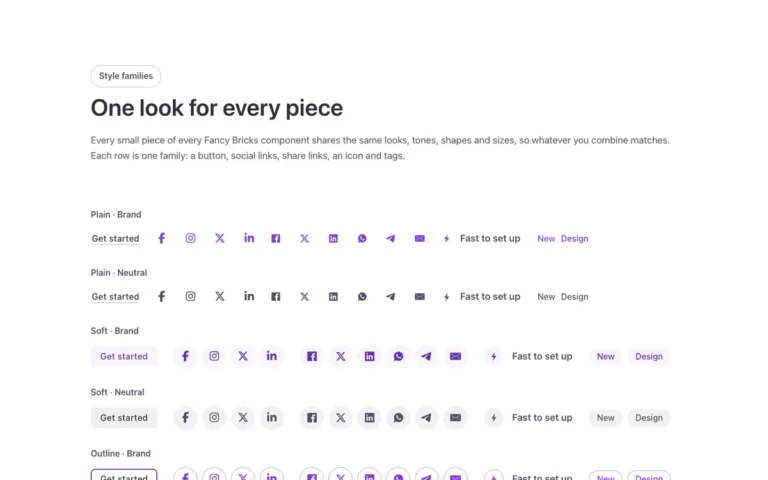
- FBK Social
Links to your social profiles, logo and network name.
Adjust it
Change these variables in Bricks to tune it; everything else follows your framework.
On the element Link in bio, class fbk-wf-linkbio
Widest the column gets
- --fbk-t-width
- 30em