Text media · Split
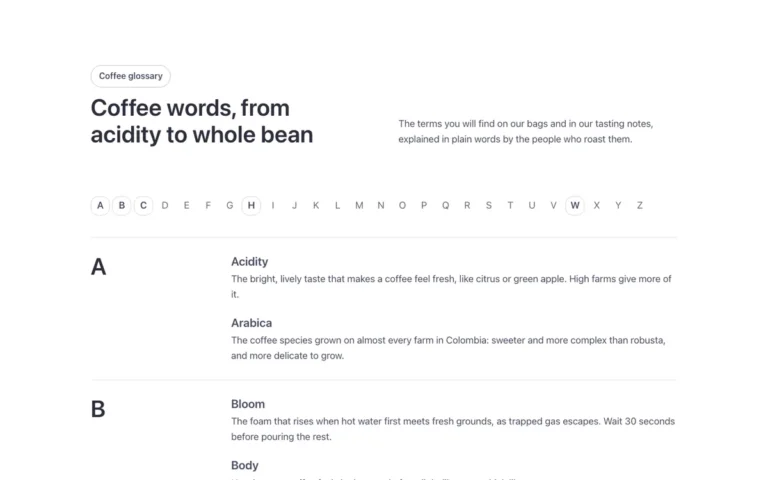
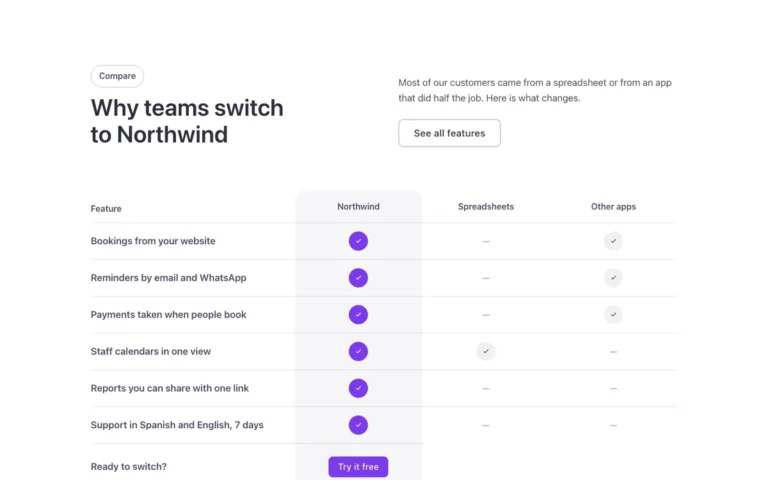
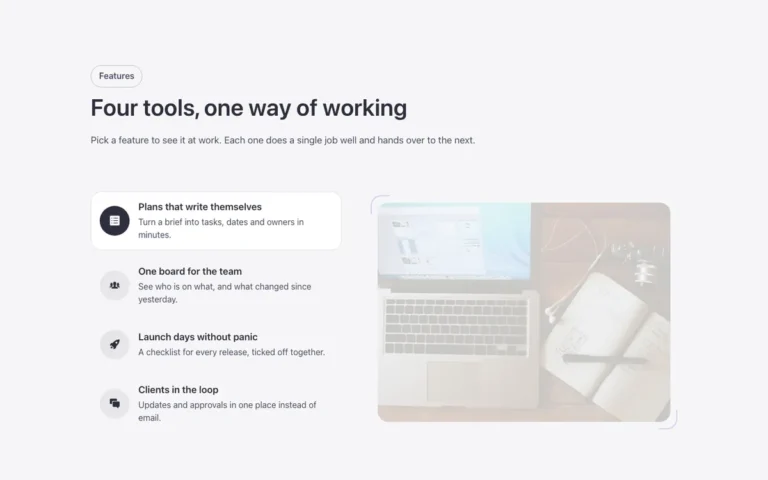
A text-and-media section for Bricks Builder with a photo beside an intro and a button. The photo sits on the right by default, and its width can be made wider or narrower from the FBK Media text component's properties. Good for a simple, flexible split layout.
In the annual plan, $99/year. See plans
Preview

Loading demo…
Template details
What’s inside
The components it’s built from. They come with the template when you paste it, and you edit them from the Bricks panel.
- FBK Button
A link styled as a button, with style, size and width.
- FBK Image
A photo with proportion, shape, decoration, border and an optional caption.
- FBK Intro
Eyebrow, title, lead and an actions slot for buttons.
- FBK Media text
Two columns: media on one side, text (FBK Intro, lists, buttons) on the other.
Adjust it
Nothing extra to set: it takes its colors, spacing and type from your framework.
Replaces
In Fancy Bricks 1.0 and 2.0 this was Content (1.0).