List hover fill
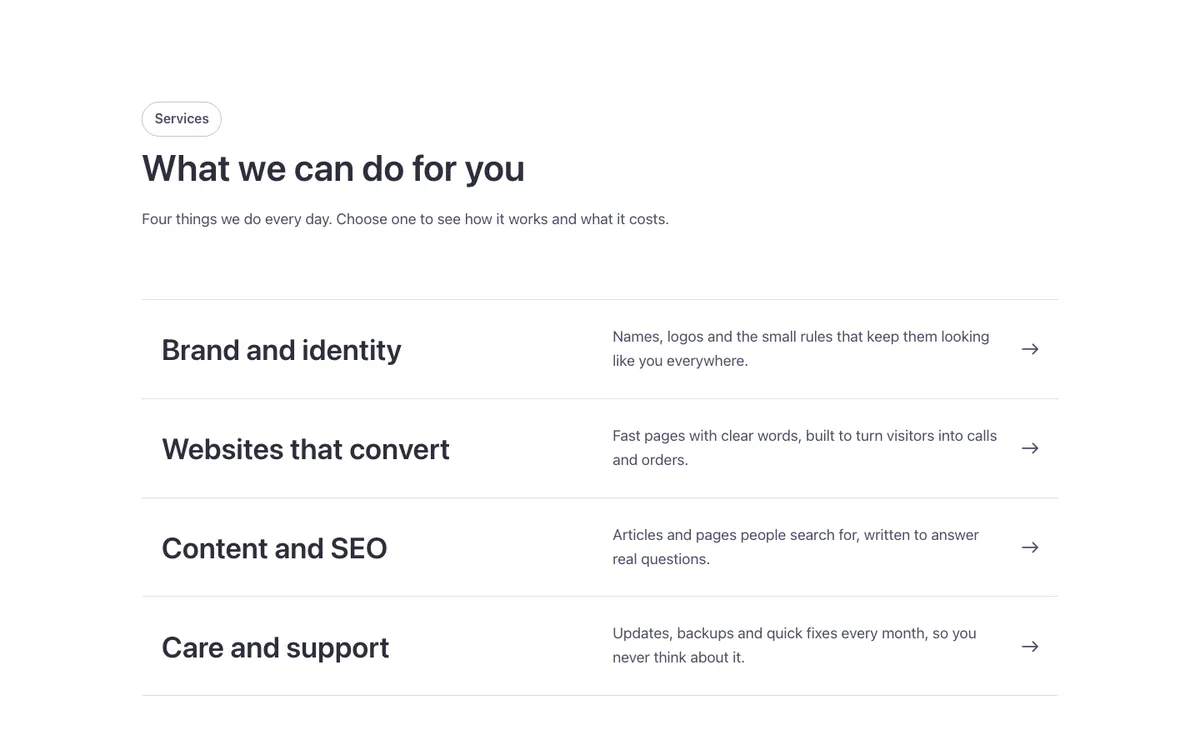
A services list for Bricks Builder with a big title, a line of text and an arrow on every row. A dark band sweeps across the row under the mouse or keyboard focus, making each item feel clickable without extra buttons.
Dark mode ready
In the annual plan, $99/year. See plans
Preview
Loading demo…
Template details
What’s inside
The components it’s built from. They come with the template when you paste it, and you edit them from the Bricks panel.
- FBK Intro
Eyebrow, title, lead and an actions slot for buttons.
Adjust it
Change these variables in Bricks to tune it; everything else follows your framework.
On the element Services list, class fbk-svclist
Fill color and the text on it
- --fbk-t-fill
- var(--base-ultra-dark)
- --fbk-t-fill-text
- var(--white)
Lines between rows
- --fbk-t-line
- color-mix(in srgb, currentColor 18%, transparent)
One hover duration for the whole library (--fbk-hover)
- --fbk-t-duration
- var(--fbk-hover)
Replaces
In Fancy Bricks 1.0 and 2.0 this was List (2.0).