Footer · Brand
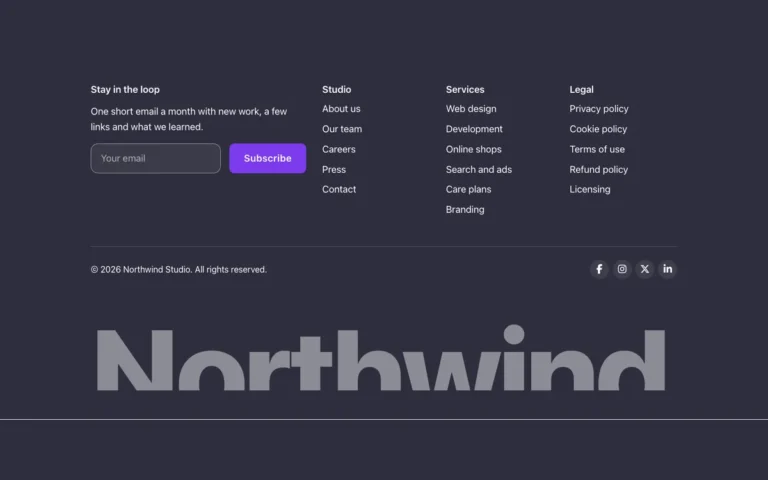
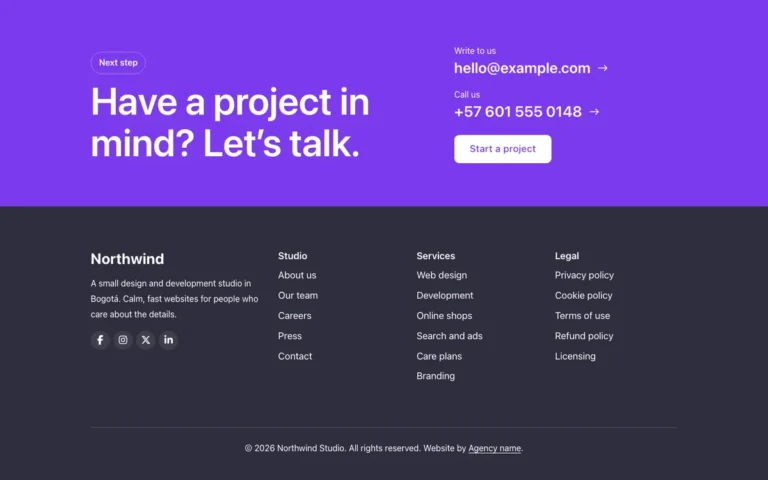
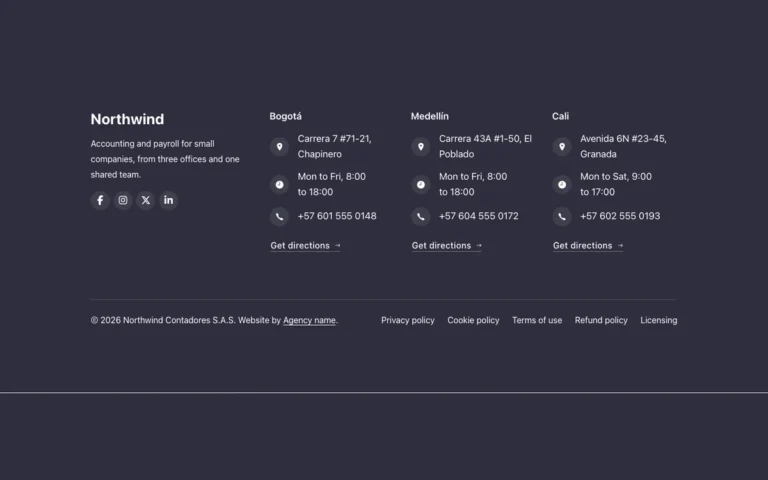
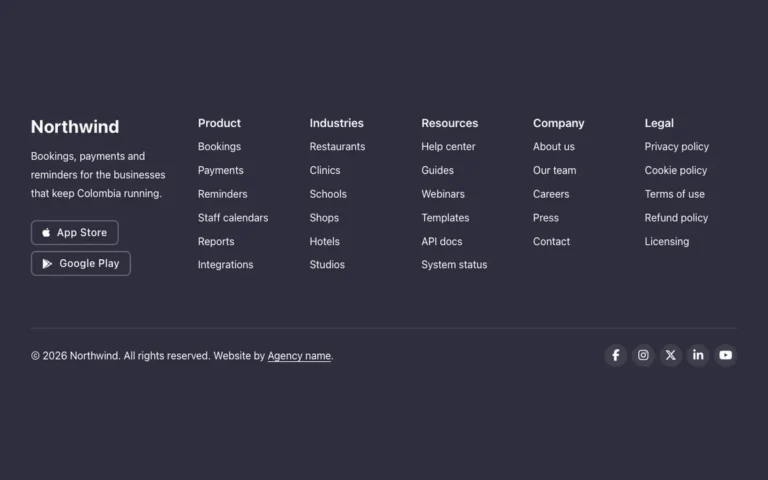
A footer for Bricks Builder with a huge outlined brand name beside two link lists, social links and a column of buttons. Built with the native FBK Link list and FBK Social, it gives the brand name real presence at the bottom of the page.
In the annual plan, $99/year. See plans
Preview
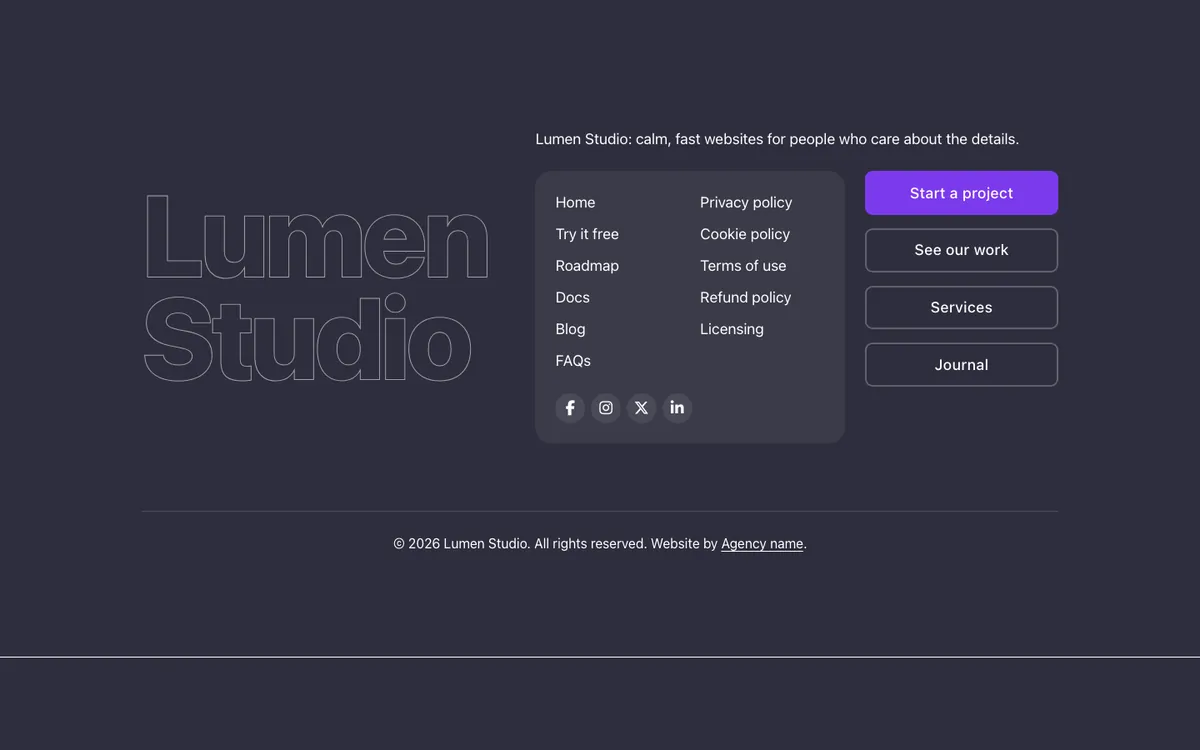
Loading demo…
Template details
What’s inside
The components it’s built from. They come with the template when you paste it, and you edit them from the Bricks panel.
- FBK Button
A link styled as a button, with style, size and width.
- FBK Link list
A title and a WordPress menu, built as a footer column.
- FBK Social
Links to your social profiles, logo and network name.
Adjust it
Change these variables in Bricks to tune it; everything else follows your framework.
On the element Footer, class fbk-fbrand
The outlined brand name: stroke width and color
- --fbk-t-mark-stroke
- 1px
- --fbk-t-mark-color
- color-mix(in srgb, var(--heading-color) 55%, transparent)
Replaces
In Fancy Bricks 1.0 and 2.0 this was Fancy Footer (2.0).